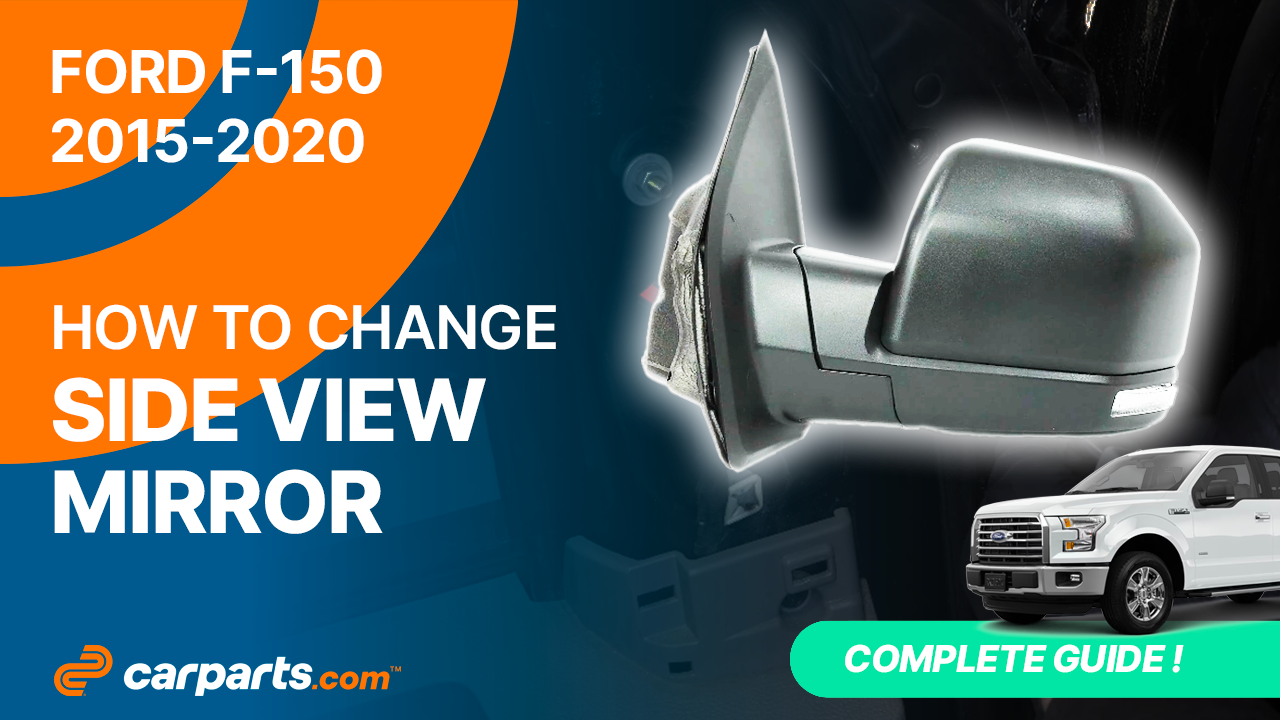
How to replace the side rear view mirror 2015 – 2020 Ford F-150 GEN 13
To replace the side rear view mirror on your F-150 GEN 13 we’re here to help. You’ll need to set up, disconnect the side view mirror connector, remove the side view mirror as well as carry out a few other steps. You can carry out this tutorial of 6 chapters in 45 minutes. Bring your plastic fork and your 10 mm socket and let’s get started!
Duration
45 minutes
Number of steps
6
Difficulty out of 5
2
Average savings
$75
Parts You Will Need
Tools You Will Need
Step-by-Step Installation
Chapter 1:
Set up
Step 1/3
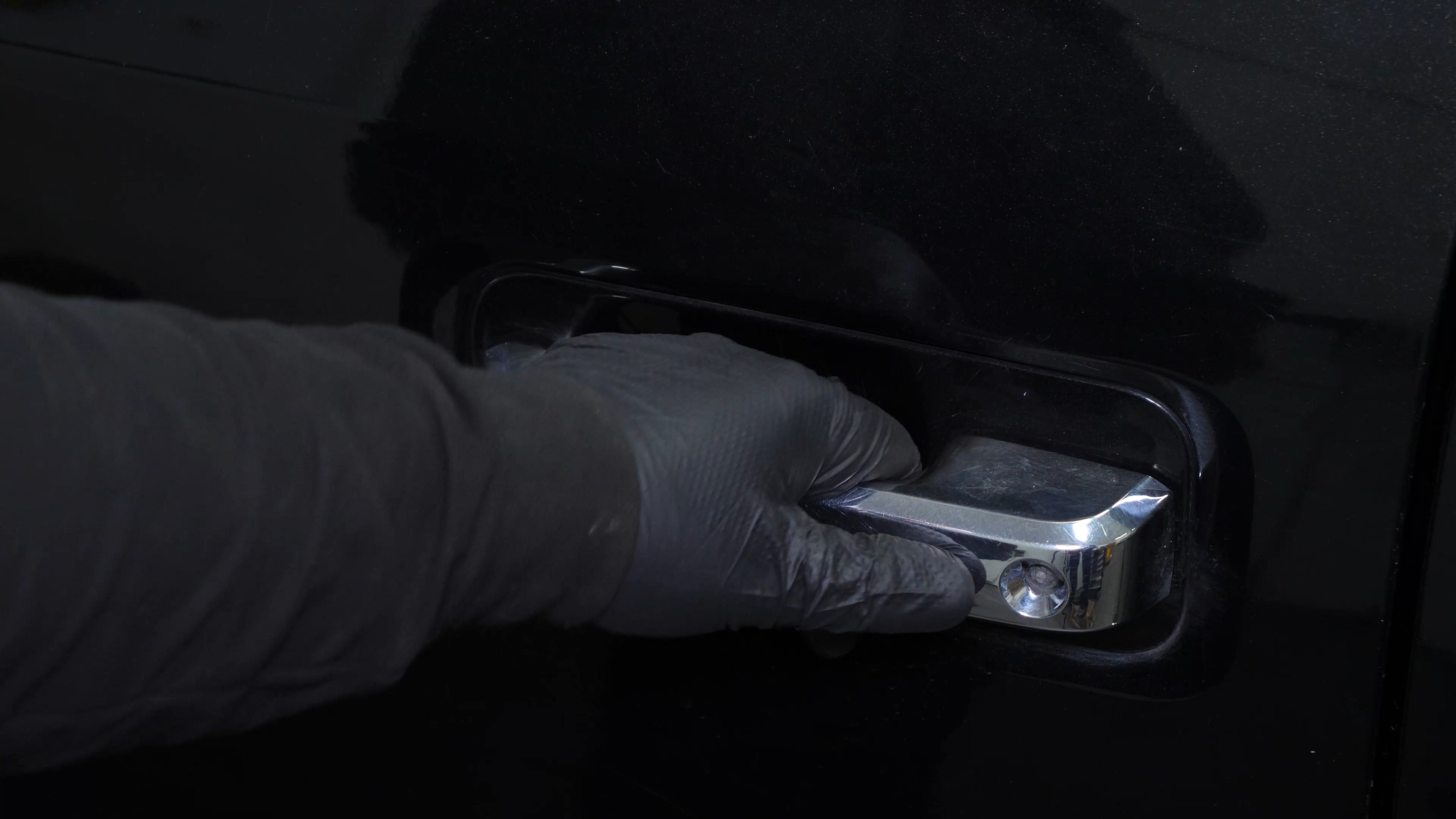
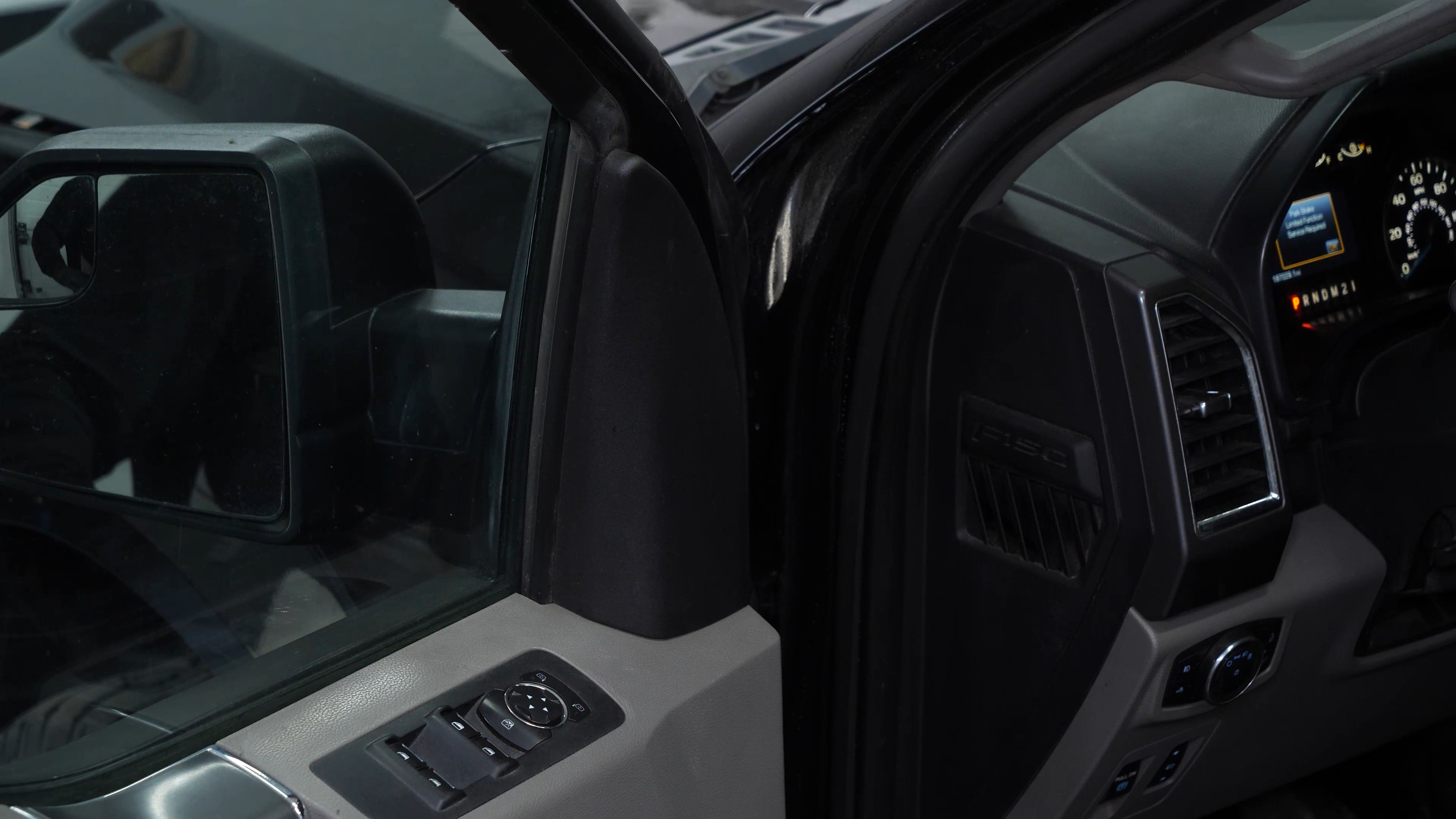
Open the door.
Chapter 1:
Step 2/3
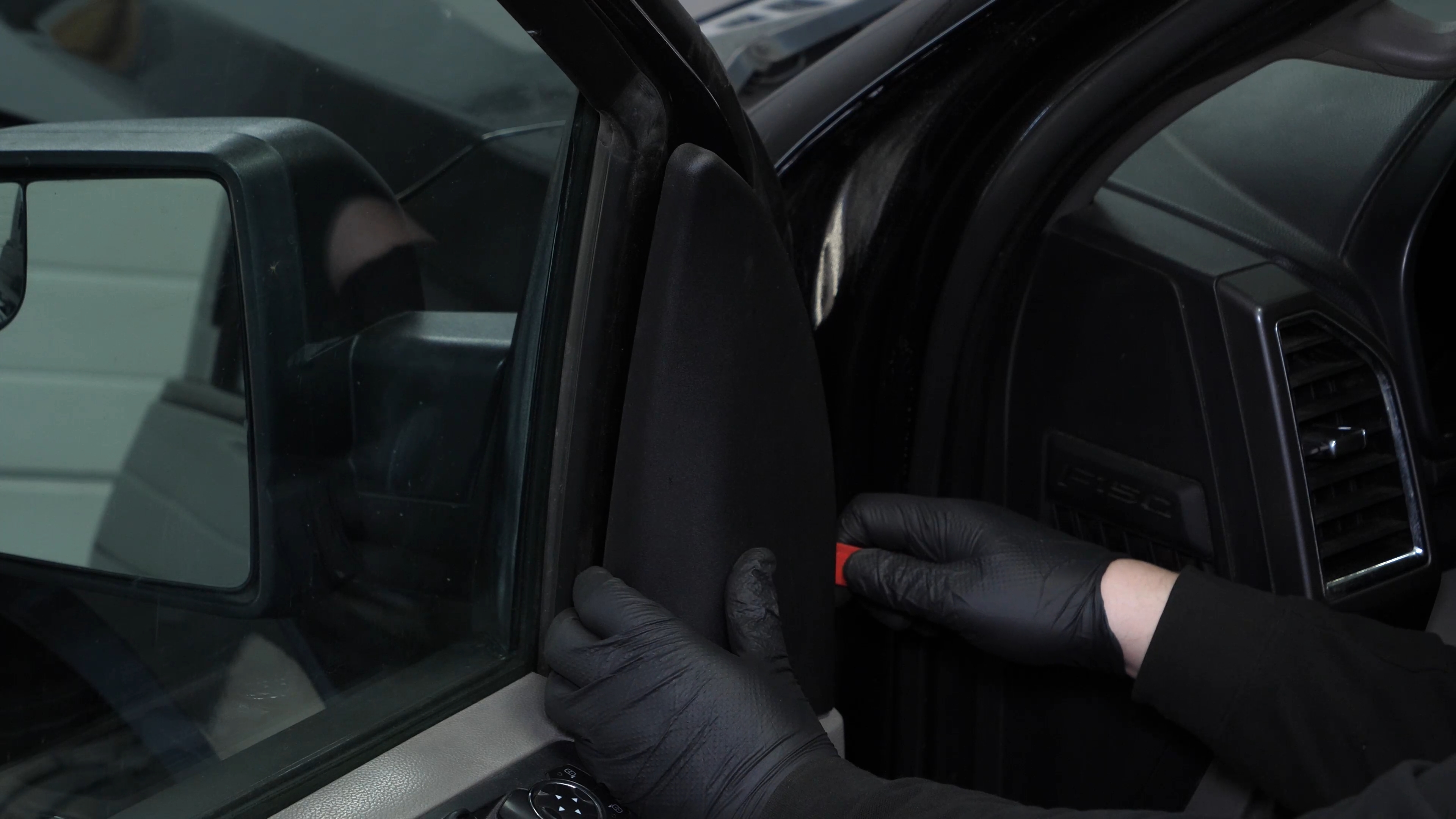
Using a plastic fork, remove the plastic covering the side view mirror’s retaining nuts.

Chapter 1:
Step 3/3
Run along all 3 sides to disengage all clips.
Chapter 2:
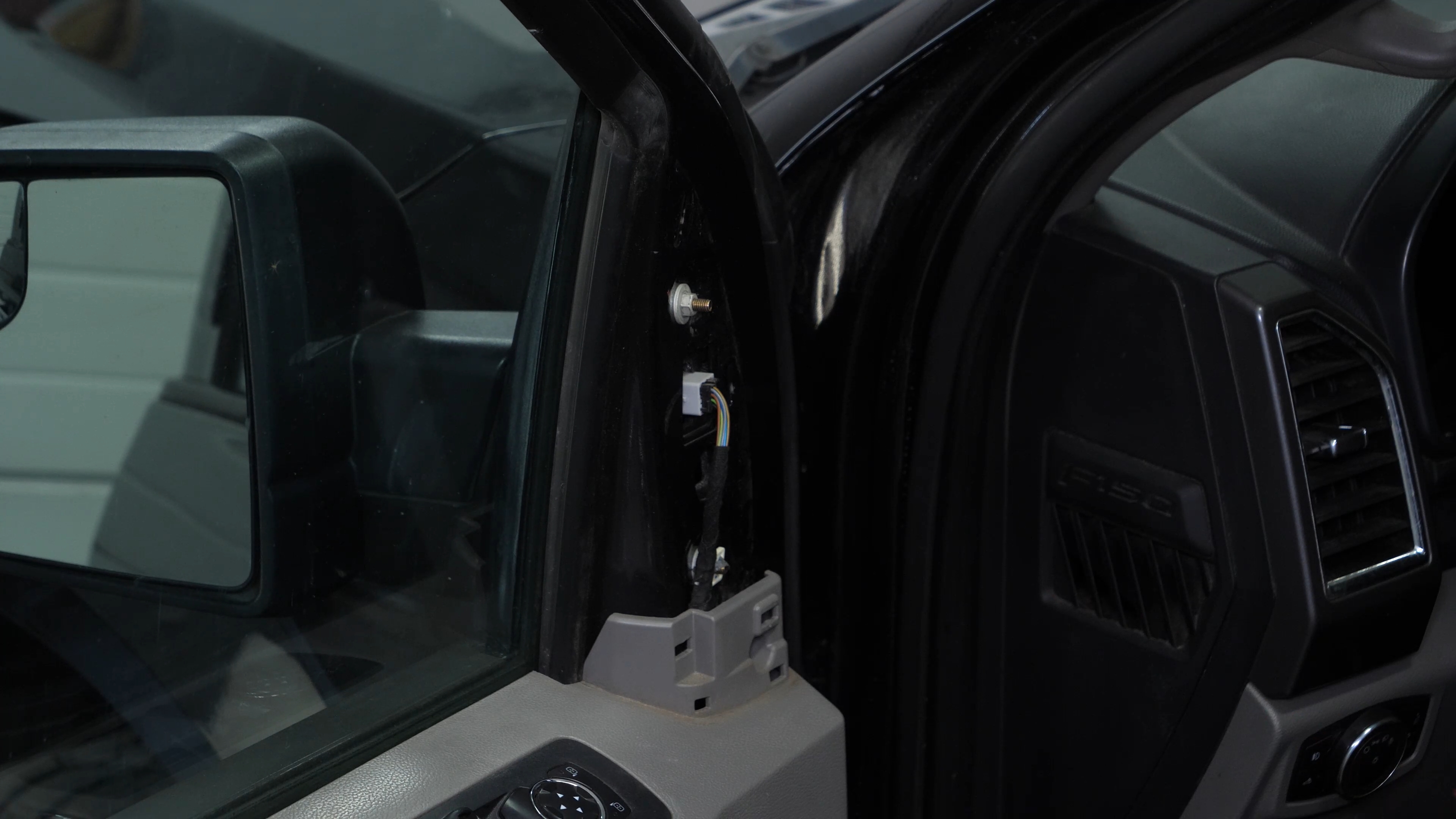
Disconnect the side view mirror connector
Step 1/1
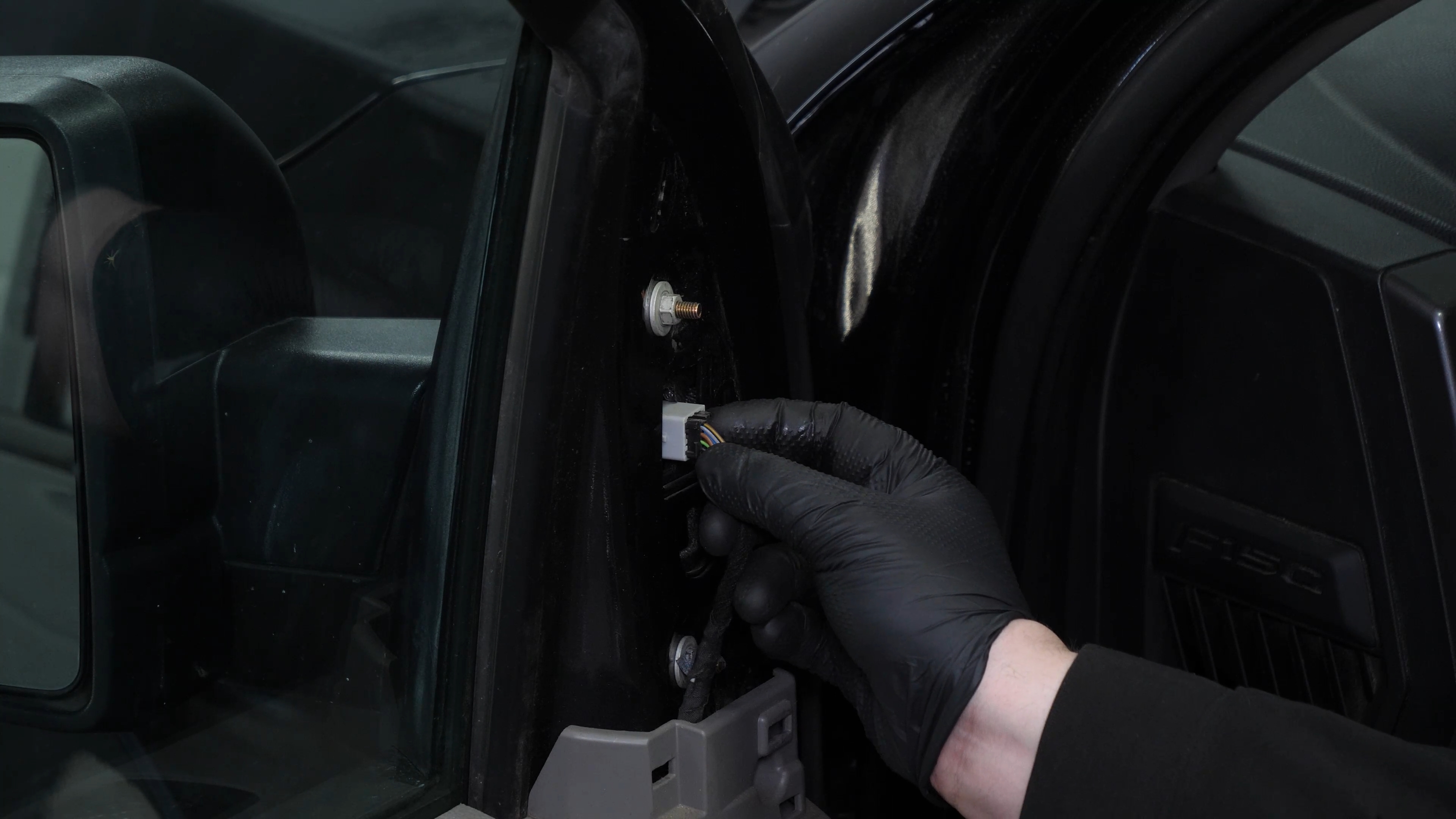
Disconnect the side mirror connector by pressing plastic tab and then pulling on it.
Chapter 3:
Remove the side view mirror
Step 1/3
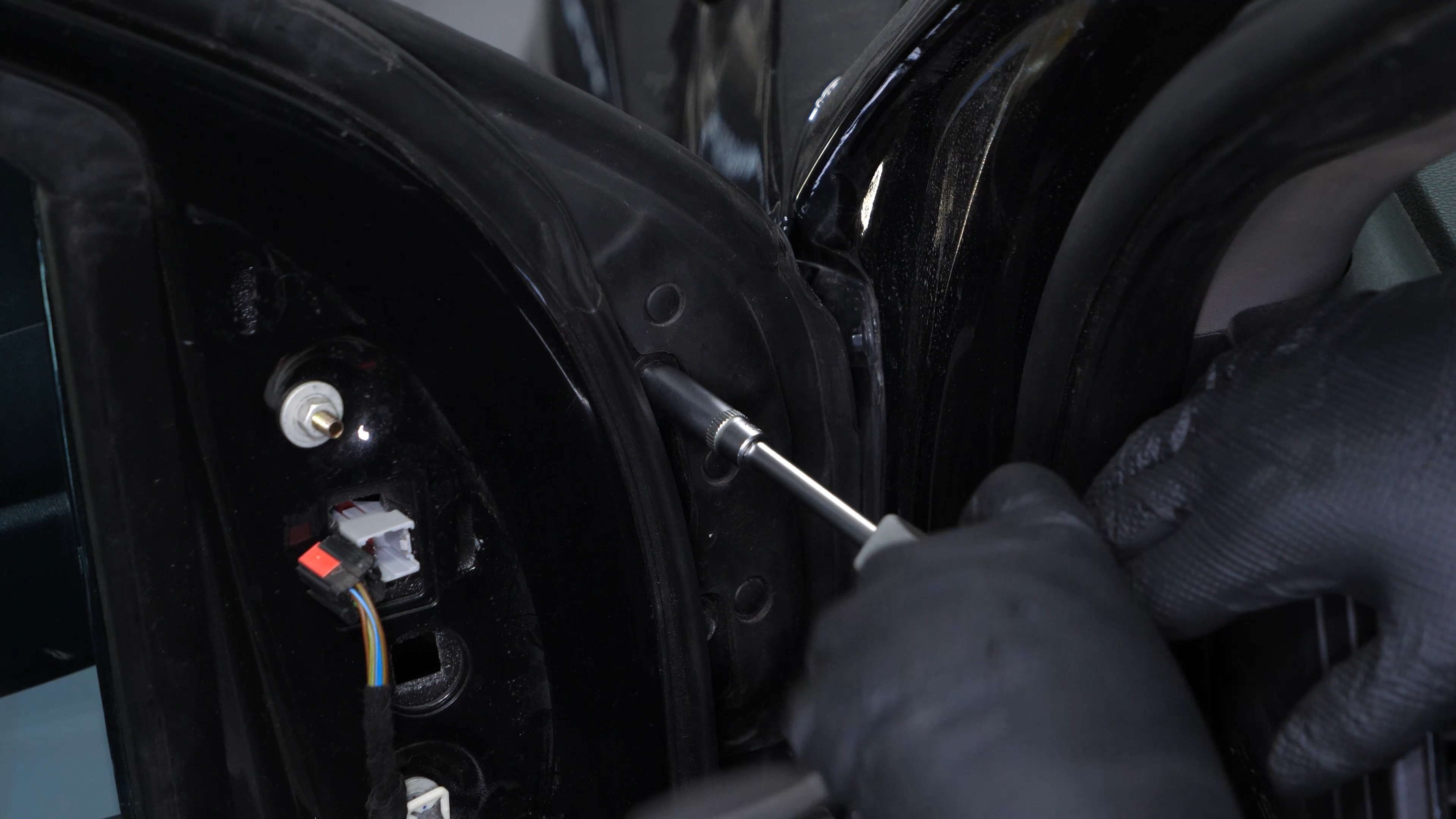
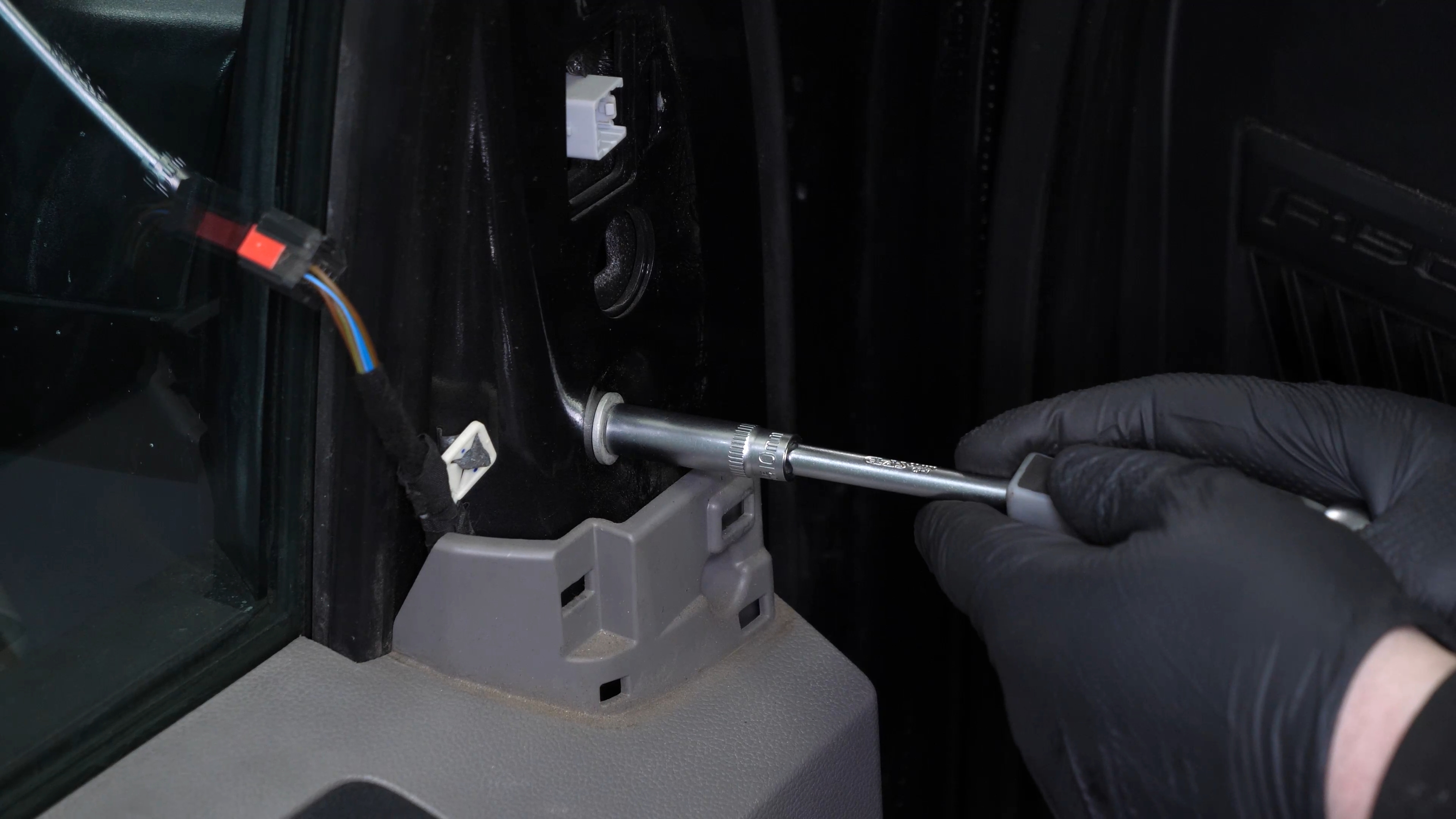
Using a multi-bit screwdriver and a 10 mm socket, unscrew the first 2 bolts holding the side view mirror in place. Unclip the cable’s plastic guide.
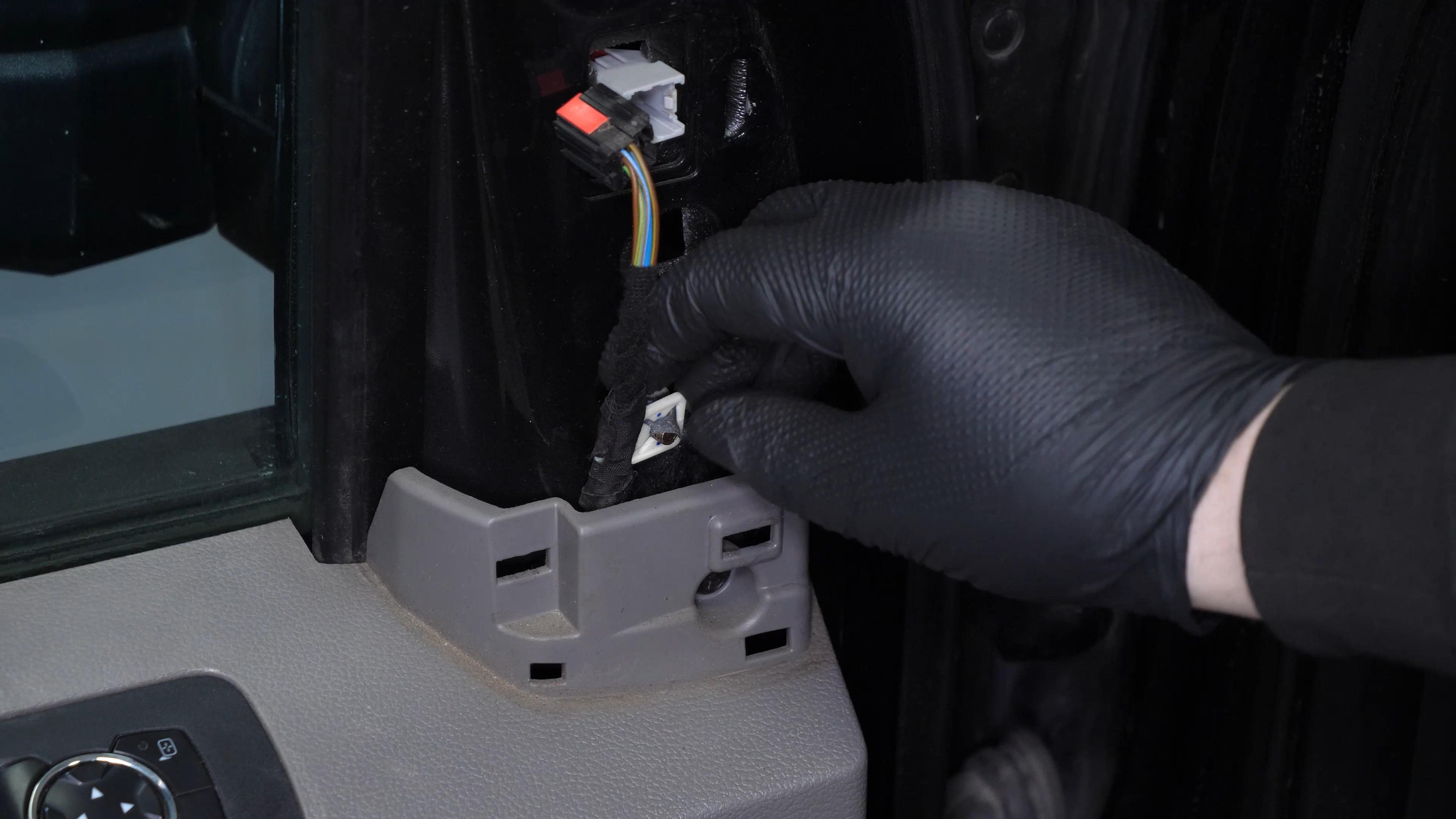
Chapter 3:
Step 2/3
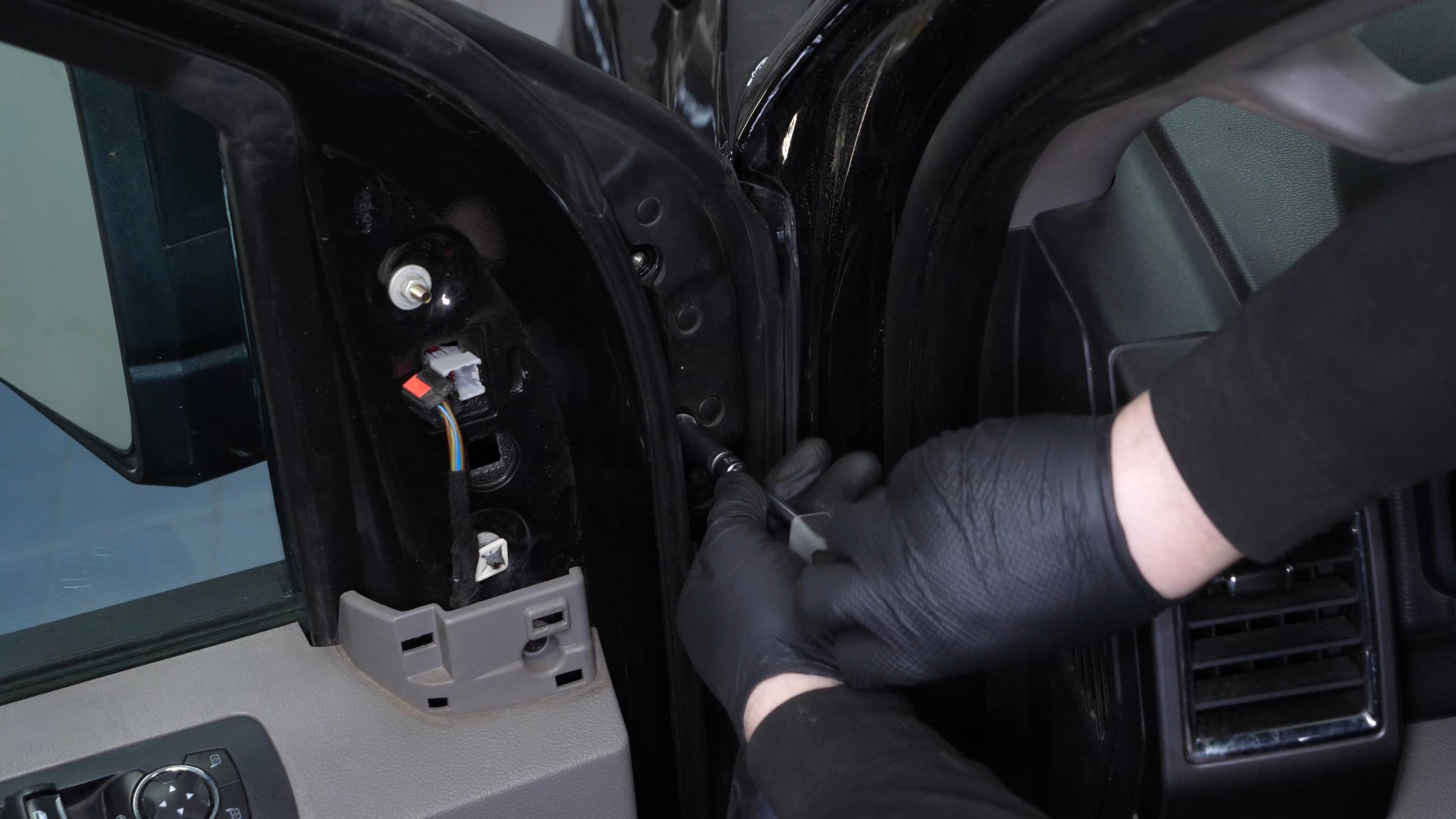
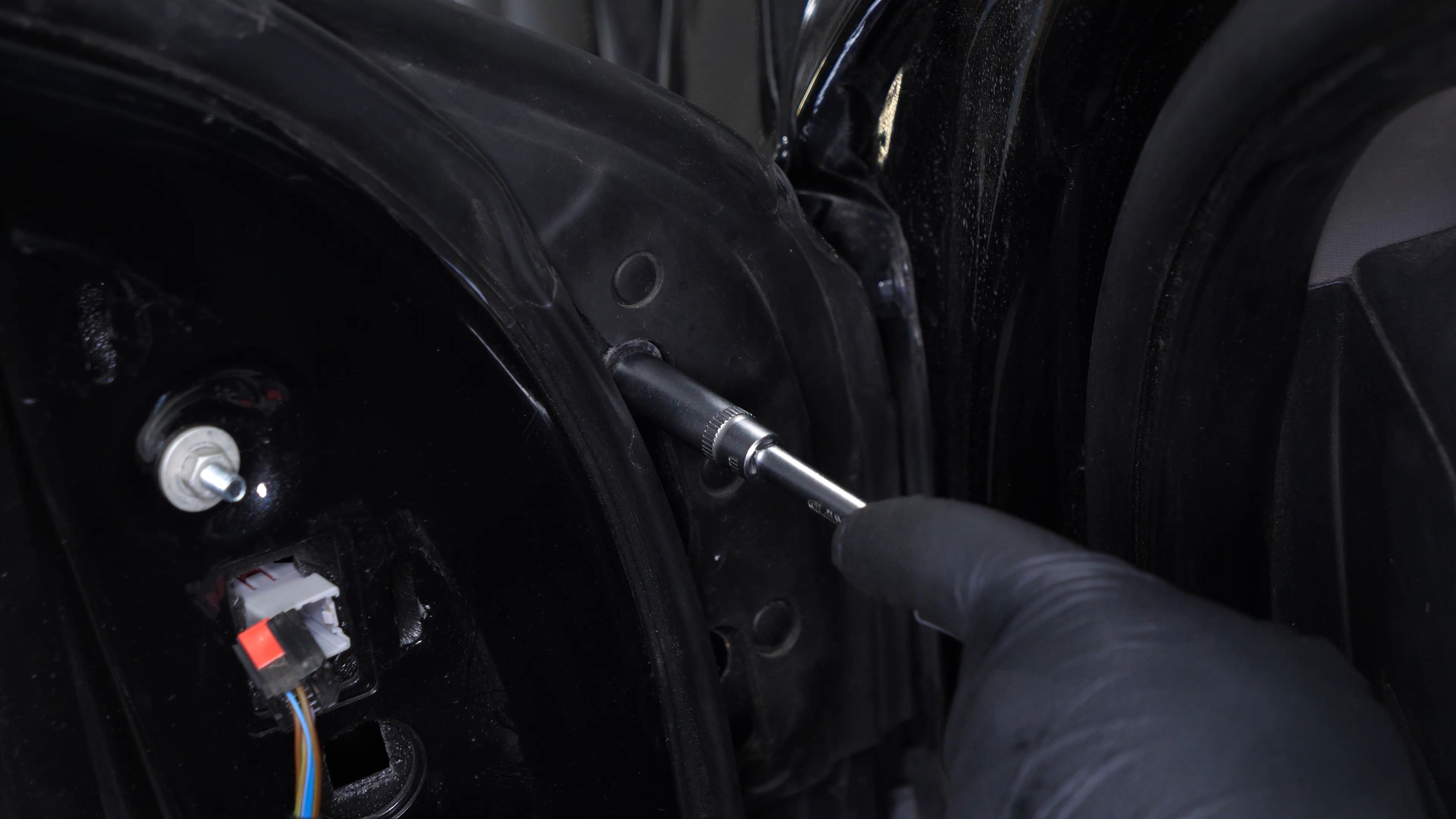
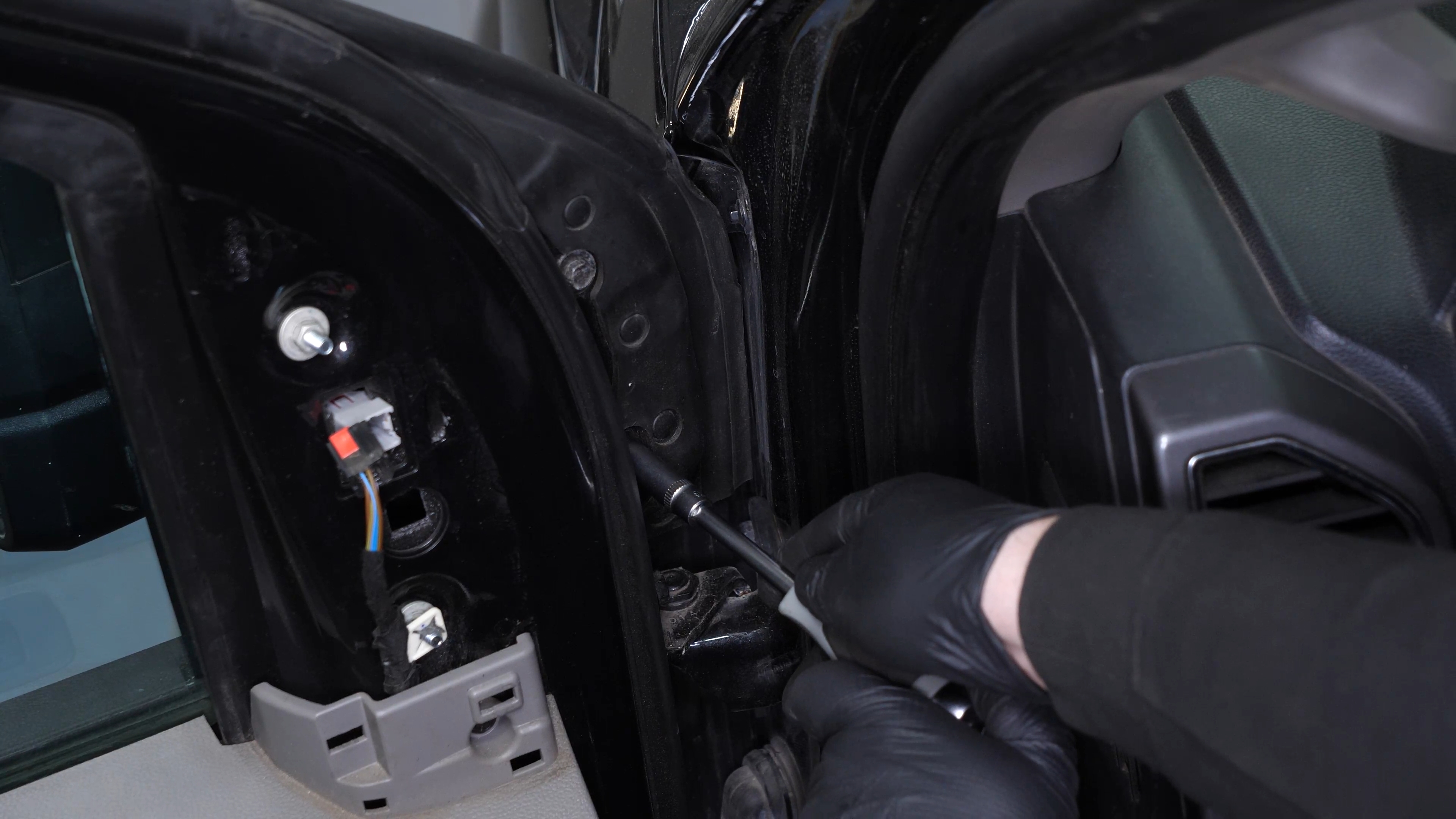
Using the 10 mm socket, unscrew the 2 last mirror holding nuts.
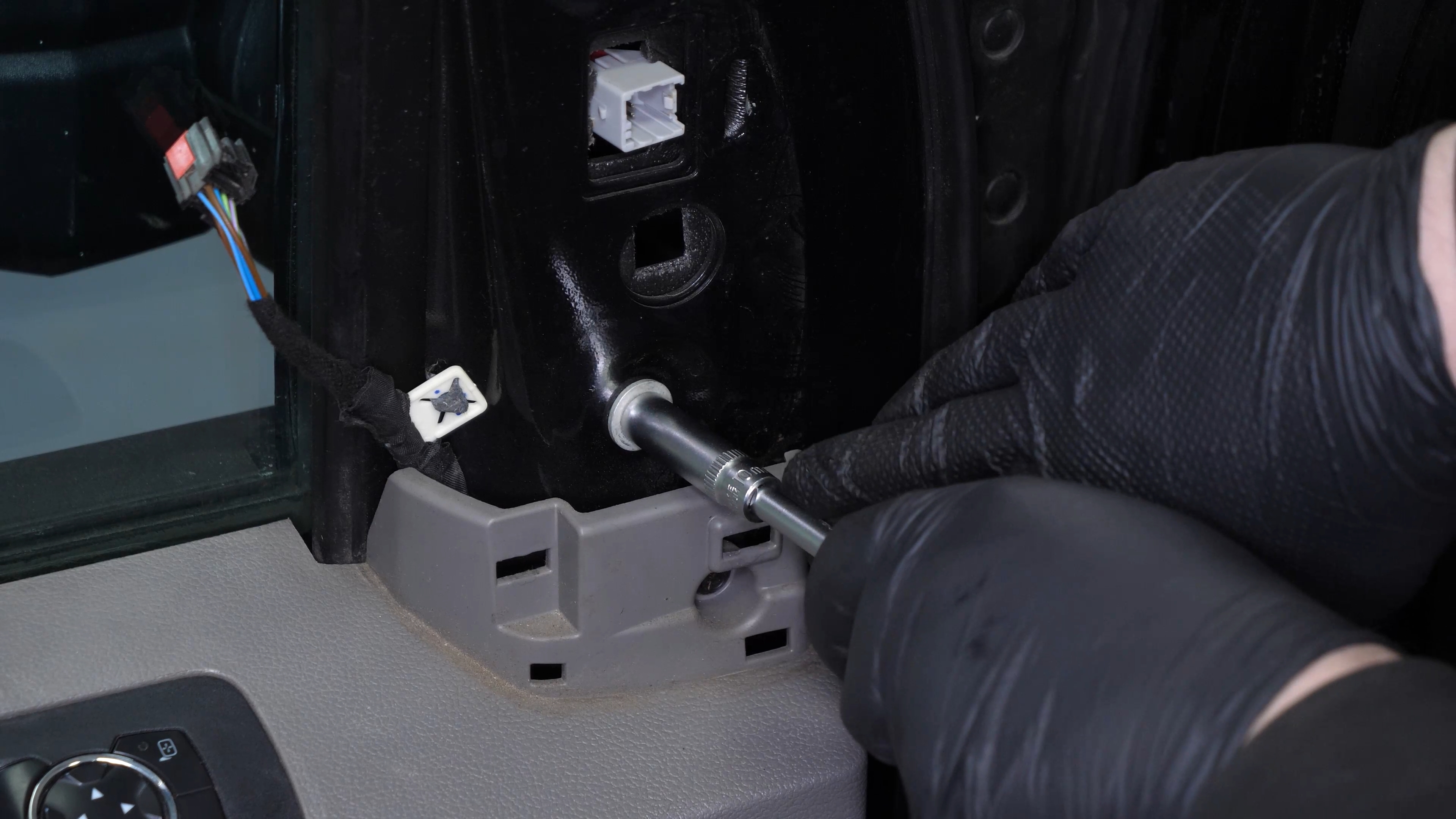
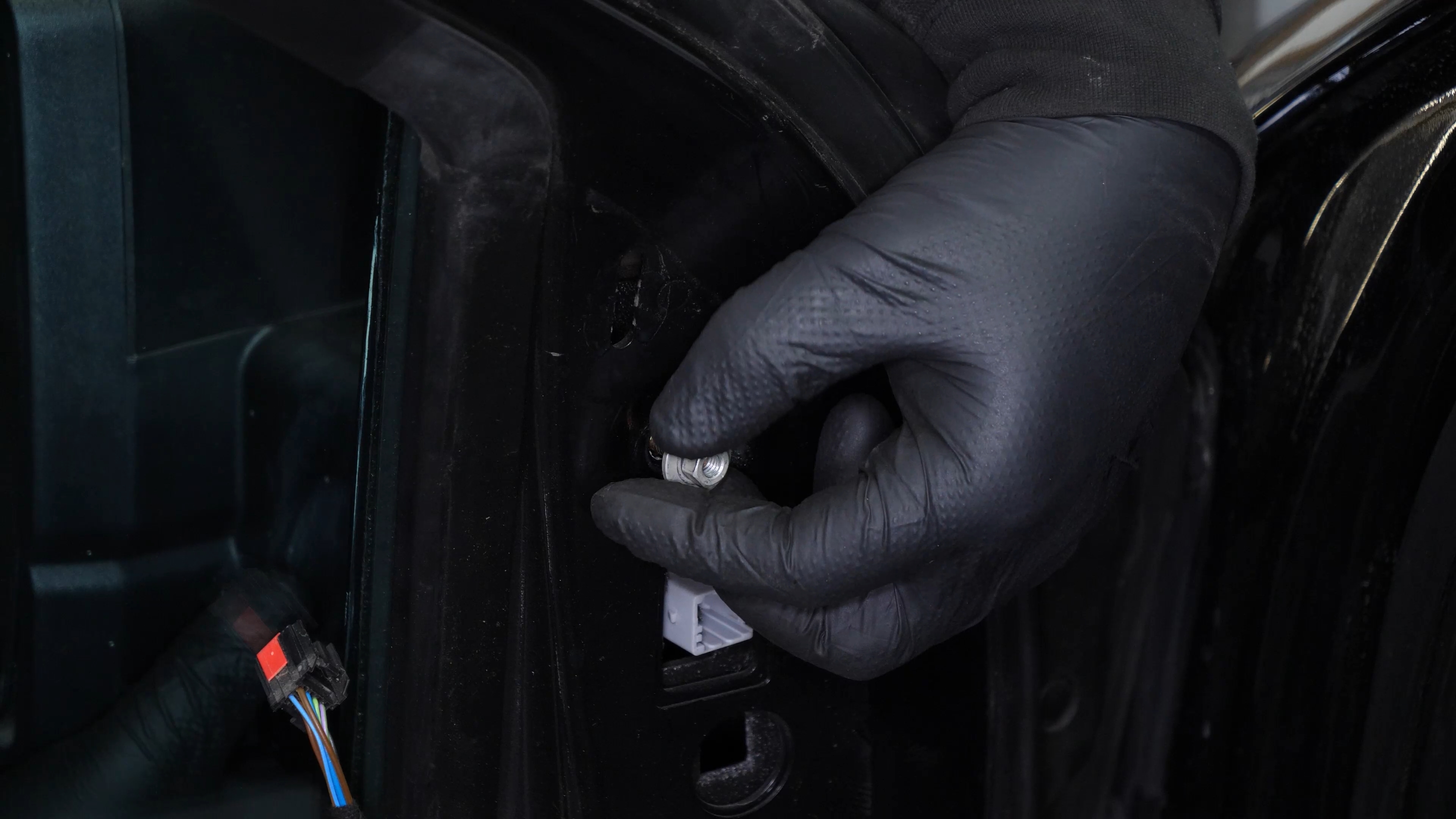
Chapter 3:
Step 3/3
You can now remove the mirror.

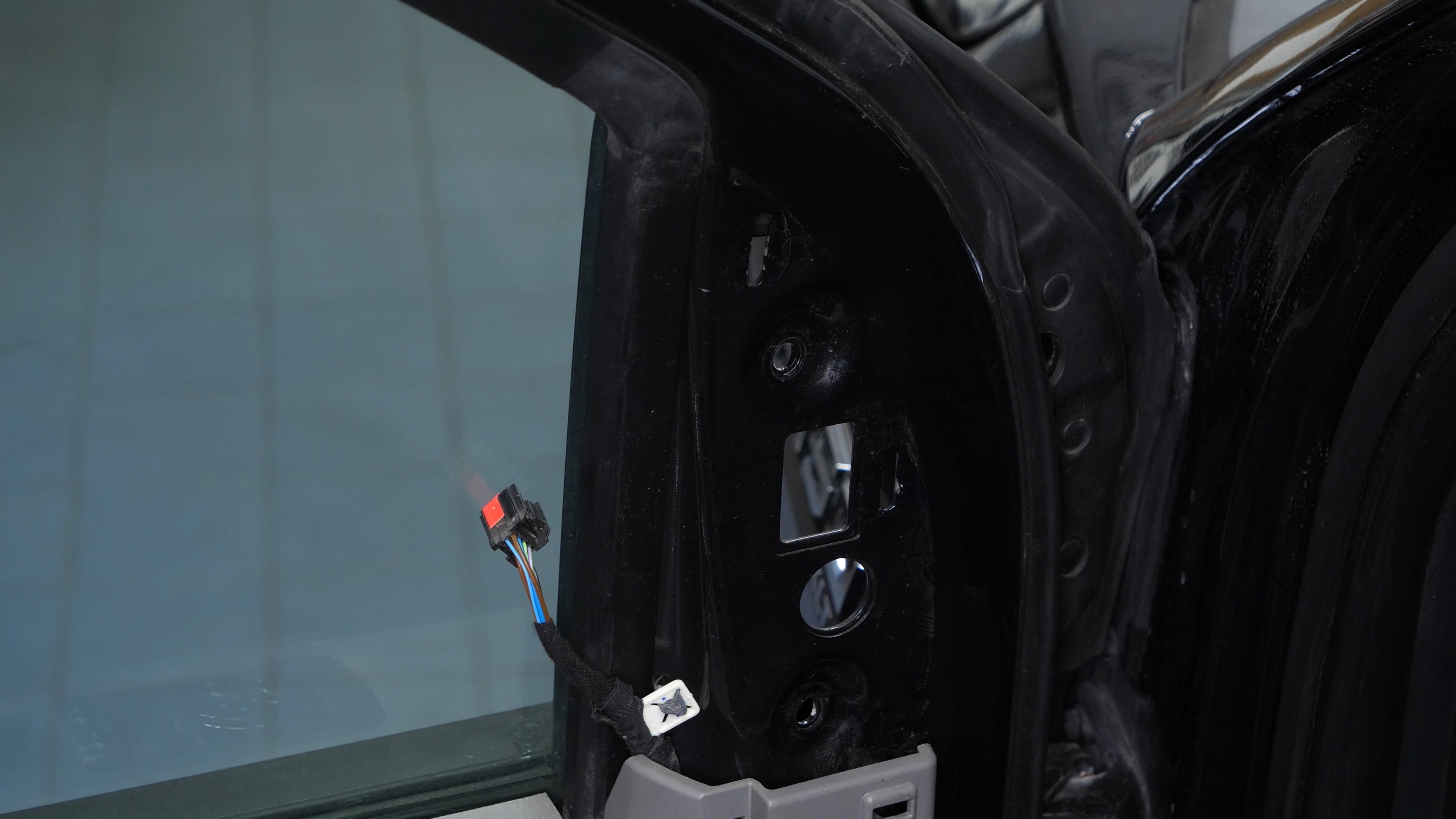
Chapter 4:
Install the new side view mirror
Step 1/3
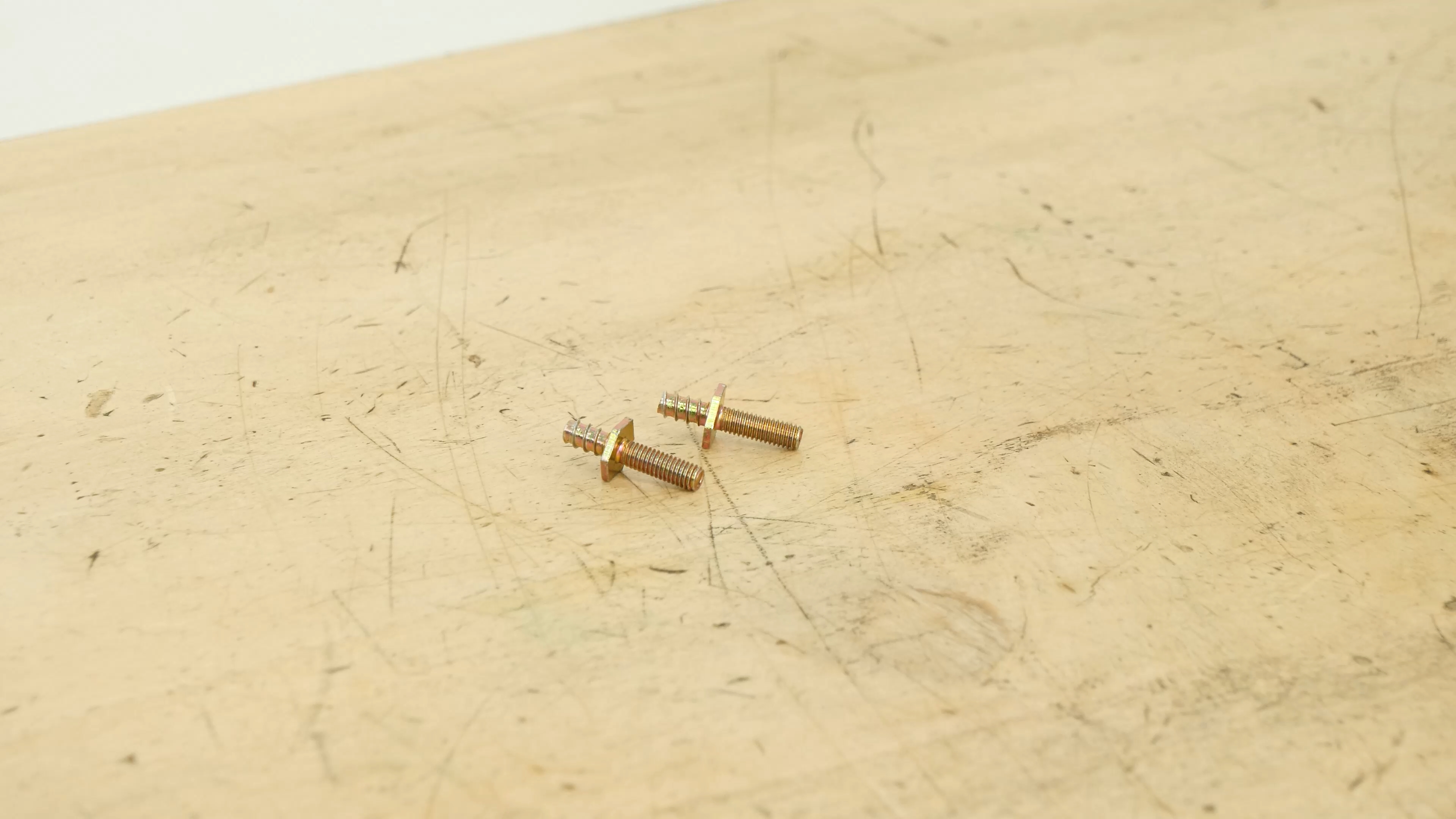
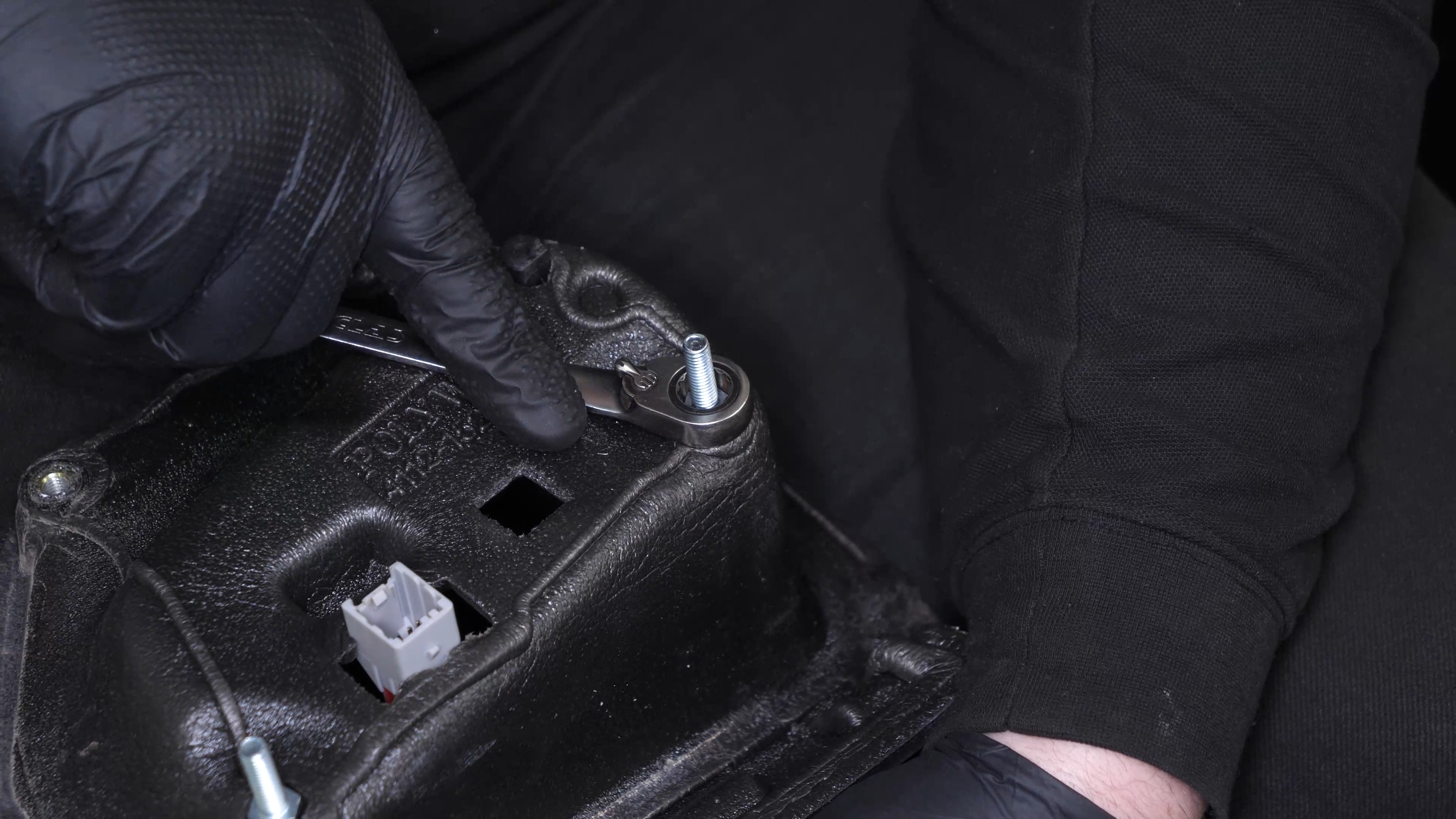
Take the new side view mirror, and the threaded rods provided in the kit. Then screw them on the mirror.

Chapter 4:
Step 2/3
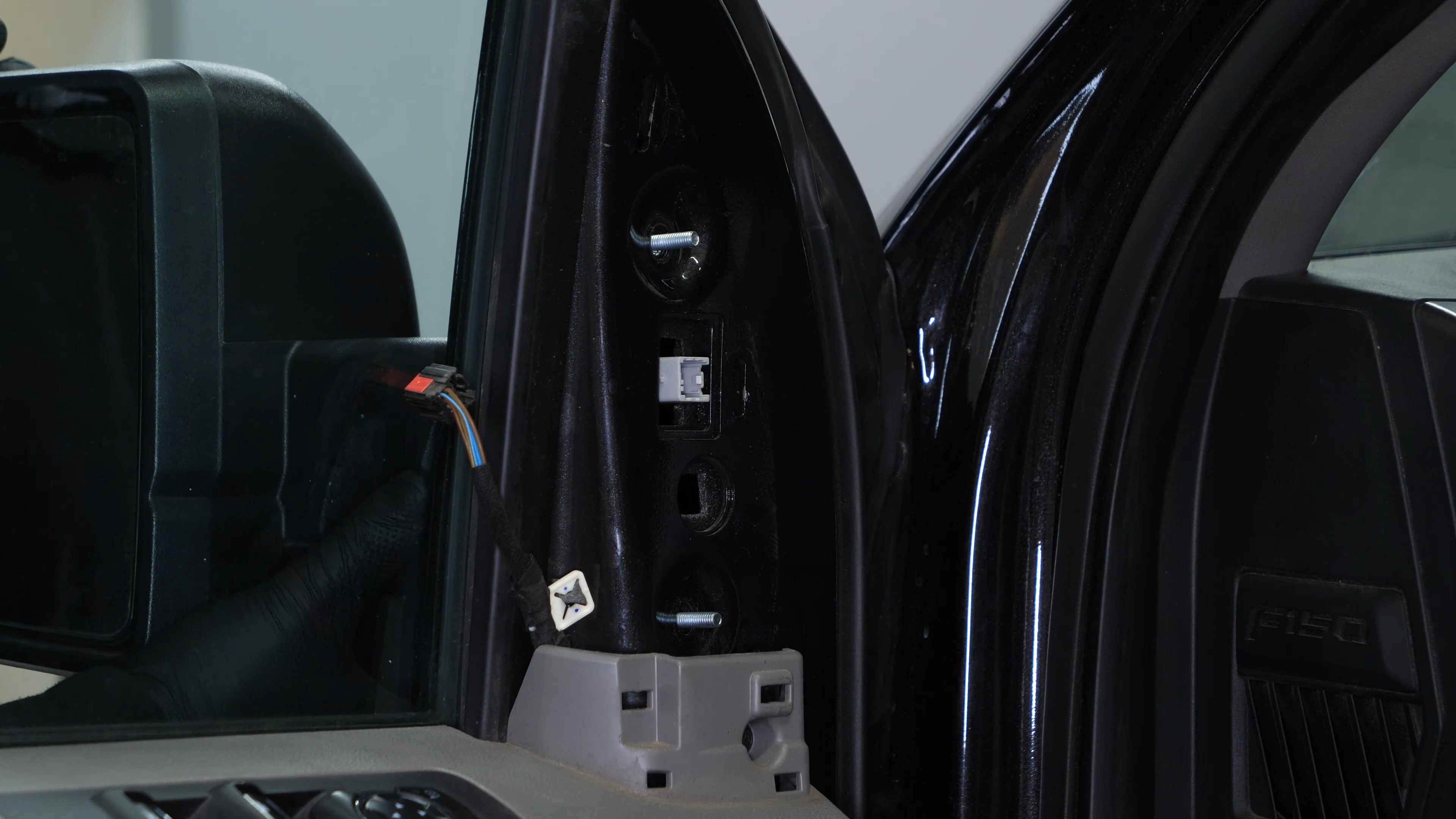
Insert the side view mirror into its housing. Screw the two nuts back in.
Chapter 4:
Step 3/3
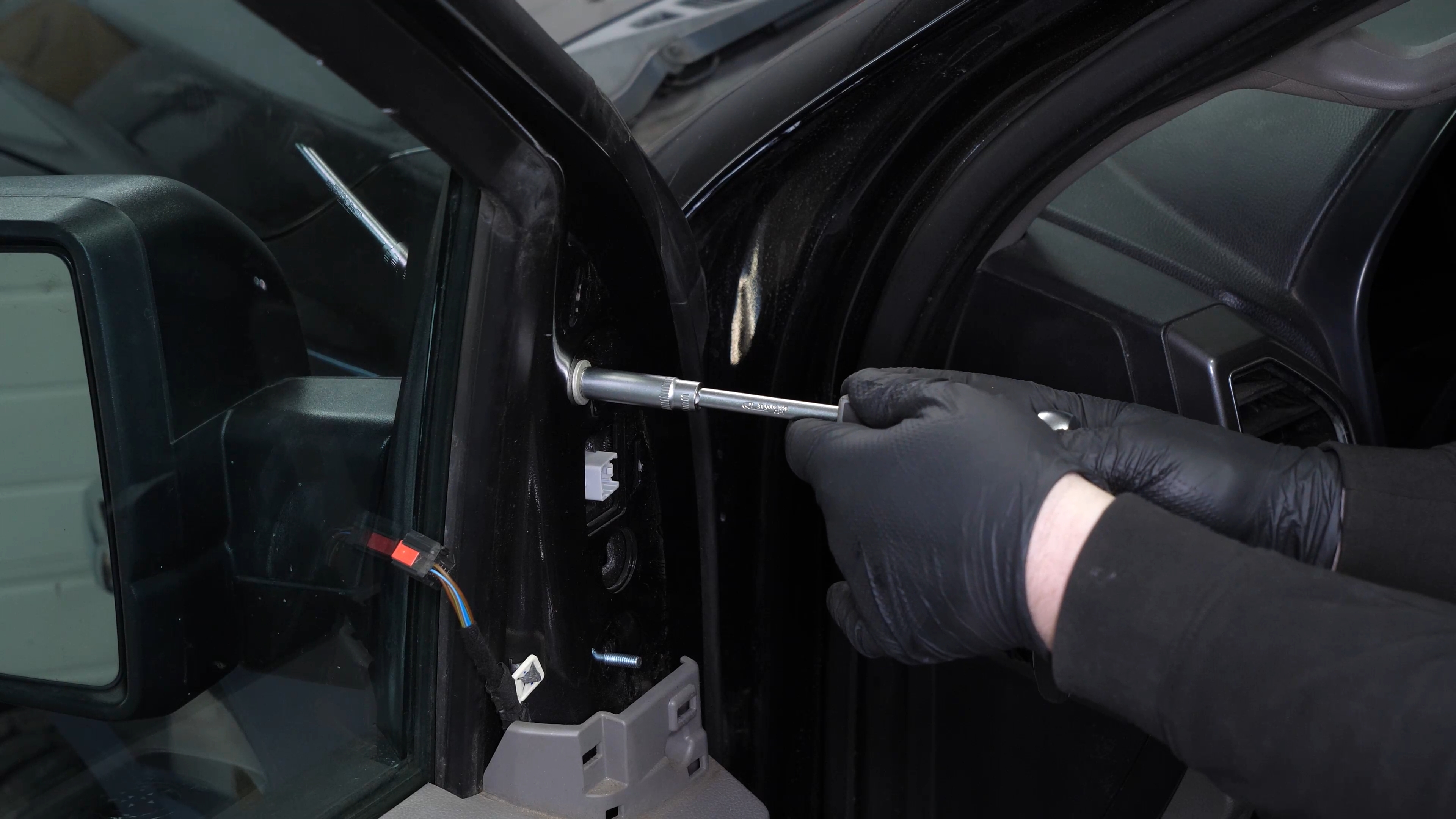
Clip the plastic guide back. Then screw the 2 bolts back on.
Chapter 5:
reconnect the side view mirror connector
Step 1/1
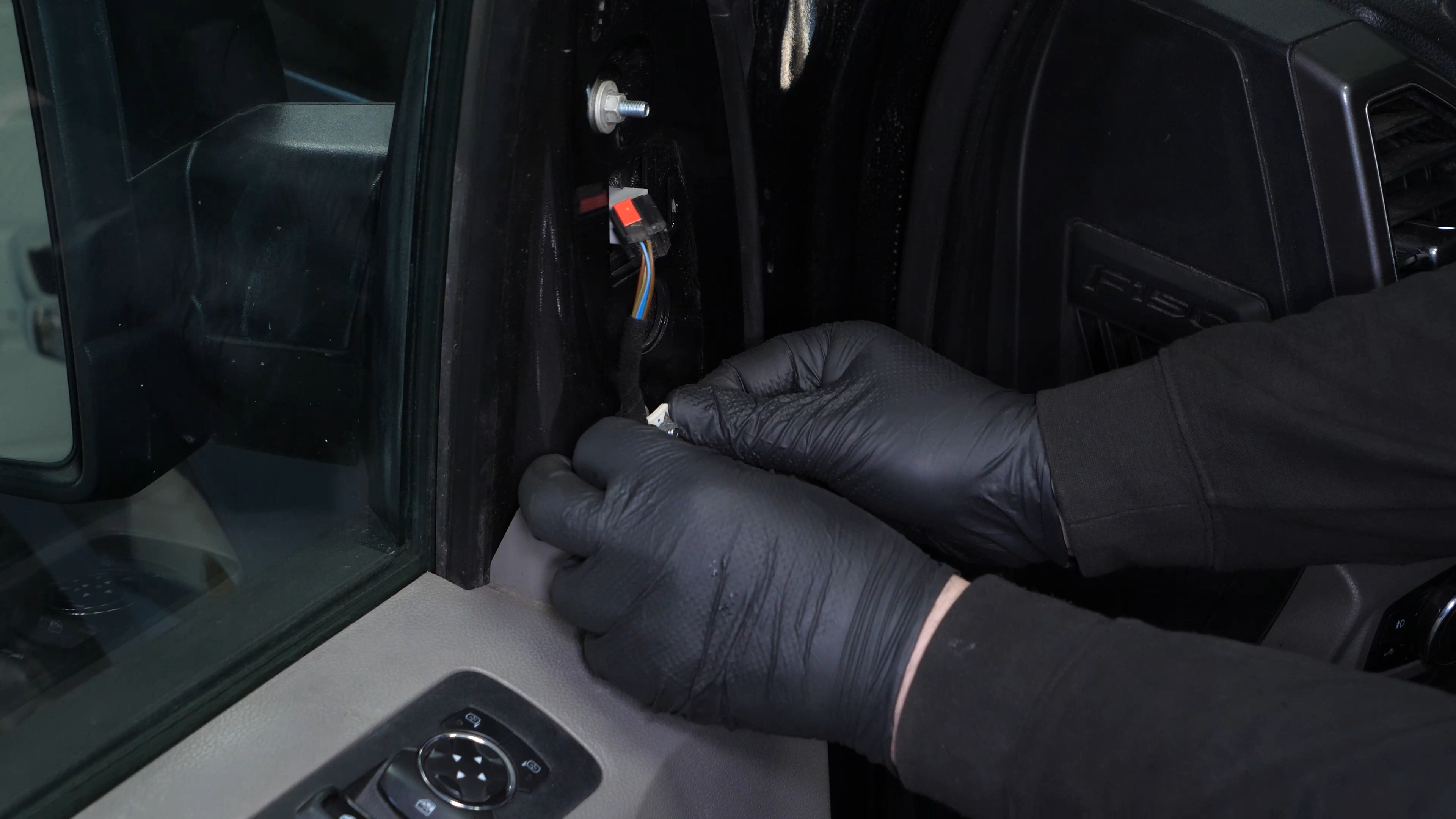
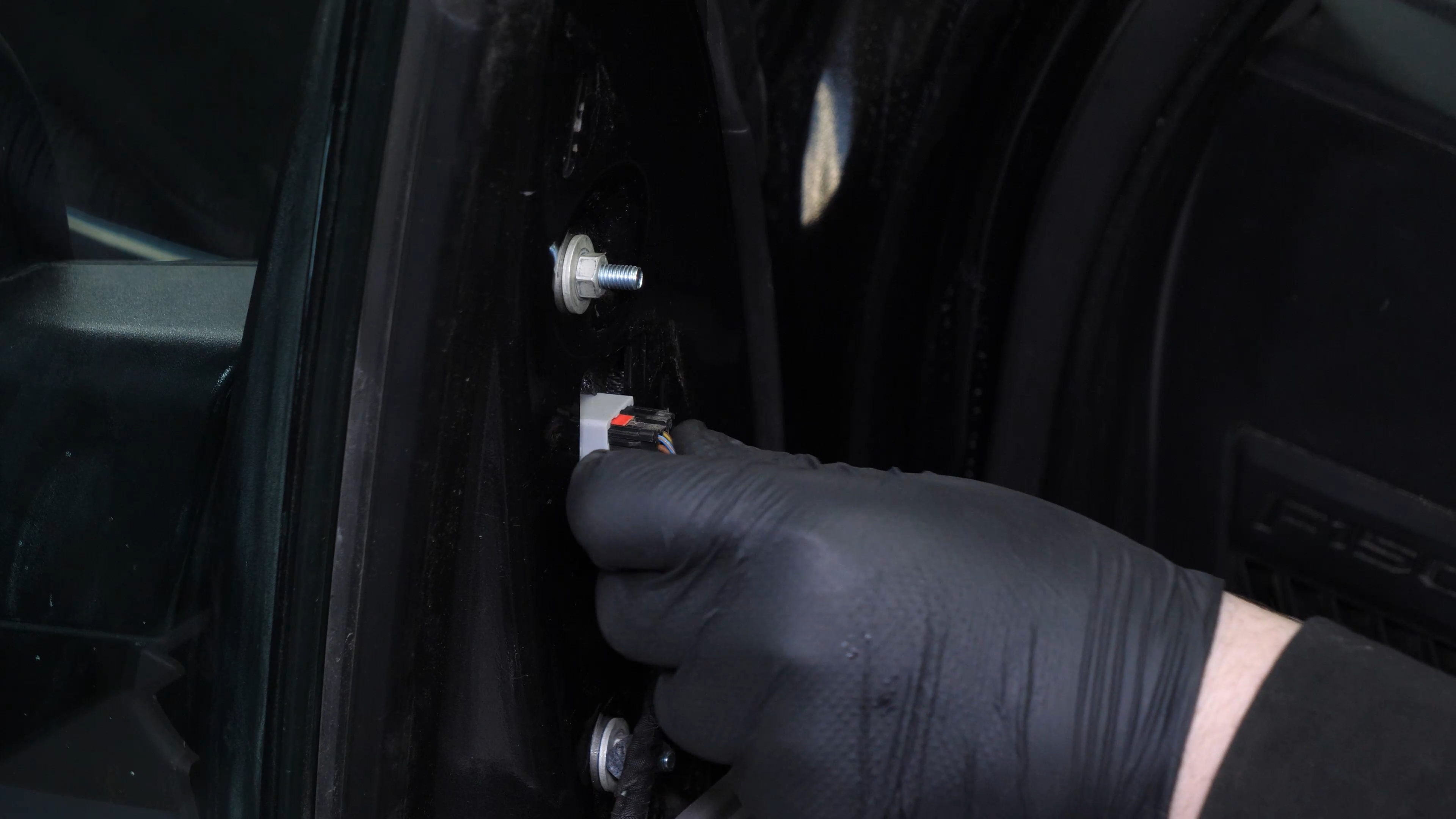
Plug the electrical connector back in.
Chapter 6:
Finalise the reassembly
Step 1/2
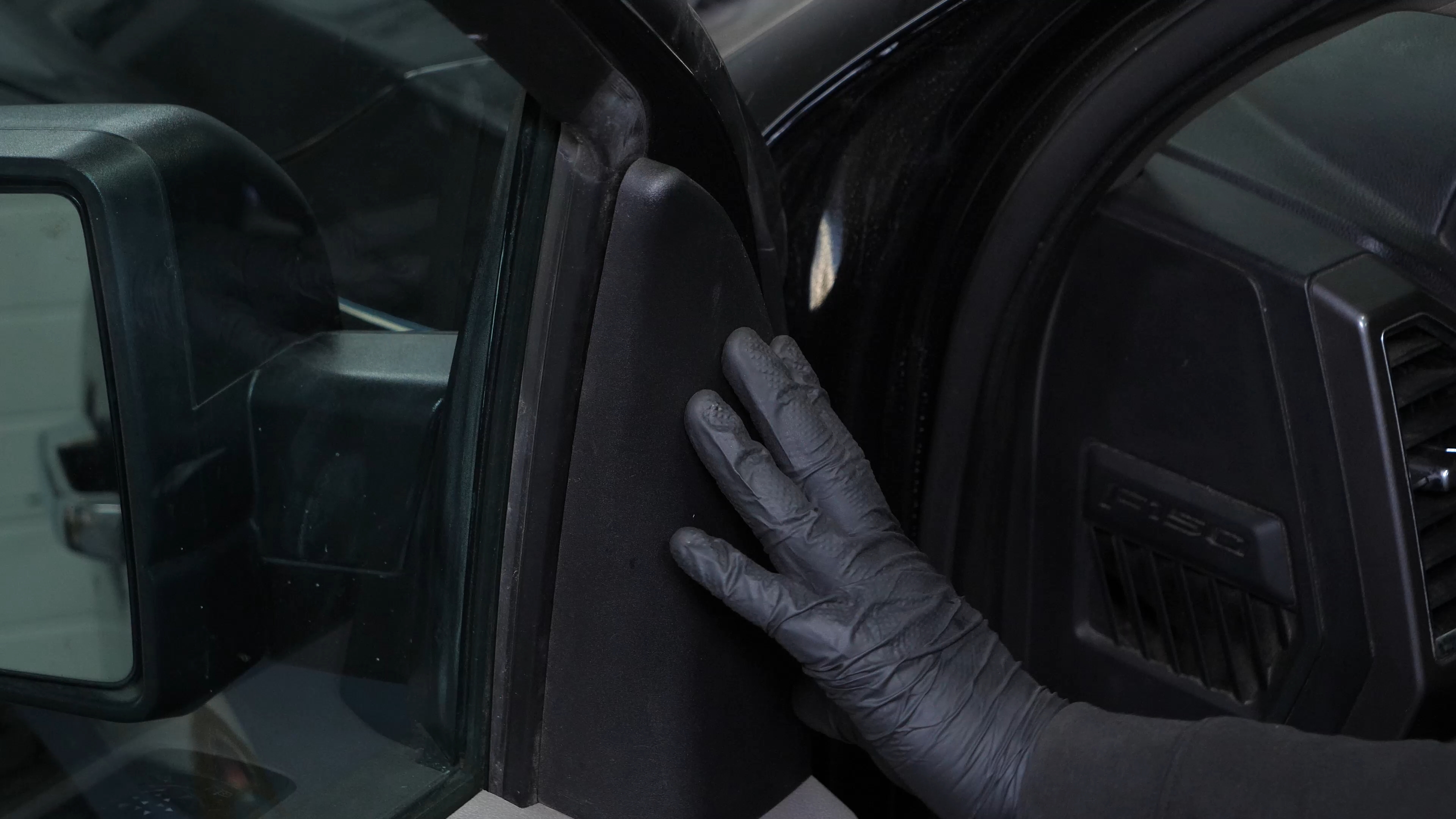
Replace the plastic cover.
Chapter 6:
Step 2/2
Operation complete.