
How to replace the battery 2009-2014 Ford F-150
To replace the car battery on your F-150 It’s easy. You will need to open the hood, remove the fastening clamp, disconnect the battery and follow the next steps described below. You can accomplish this tutorial of 10 chapters in 35 minutes. Take your ratchet and your 8 mm socket and let’s get started!
Duration
35 minutes
Number of steps
10
Difficulty out of 5
2
Average savings
$60
Parts You Will Need
Tools You Will Need
Step-by-Step Installation
Chapter 1:
Localize the battery
Step 1/3
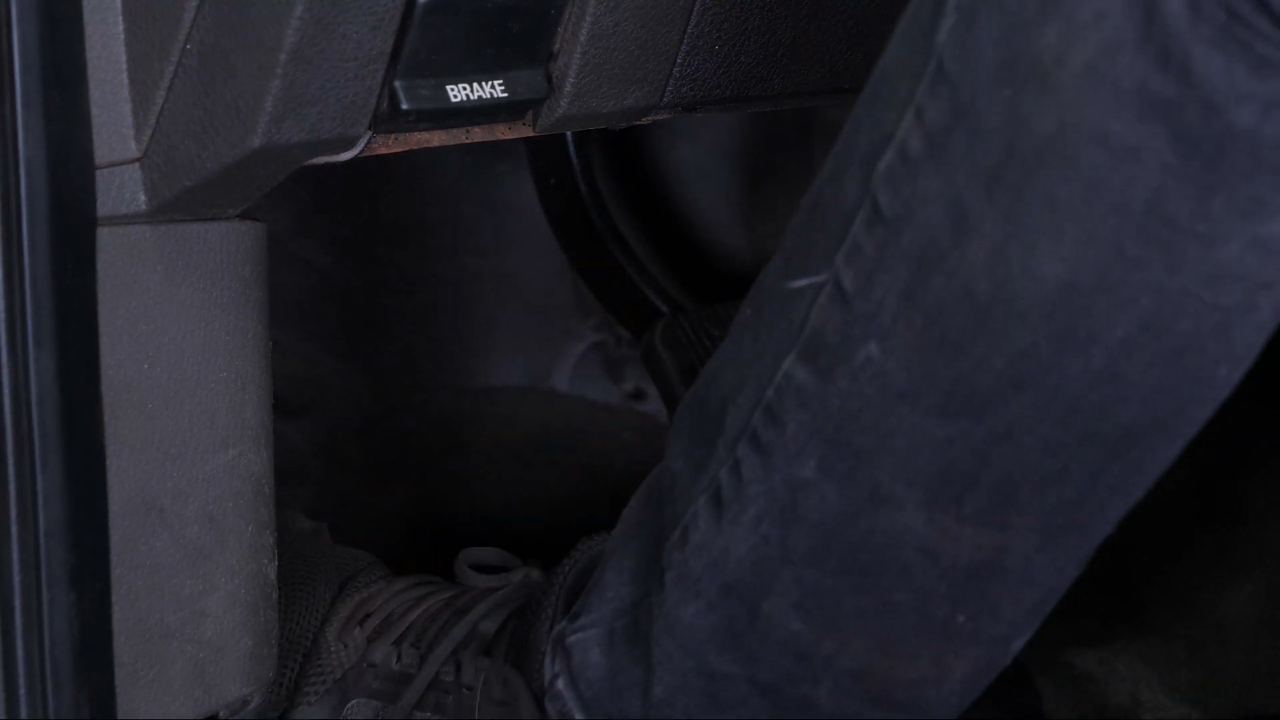
Turn off your engine and set the parking brake.
Chapter 1:
Step 2/3
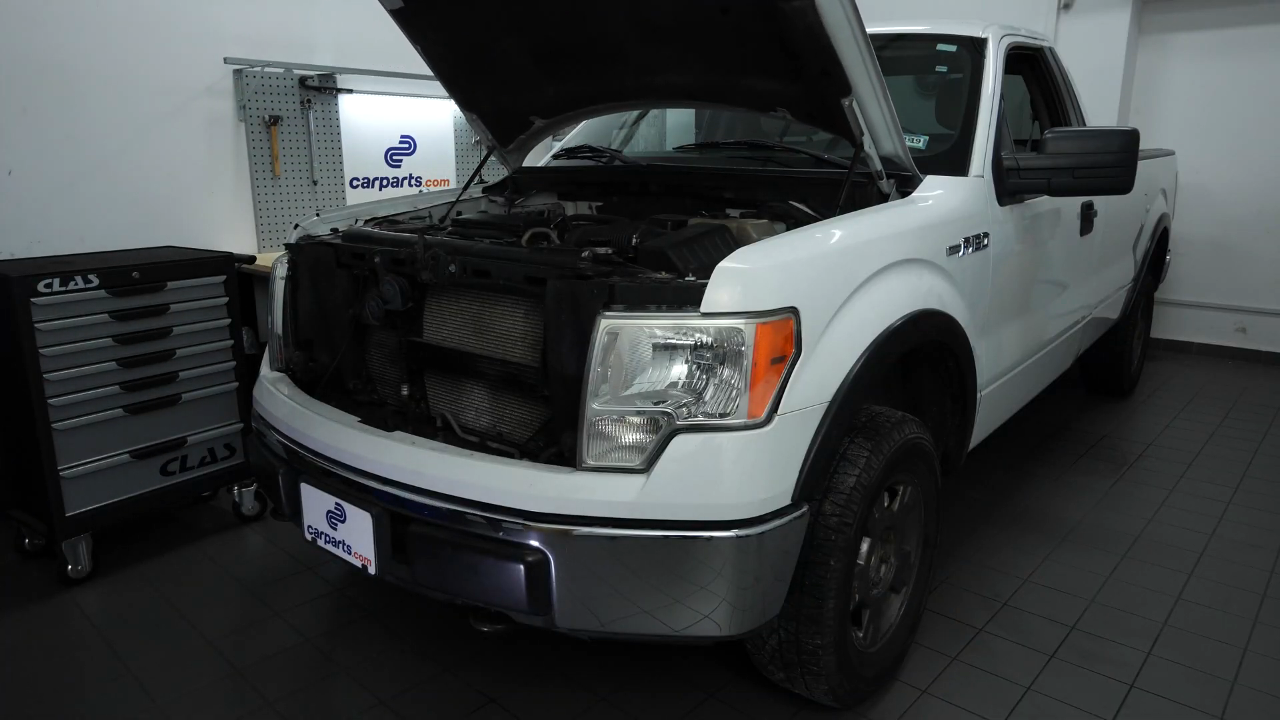
Pull on the hood release handle and open the hood.
Chapter 1:
Step 3/3
You should now be able to see the battery which is located to the left of the engine compartment.
Chapter 2:
Remove the fastening clamp
Step 1/3
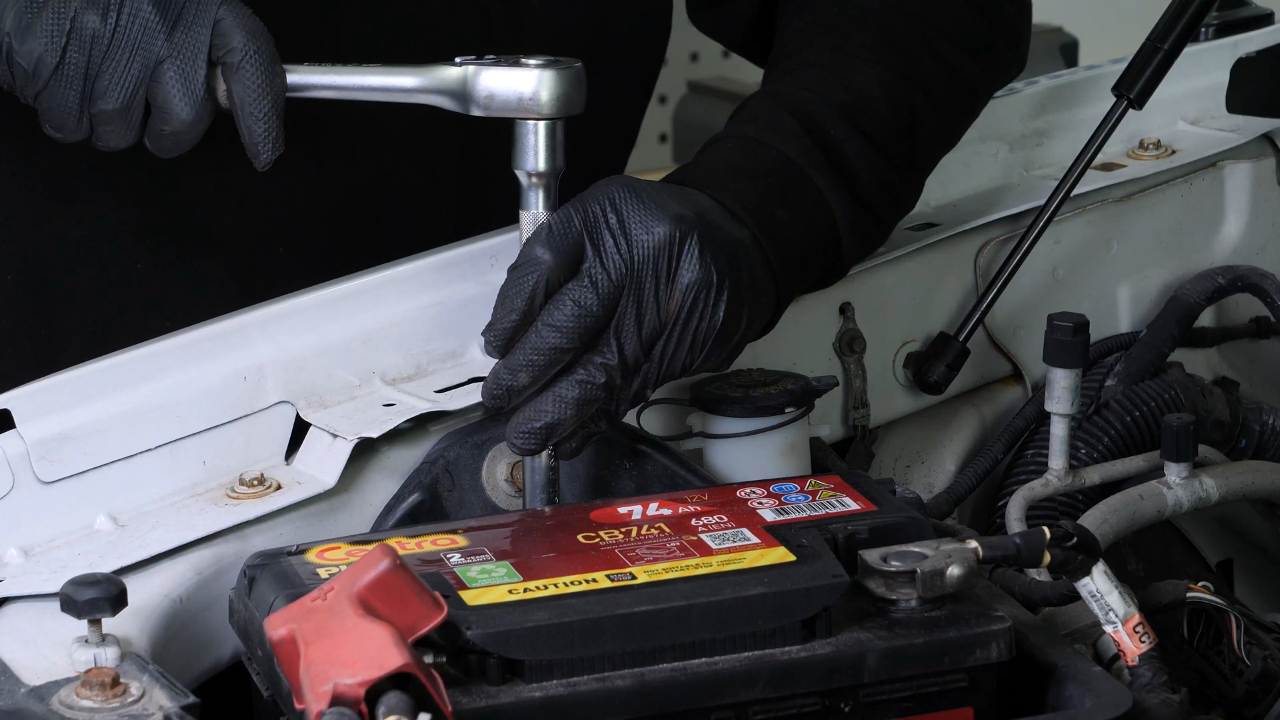
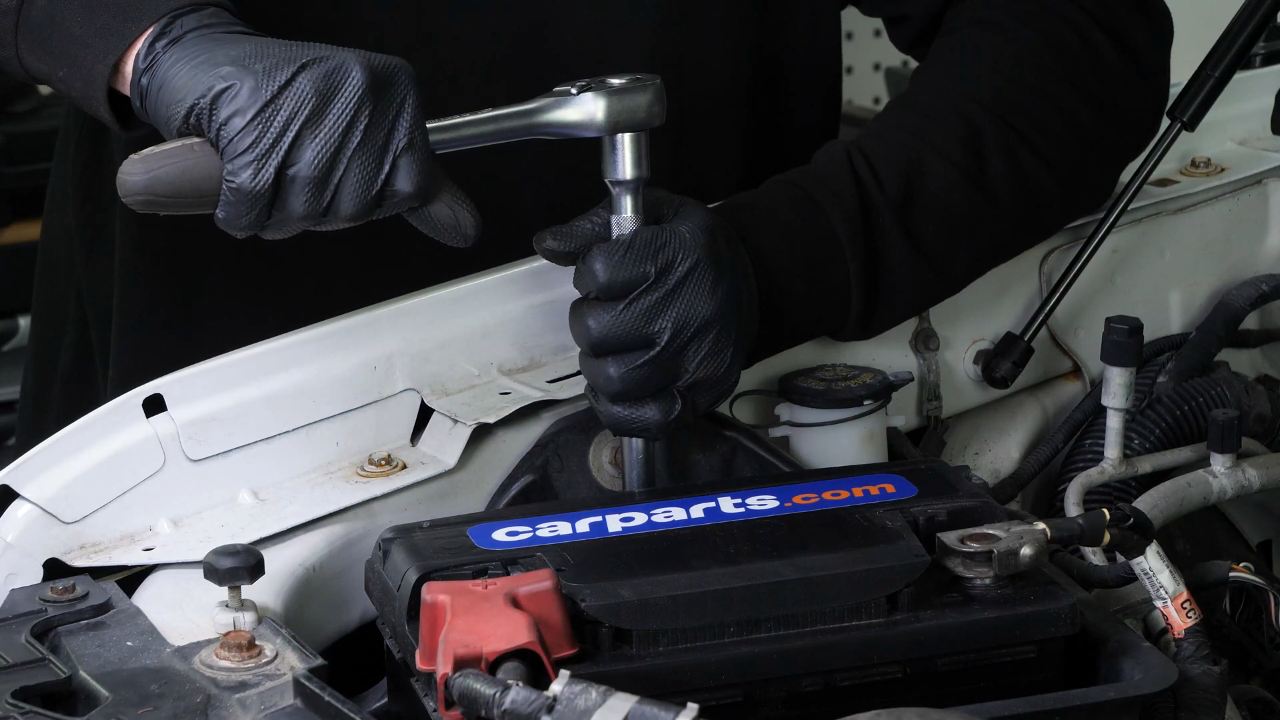
To remove the battery, you have to unscrew the battery clamp.
Chapter 2:
Step 2/3
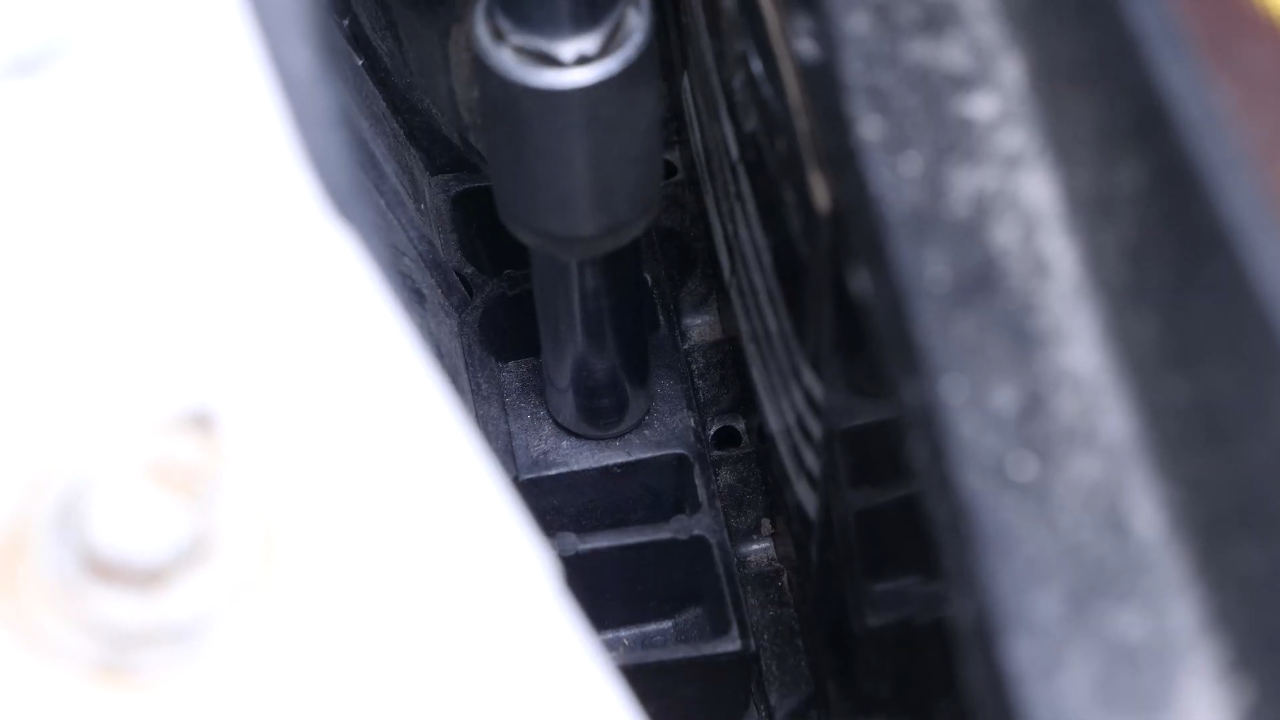
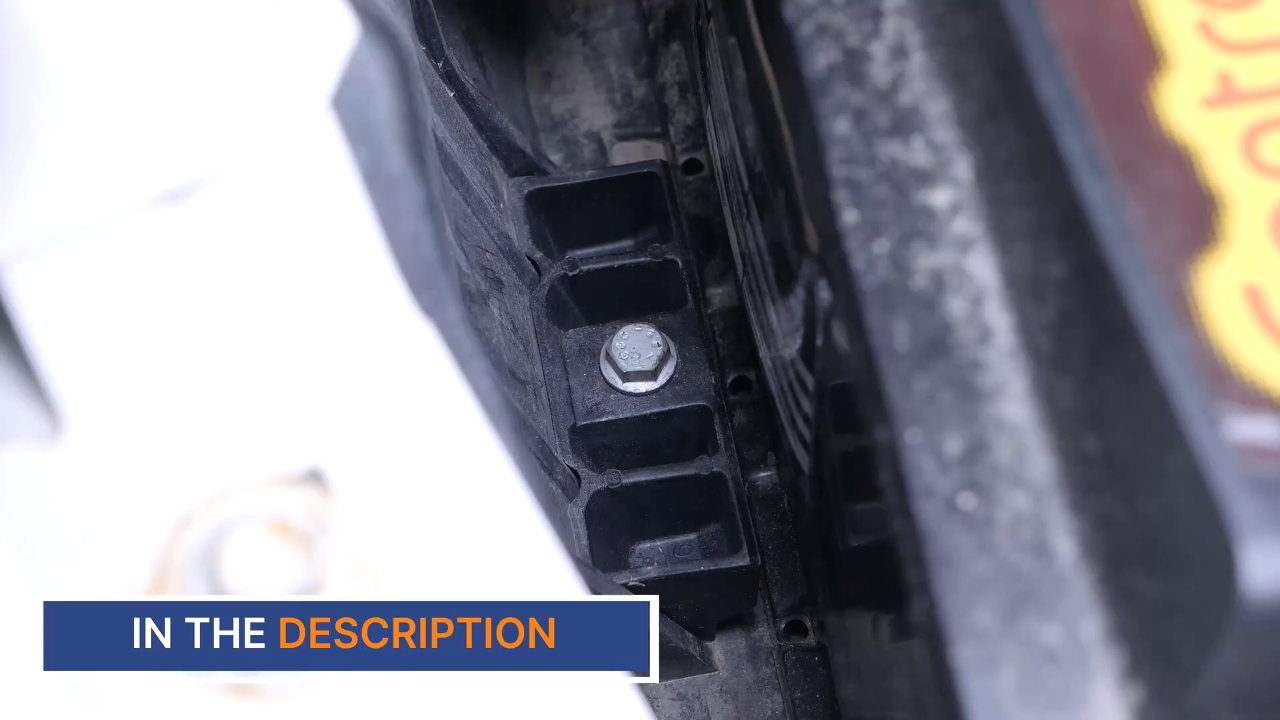
Using a ratchet, an extender and an 8 mm socket, fully unscrew the holding screw of the battery clamp.
Chapter 2:
Step 3/3
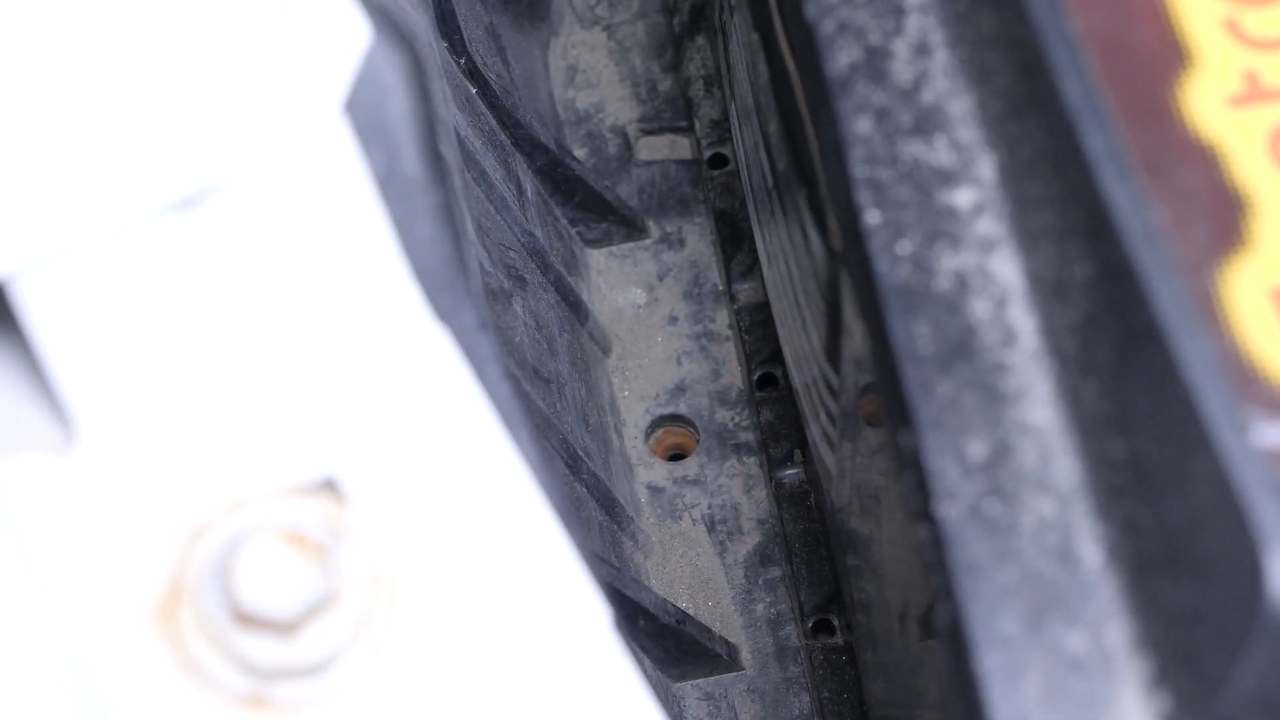
You can now remove the battery clamp.
Chapter 3:
Tips
Step 1/2
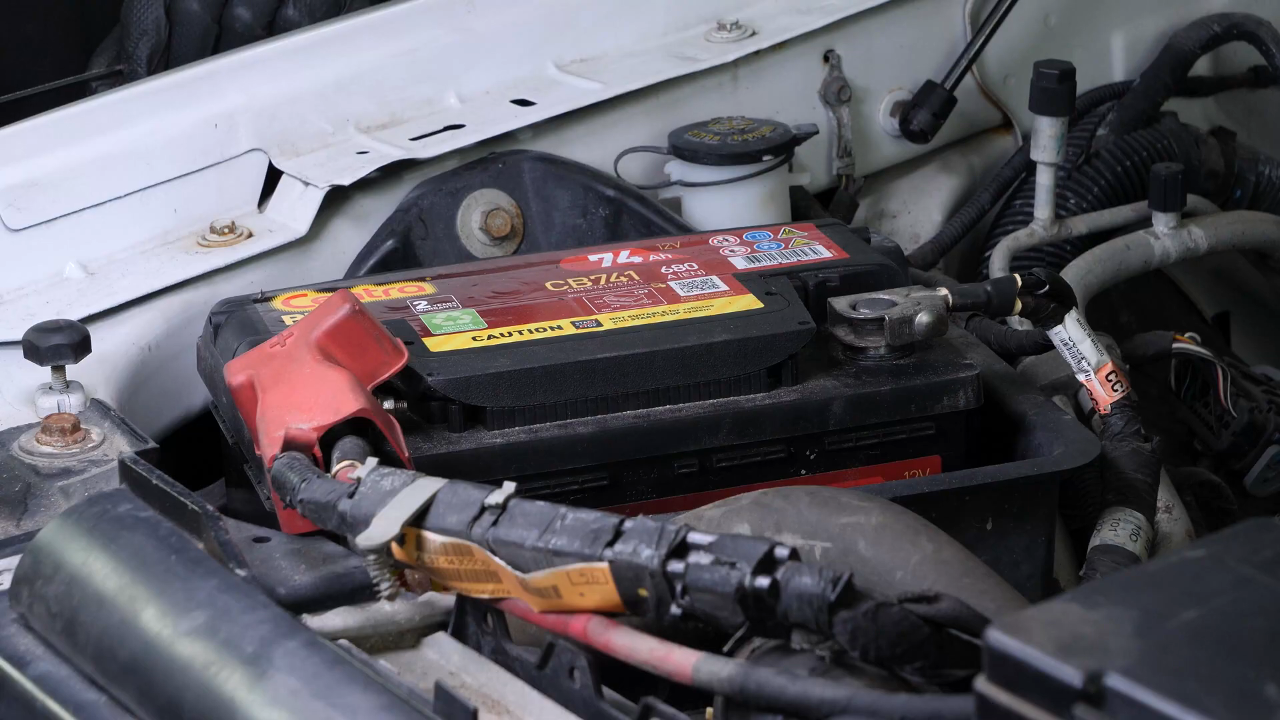
Never start by disconnecting the positive terminal, since the whole car is connected to the minus terminal.
Chapter 3:
Step 2/2
This can create sparks that are dangerous to your car’s electrical system.
Chapter 4:
Disconnect the battery
Step 1/4
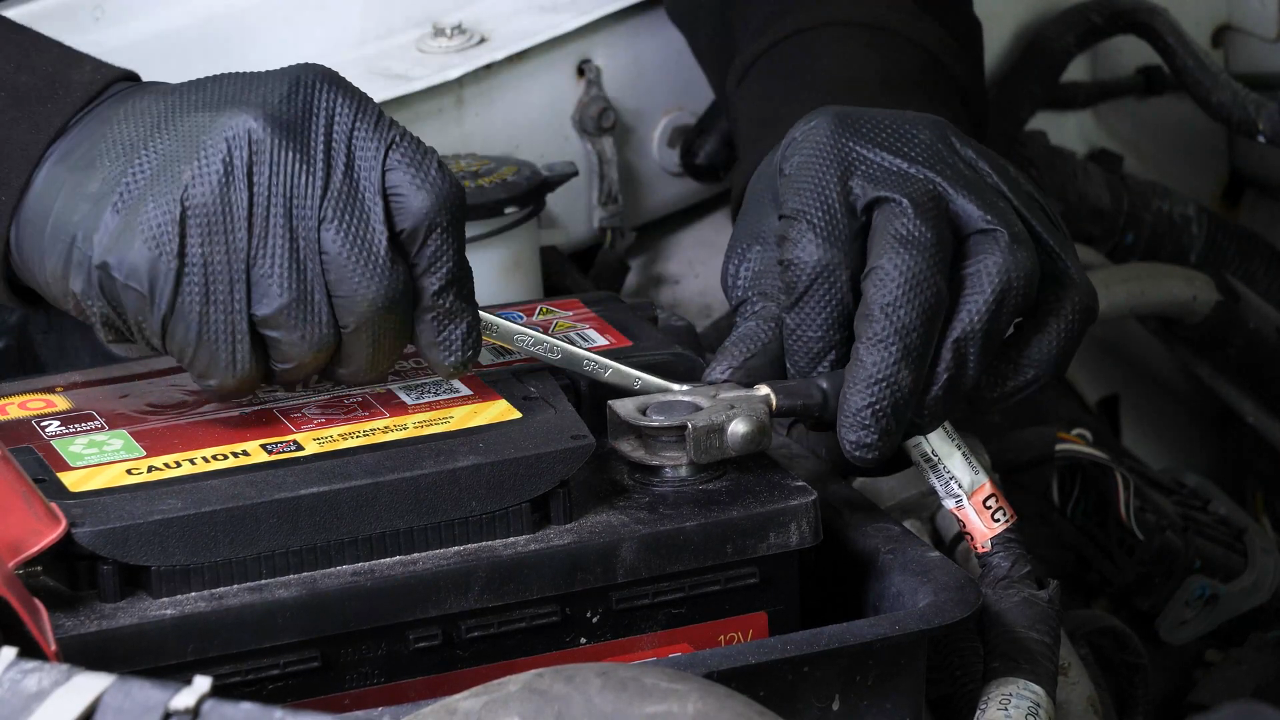
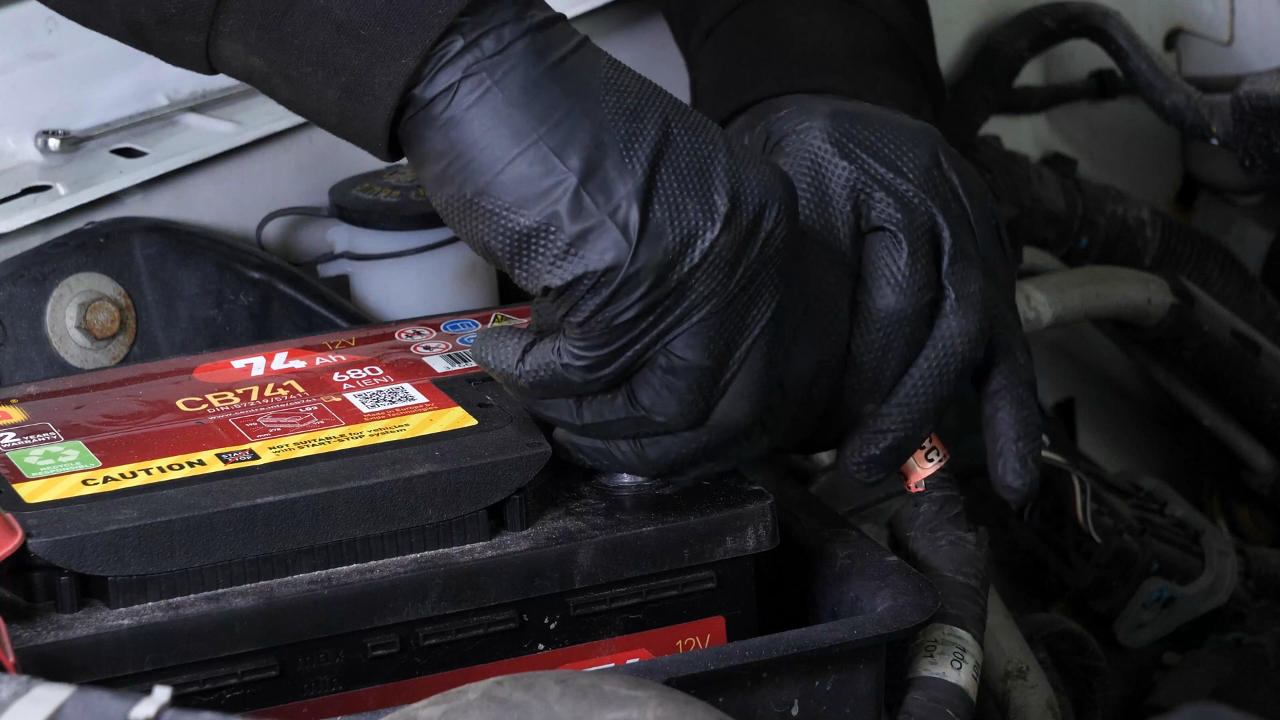
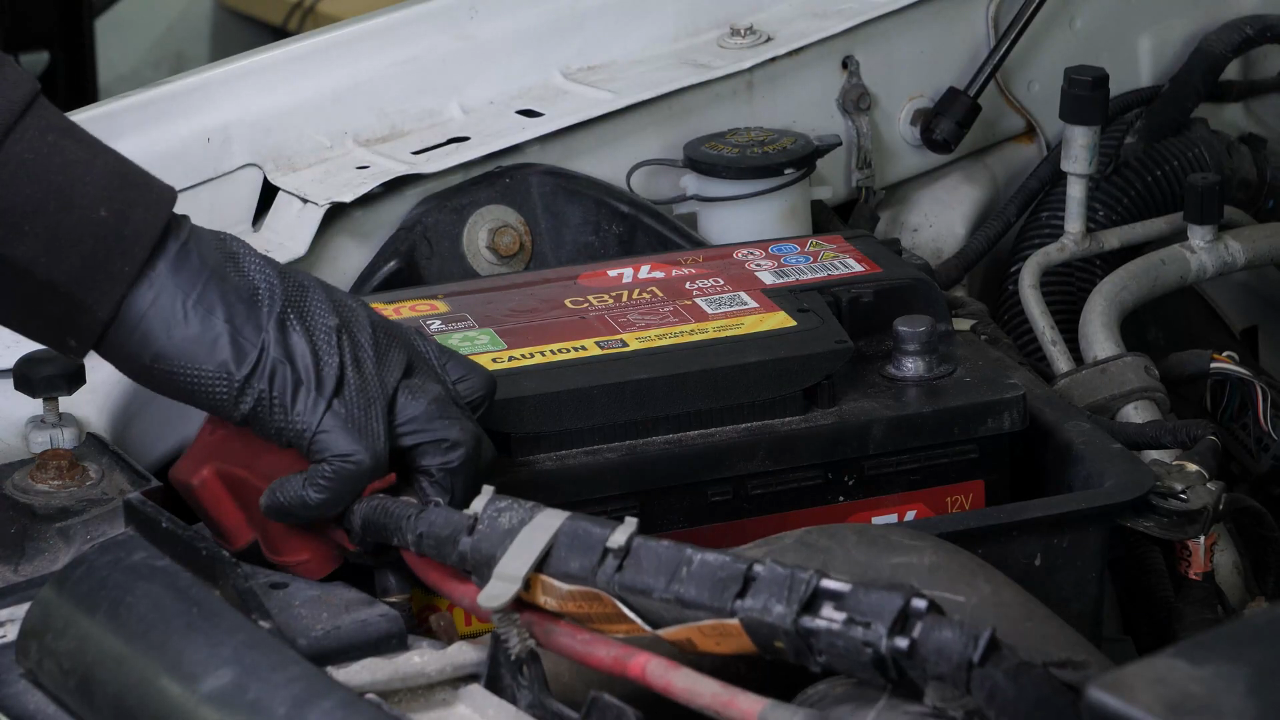
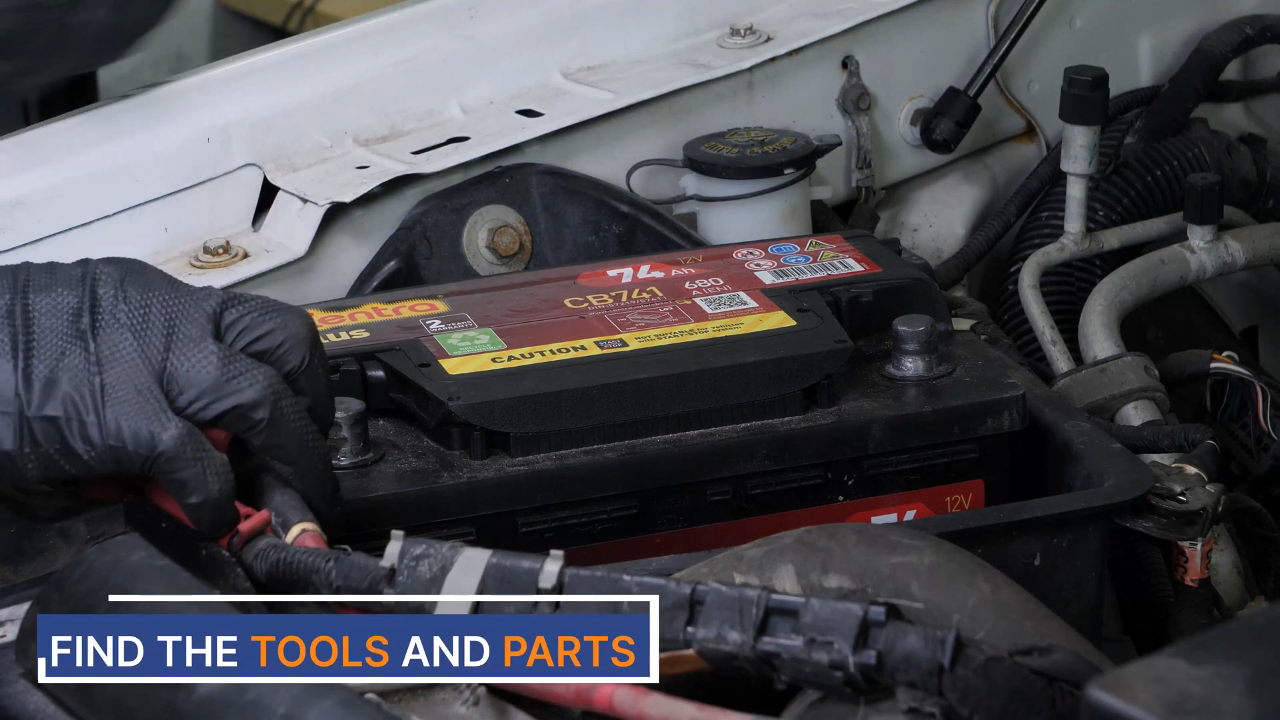
Using an 8 mm wrench, start by removing the negative terminal from the battery.

Chapter 4:
Step 2/4
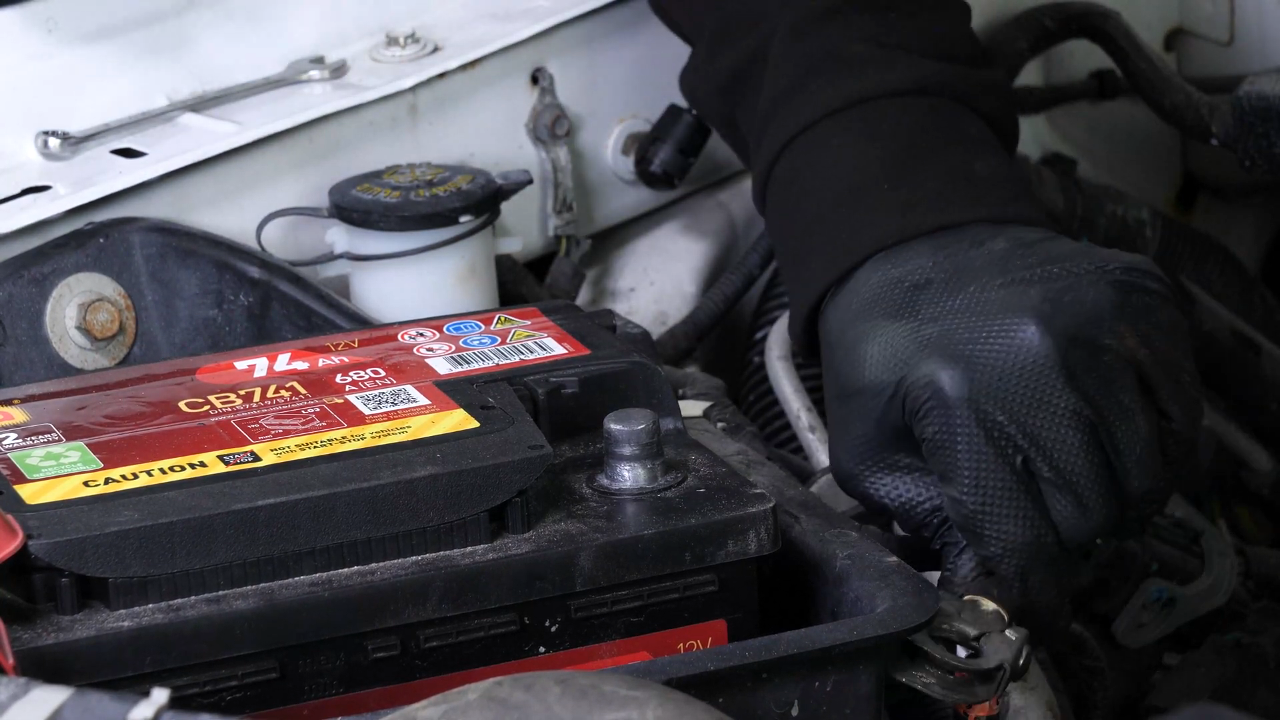
Once the terminal has been removed, ensure you distance the cable to avoid untimely reconnections which could damage the electrical network of the vehicle.
Chapter 4:
Step 3/4
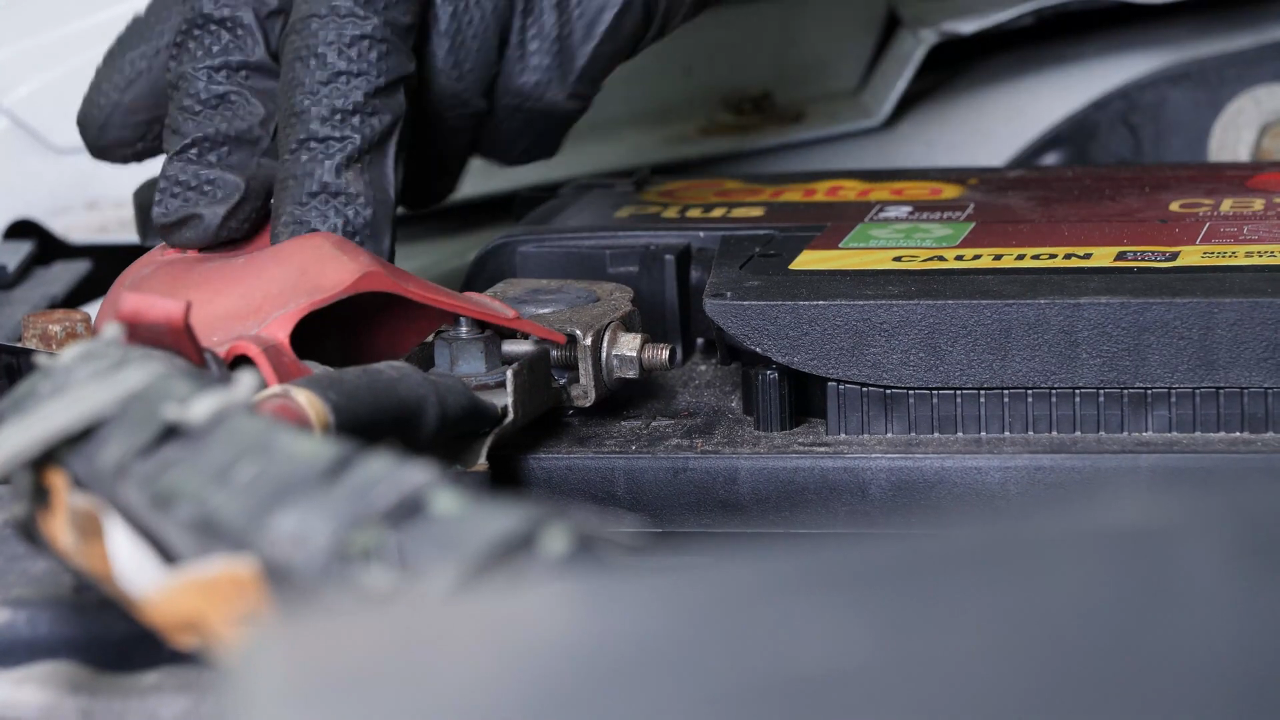
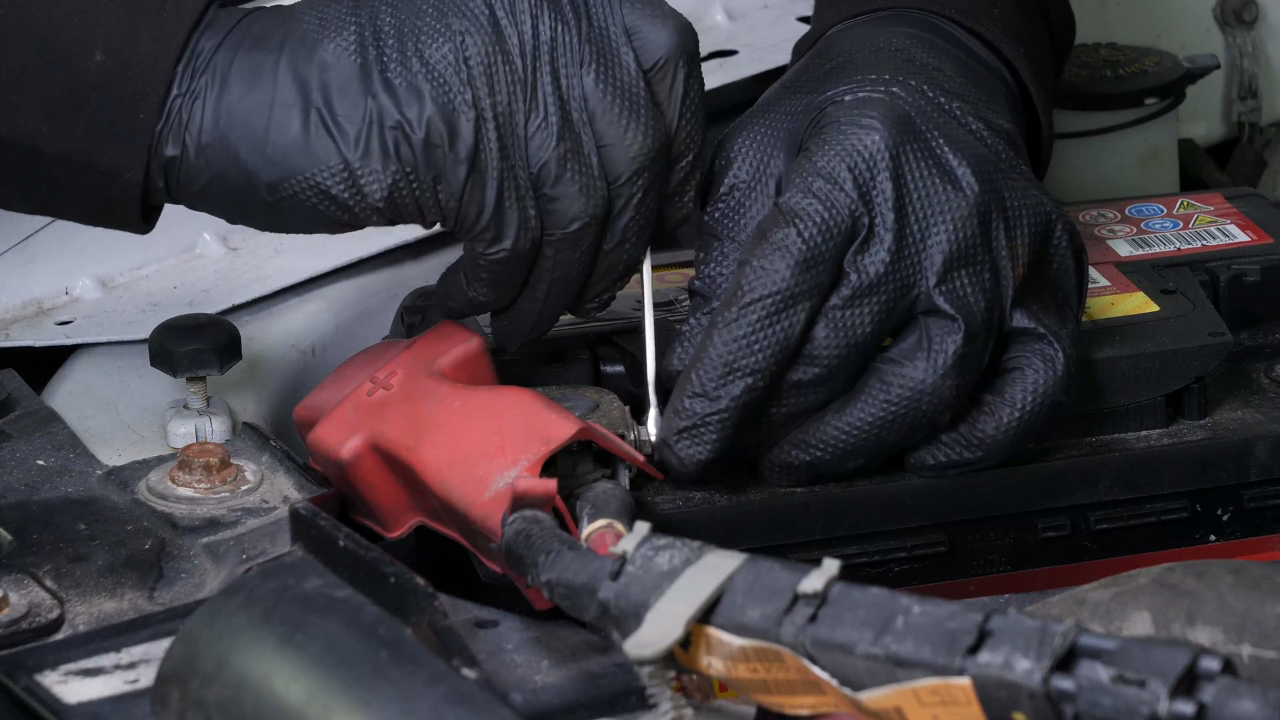
Remove the rubber protection from the positive terminal.
Chapter 4:
Step 4/4
Repeat the operation on the positive terminal.

Chapter 5:
Remove the battery
Step 1/1
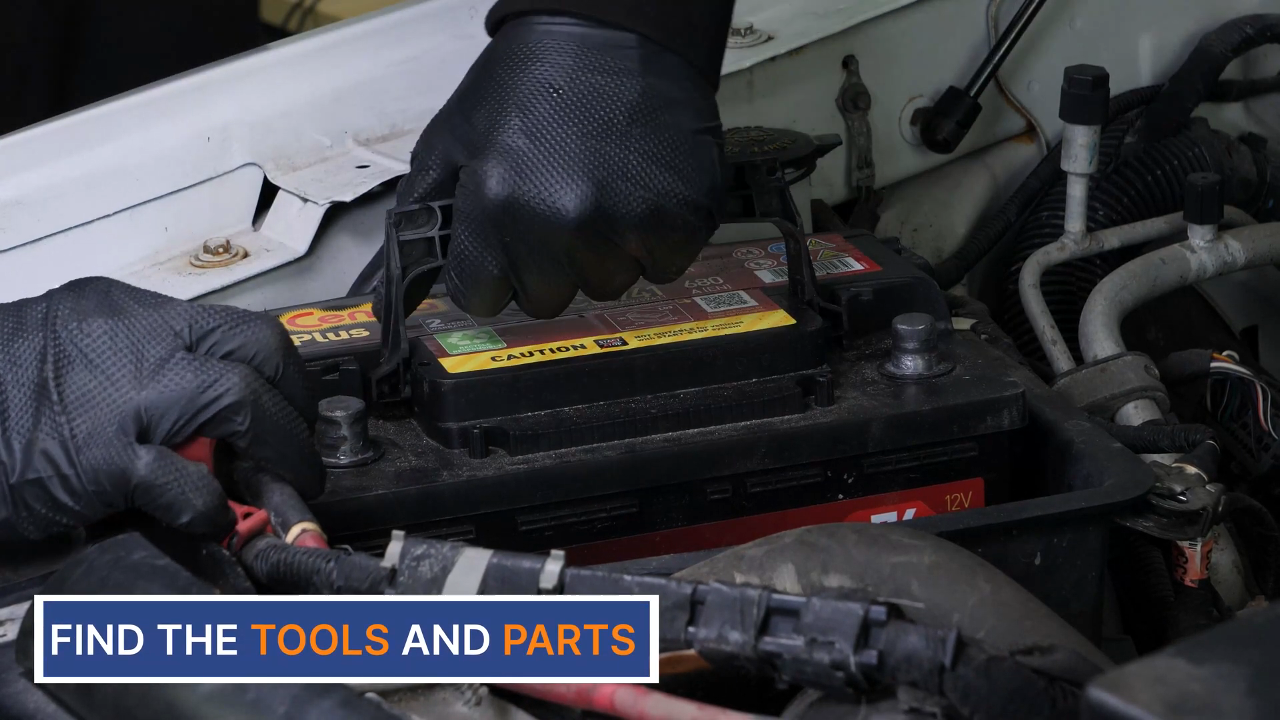
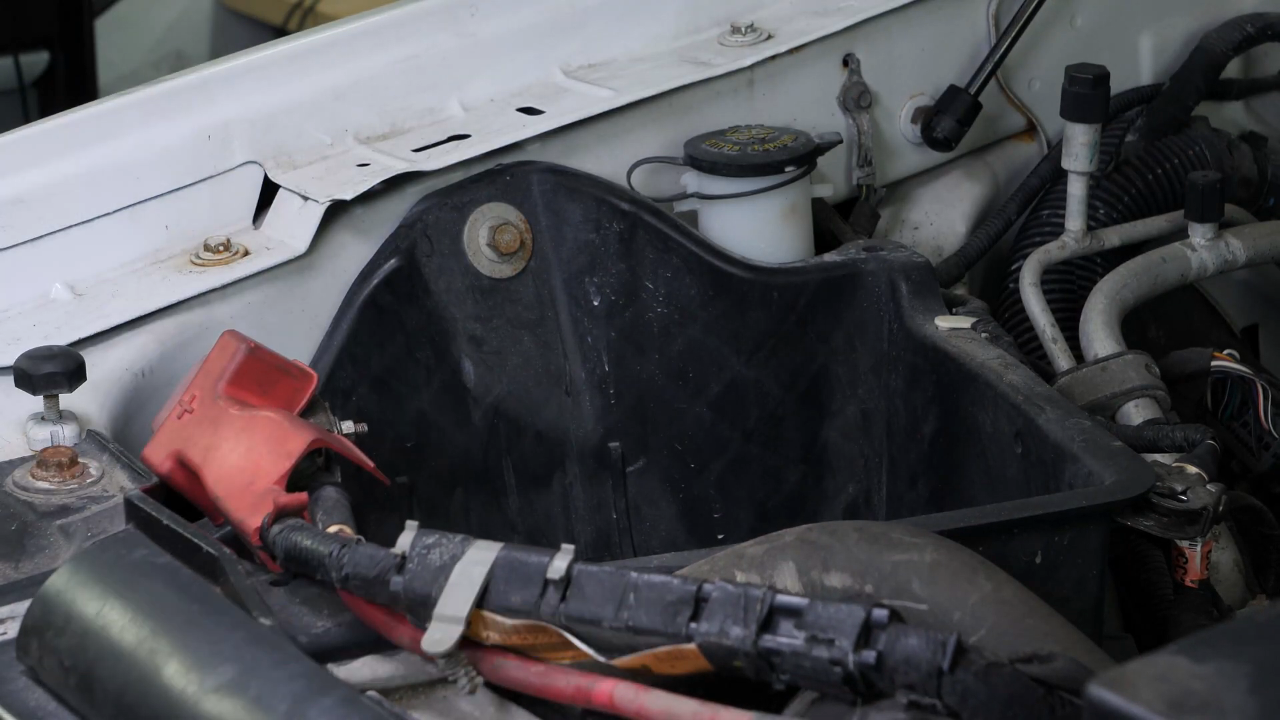
You can now remove the battery.
Chapter 6:
Sand the terminals
Step 1/1
Sand the inside of the terminals with sandpaper to remove the layer of white oxidation and to avoid breakdowns in the long-term.

Chapter 7:
Coat the terminals with copper grease
Step 1/2
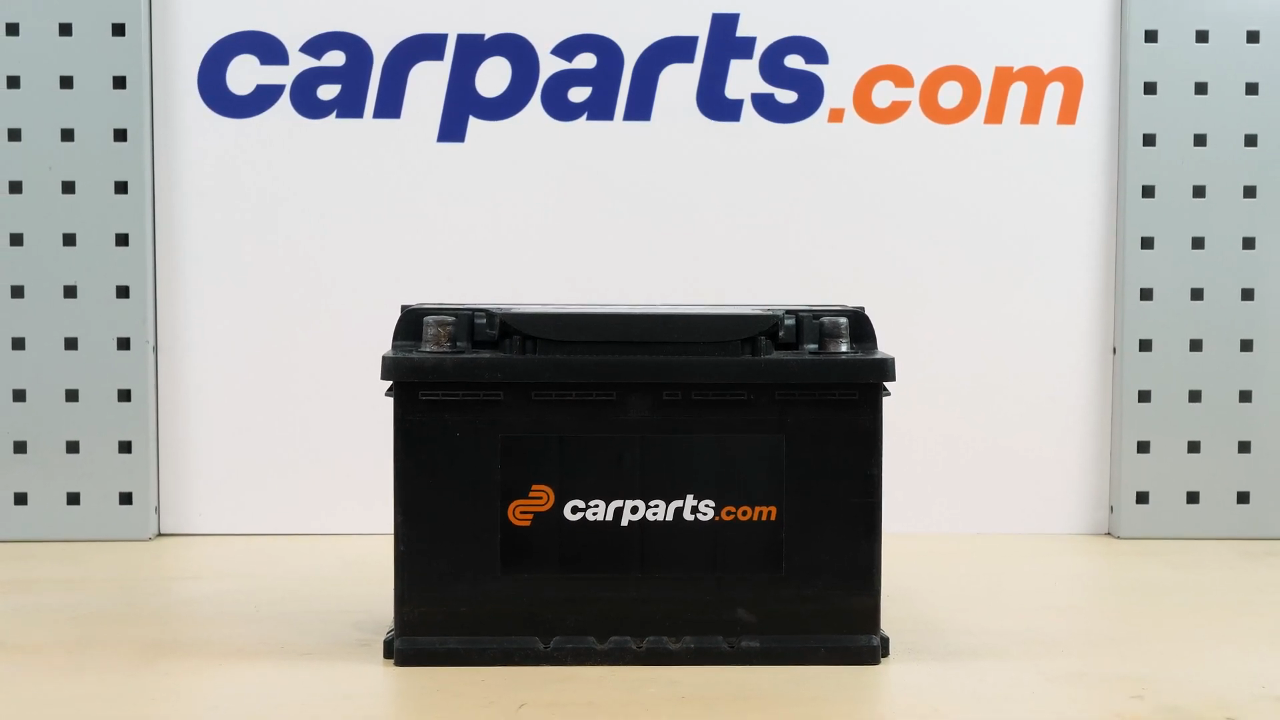
You can order the battery used in the video on the Carparts.com website via the link in the description
Chapter 7:
Step 2/2
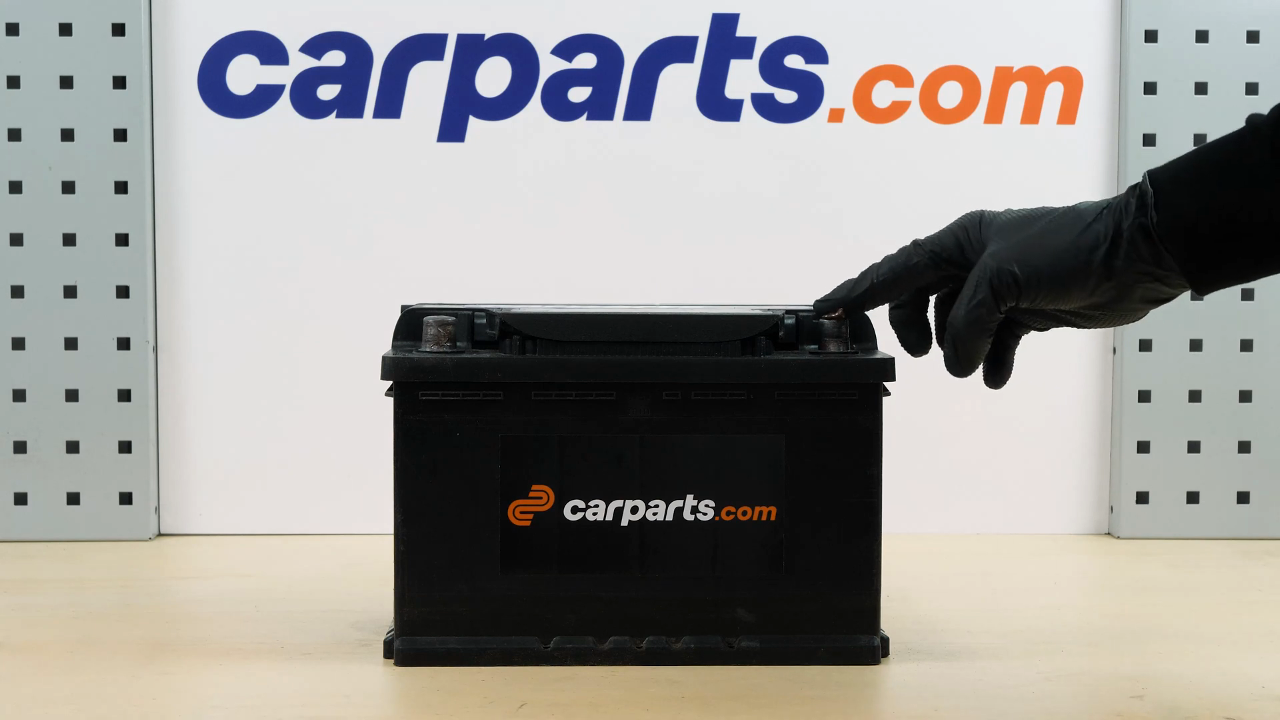
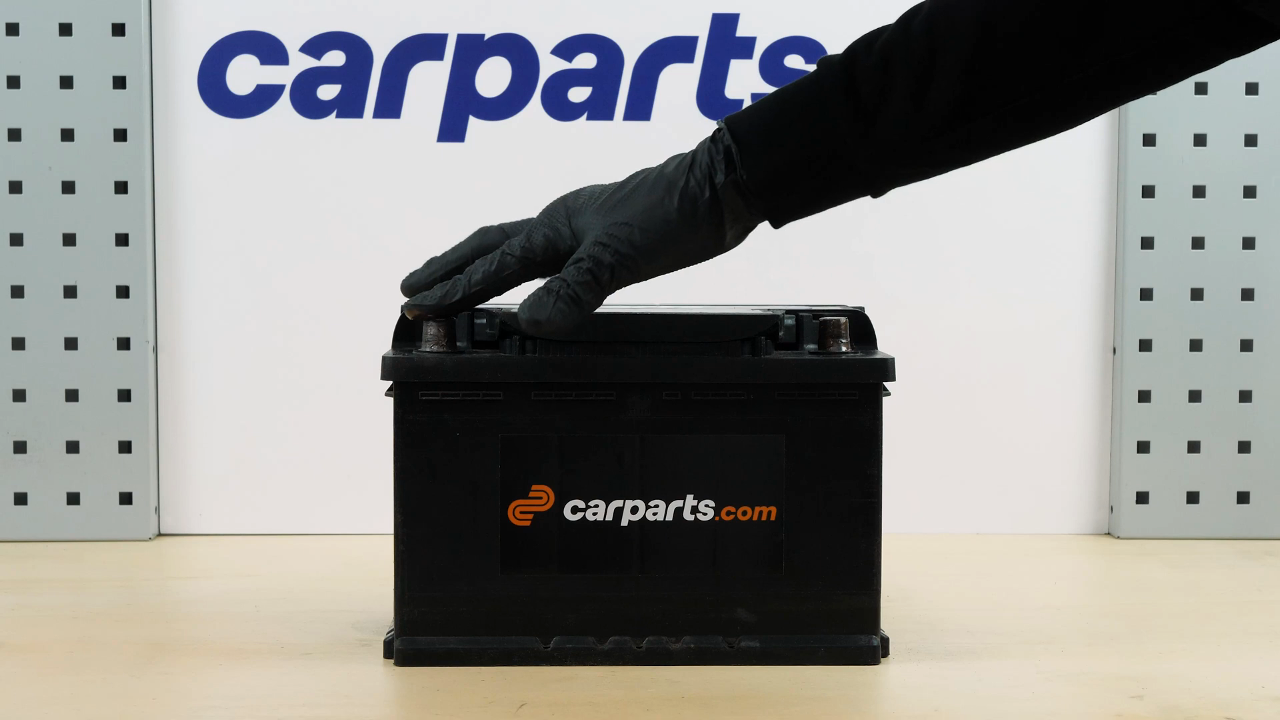
Coat the terminals with copper grease to improve the contact between the terminals and connections, but also to limit oxidation development.
Chapter 8:
Install the new battery
Step 1/2
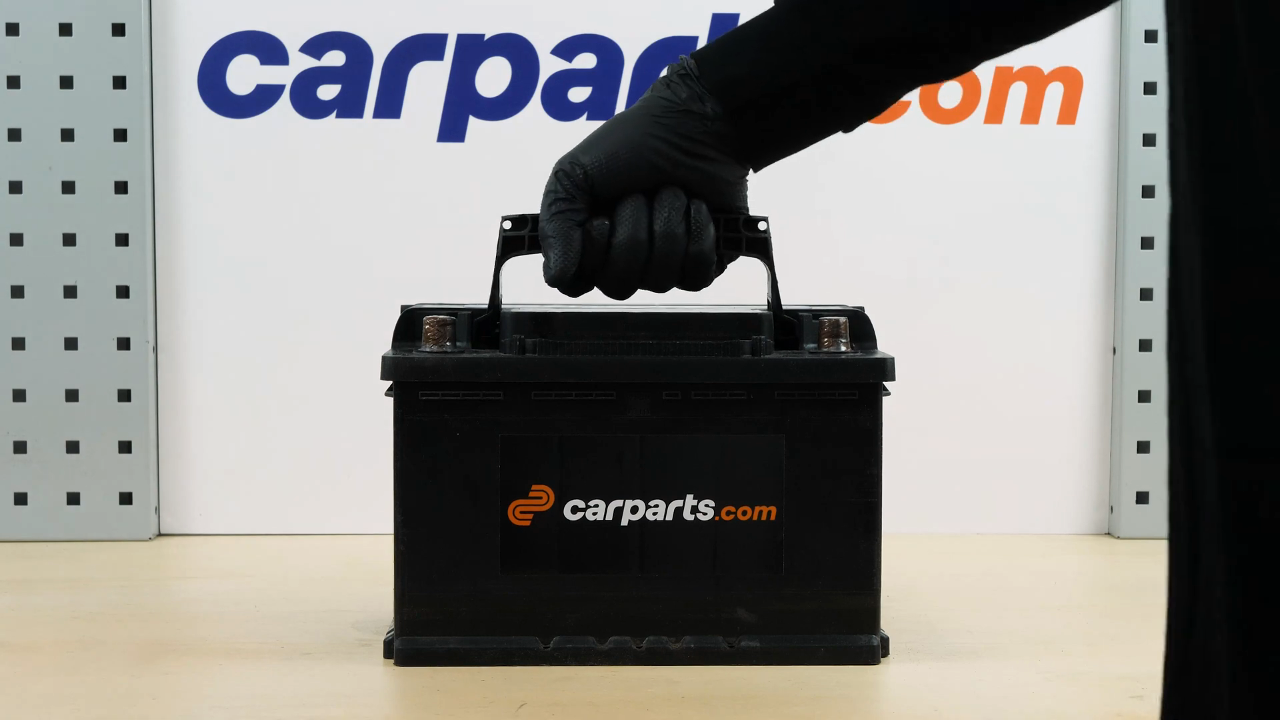
Take the new battery.
Chapter 8:
Step 2/2
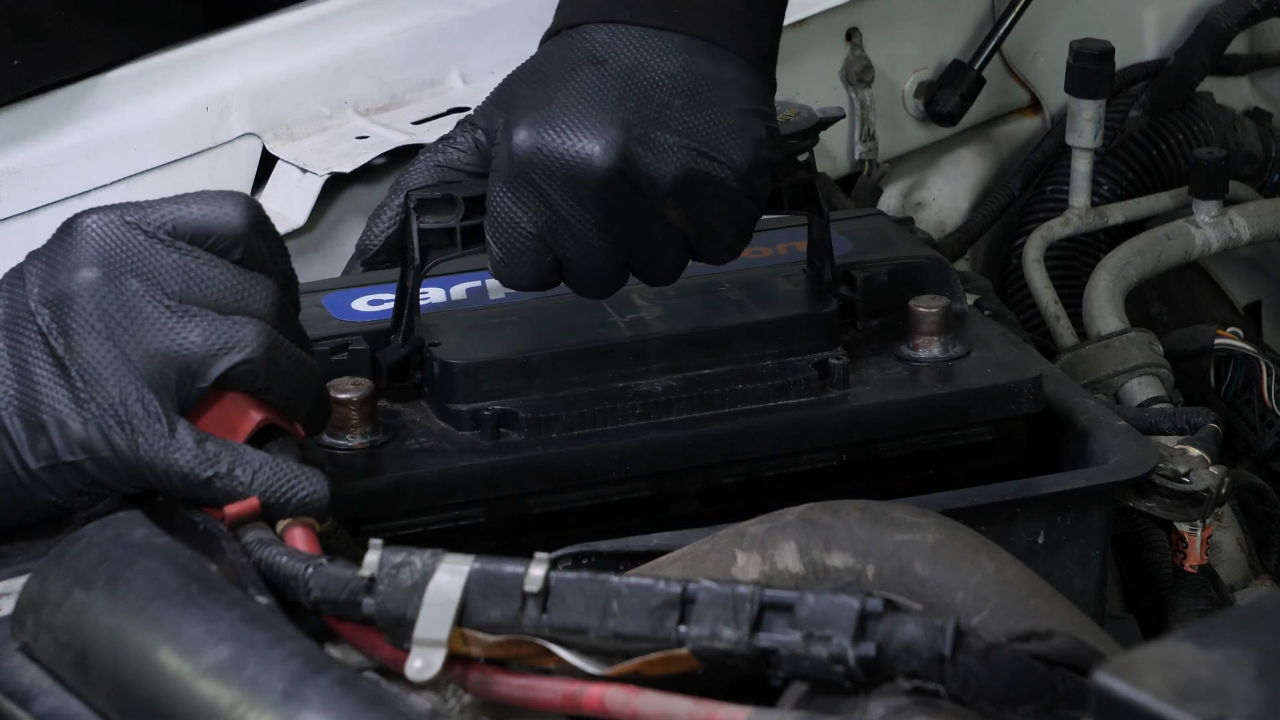
Put the new battery in place and push it firmly into its frame.
Chapter 9:
Reconnect the battery
Step 1/4
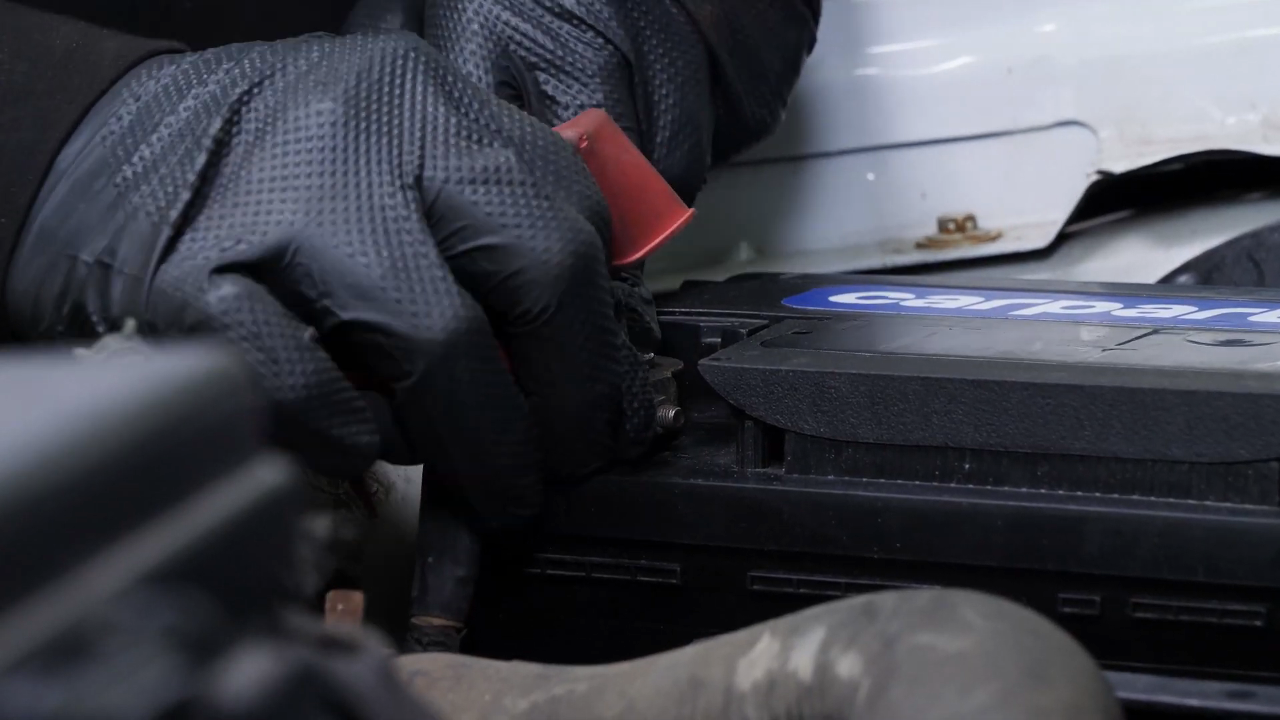
Start by putting the positive terminal back in place.
Chapter 9:
Step 2/4
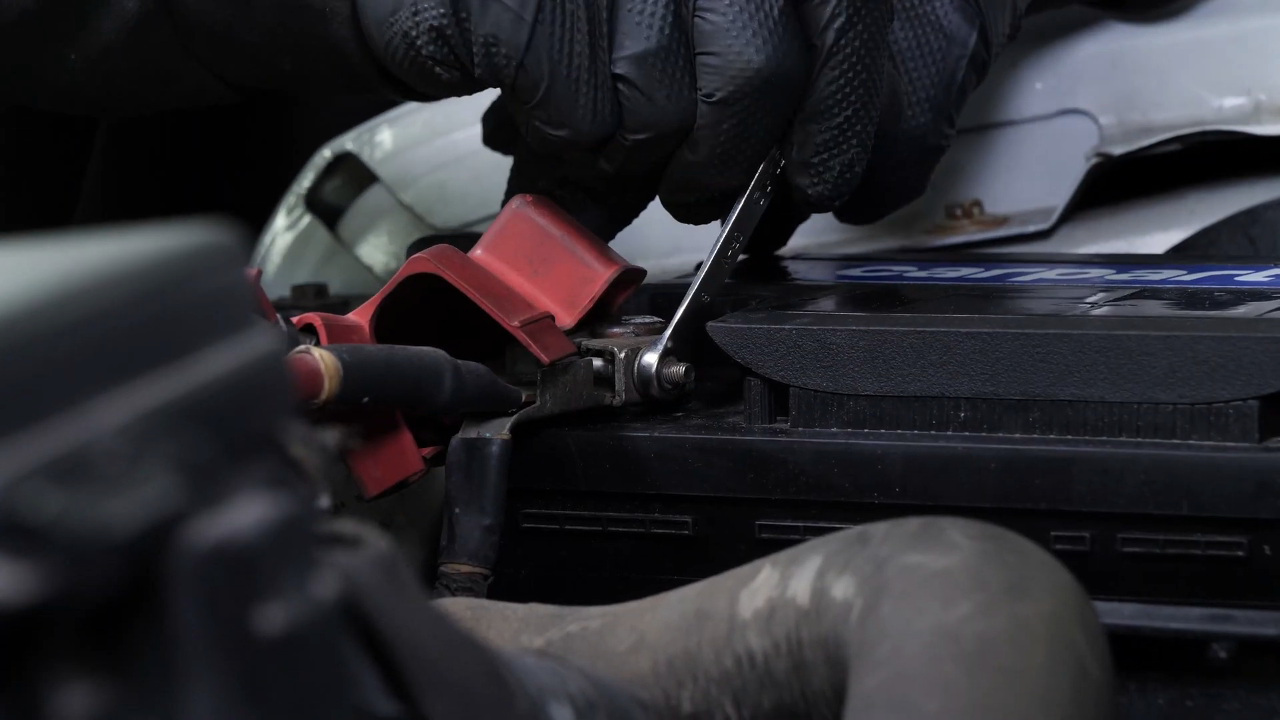
Fix it in place with an 8 mm wrench.
Chapter 9:
Step 3/4
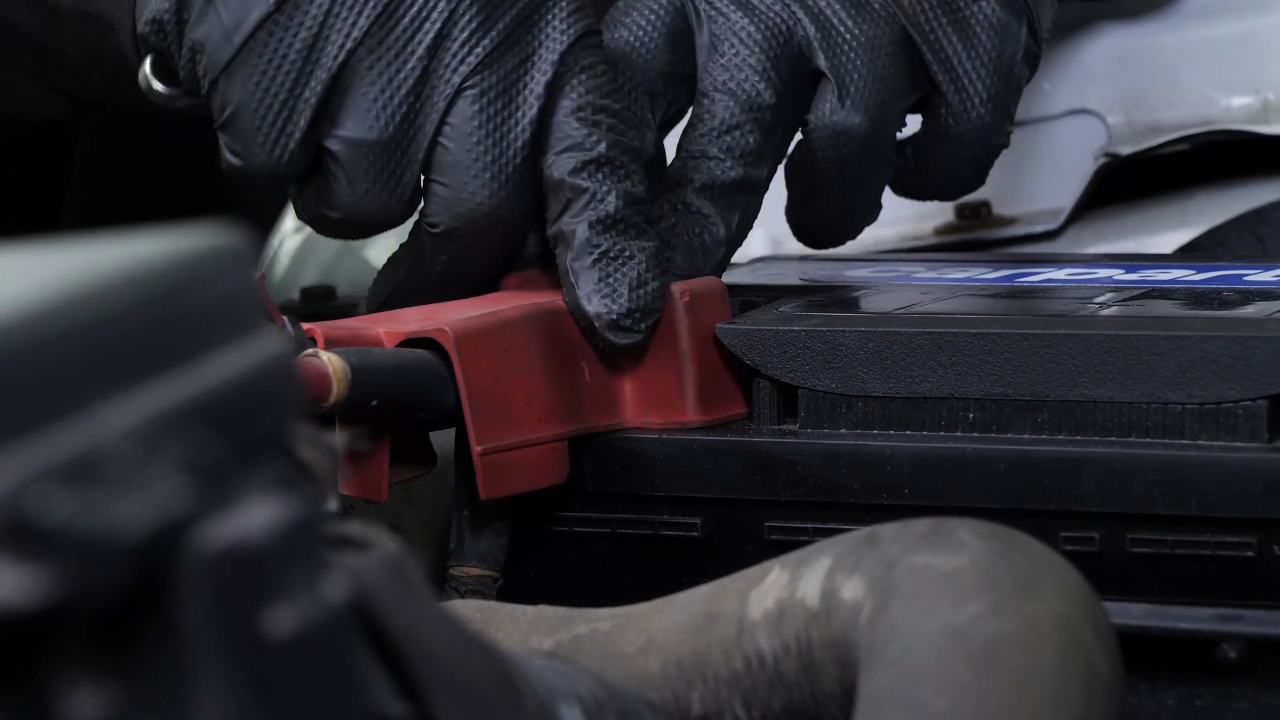
Put the rubber protection back on.
Chapter 9:
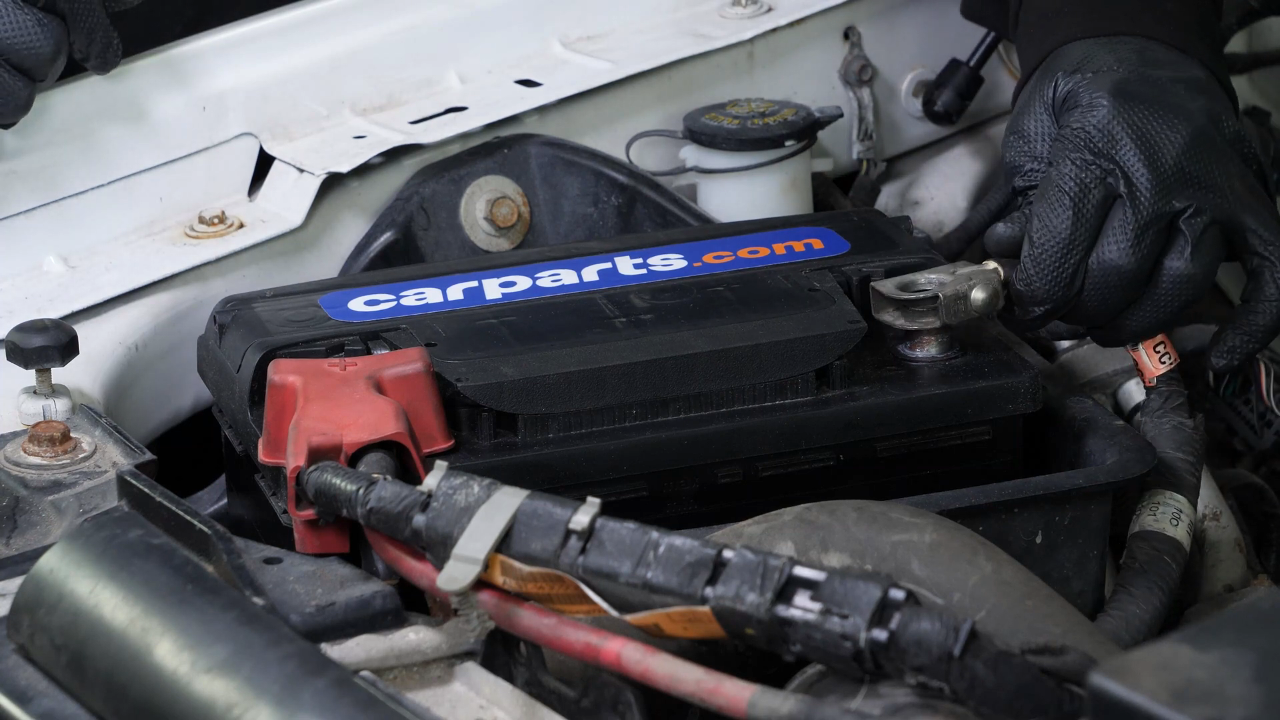
Step 4/4
Then put the negative terminal back on.
Chapter 10:
Finalise the reassembly
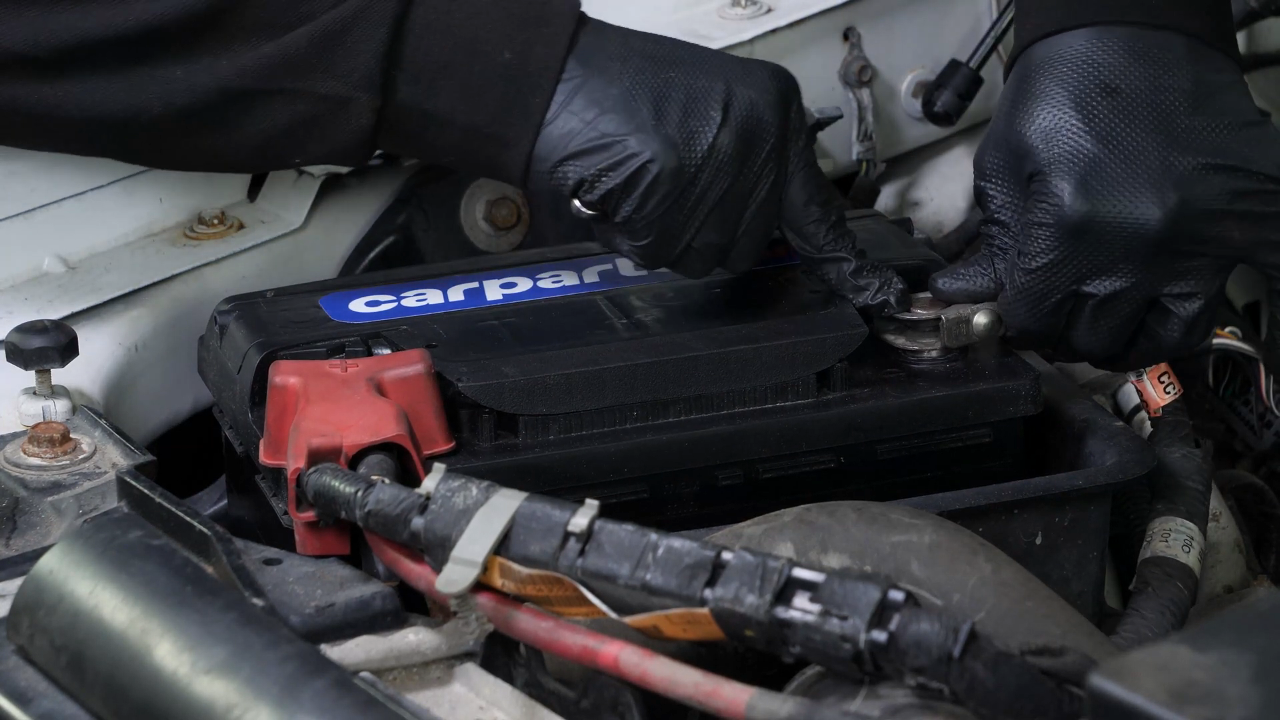
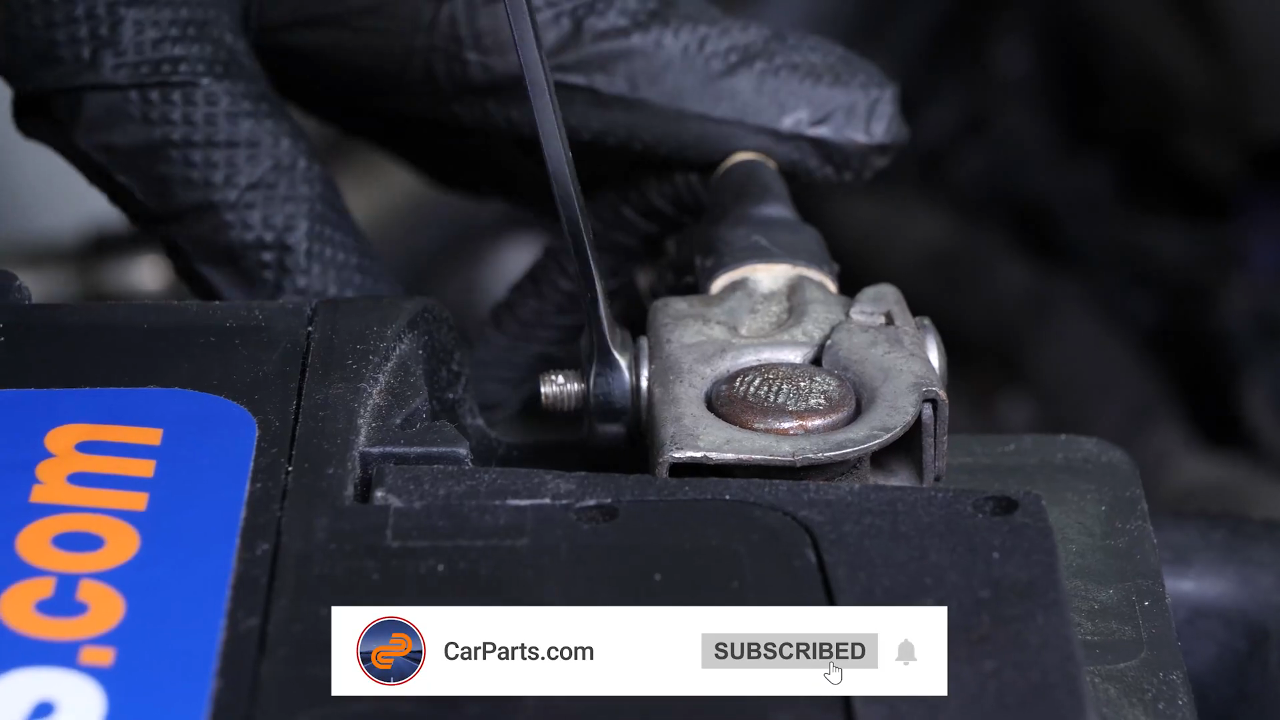
Step 1/3
Insert it fully, before fixing it in place with the wrench.
Chapter 10:
Step 2/3
Put the battery clamp back in place, then finish off the tightening with the ratchet.

Chapter 10:
Step 3/3
Operation complete.