
How to replace the battery 2006 – 2012 Ford Fusion 1
To replace the battery on your Fusion 1 this tutorial was tailor-made for you. You will need to open the hood, disconnect the battery, remove the battery clamp as well as carry out a few other steps. You can carry out this tutorial of 10 chapters in 60 minutes. Bring your 8 mm socket and your ratchet and let’s get started!
Duration
60 minutes
Number of steps
10
Difficulty out of 5
2
Average savings
$40
Parts You Will Need
Tools You Will Need
Step-by-Step Installation
Chapter 1:
Open the hood
Step 1/1
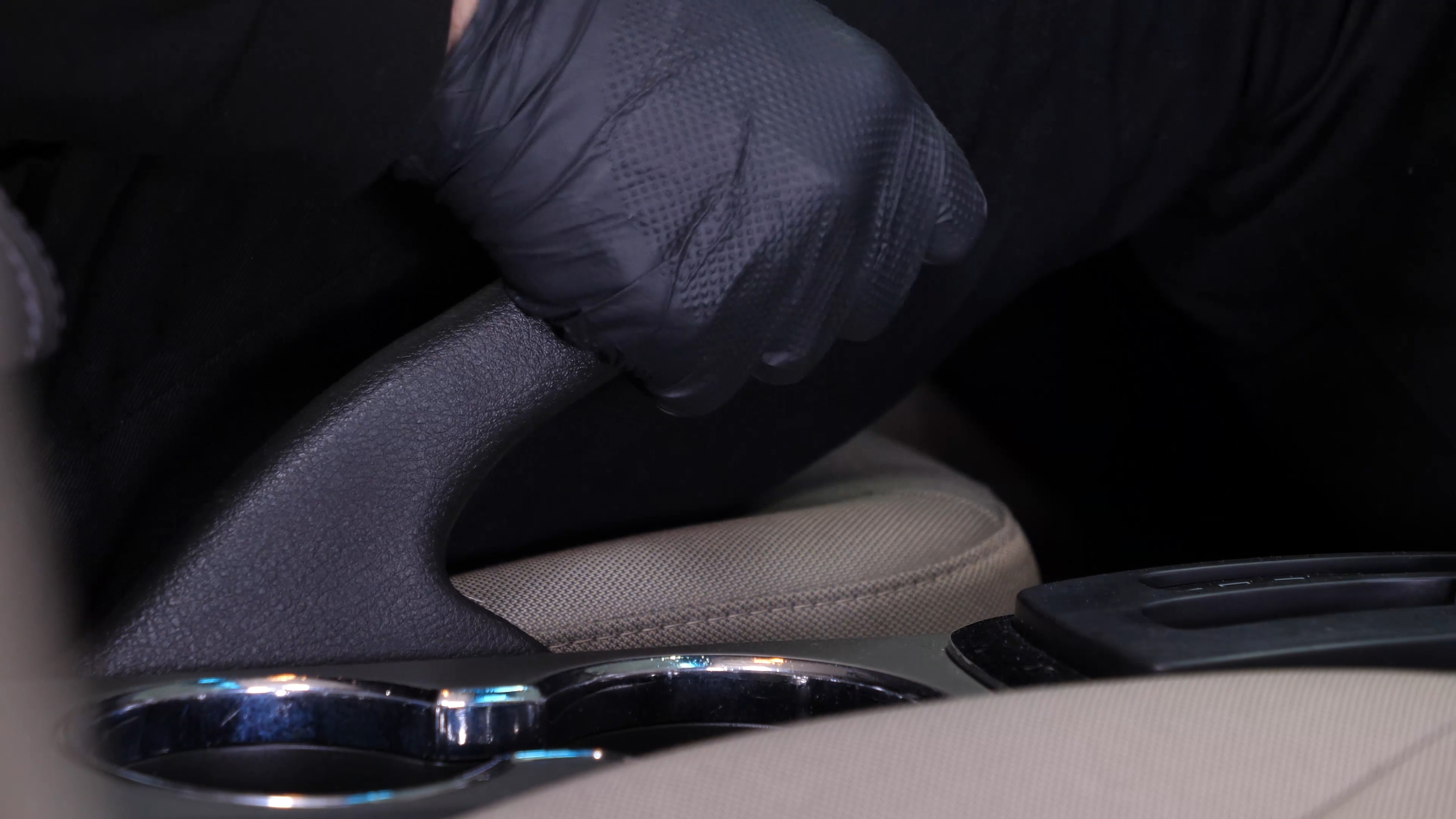
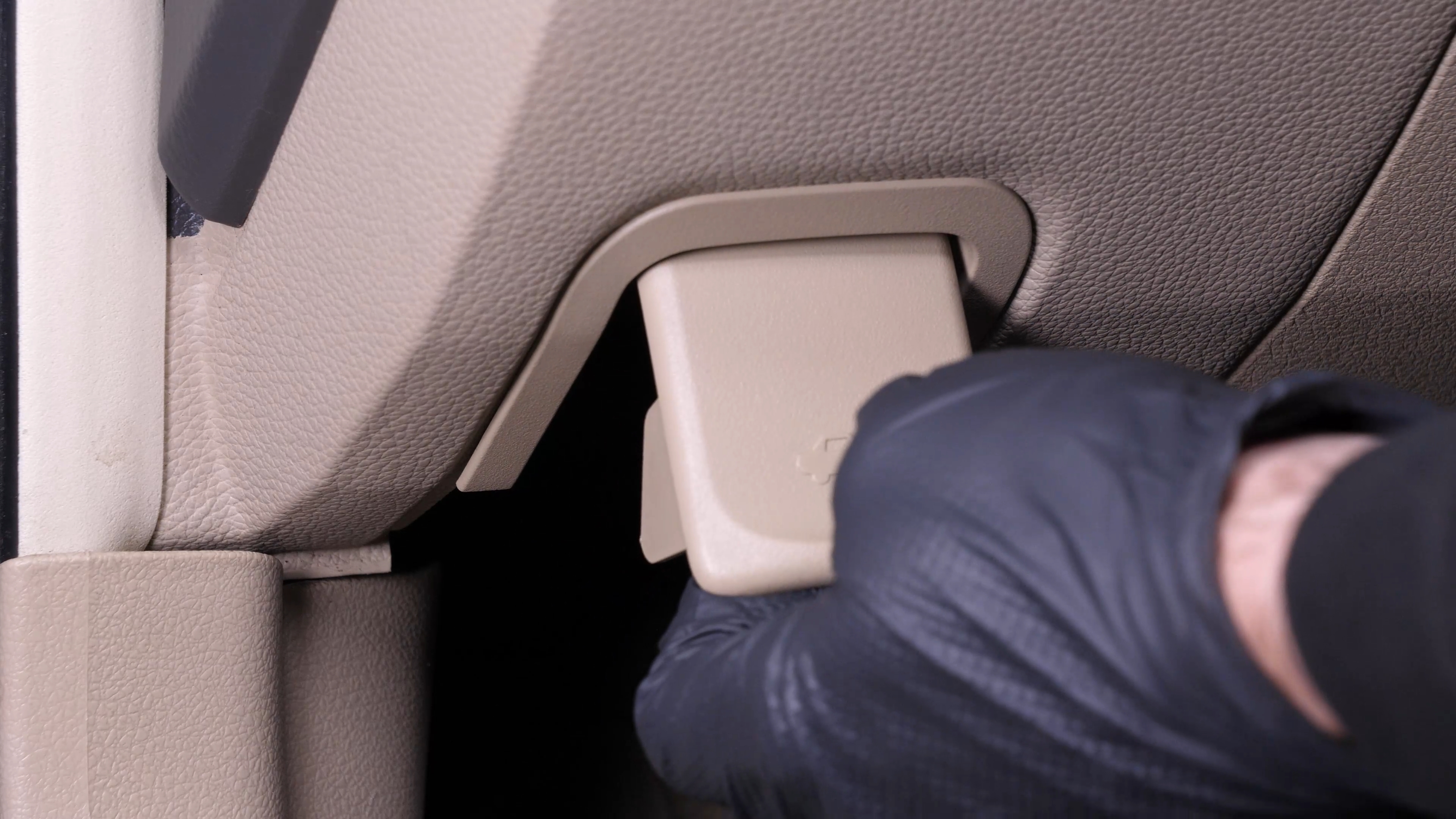
Turn off the ignition, set the parking brake. Pull on the hood release lever and open the hood.

Chapter 2:
Localize the battery
Step 1/1
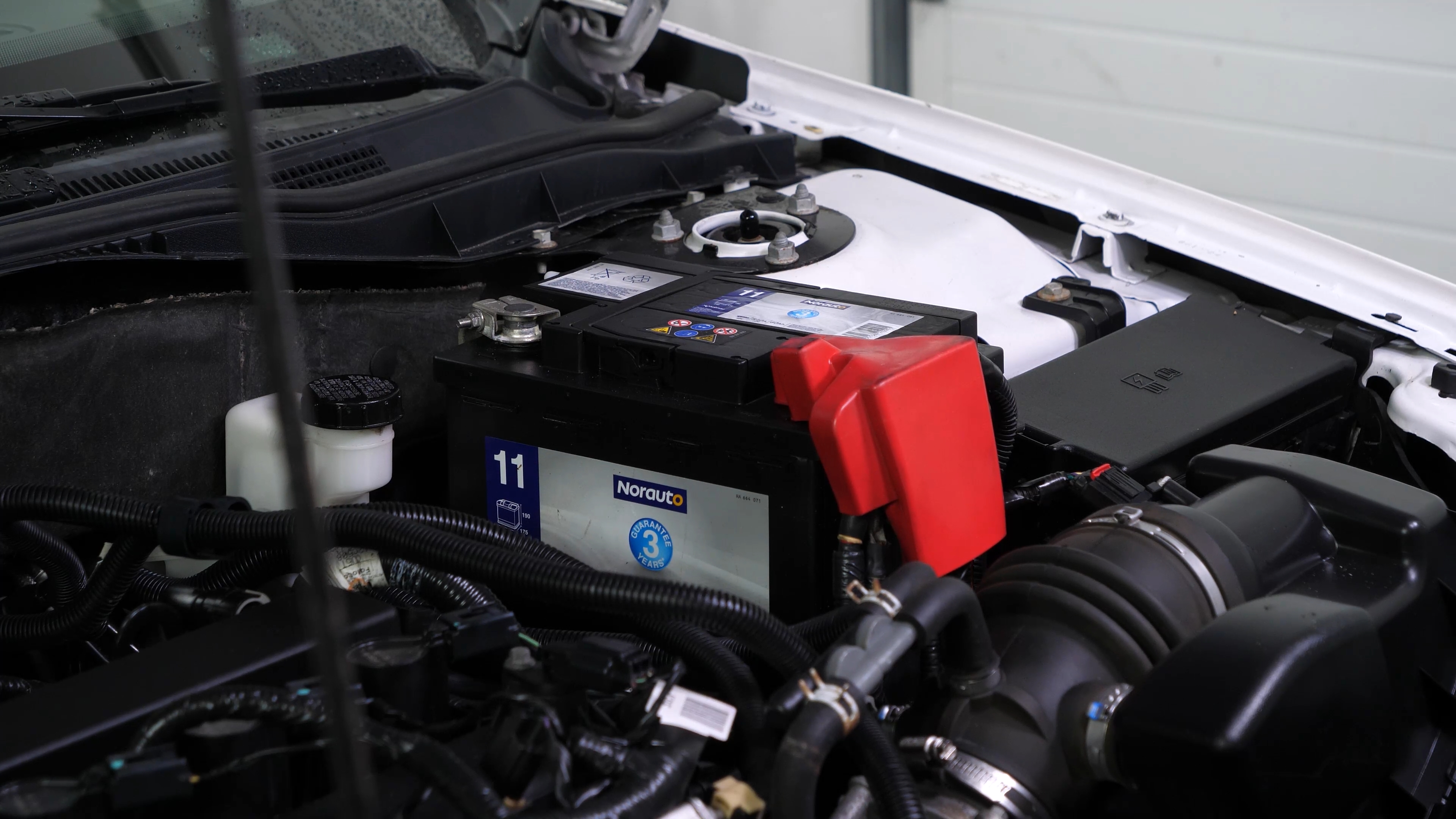
You should now be able to see the battery which is located to the right of the engine compartment.
Chapter 3:
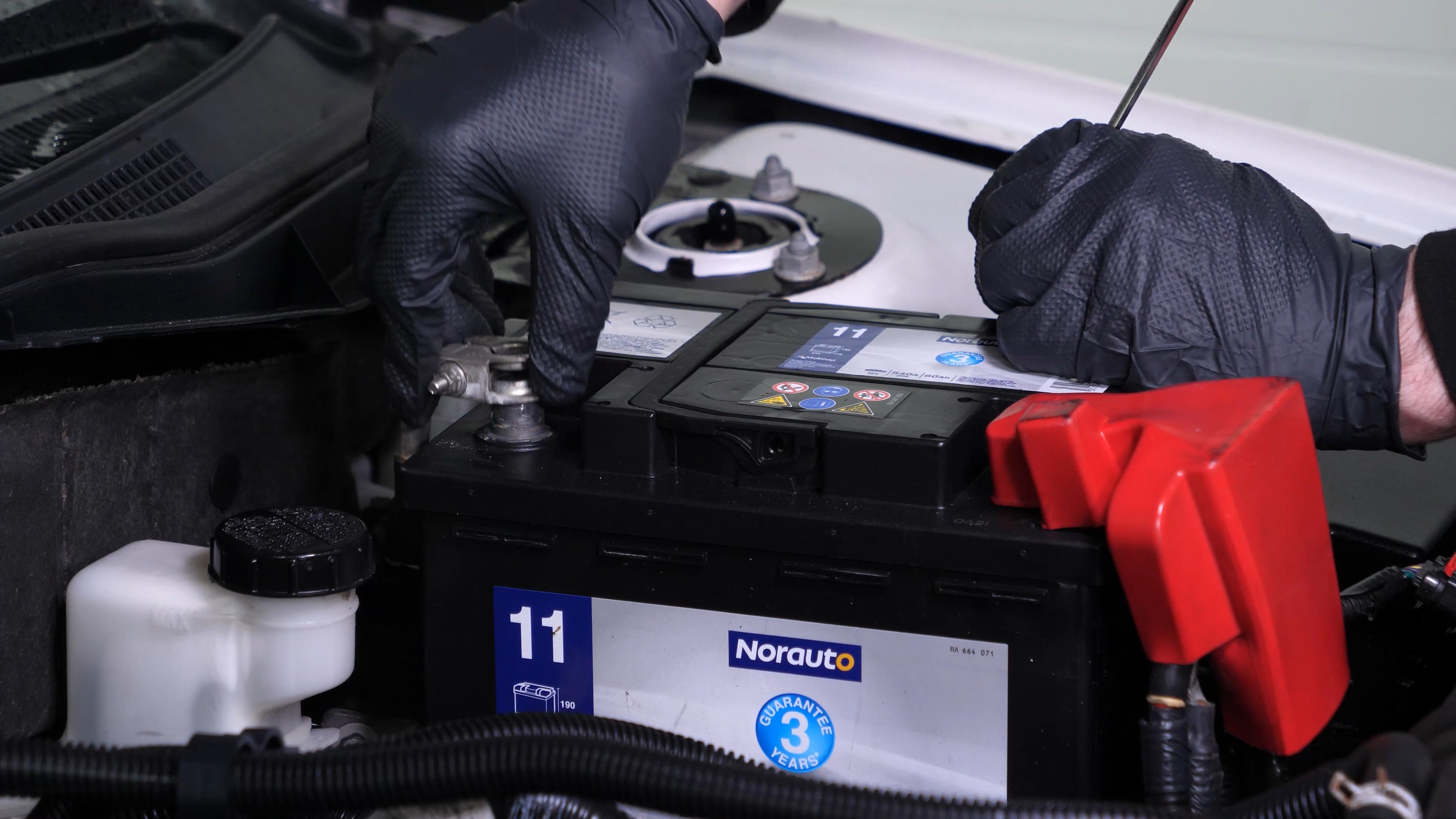
Remove the negative terminal
Step 1/3
Never start by disconnecting the positive terminal, since the whole car is connected to the negative terminal. This can create sparks that are dangerous to your car’s electrical system.

Chapter 3:
Step 2/3
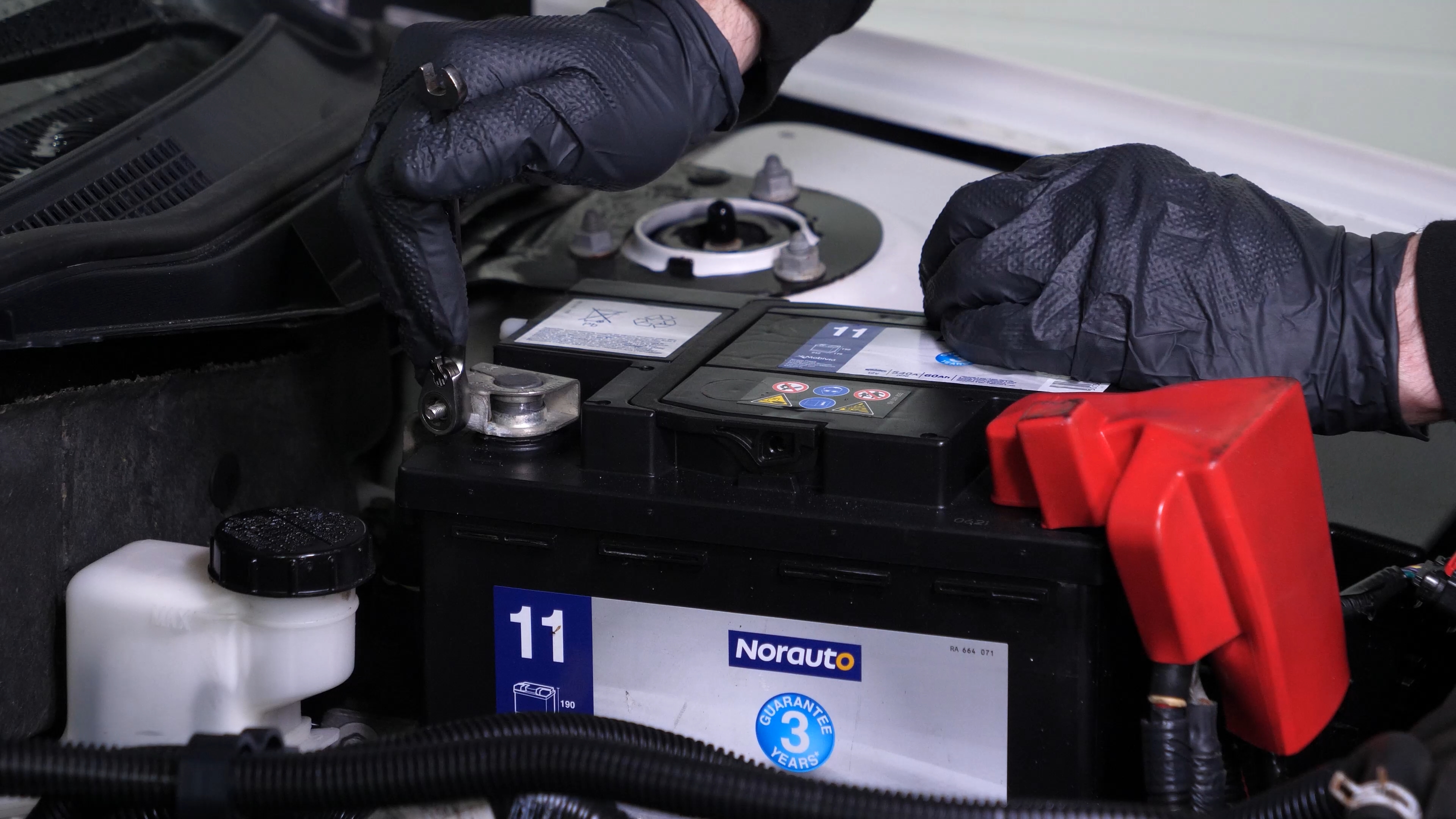
Using an 8 mm wrench, start by removing the negative terminal from the battery.
Chapter 3:
Step 3/3
Once the terminal has been removed, ensure you distance the cable to avoid untimely reconnections which could damage the electrical network of the vehicle.
Chapter 4:
Remove the positive terminal
Step 1/2
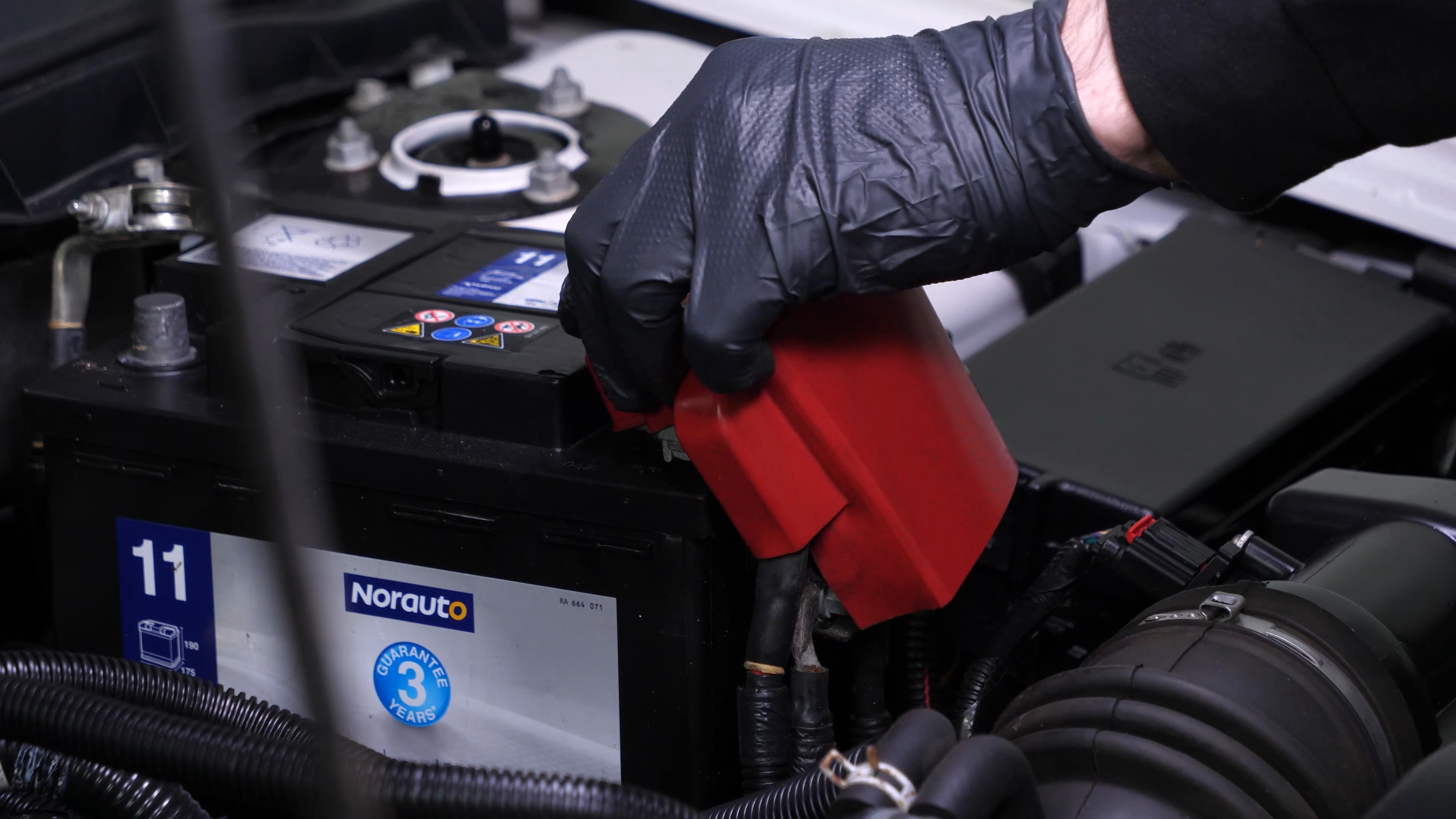
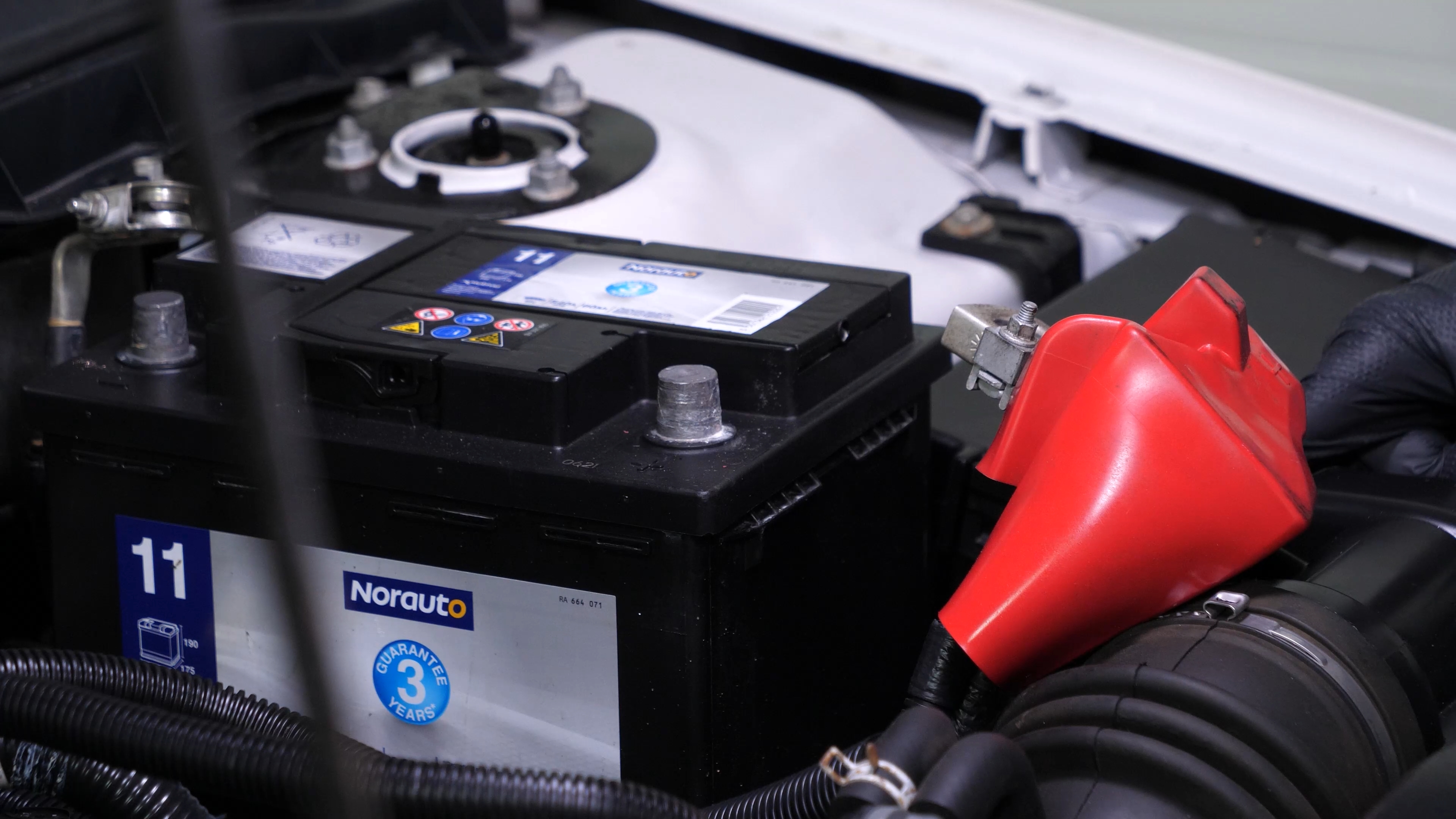
Remove the rubber protection from the positive terminal.
Chapter 4:
Step 2/2
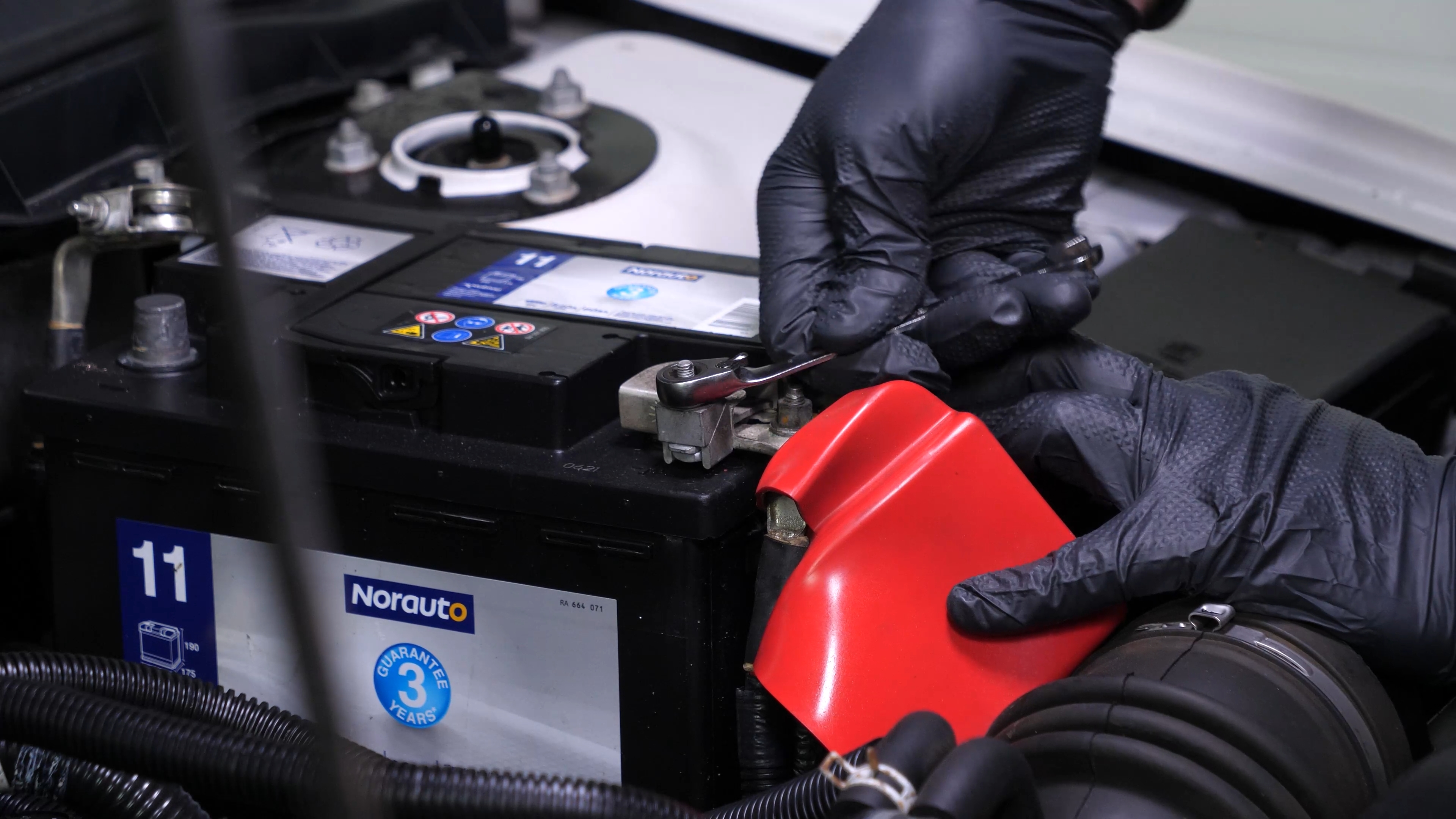
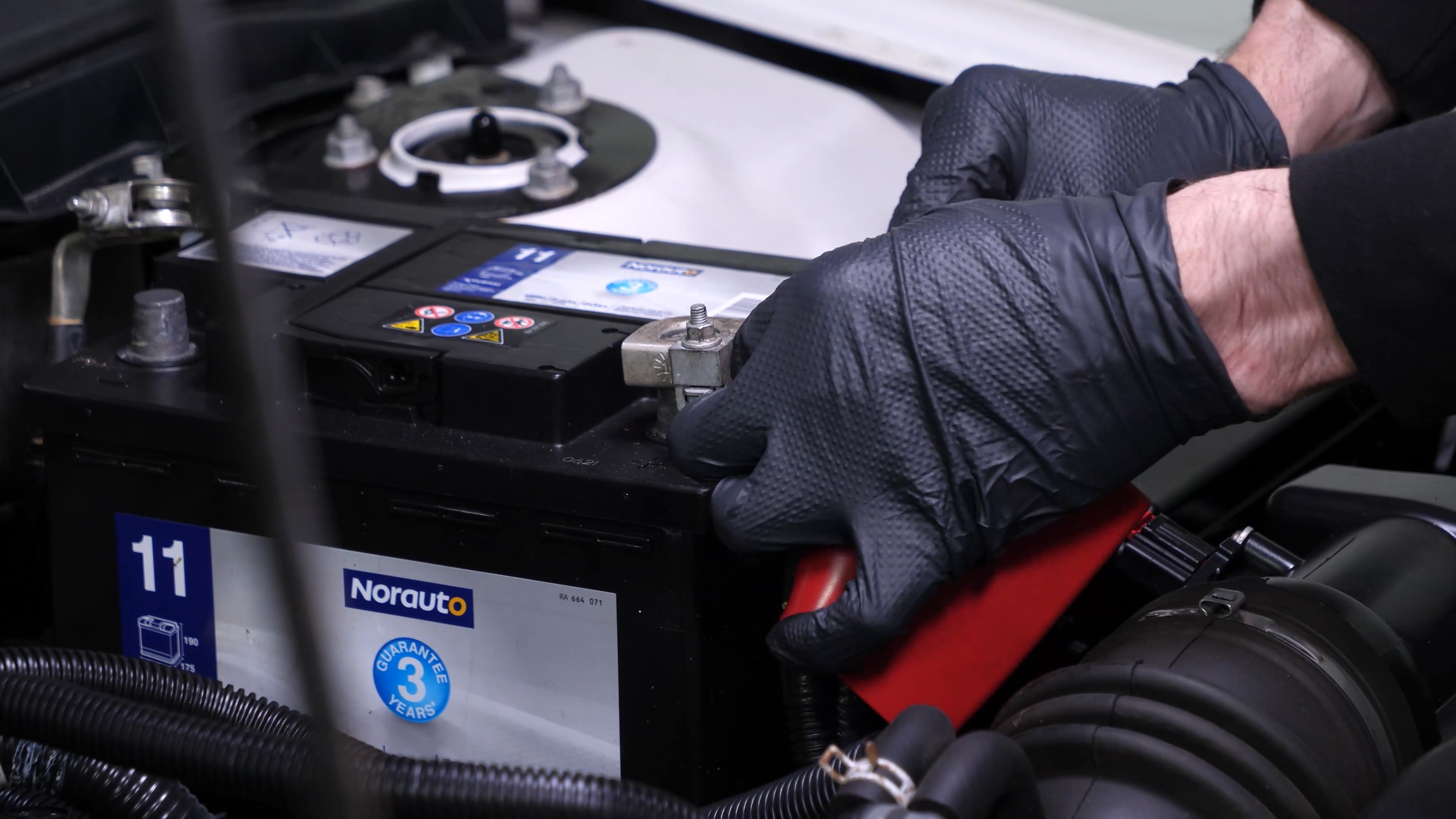
Repeat the operation on the positive terminal.
Chapter 5:
Remove the battery clamp
Step 1/2
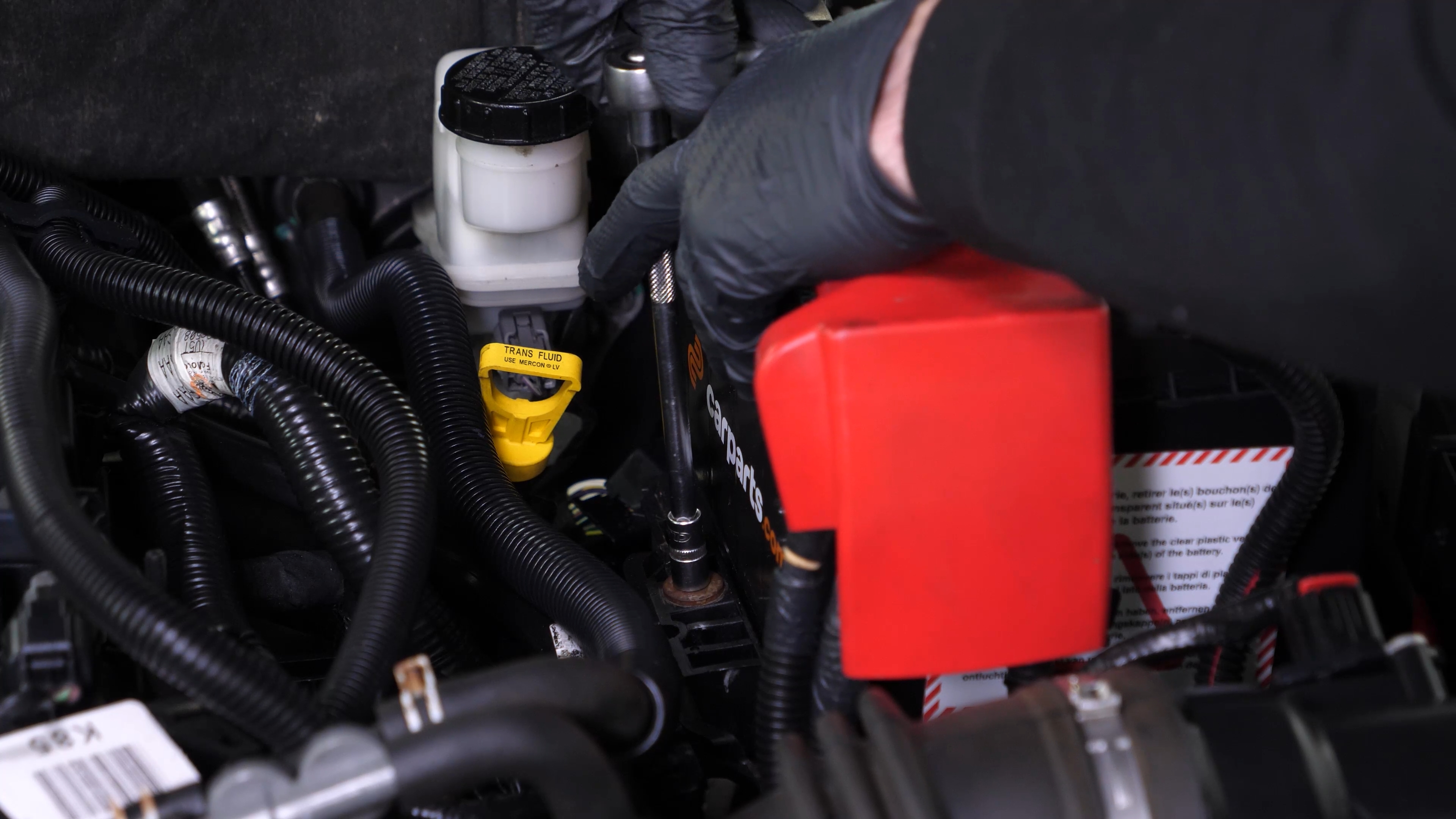
Using a ratchet, an extender and an 8 mm socket, fully unscrew the holding bolt of the battery clamp.

Chapter 5:
Step 2/2
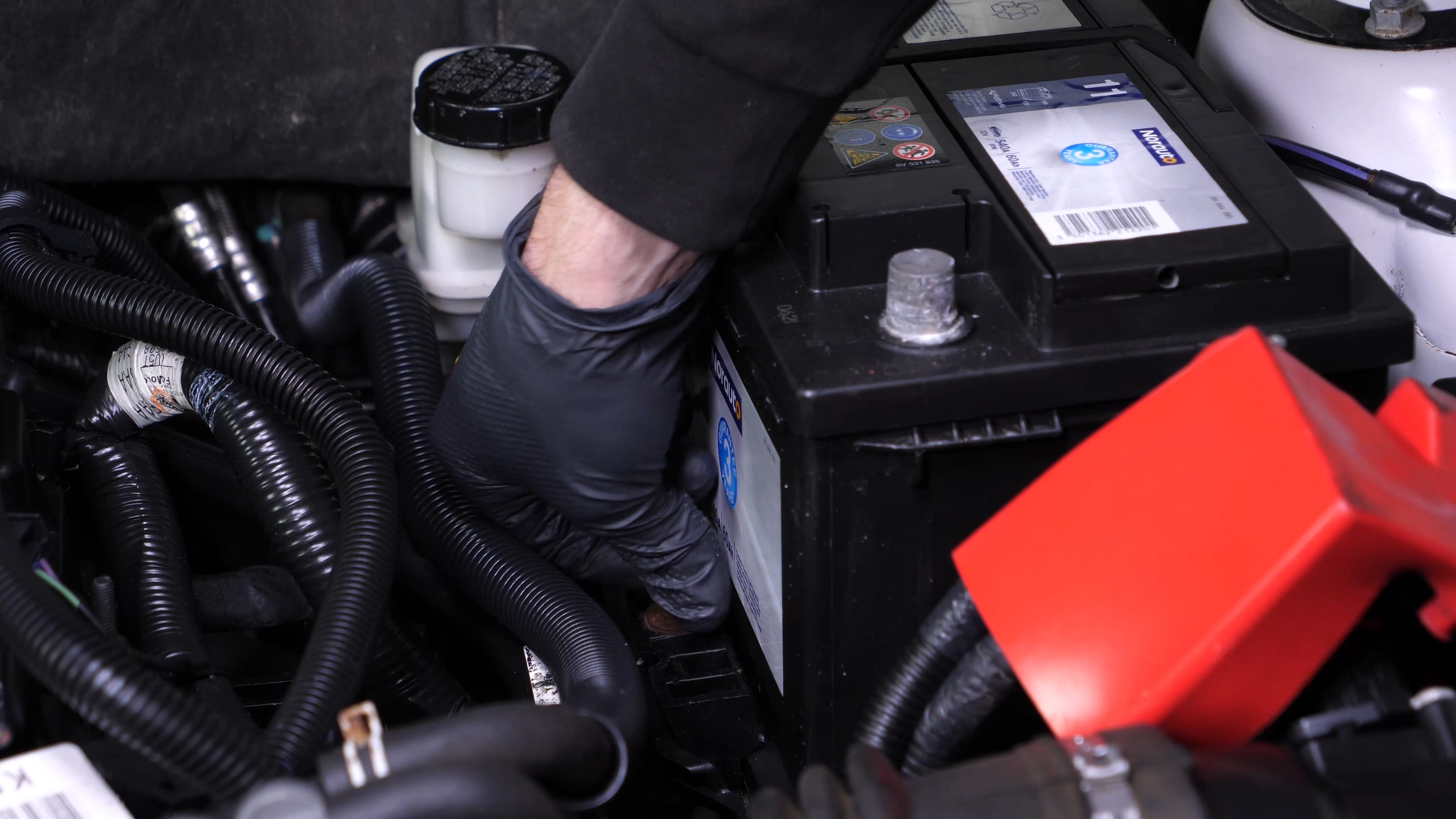
You can now remove the battery clamp.
Chapter 6:
Remove the battery
Step 1/1
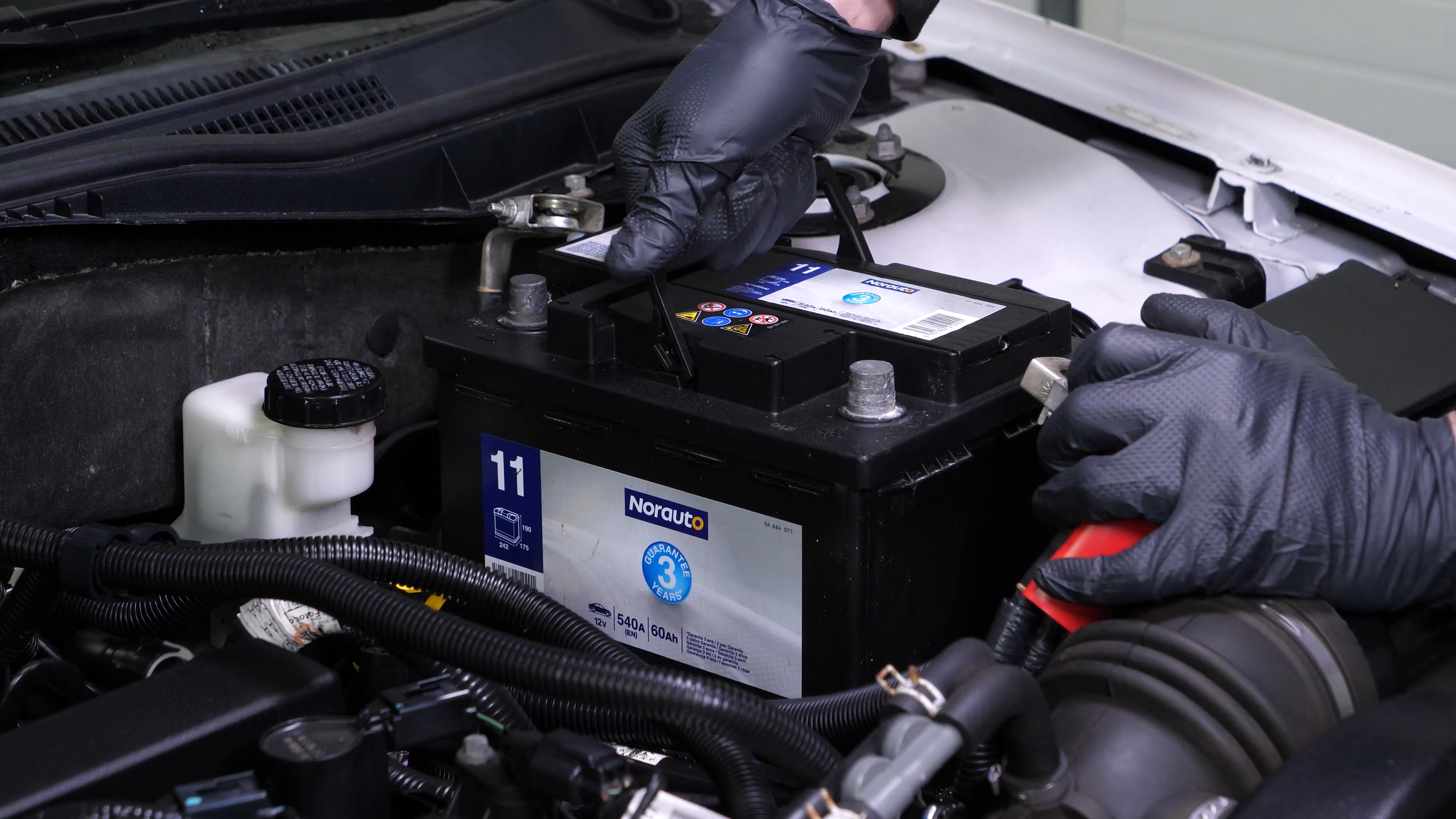
You can now remove the battery.
Chapter 7:
Sand the terminals
Step 1/2
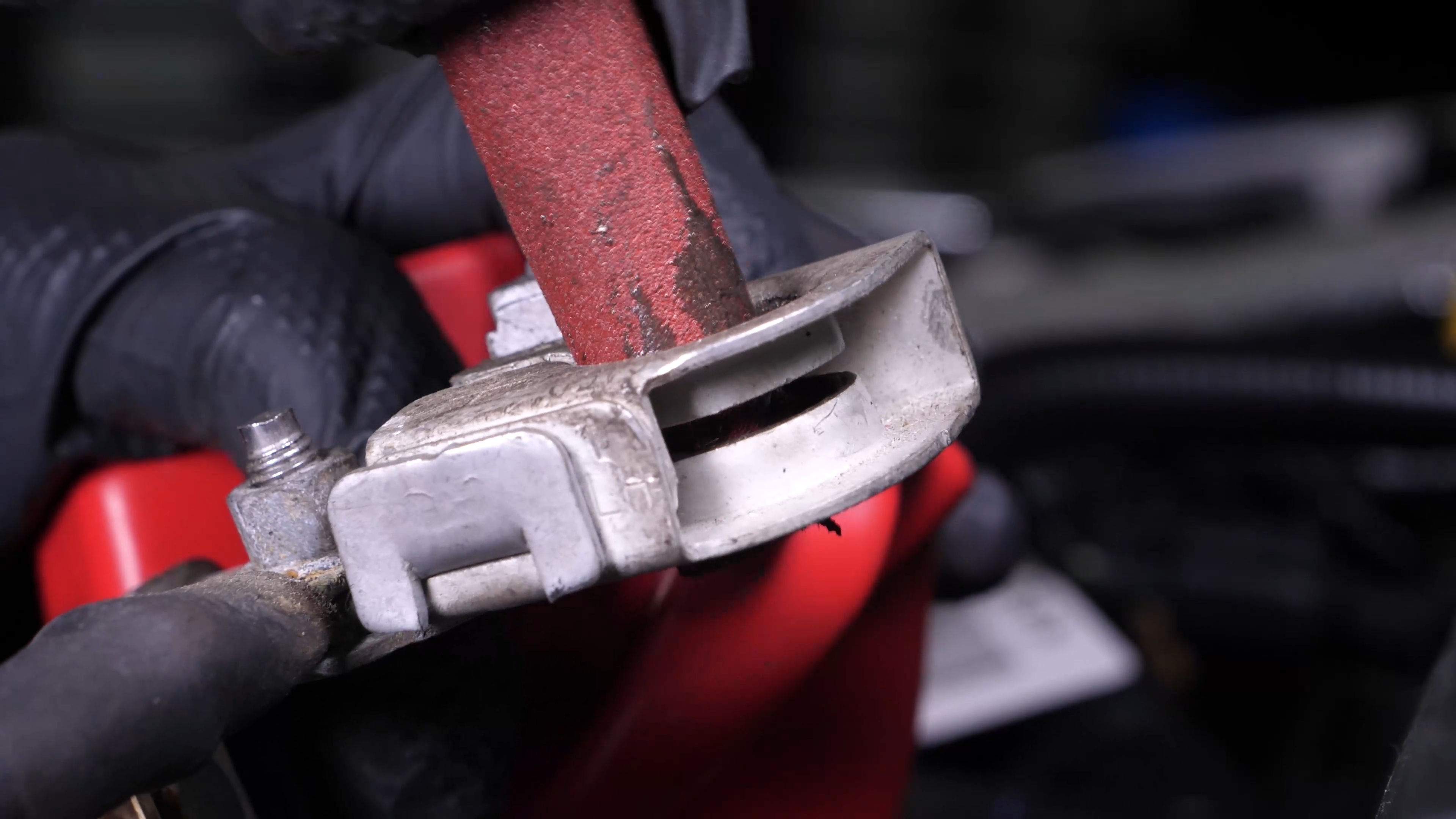
Sand the inside of the terminals with sandpaper to remove the layer of white oxidation and to avoid breakdowns in the long-term.

Chapter 7:
Step 2/2
Coat the terminals with copper grease to improve the contact between the terminals and connections, but also to limit oxidation development.


Chapter 8:
Put the positive terminal back on
Step 1/4
Take the new battery.

Chapter 8:
Step 2/4
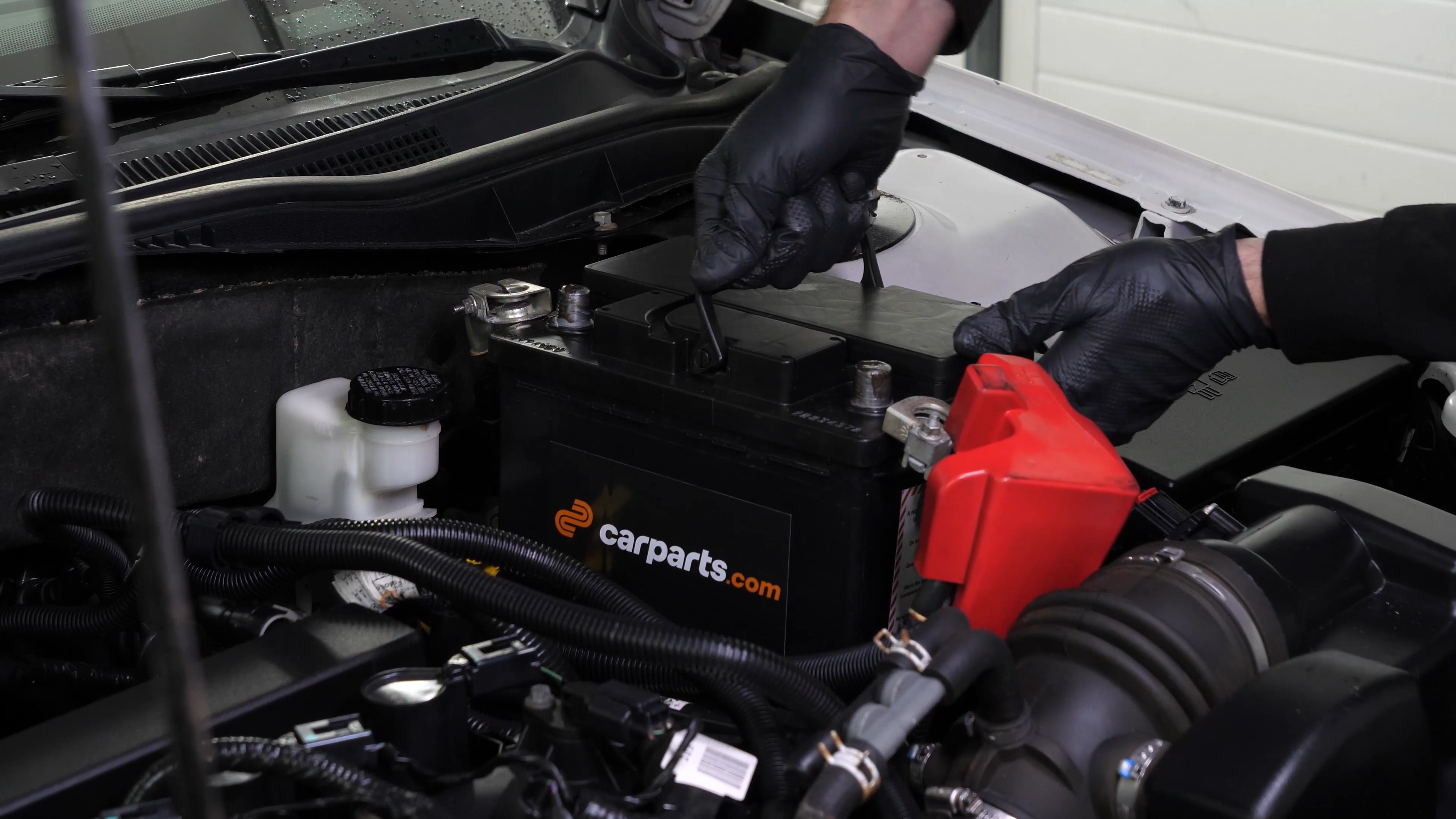
Put the new battery in place and push it firmly into its frame.
Chapter 8:
Step 3/4
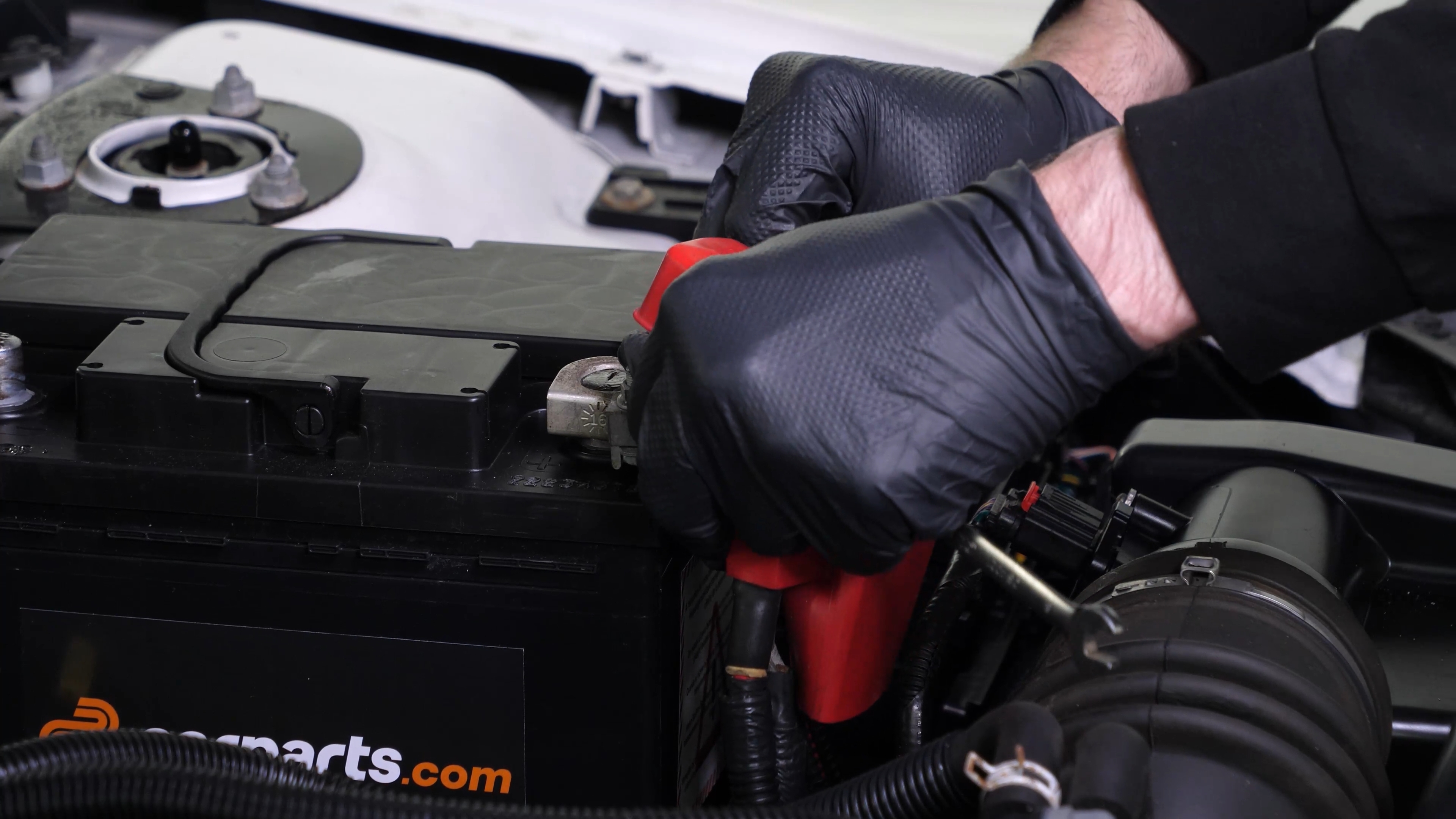
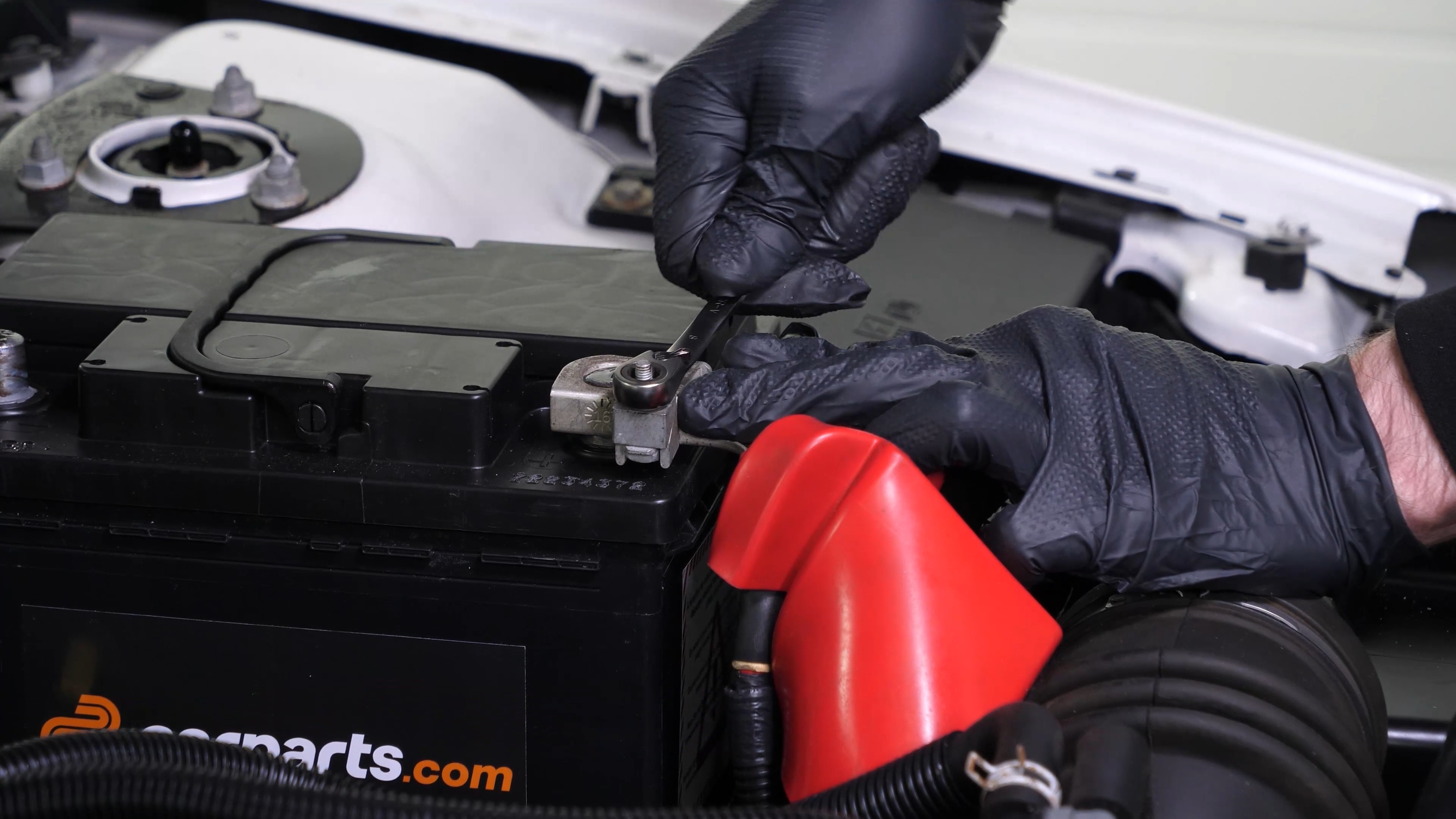
Start by putting the positive terminal back in place. Fix it in place with an 8 mm wrench.
Chapter 8:
Step 4/4
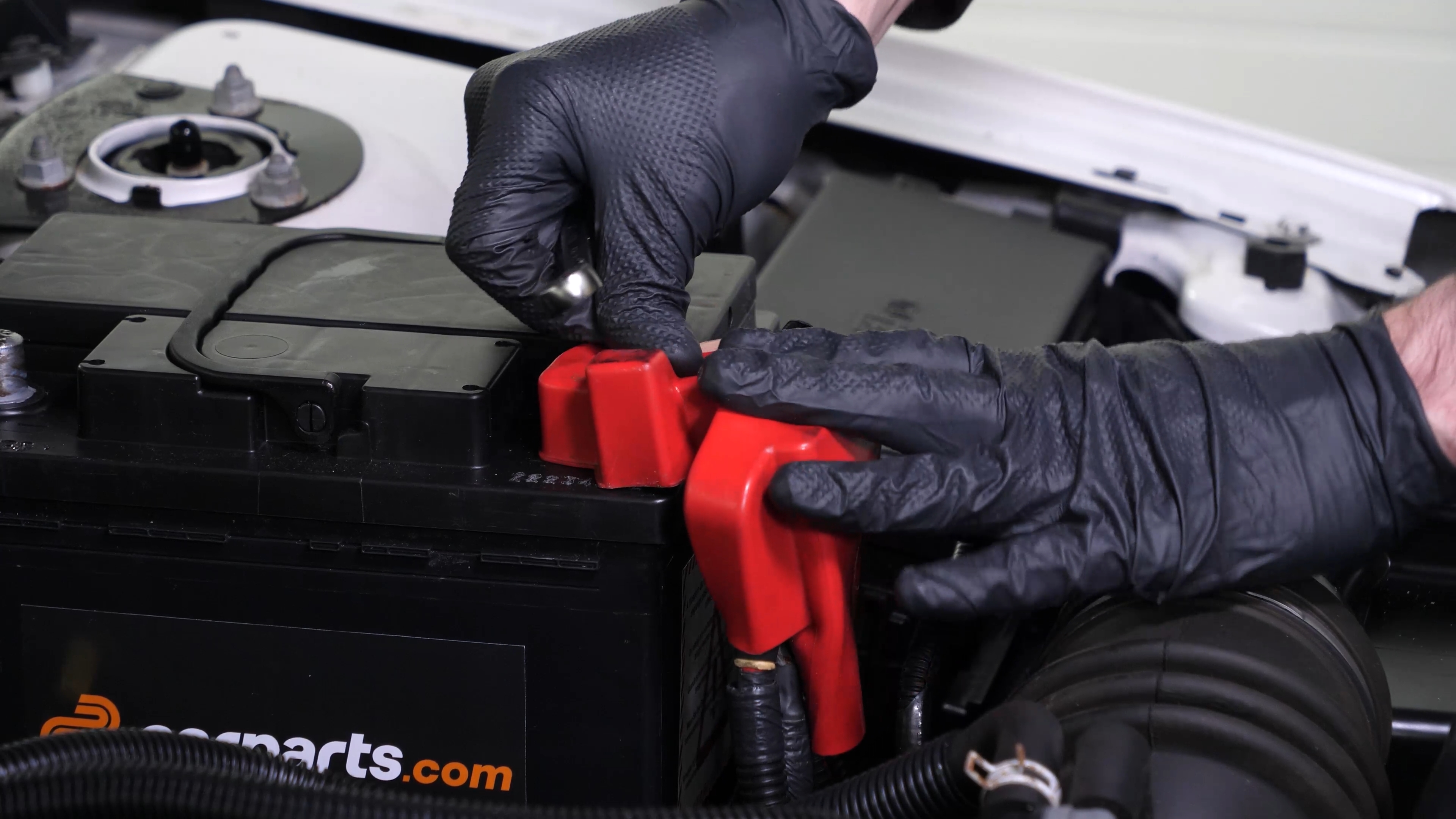
Put the rubber protection back on.
Chapter 9:
Put the negative terminal back on
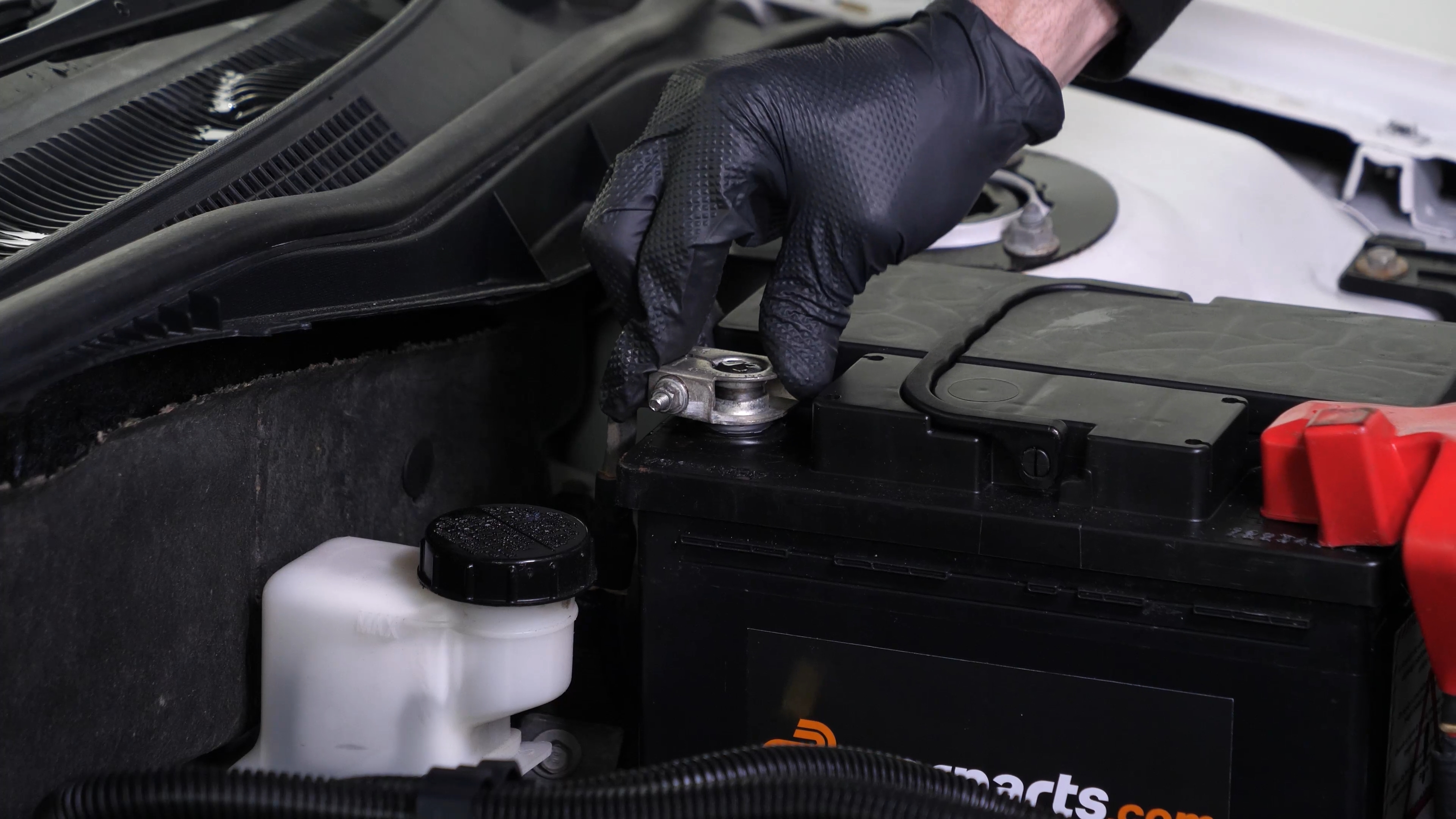
Step 1/2
Then put the negative terminal back on.
Chapter 9:
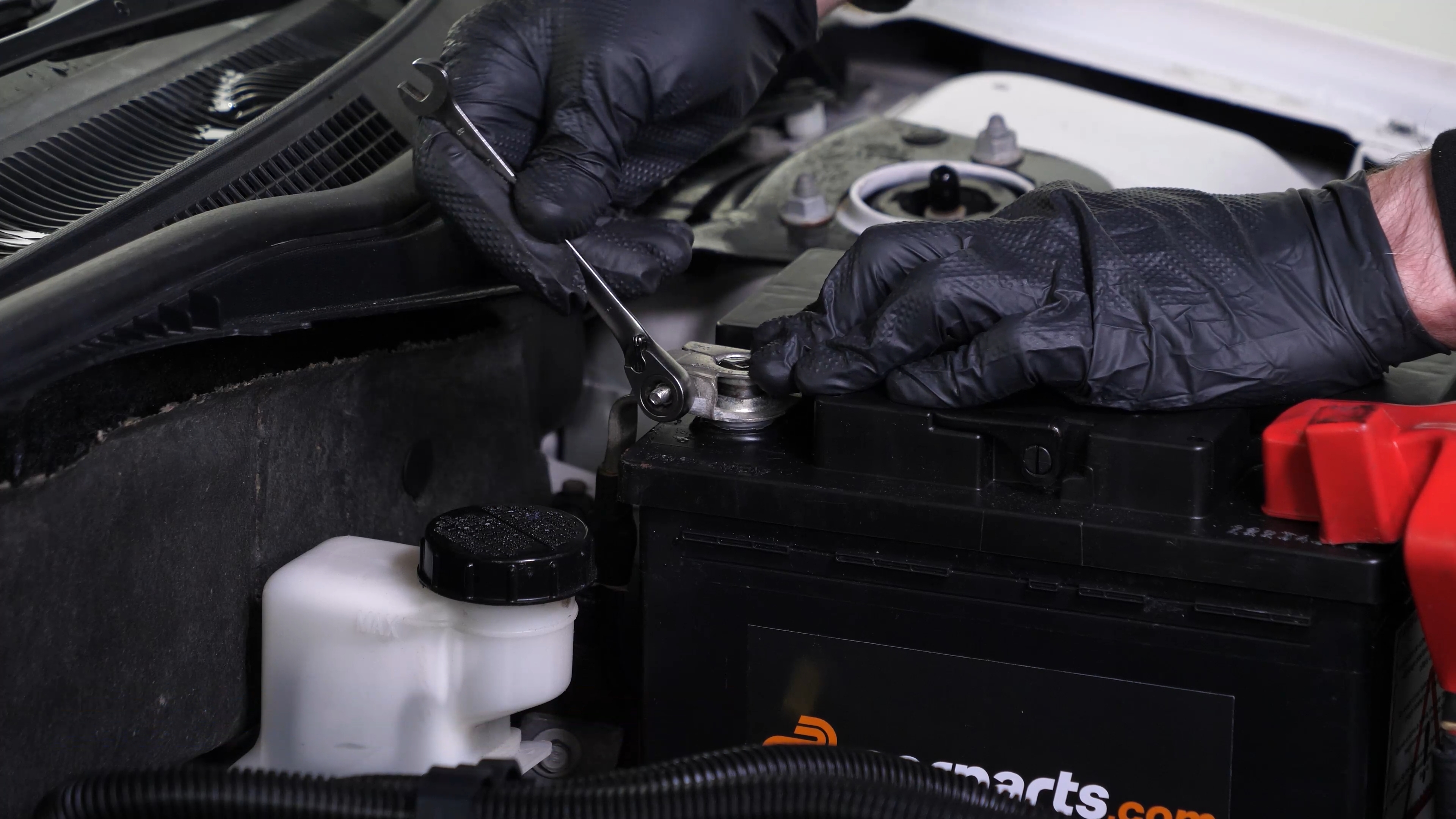
Step 2/2
Insert it fully, before fixing it in place with the wrench.
Chapter 10:
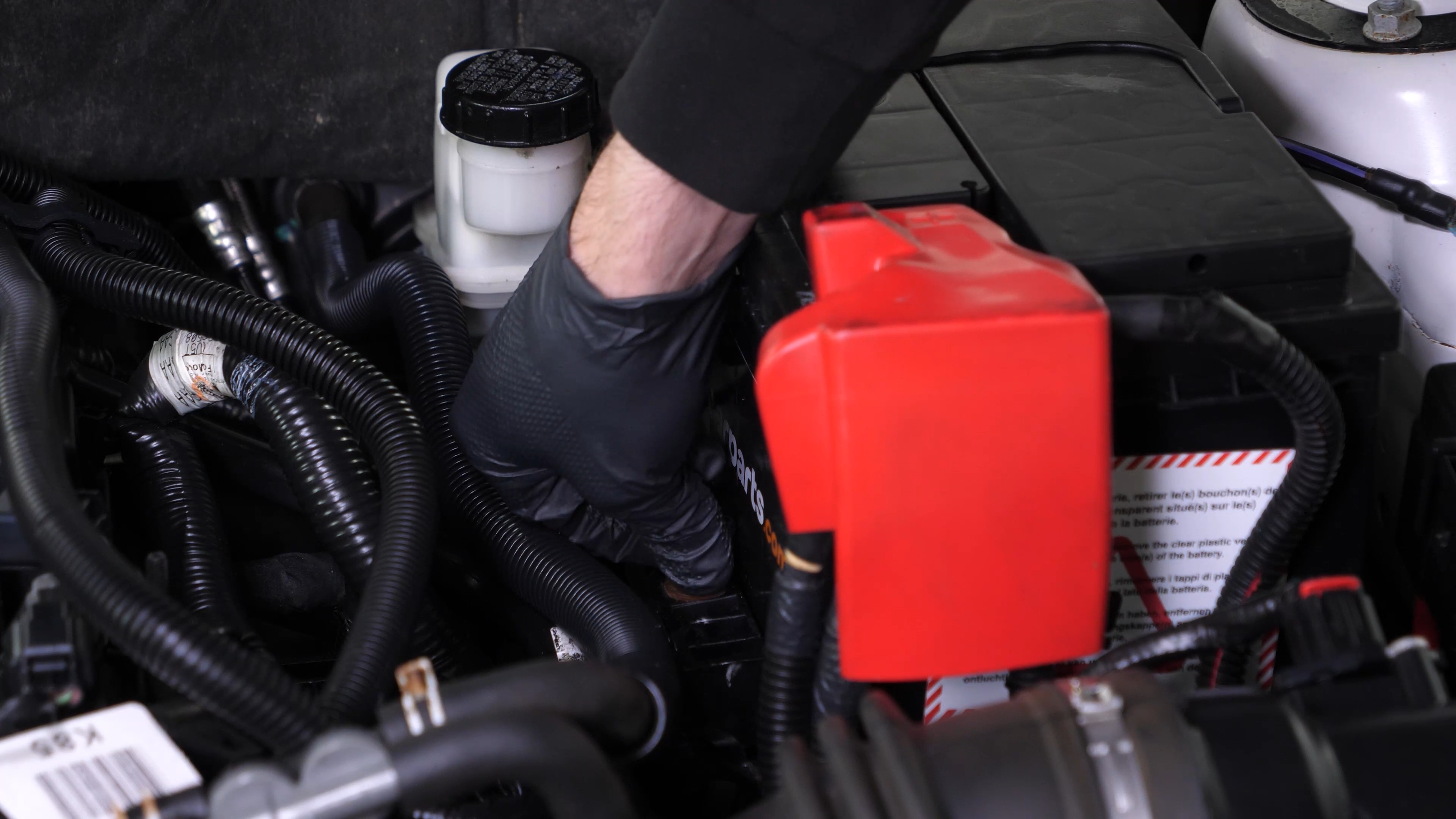
Put the battery clamp back
Step 1/2
Put the battery clamp back in place, then finish off the tightening with the ratchet.
Chapter 10:
Step 2/2
Operation complete.