
How to replace the tail light bulbs 2006 – 2012 Ford Fusion 1
To replace the tail light bulbs on your Fusion 1 just follow the steps. You will need to access to the tail lights, access the bulbs, finalise the reassembly as well as carry out a few other steps. You can carry out this tutorial of 6 chapters in 15 minutes. Bring your tutorial and your paper towels and let’s get started!
Duration
15 minutes
Number of steps
6
Difficulty out of 5
1
Average savings
$15
Parts You Will Need
Tools You Will Need
Step-by-Step Installation
Chapter 1:
Set up
Step 1/2
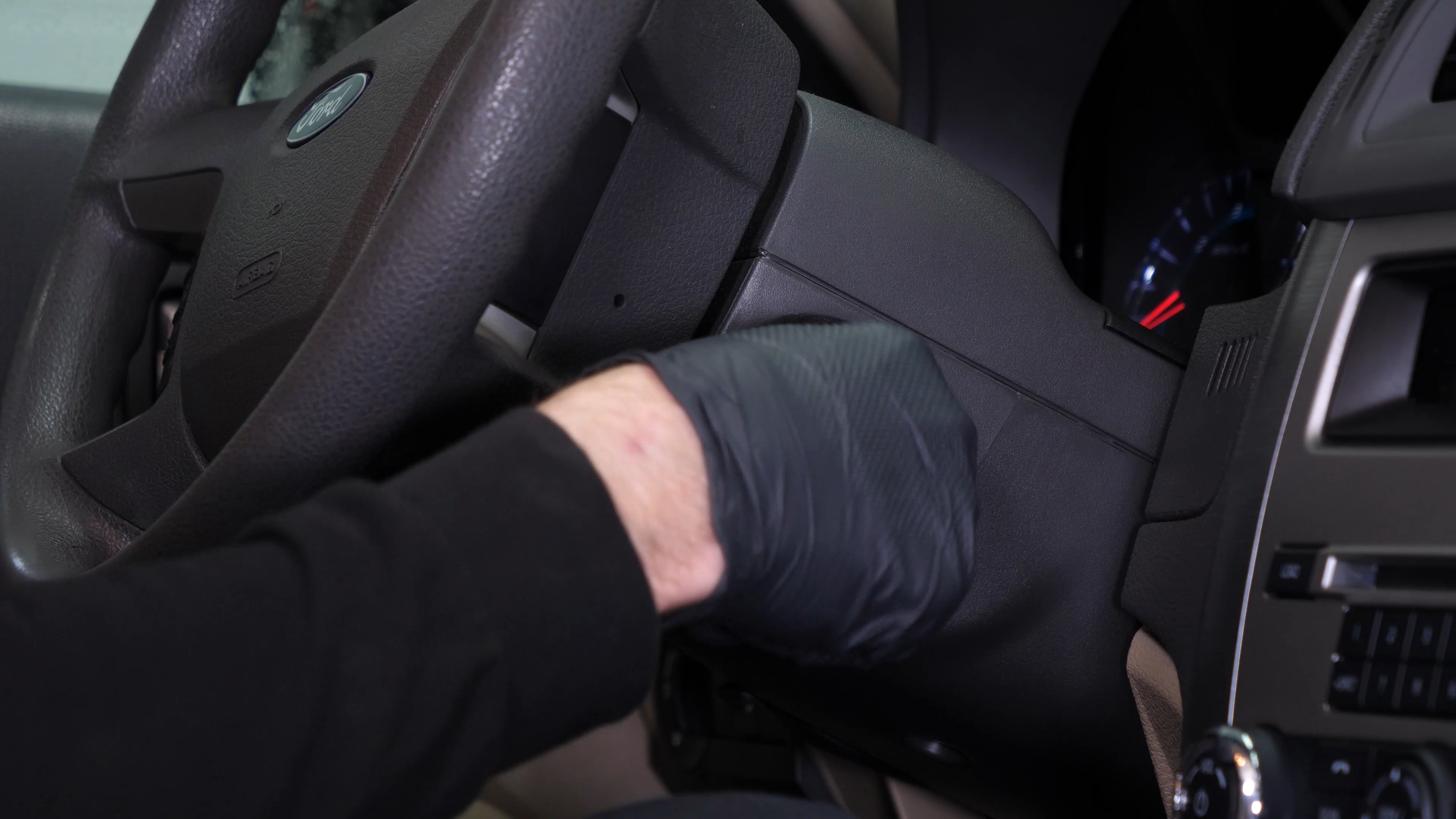
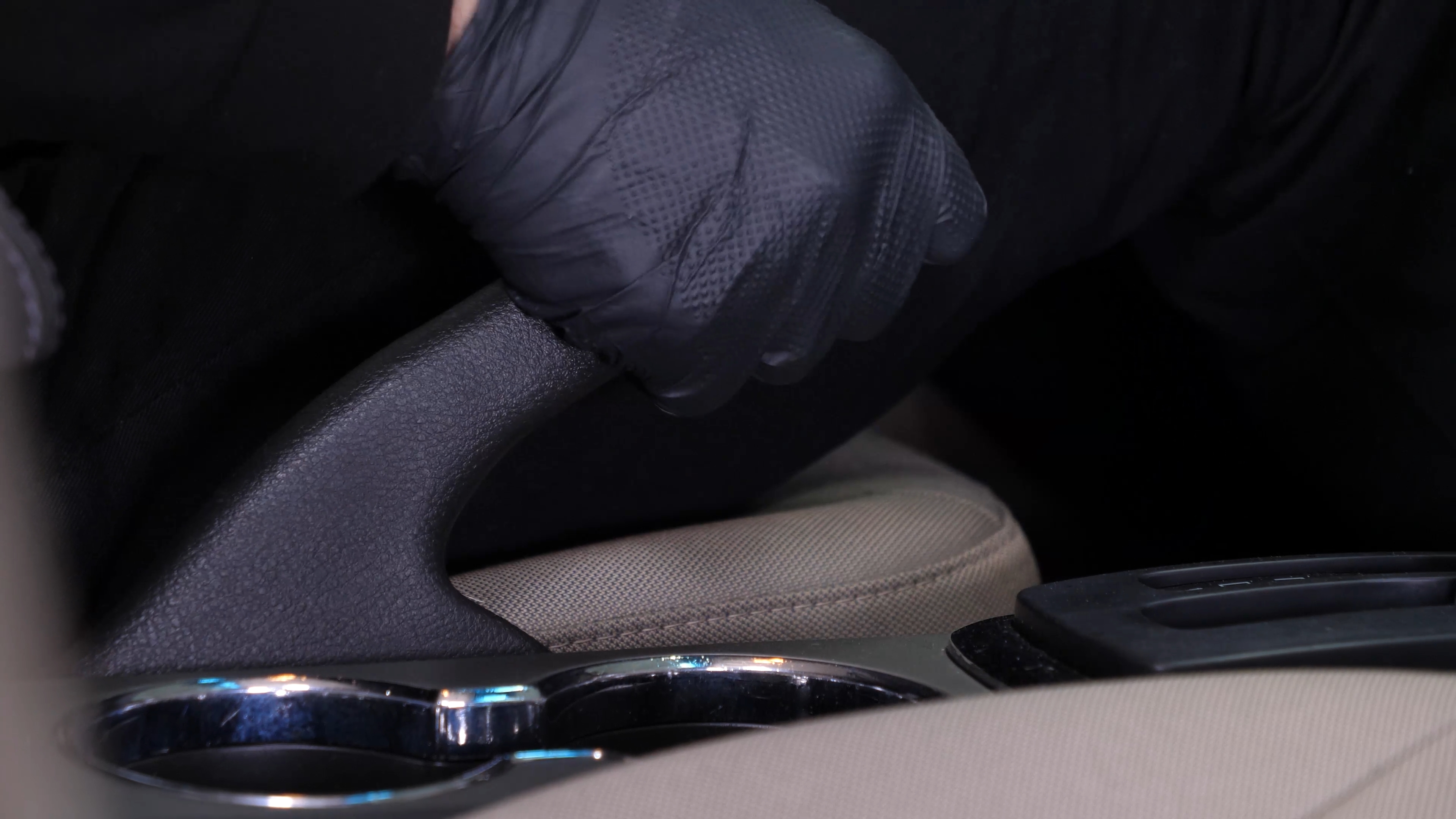
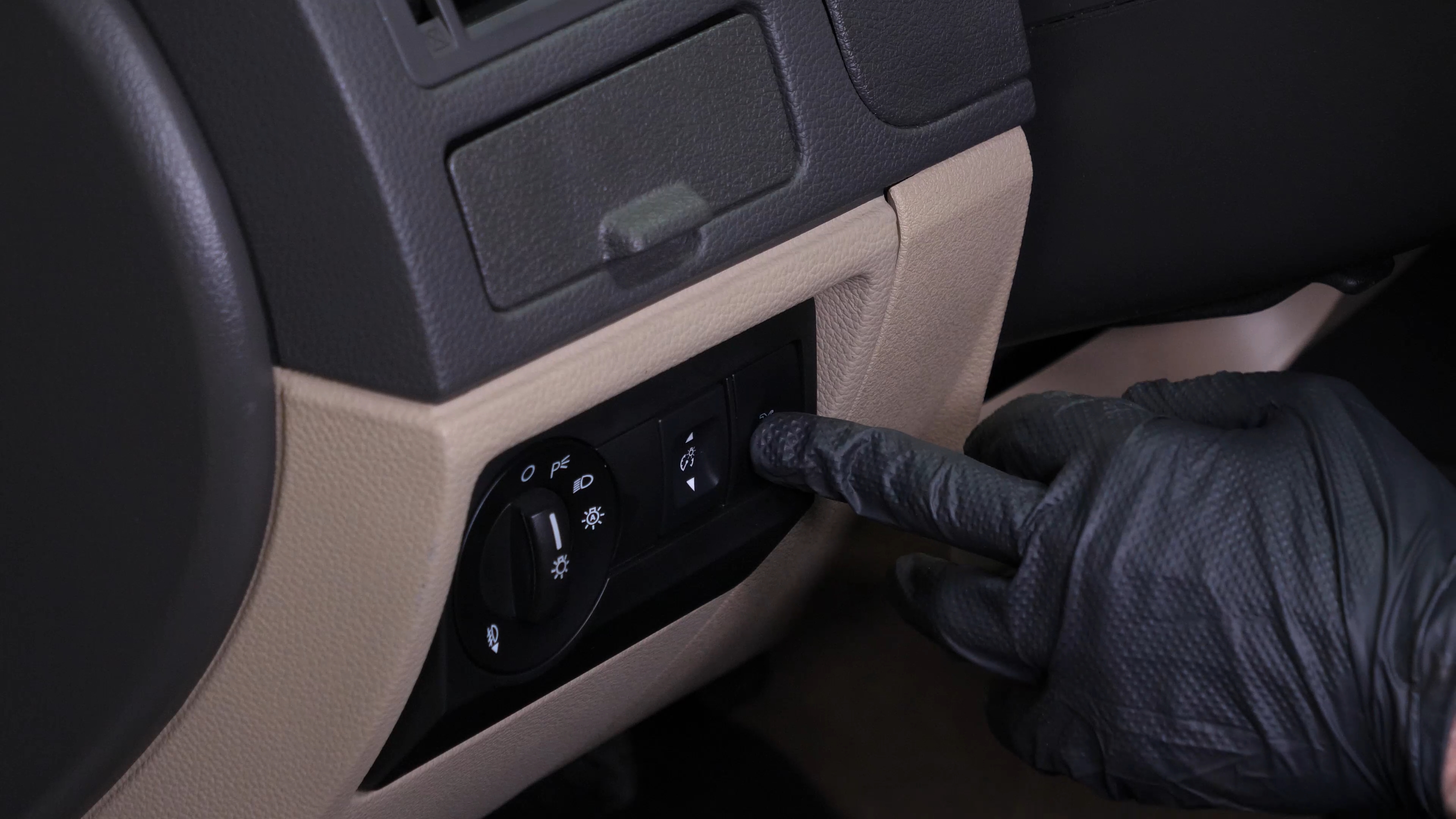
Turn your engine off, set the parking brake and press the trunk release button.
Chapter 1:
Step 2/2
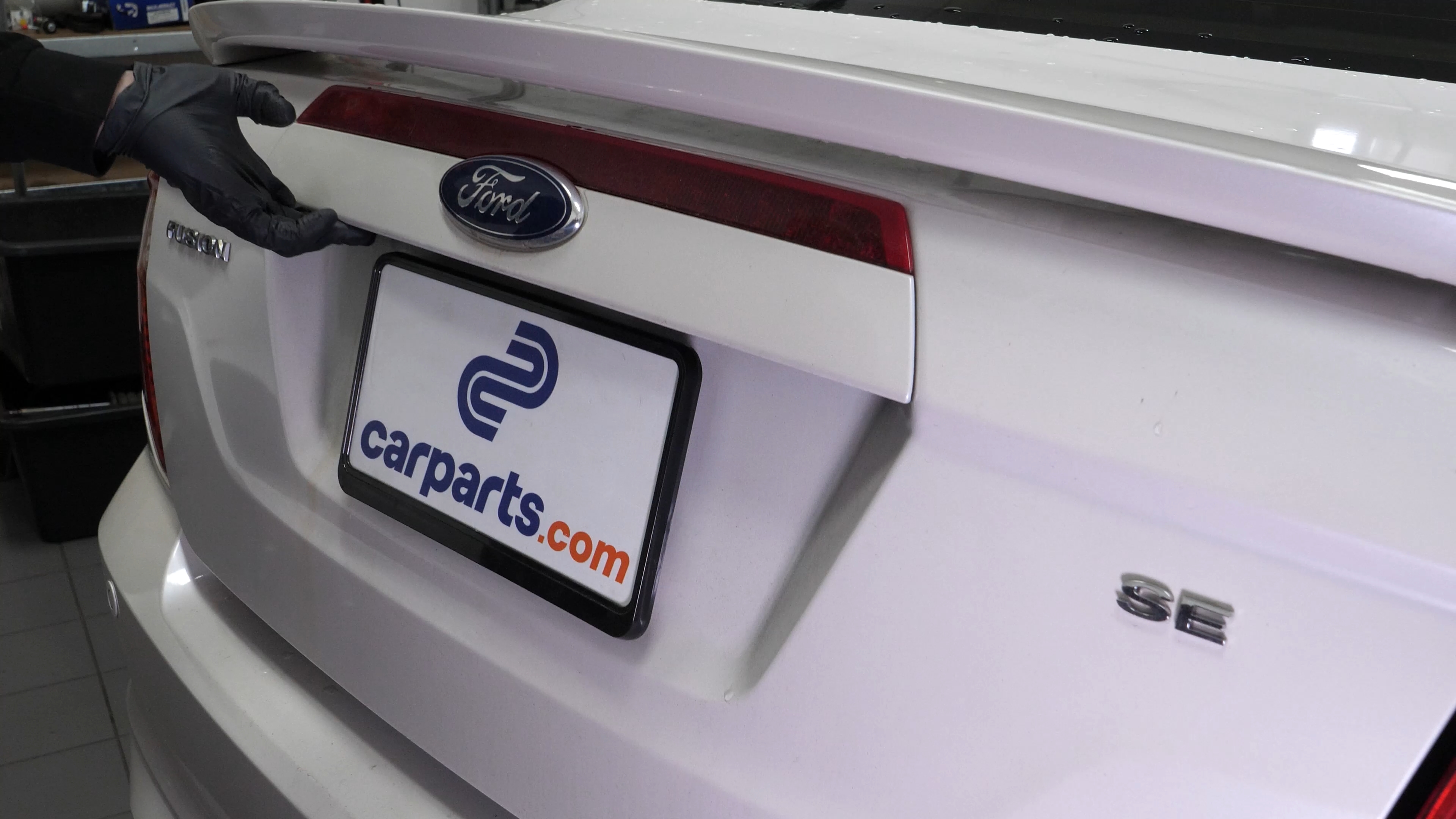
Open the trunk.
Chapter 2:
Tips
Step 1/1
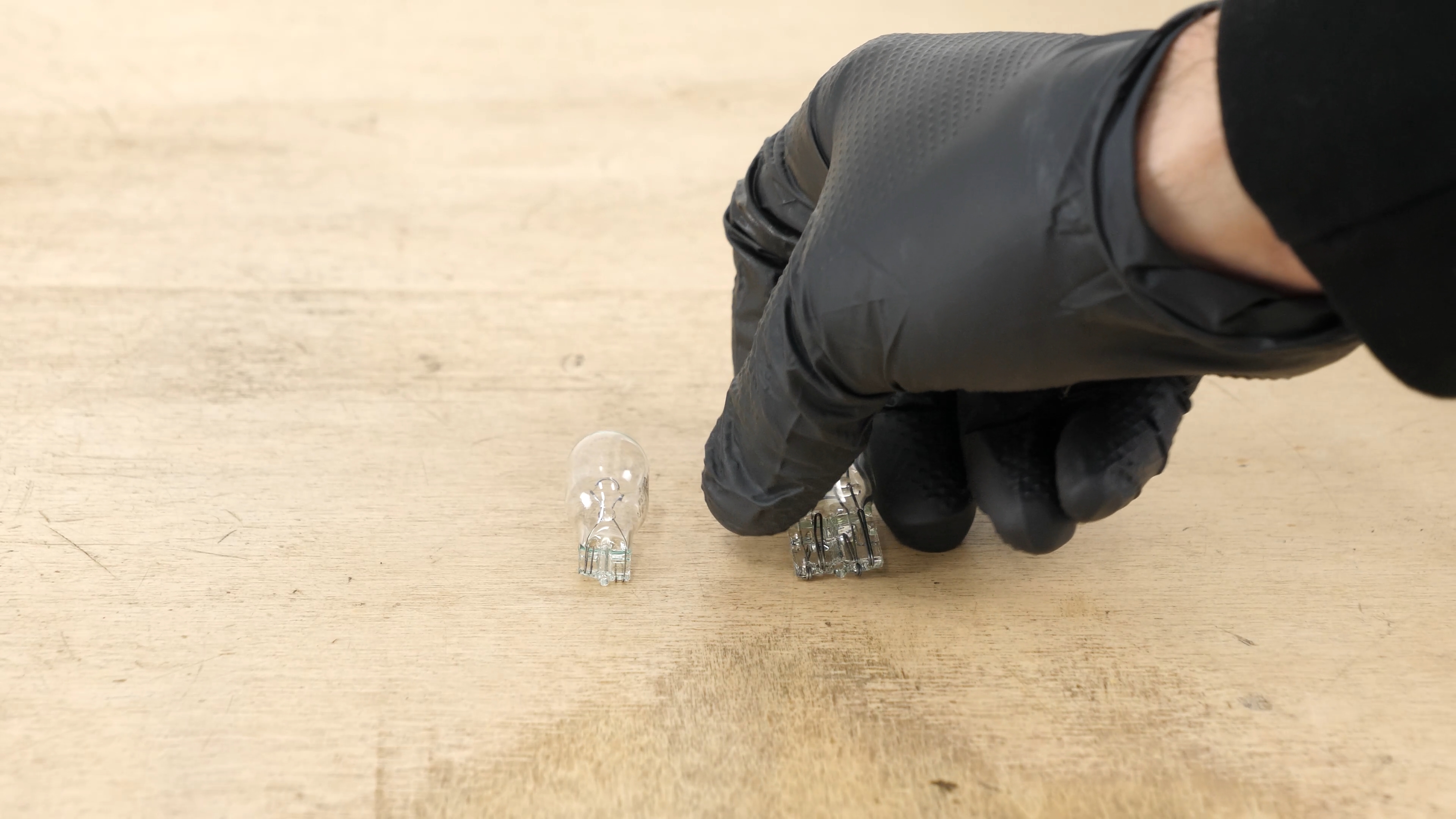
To increase the lifespan of the bulbs, we would suggest never touching the glass with your fingers or cleaning them carefully with paper towels before putting them back.
Chapter 3:
Access the bulbs
Step 1/2
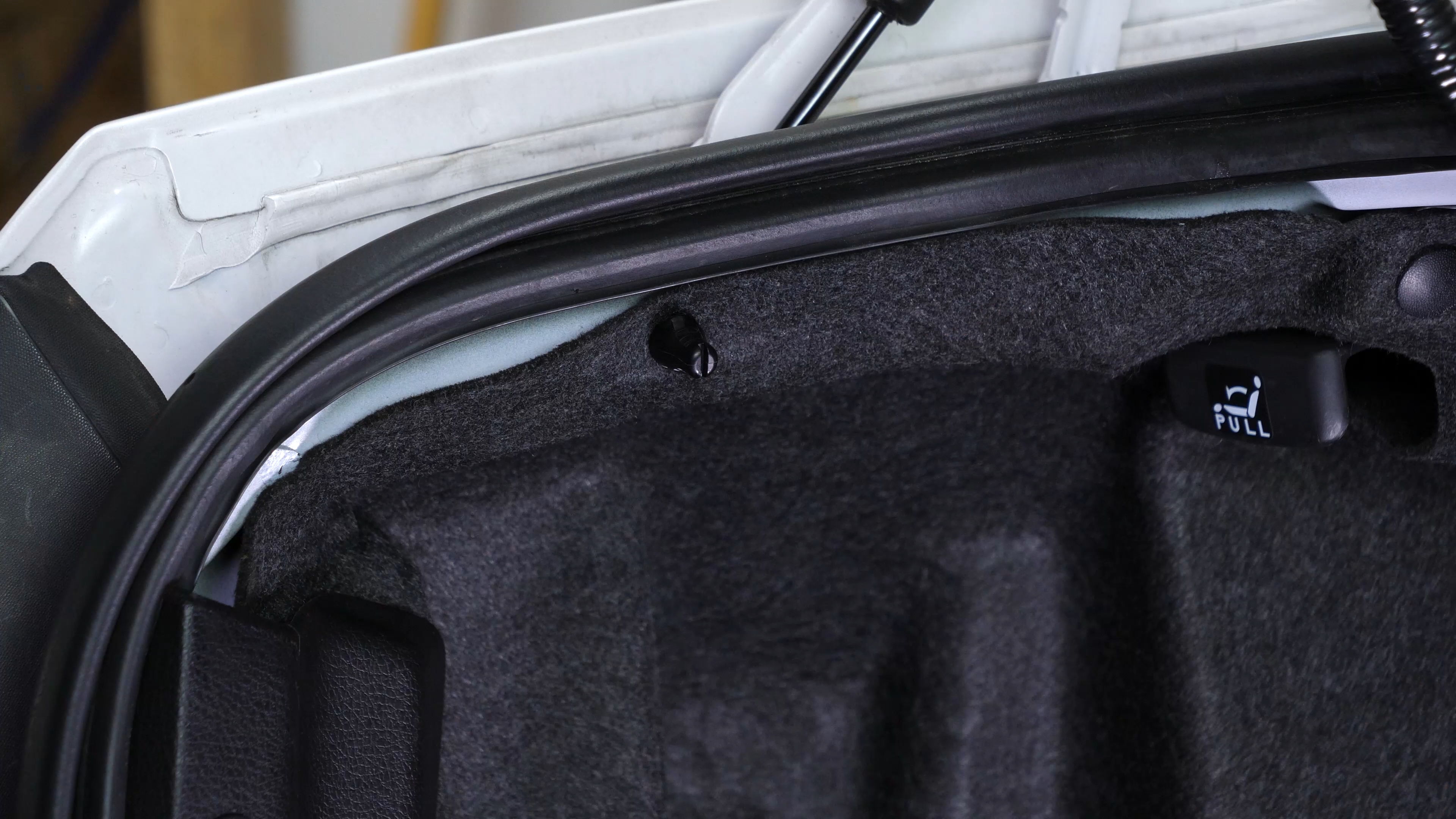
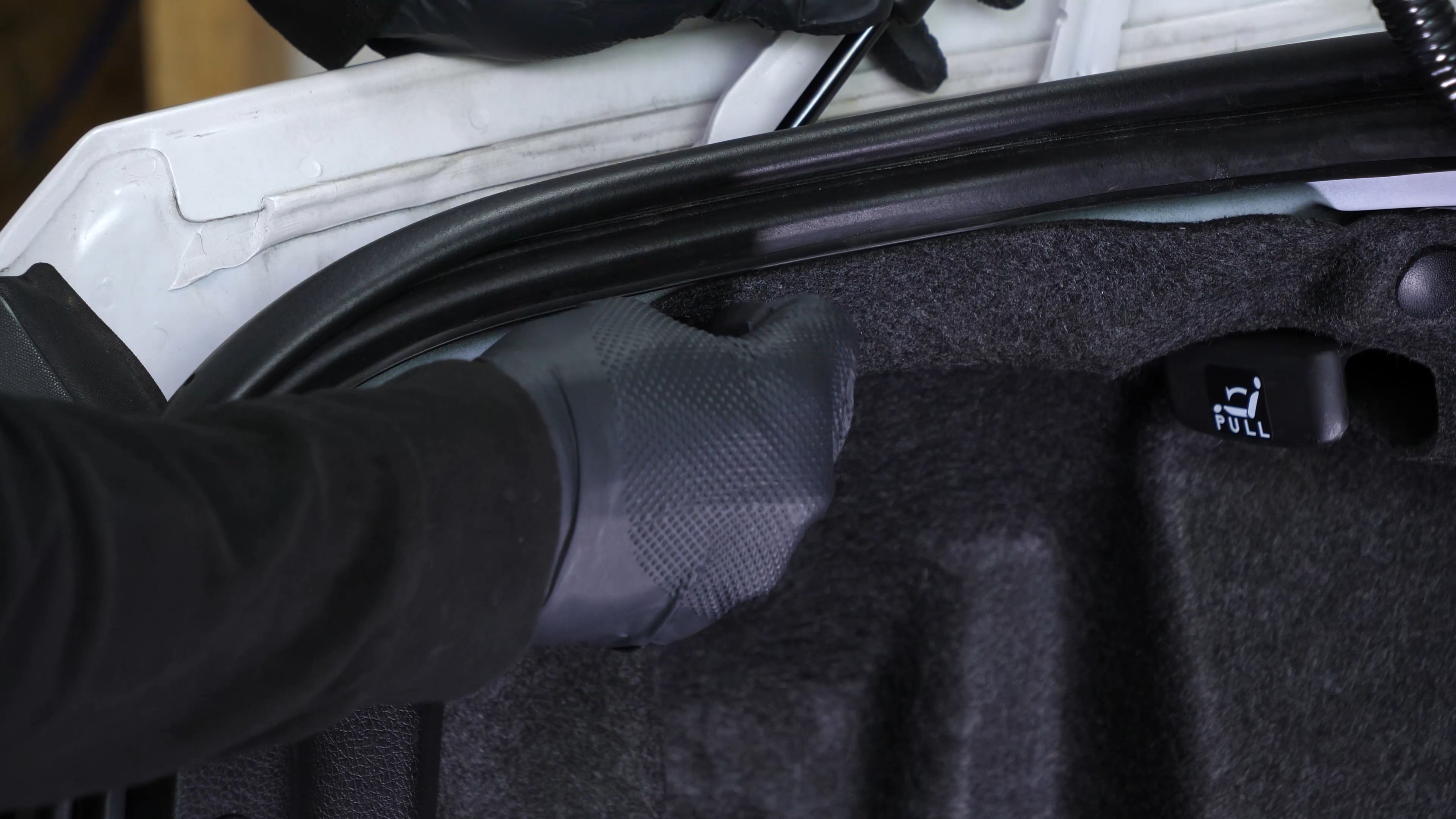
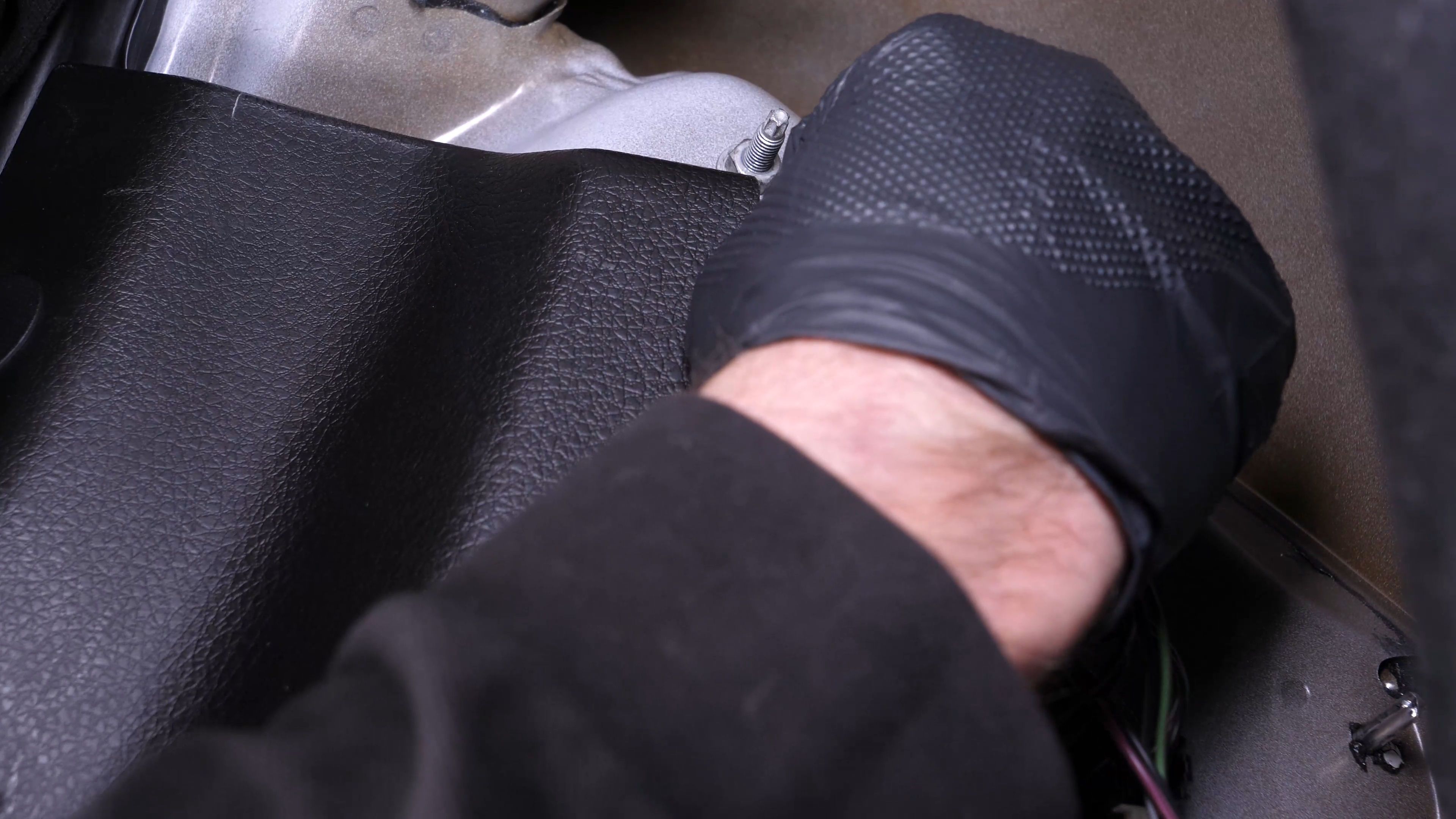
To access the tail light bulbs, unscrew the small plastic nut that holds the carpet by hand.
Chapter 3:
Step 2/2
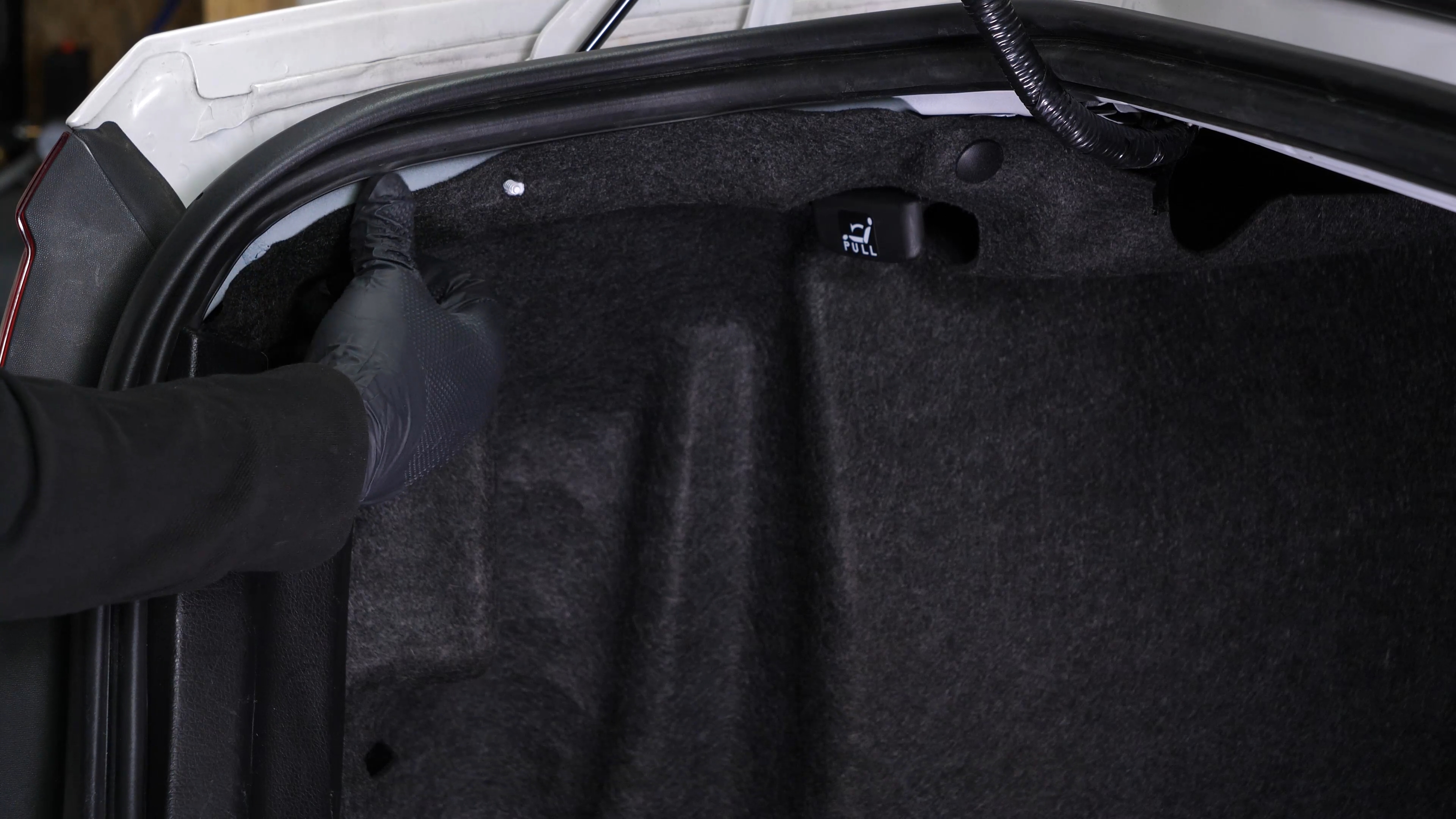
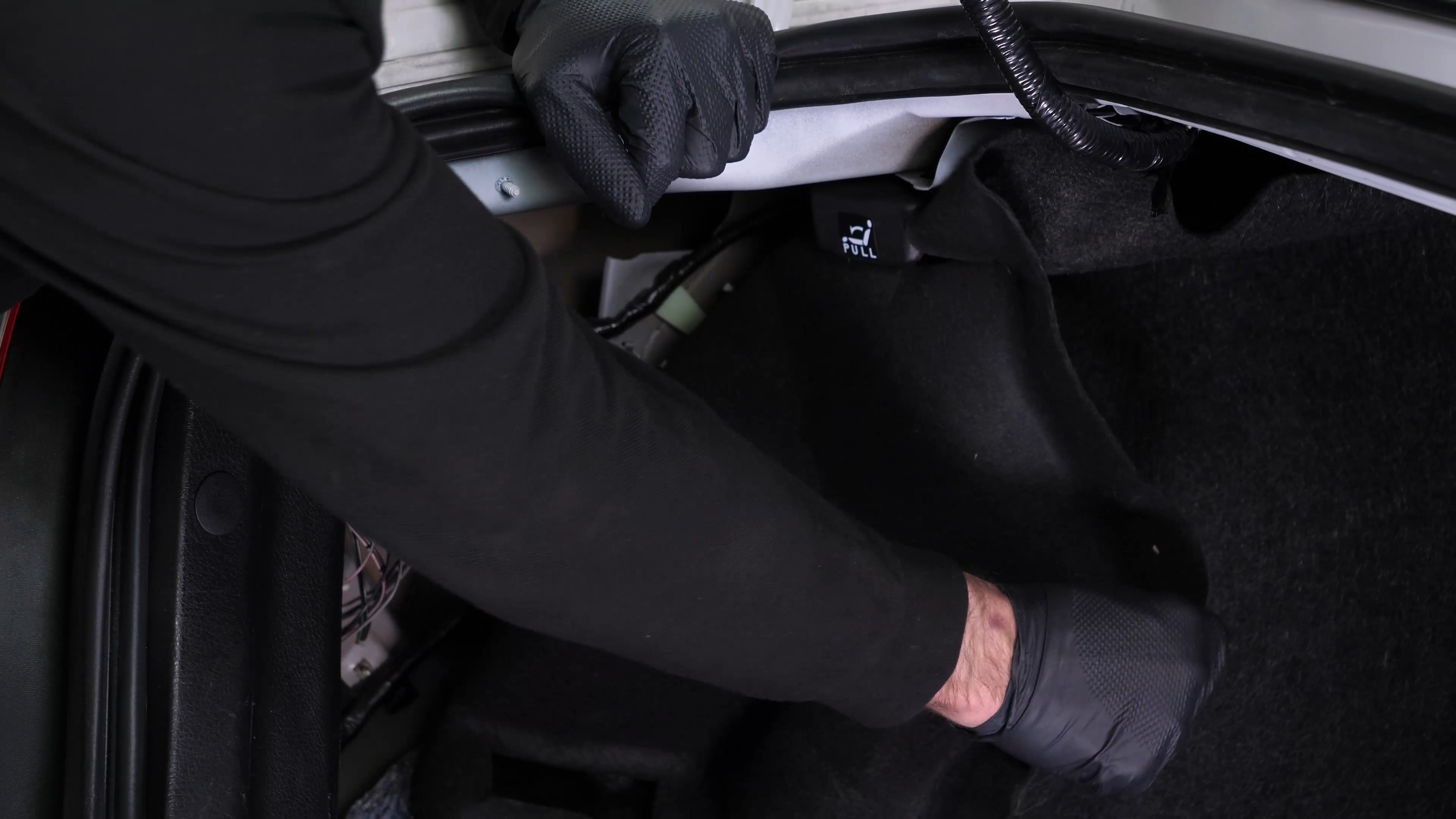
Shift the trunk carpet.
Chapter 4:
Replace the brake light
Step 1/4
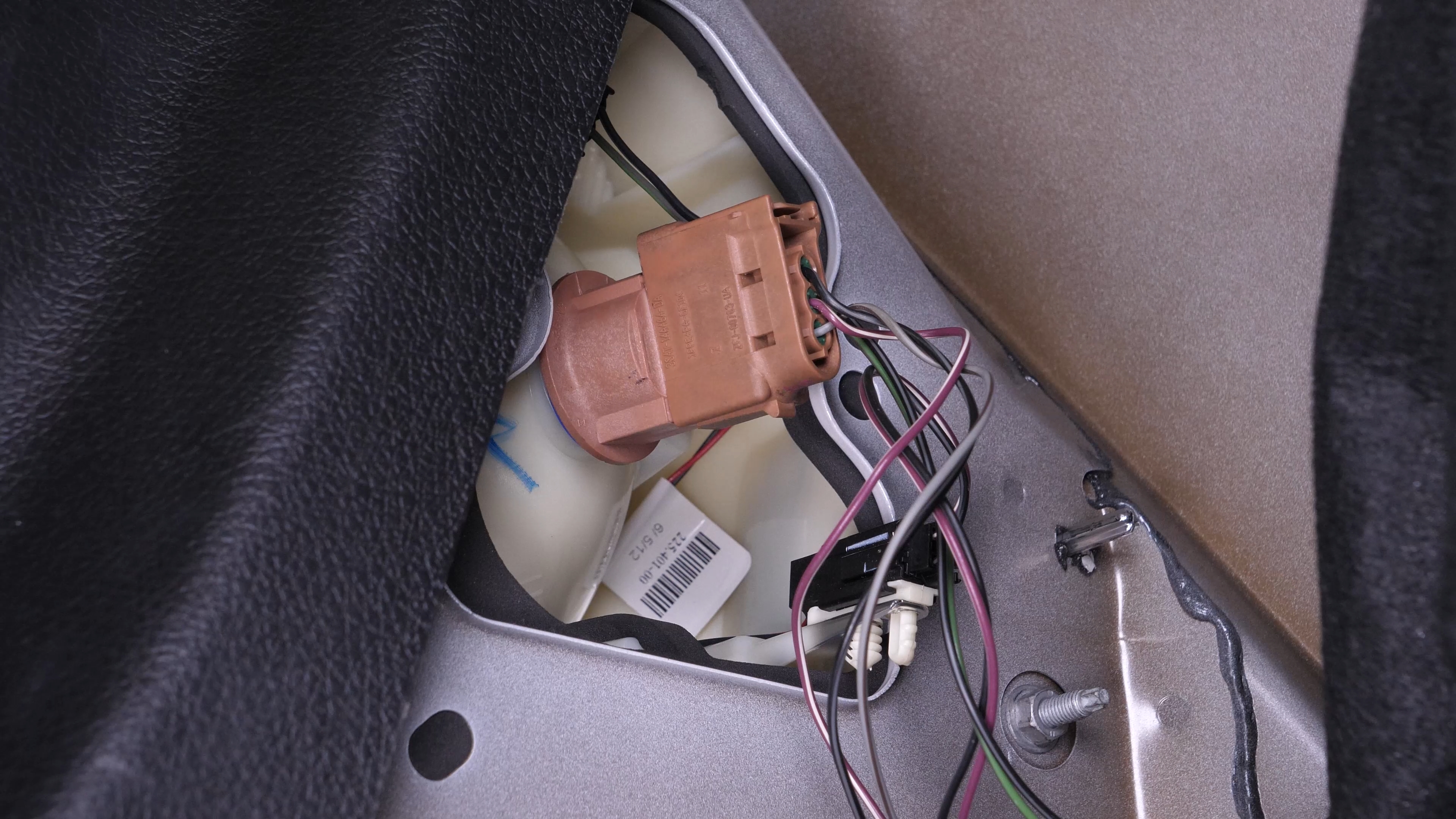
To remove the brake/taillight/turn signal bulb socket from the taillight housing, turn it counterclockwise and pull it out.

Chapter 4:
Step 2/4
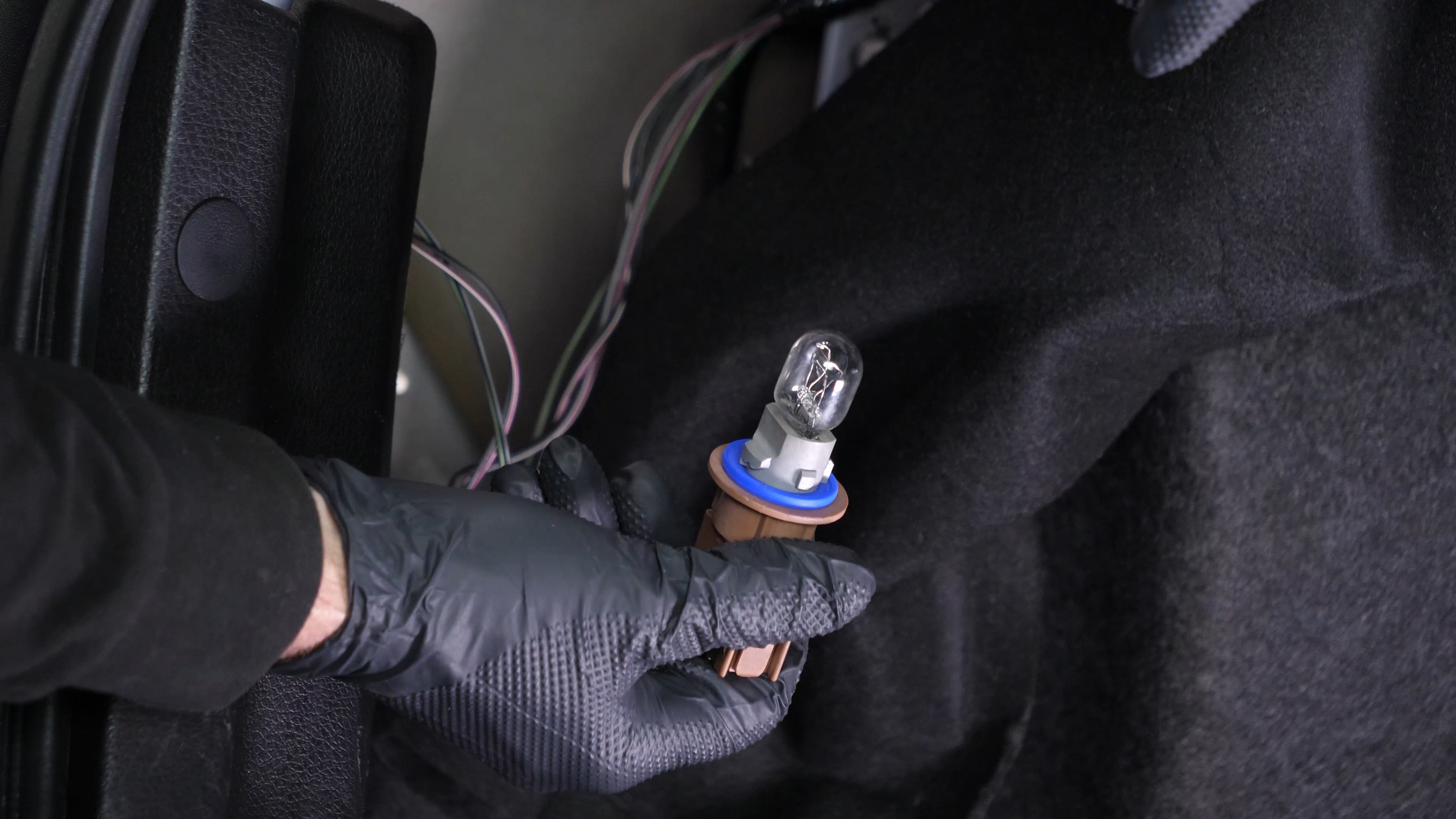
Simply pull the bulb out to remove it.
Chapter 4:
Step 3/4
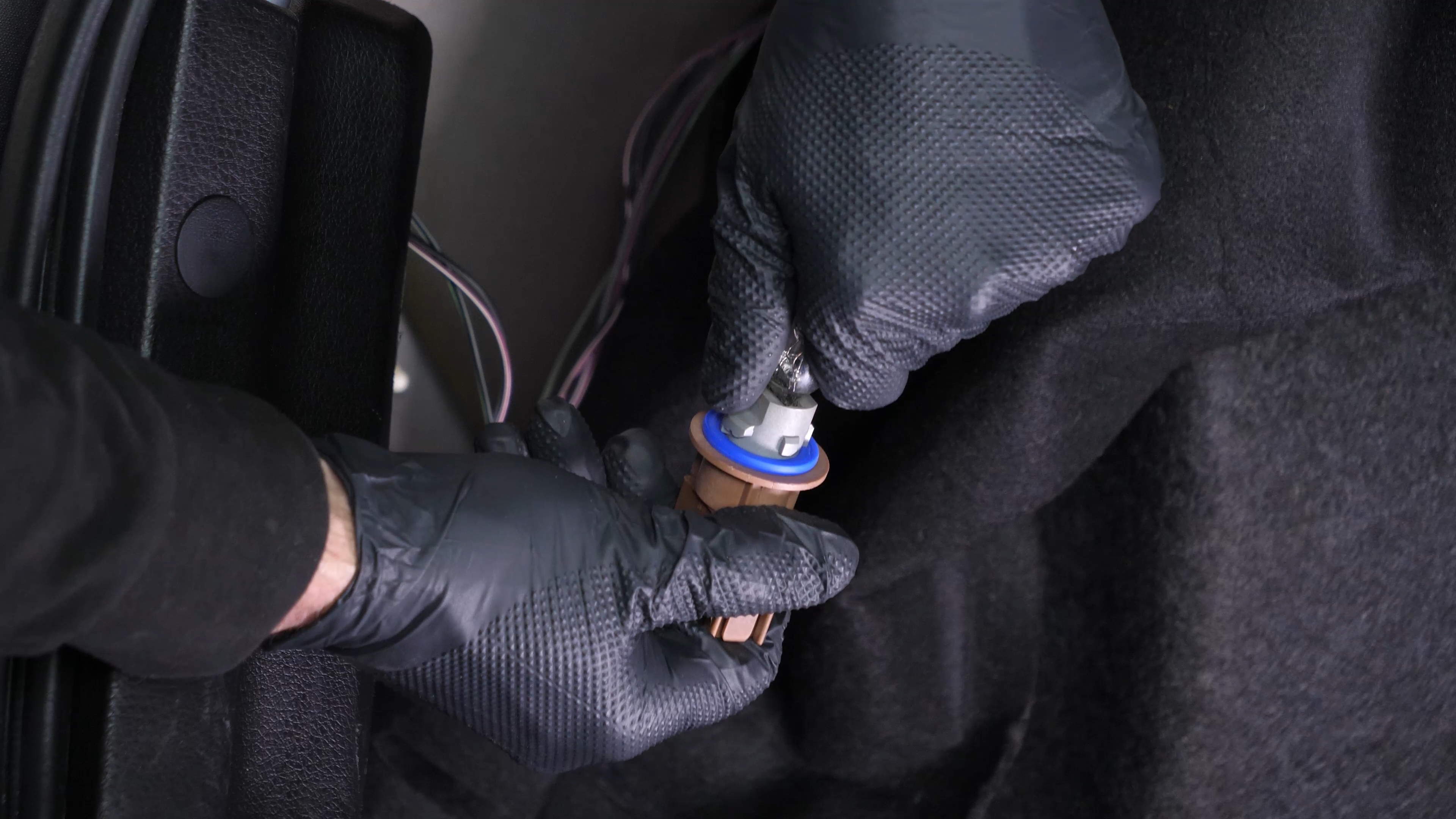
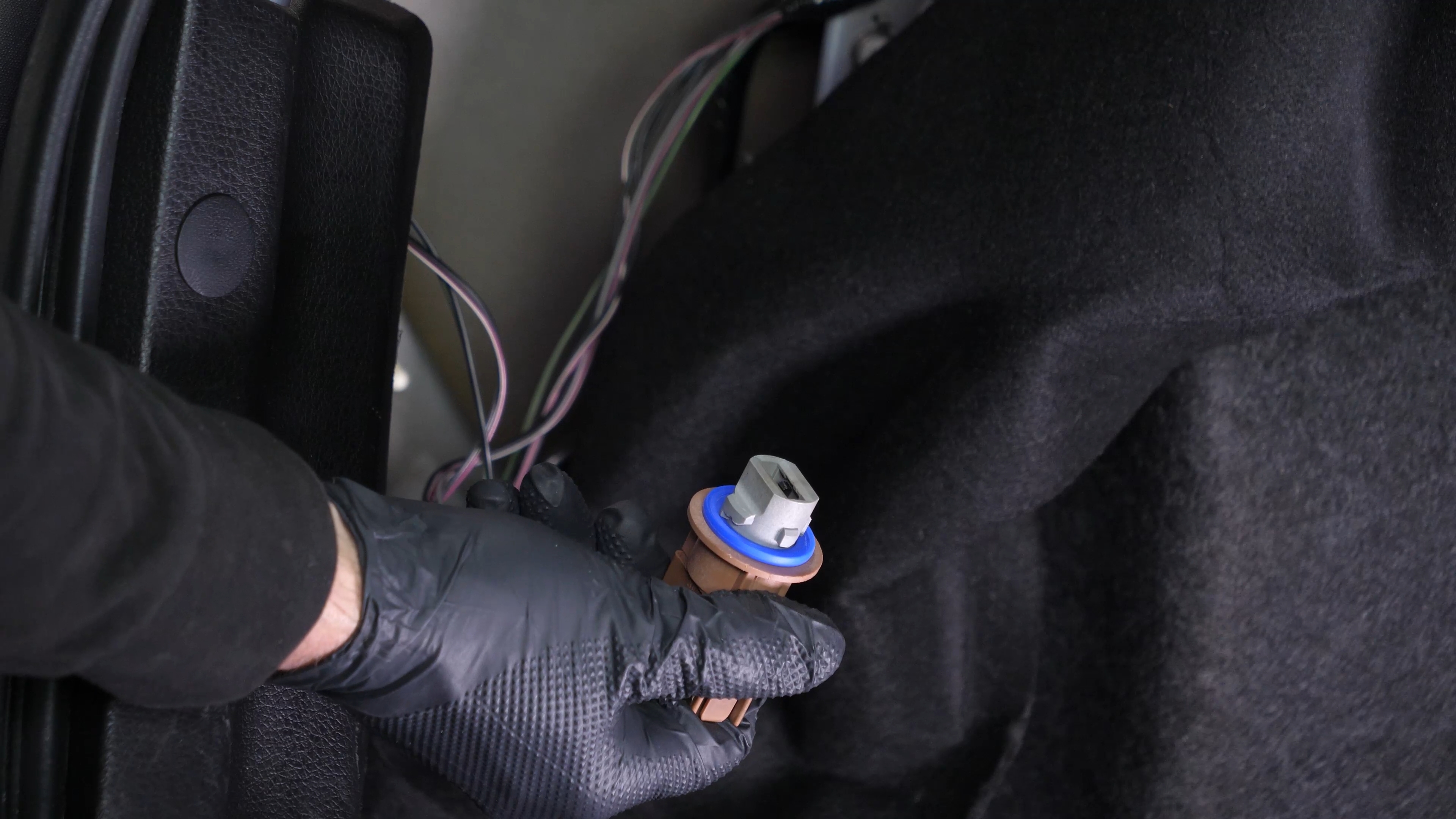
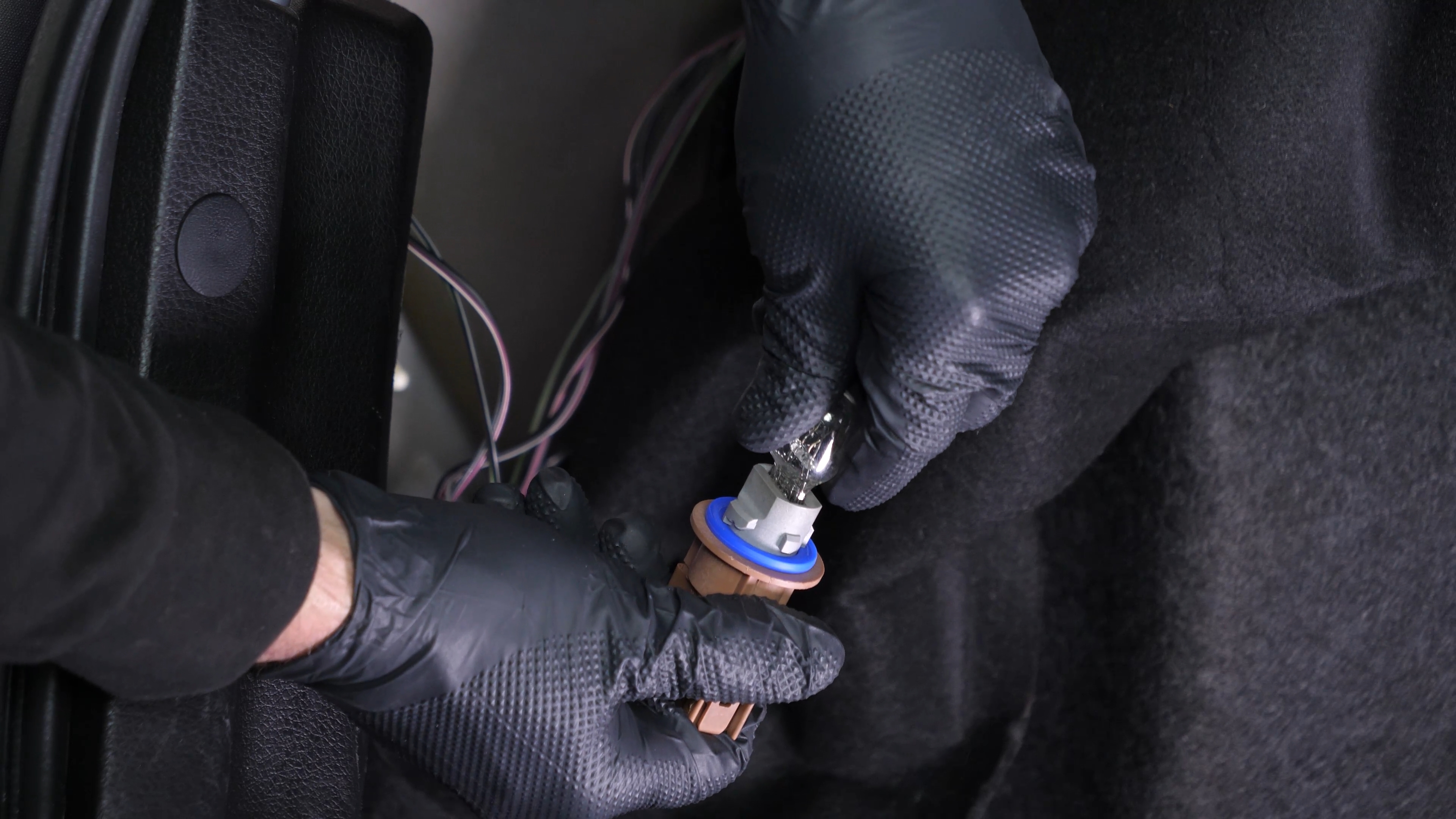
Take the new bulb. Put the new light bulb in the socket.
Chapter 4:
Step 4/4
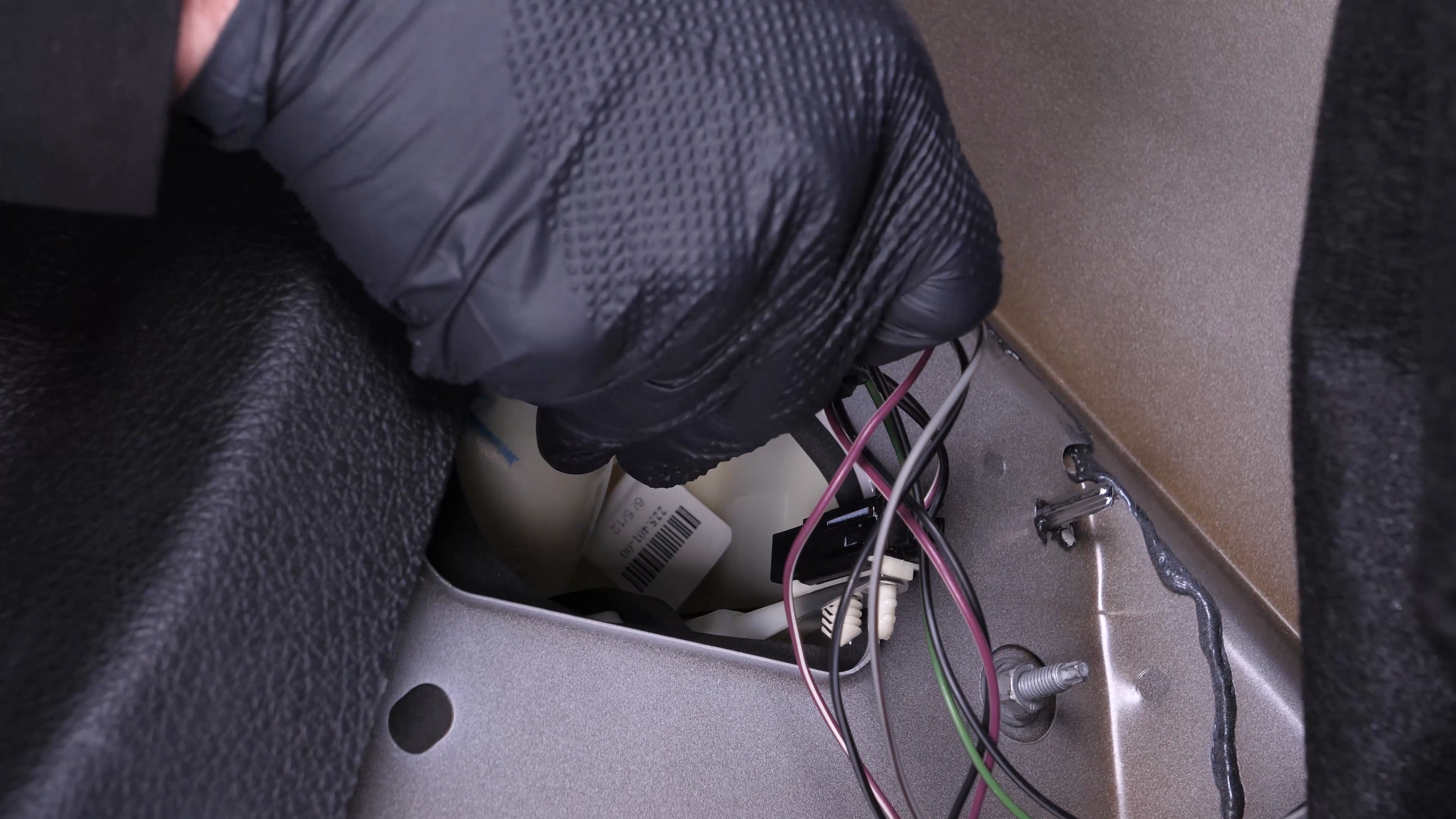
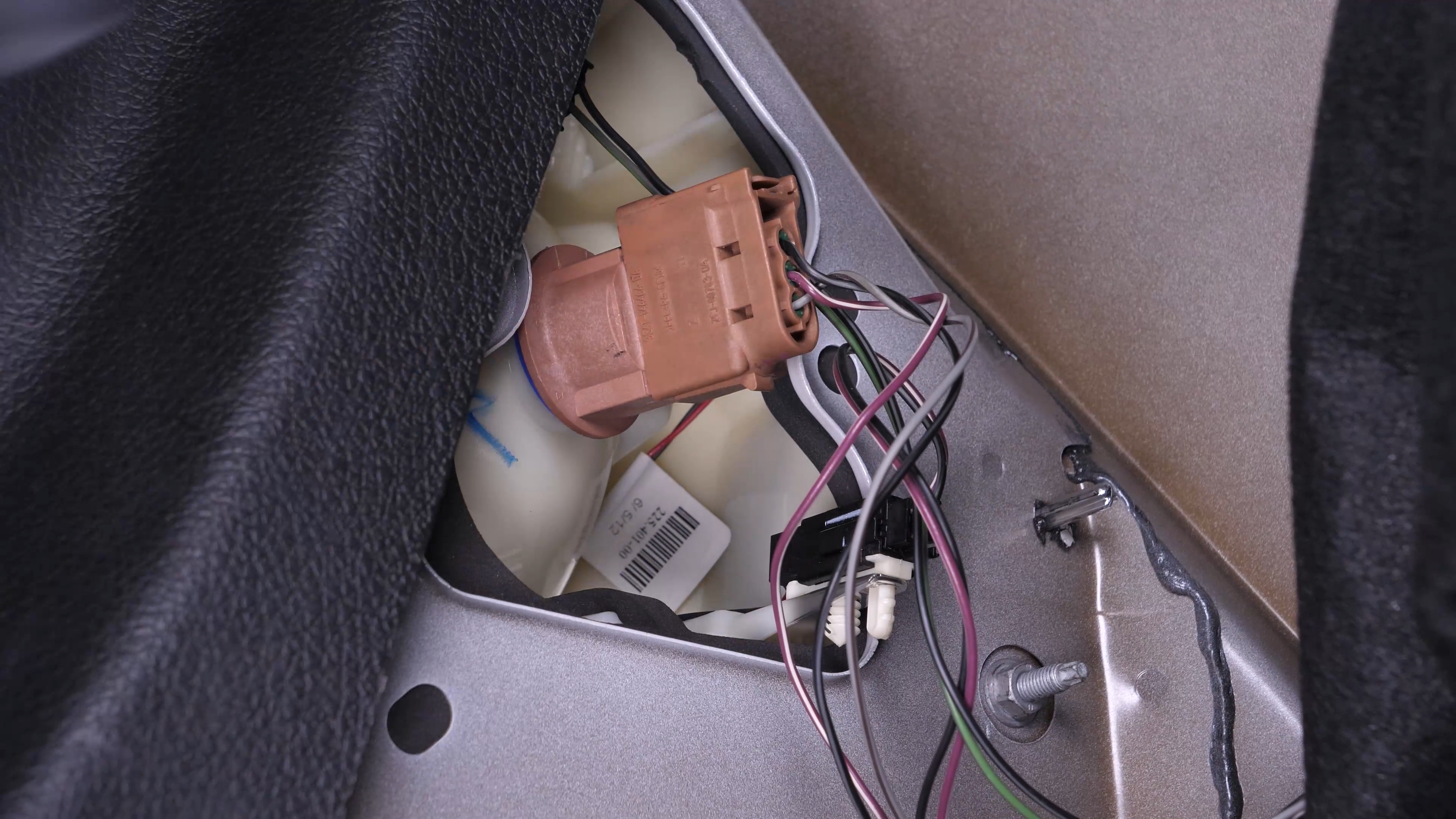
Put the socket into the taillight housing and turn it clockwise to lock it in place.
Chapter 5:
Replace the reverse light bulb
Step 1/5
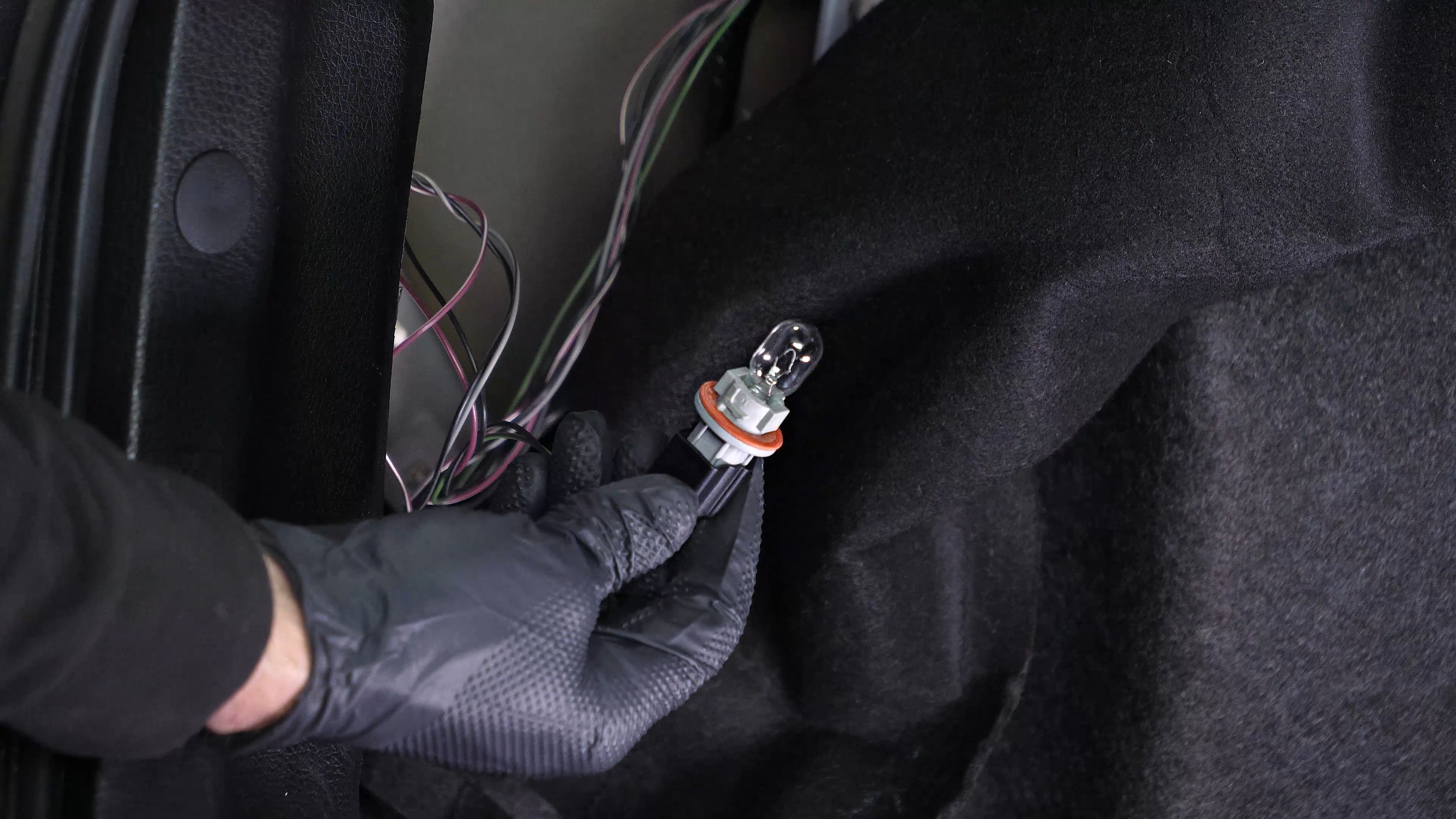
To remove the reverse light bulb socket from the taillight housing, turn it counterclockwise and pull it out.

Chapter 5:
Step 2/5
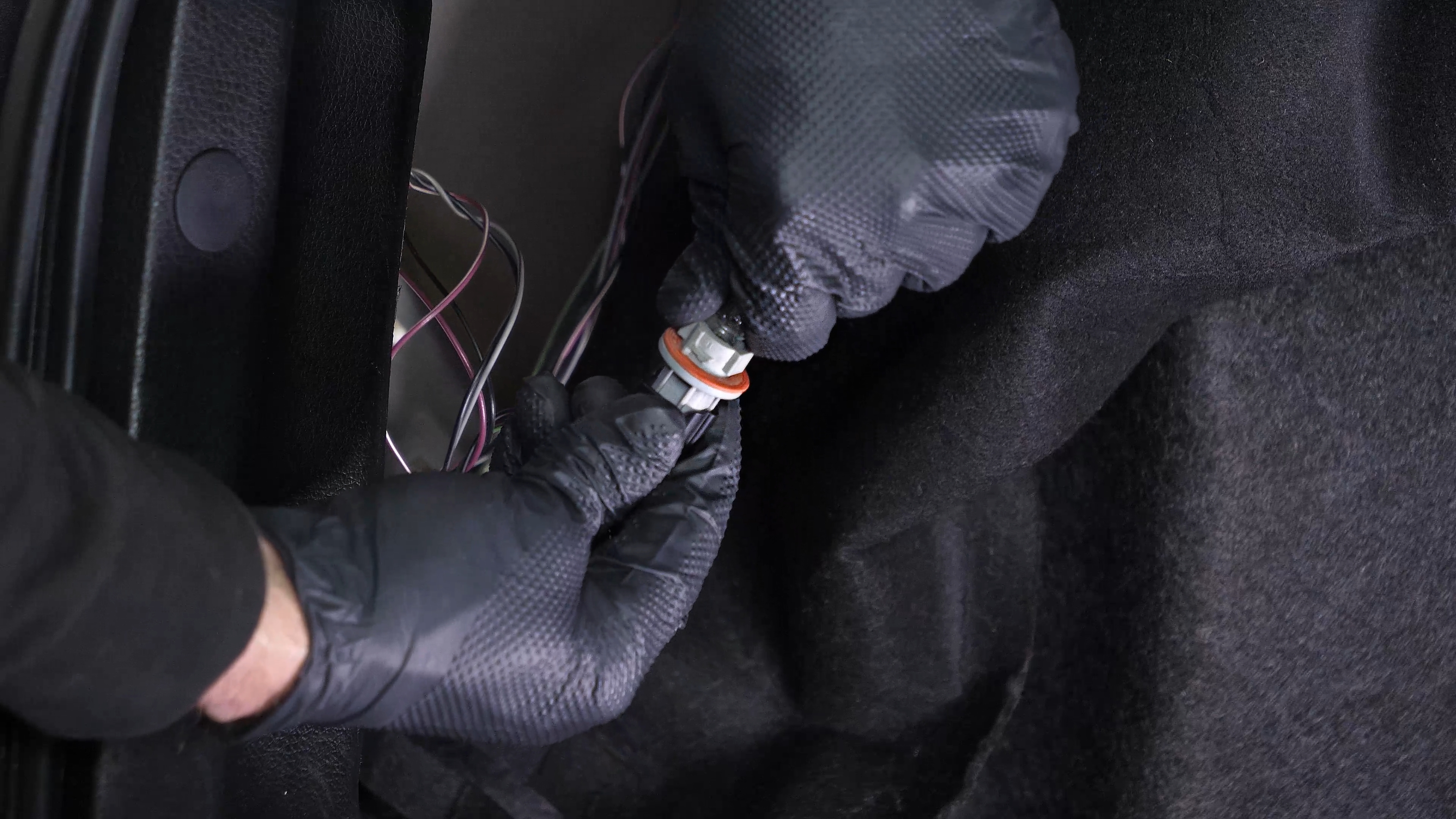
Simply pull the bulb out to remove it.
Chapter 5:
Step 3/5
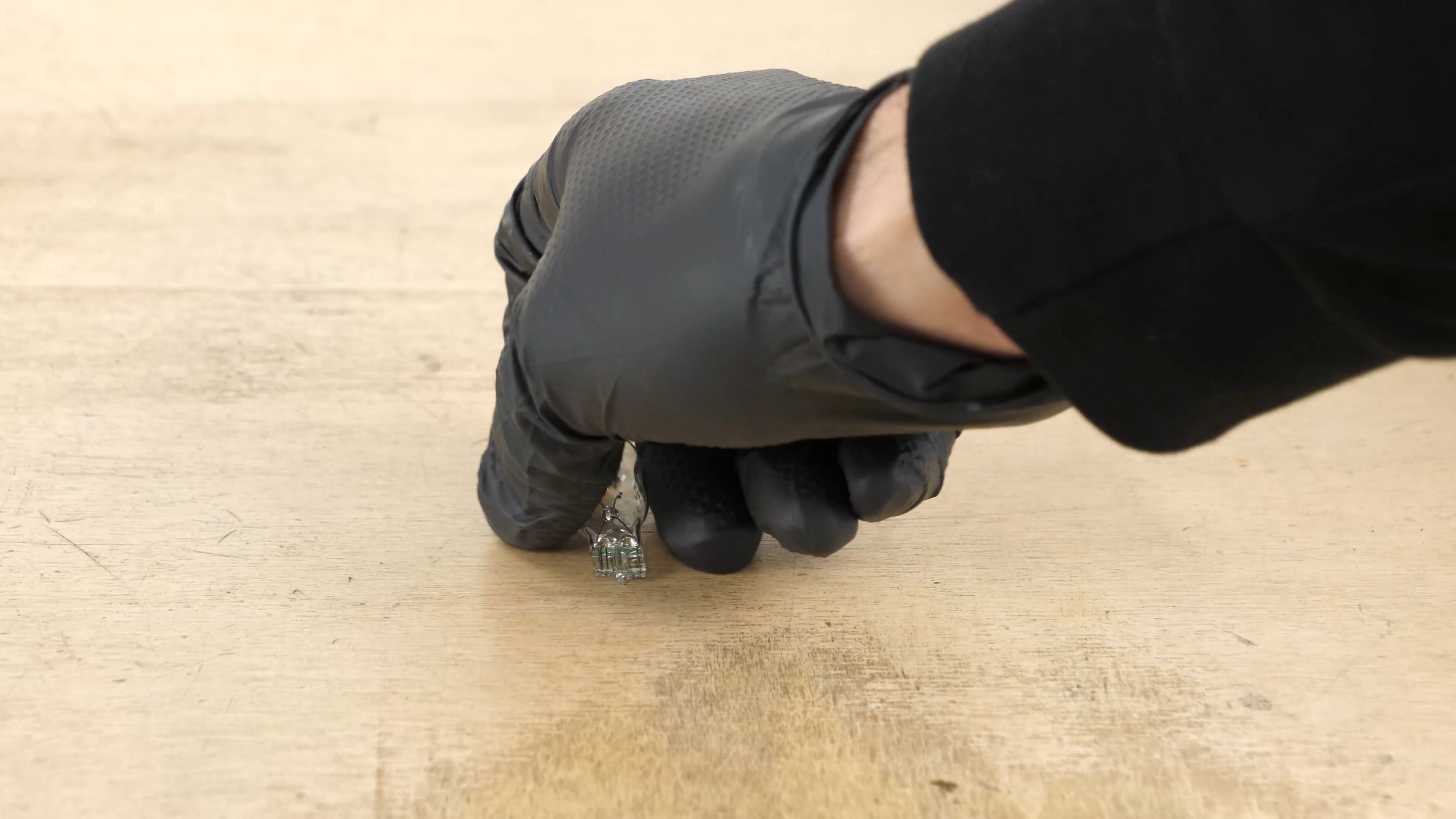
Take the new bulb.
Chapter 5:
Step 4/5
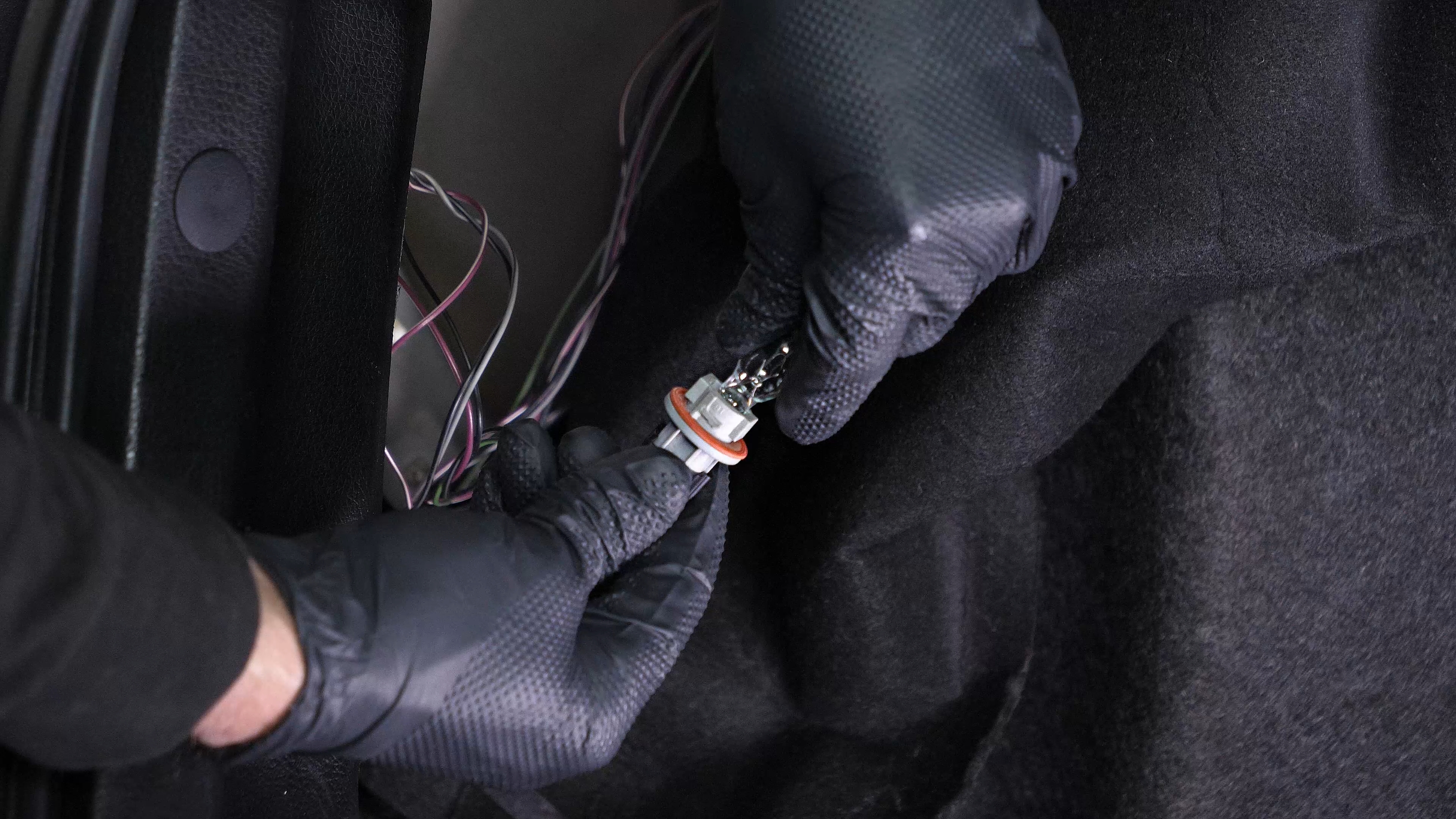
Put the new light bulb in the socket.
Chapter 5:
Step 5/5
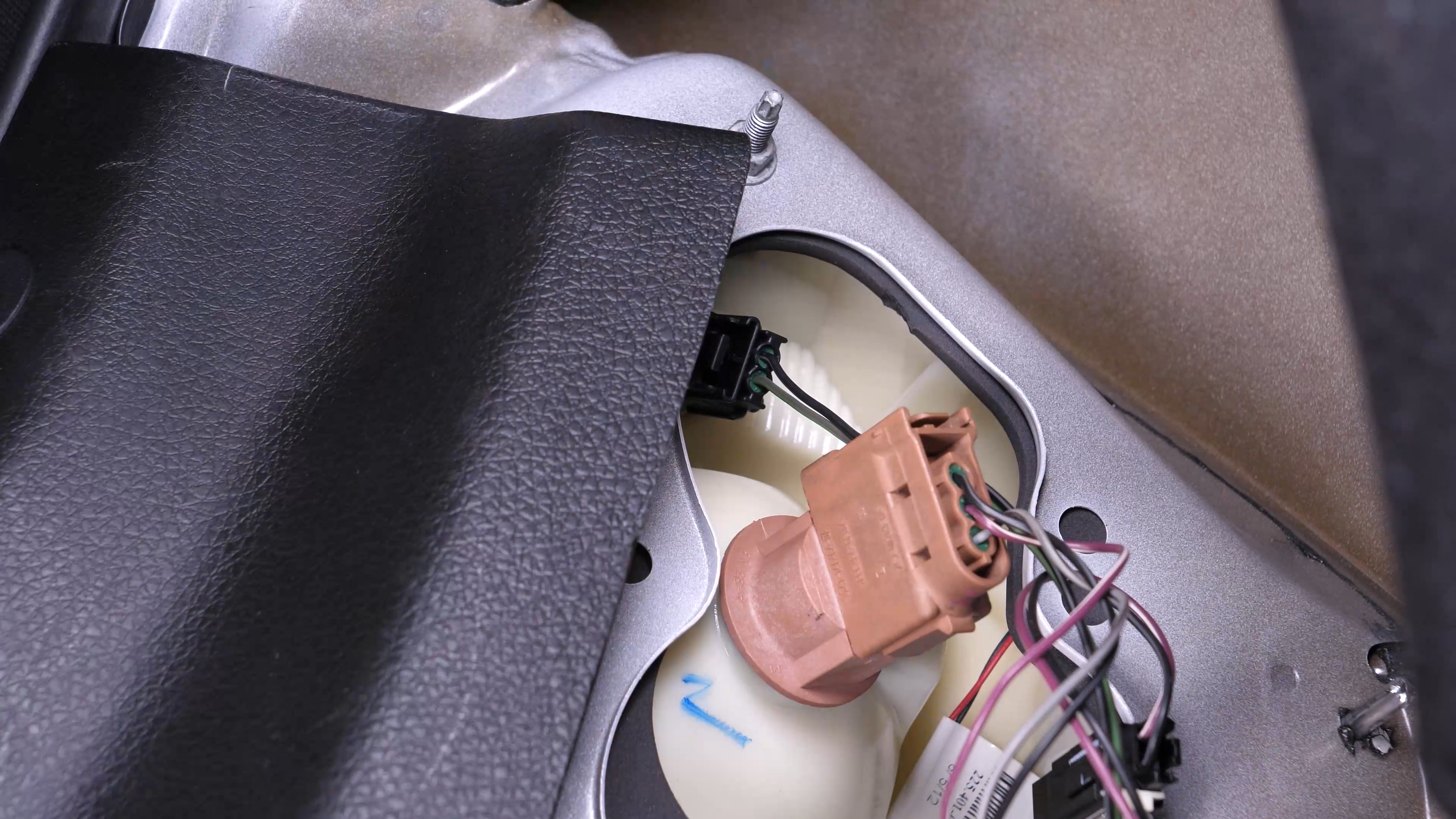
Put the socket into the taillight housing and turn it clockwise to lock it in place.

Chapter 6:
Finalise the reassembly
Step 1/2
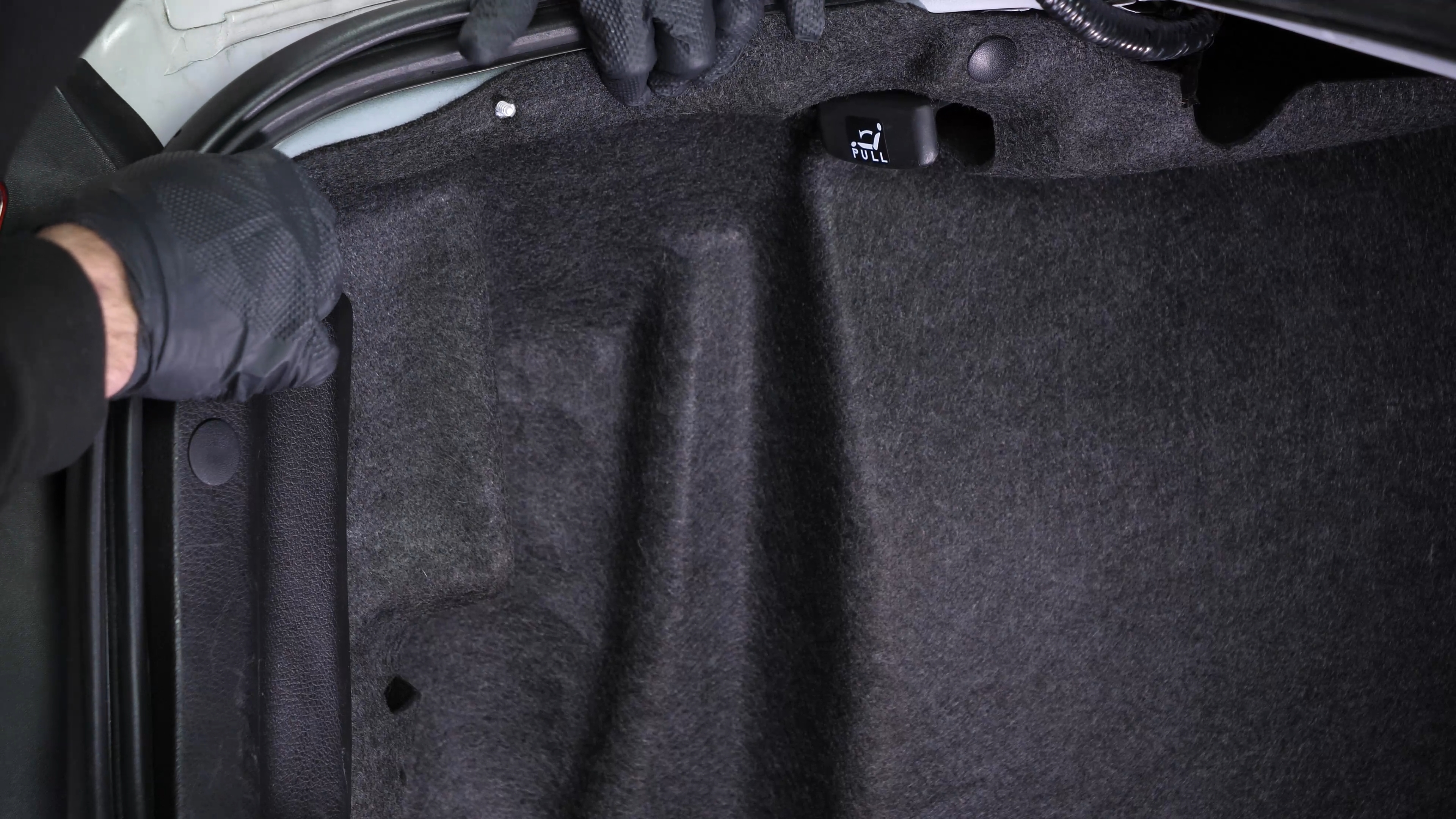
Put the carpet back in place. Then, screw the nut back on.

Chapter 6:
Step 2/2
Operation complete.