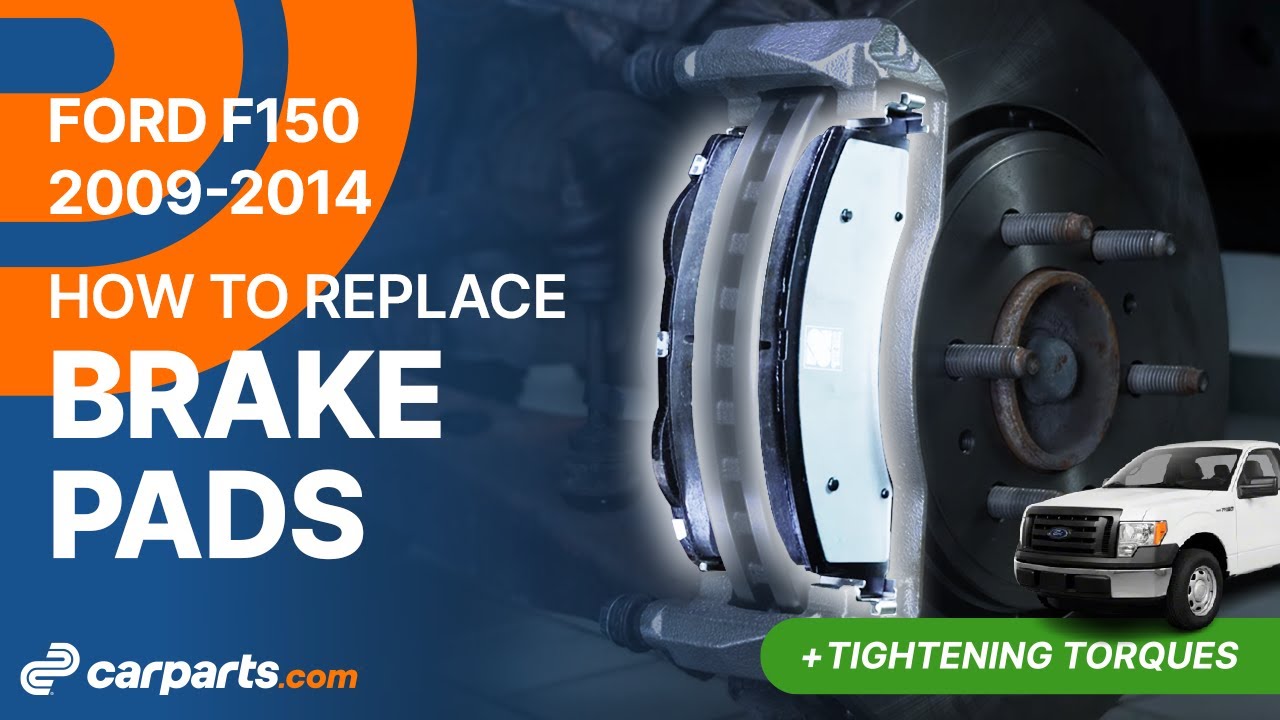
How to replace the front brake pads 2009-2014 Ford F-150?
To replace the front brake pads on your F-150 it couldnt' be easier. You will need to lift the vehicle, remove the brake pads holding spring, place the new brake pads and other steps you'll need to follow in the correct order. You can follow this tutorial of 13 chapters in 45 minutes. Take your hydraulic jack and your 13 mm wrench and let's get started!Duration
45 minutesNumber of steps
13Difficulty out of 5
2Average savings
$70Parts You Will Need
Tools You Will Need

Step-by-Step Installation
Chapter 1:
Open the hoodStep 1/3
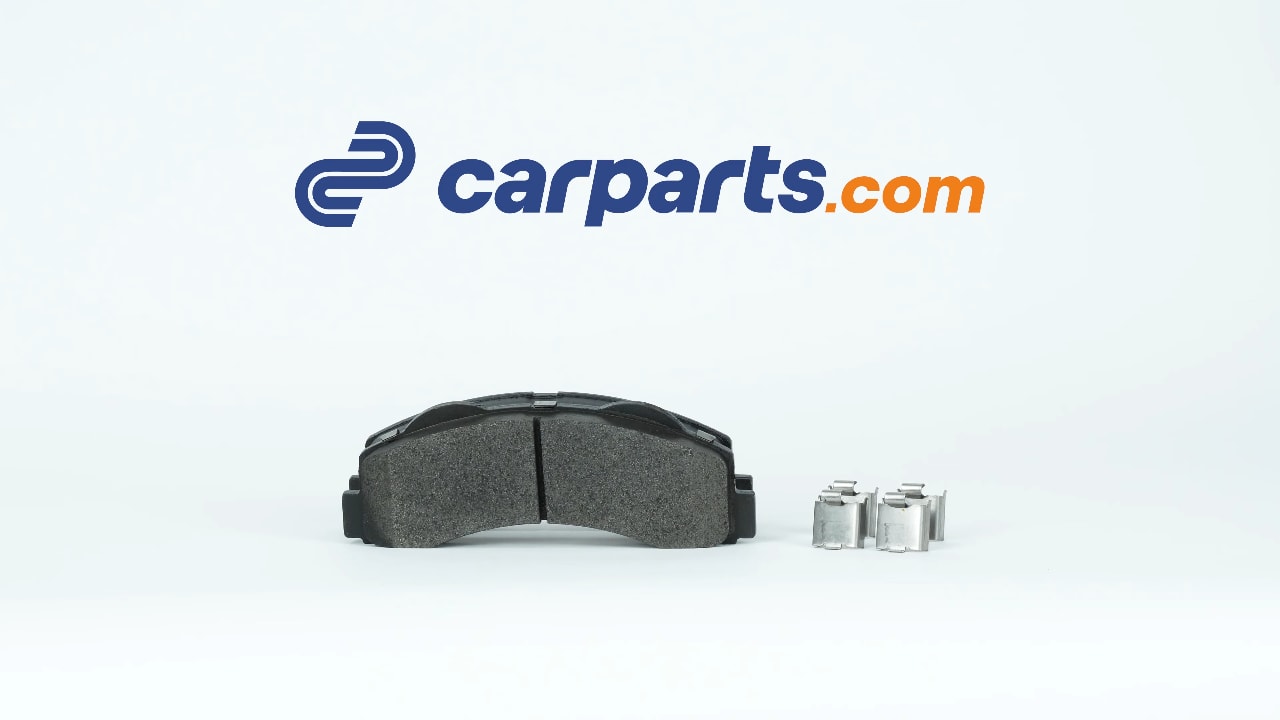
You can order the pads used in the video on the Carparts.com website via the link in the description.
Chapter 1:
Step 2/3
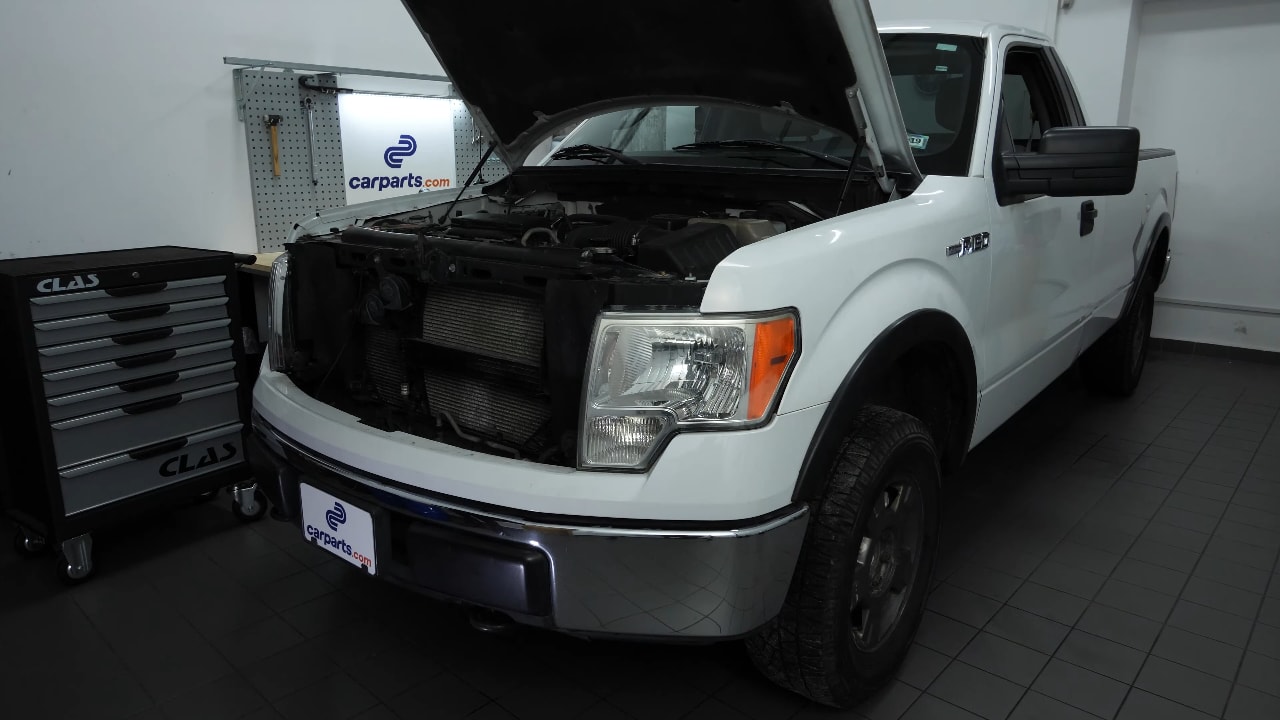
Turn off your vehicle's ignition, set the parking brake, pull the hood release handle and open the hood.
Chapter 1:
Step 3/3
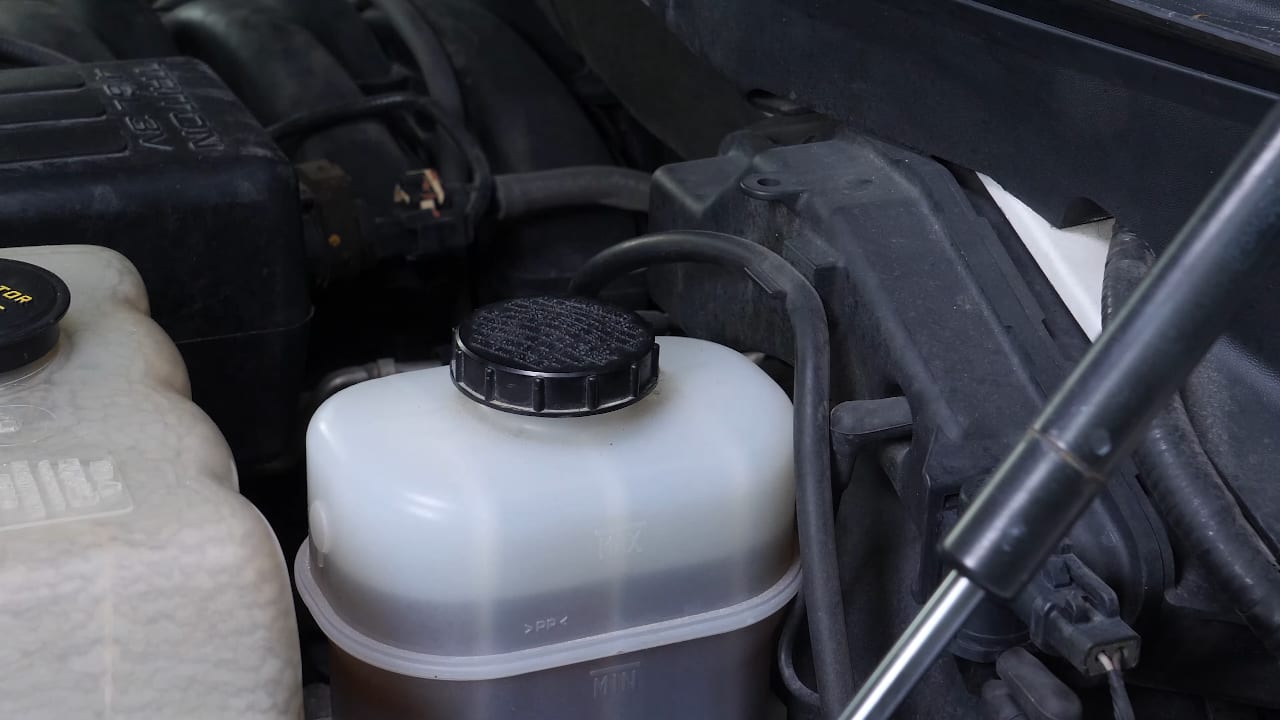
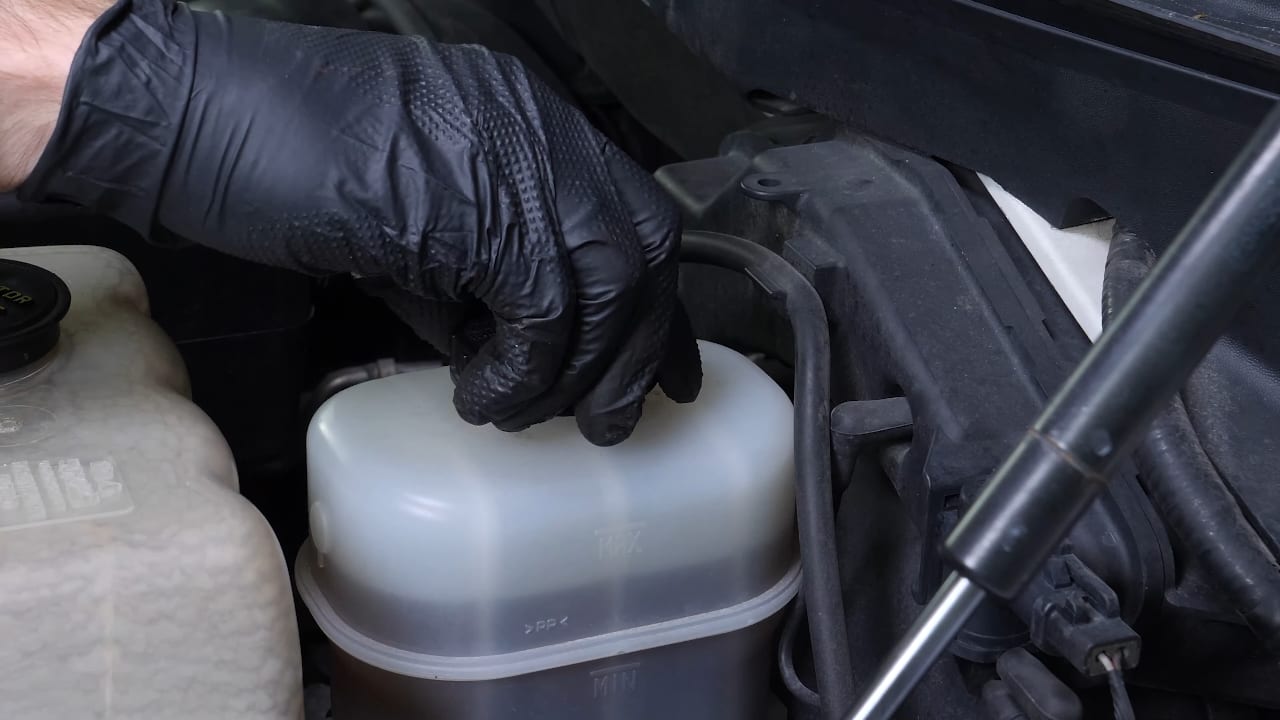
Open the brake fluid reservoir.
Chapter 2:
Lift the vehicleStep 1/5
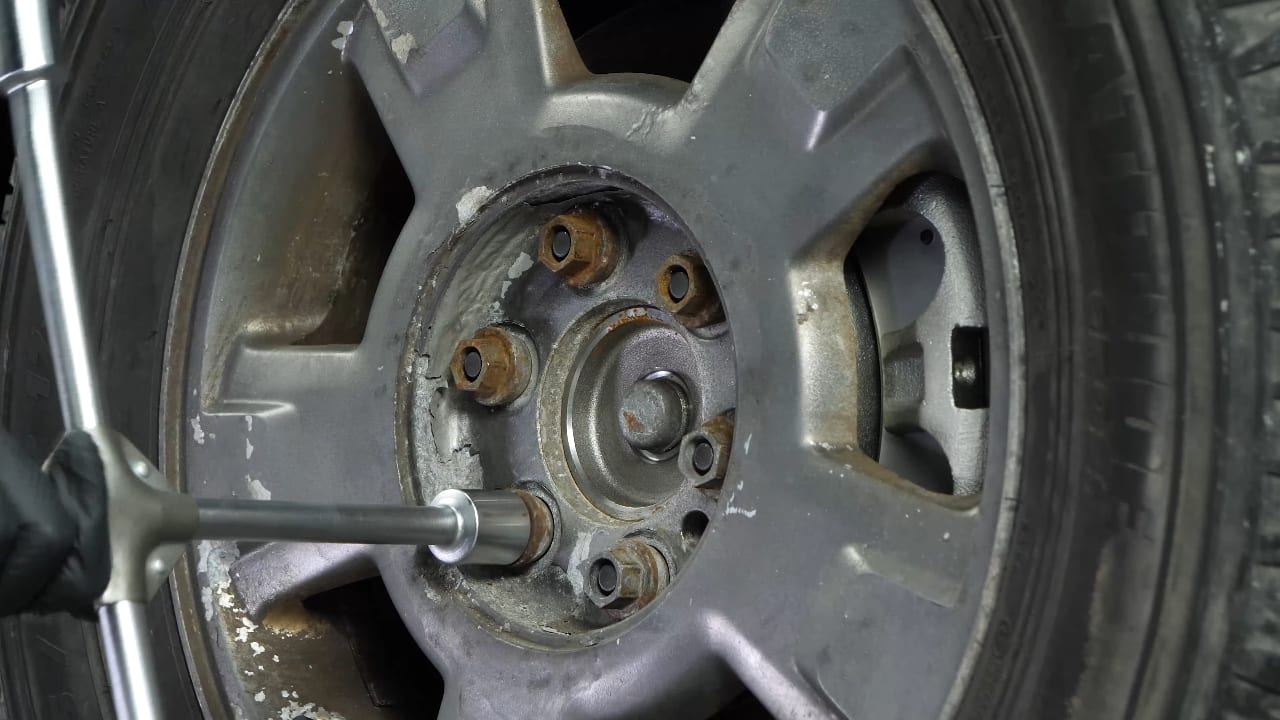
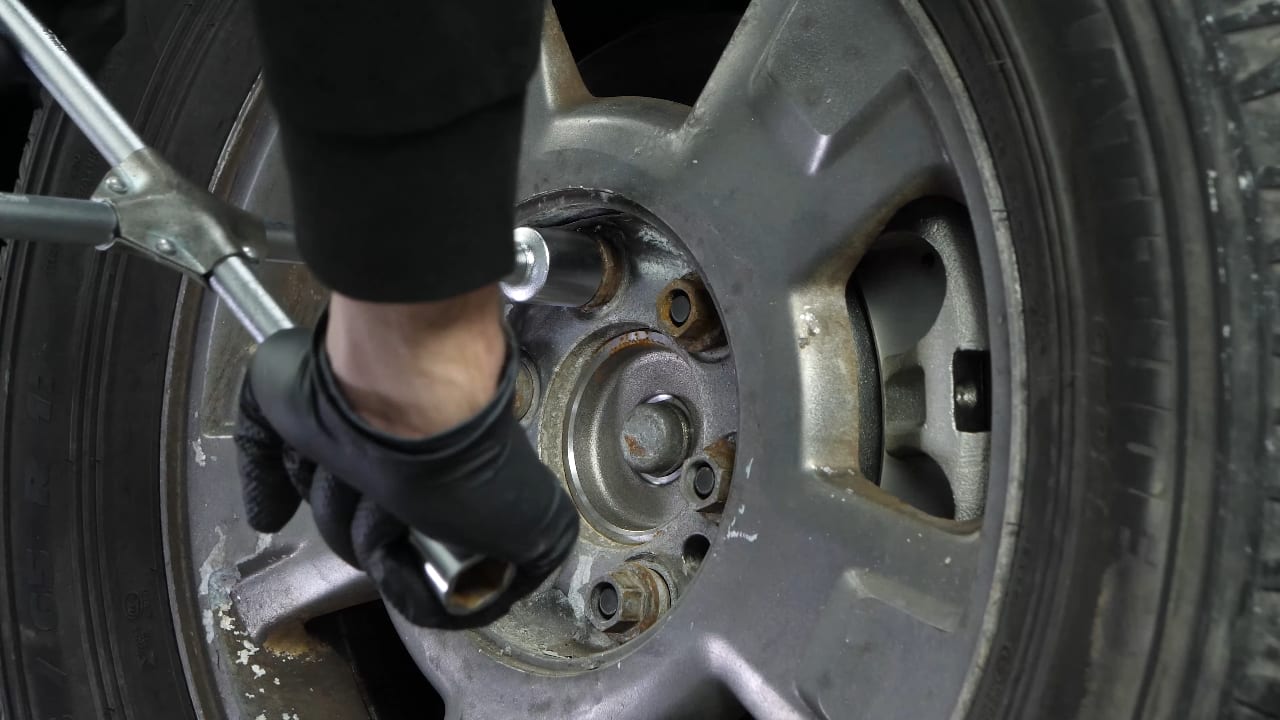
Loosen the stud bolts on the front wheels.
Chapter 2:
Step 2/5
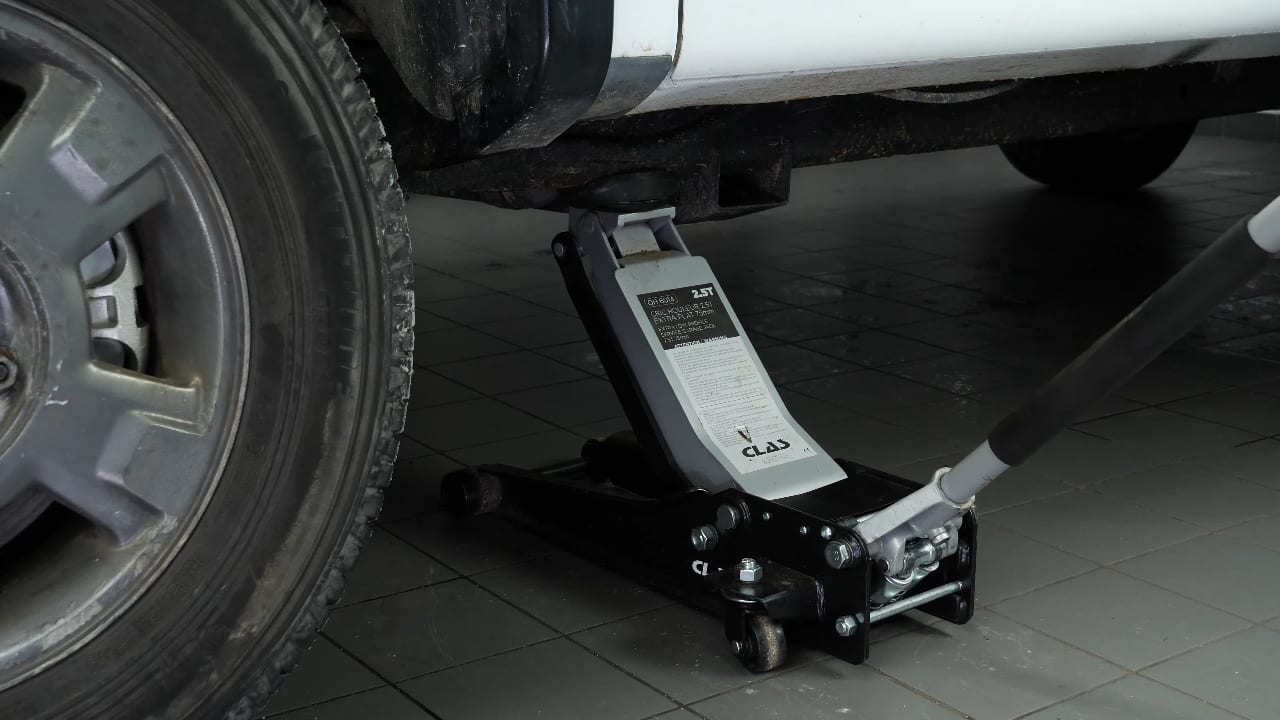
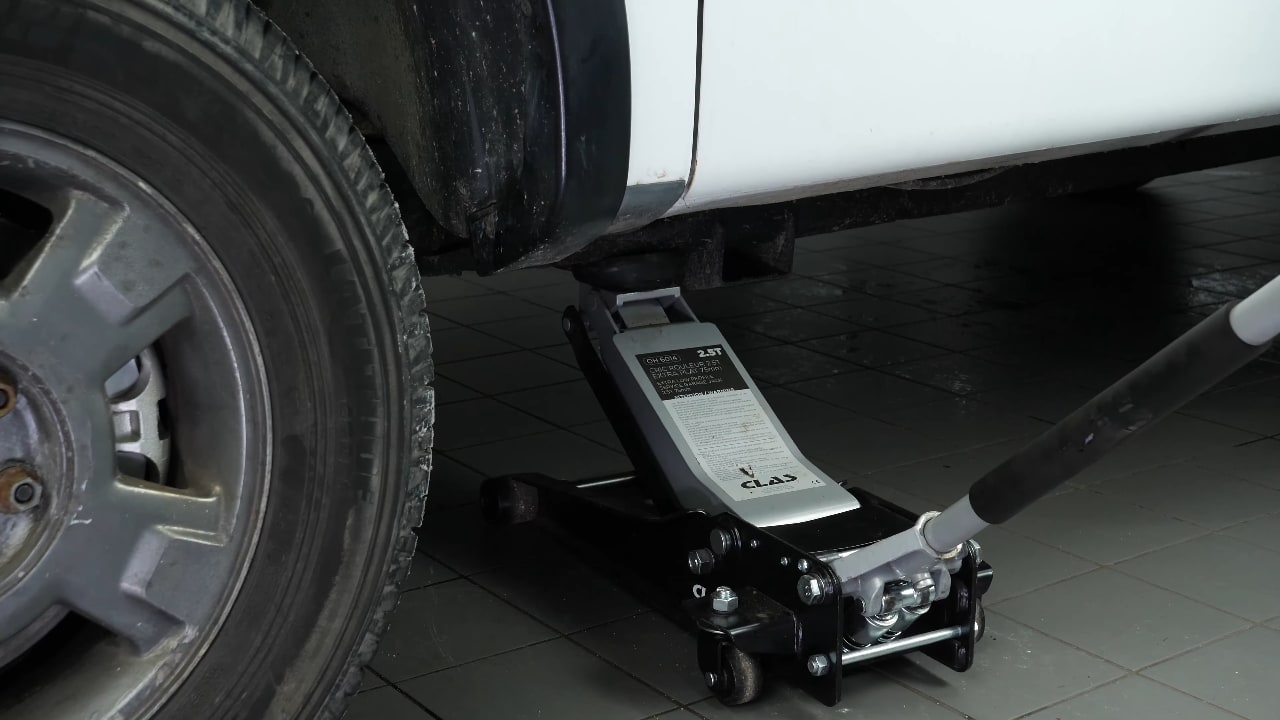
Lift the front of your vehicle.
Chapter 2:
Step 3/5
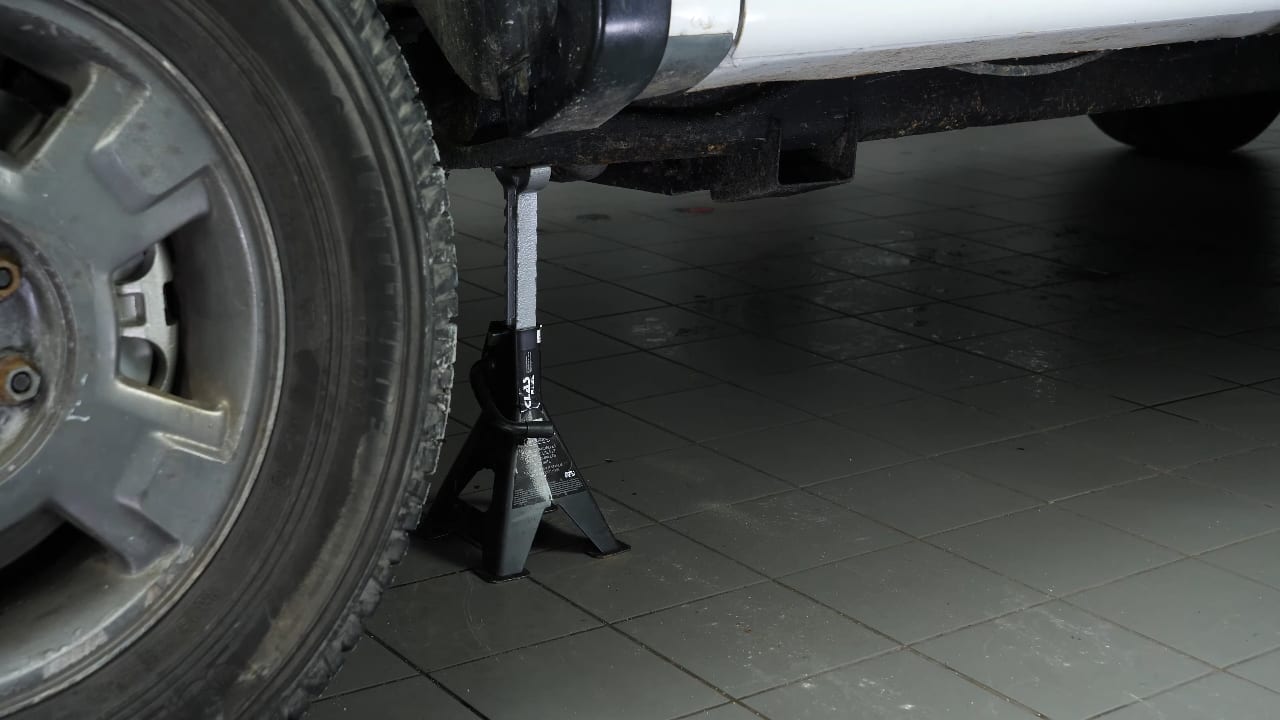
Place the vehicle on the axle stands.
Chapter 2:
Step 4/5
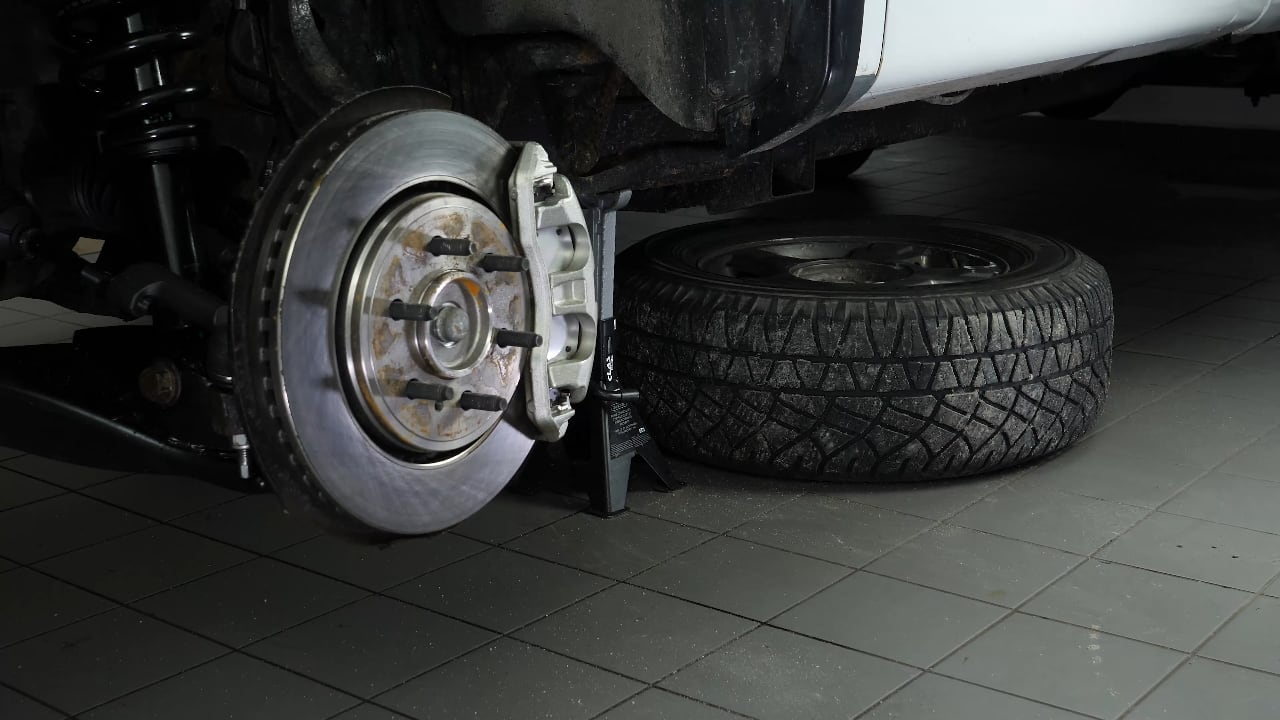
In order to change the brake pads on your vehicle, you will need to take off the wheels to have full access.

Chapter 2:
Step 5/5
Don't forget to put the wheels under the vehicle!
Chapter 3:
Retract the pistonStep 1/3
Turn the disc inward, this will make it easier for you.
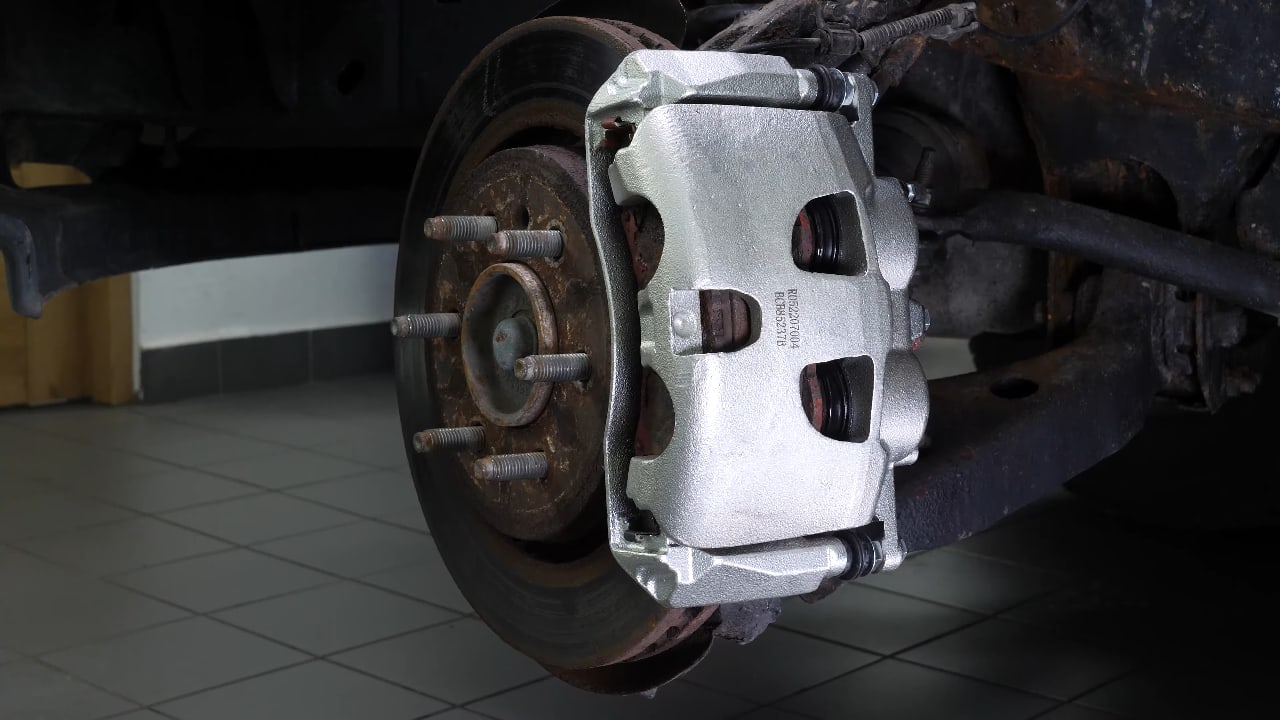
Chapter 3:
Step 2/3
Insert a flat head screwdriver into the outer opening of the brake caliper. Lift it off using the screwdriver as a lever by pulling it towards you.
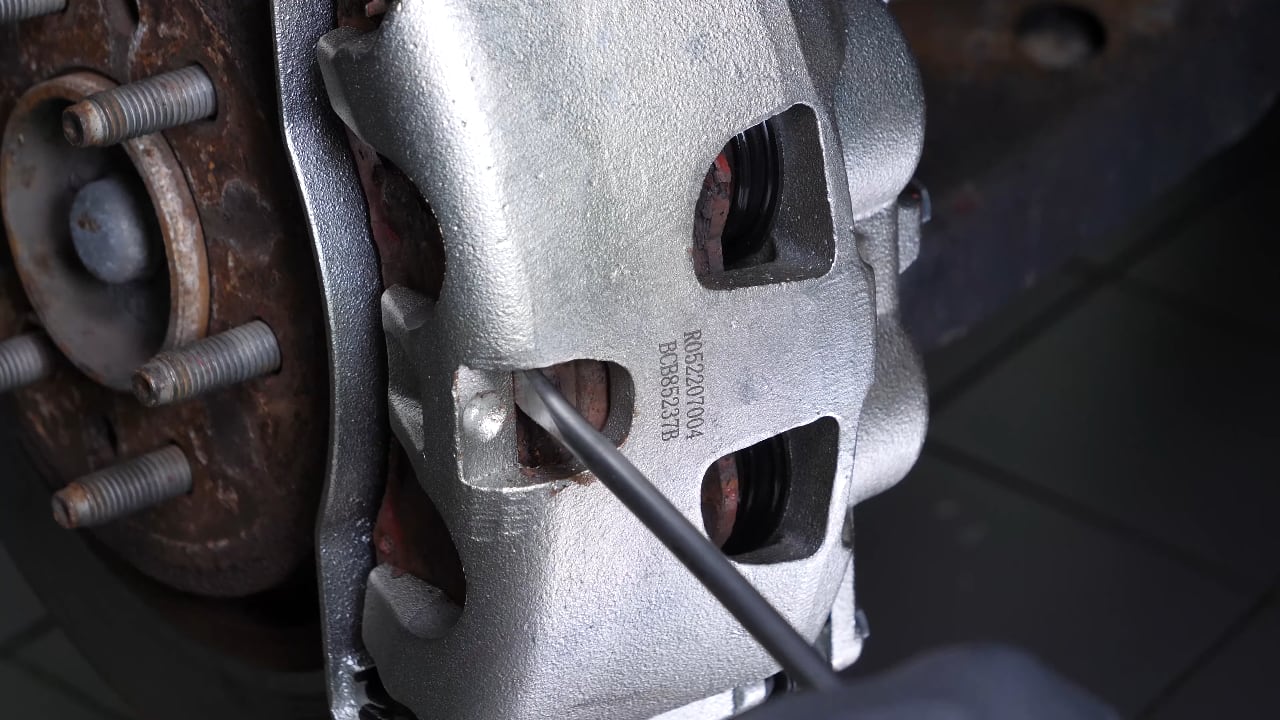
Chapter 3:
Step 3/3
This will cause the pistons to retract slightly, so that the caliper can be removed more easily for the next manipulations.
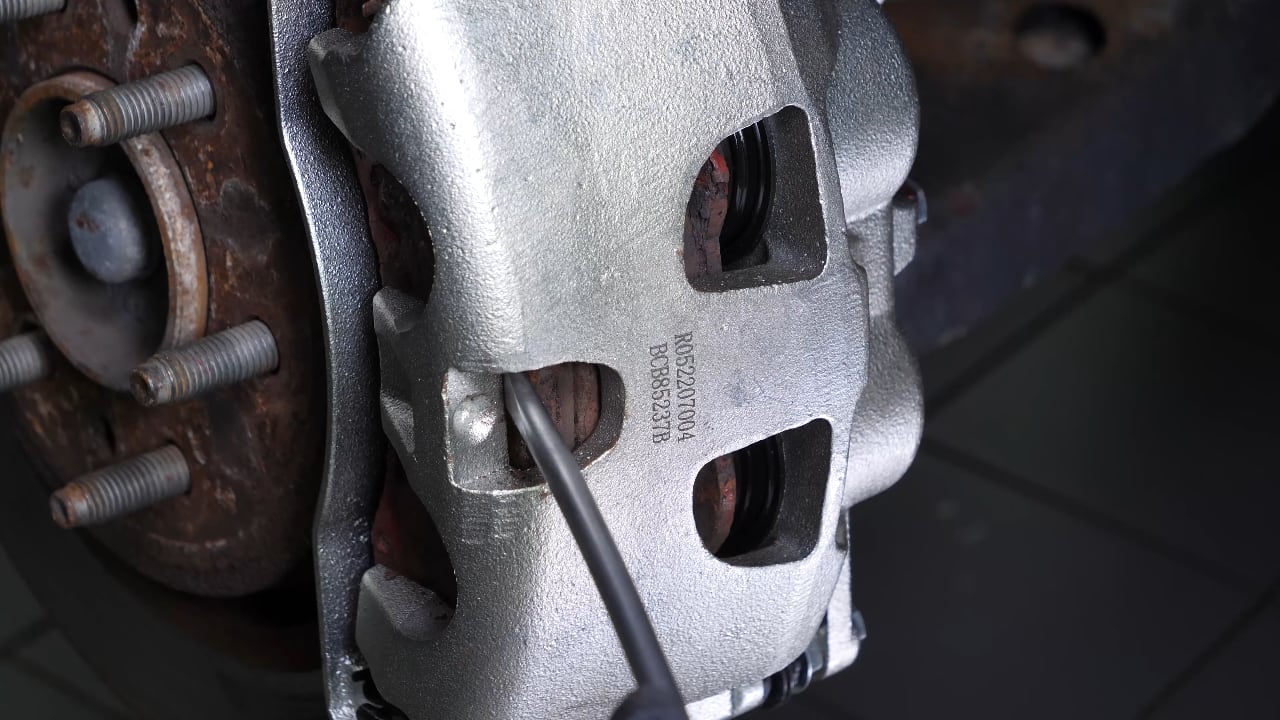
Chapter 4:
Remove the brake caliperStep 1/4
Loosen the stud bolts on the front wheels.
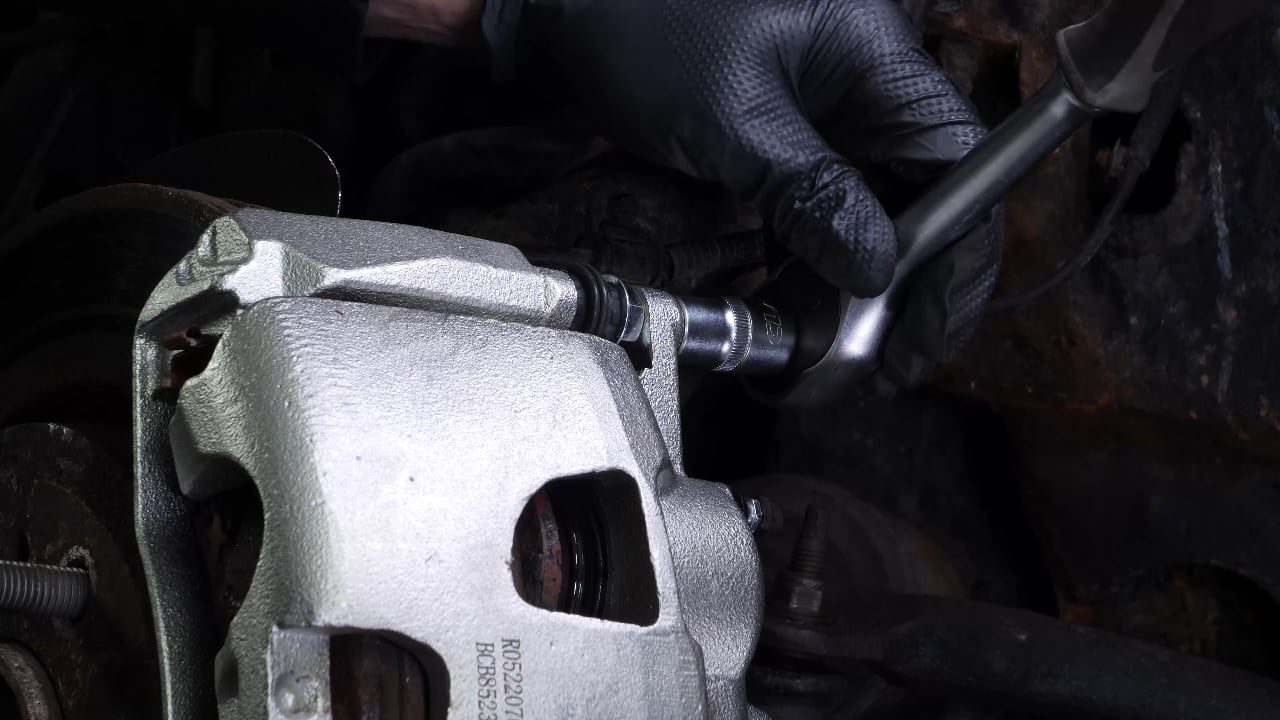
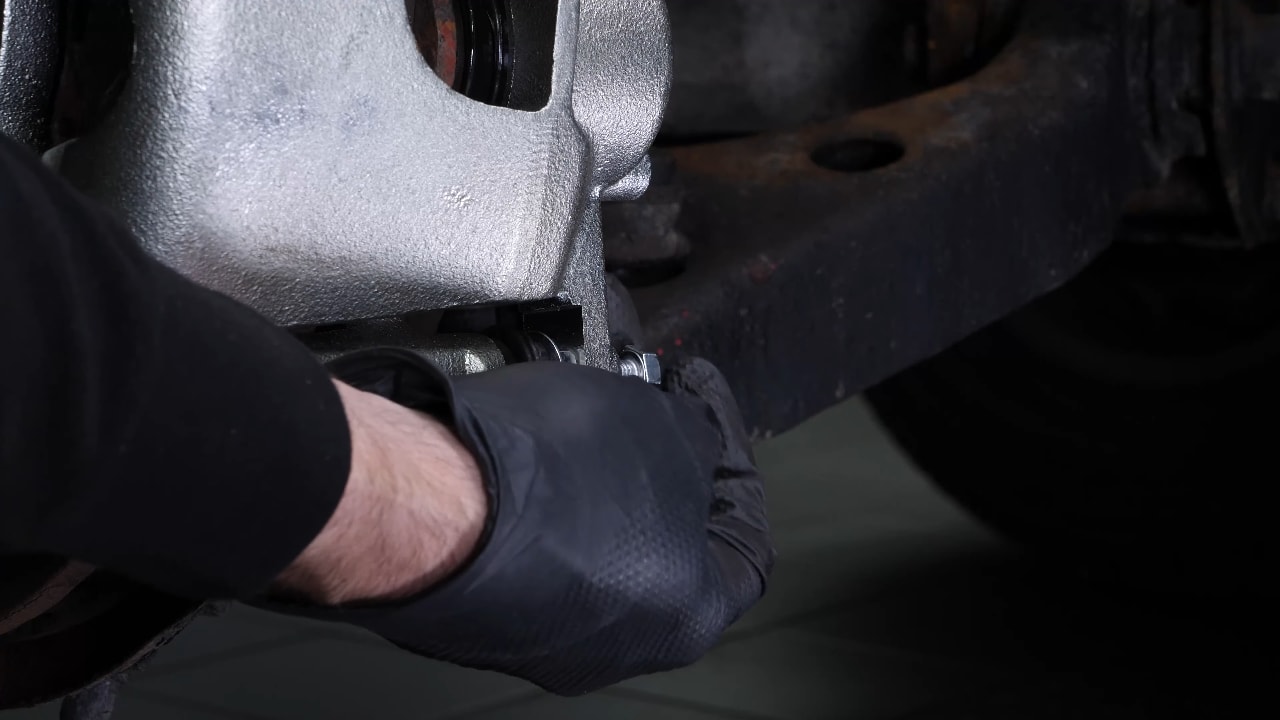
Chapter 4:
Step 2/4
Repeat this process with the upper slide pin.
Chapter 4:
Step 3/4
You can now remove the brake caliper and place it on the wheel knuckle.
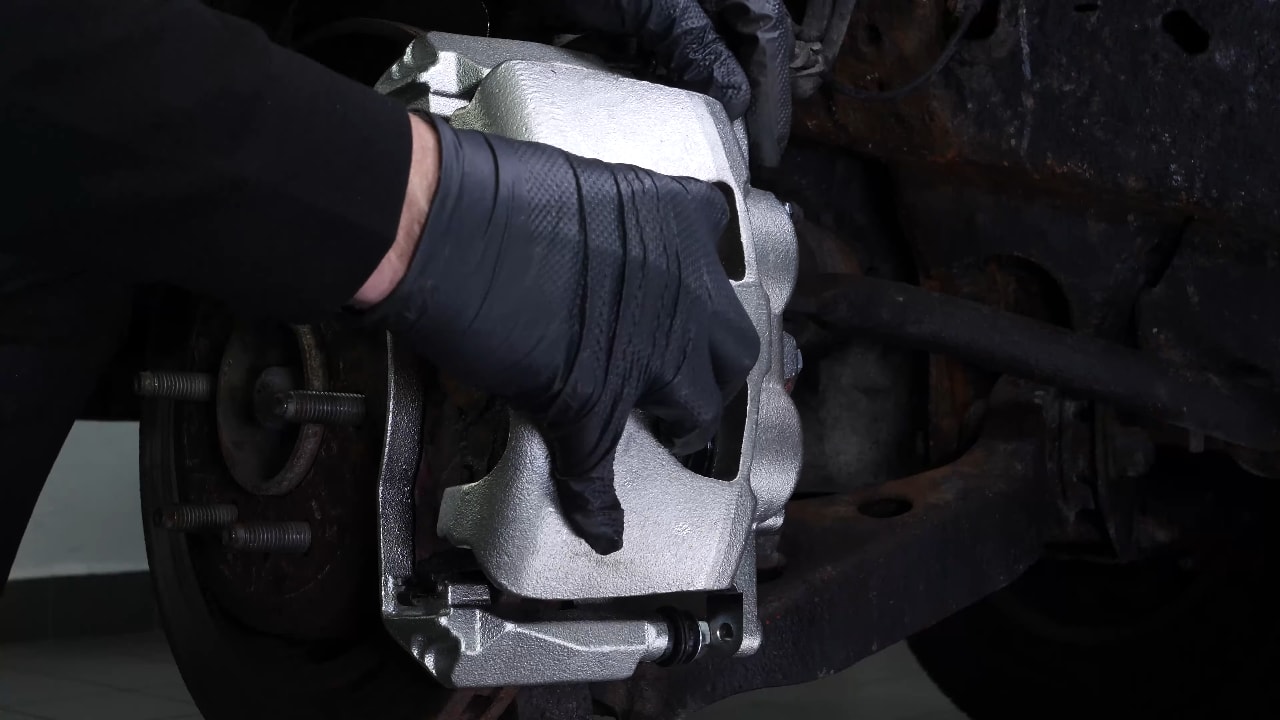
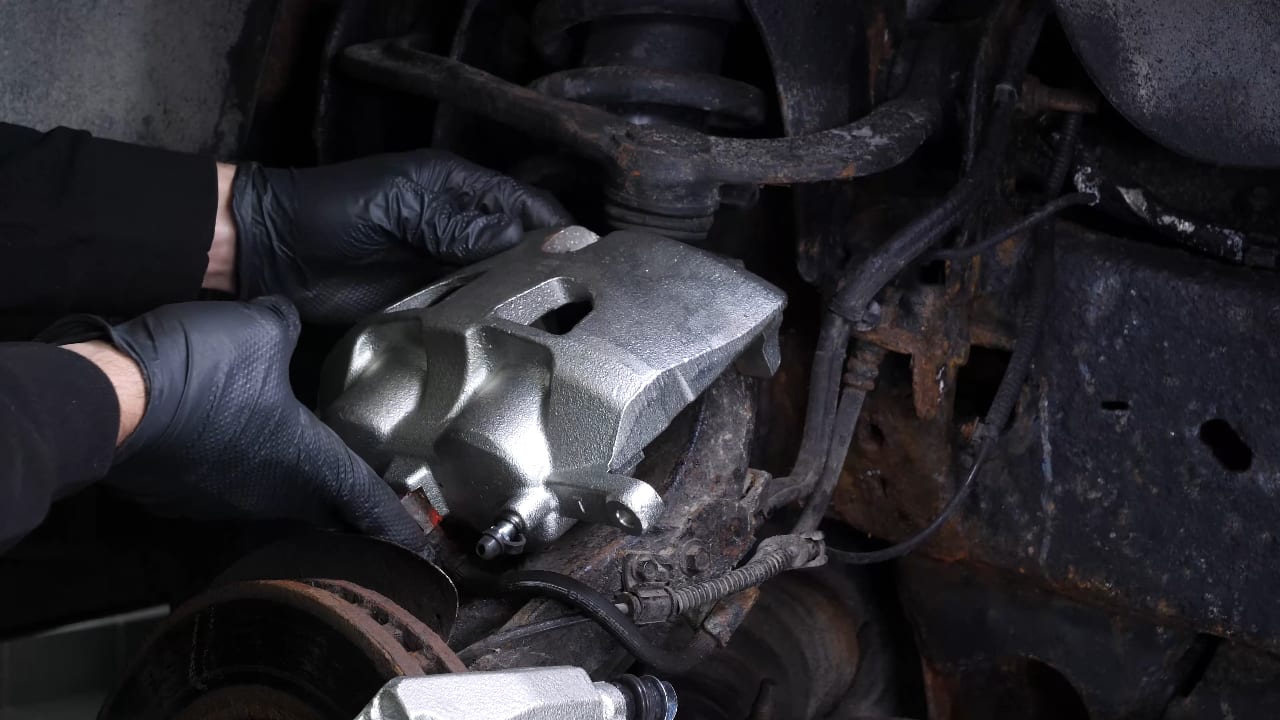
Chapter 4:
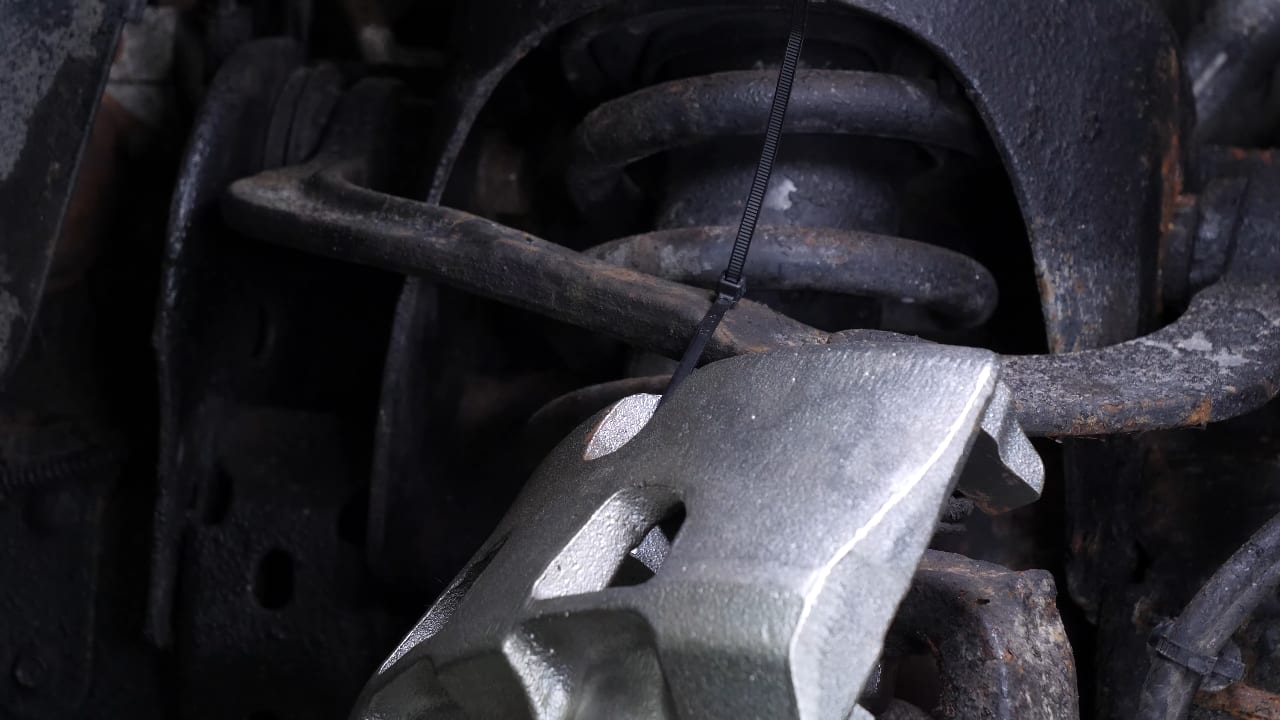
Step 4/4
You can attach it to the upper control arm with a clamp or a wire.
Chapter 5:
Remove the brake padsStep 1/1
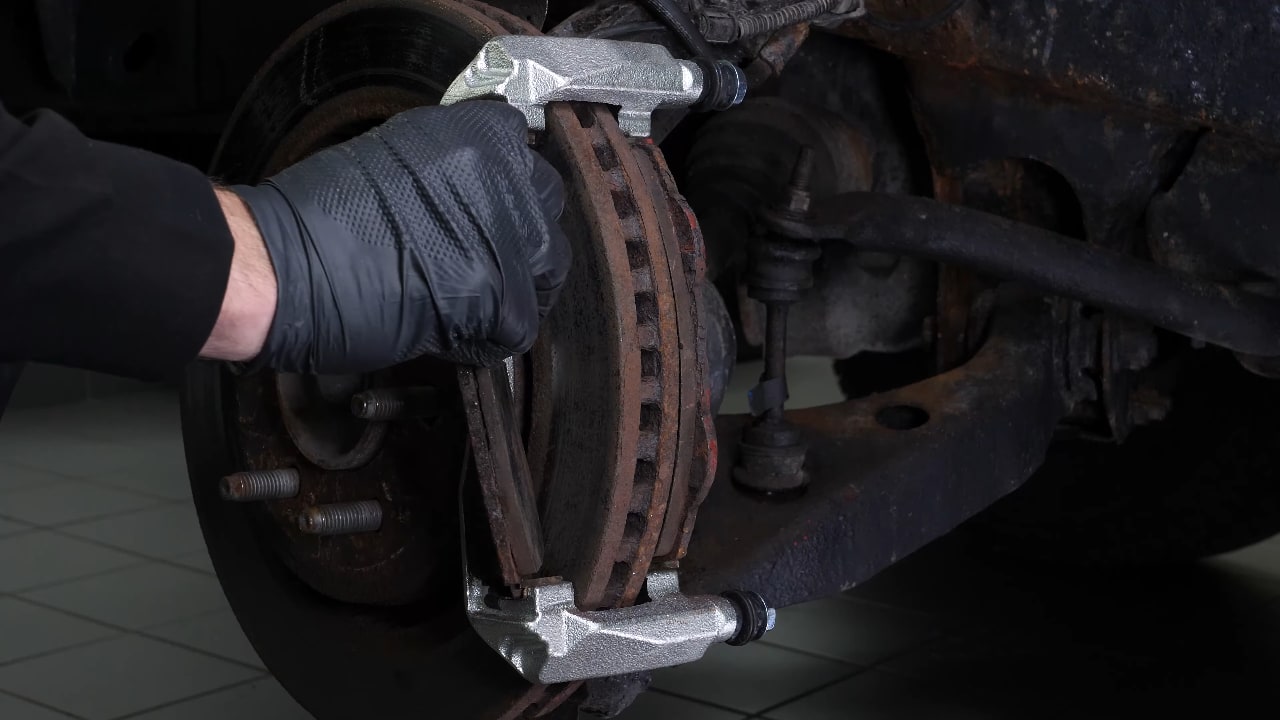
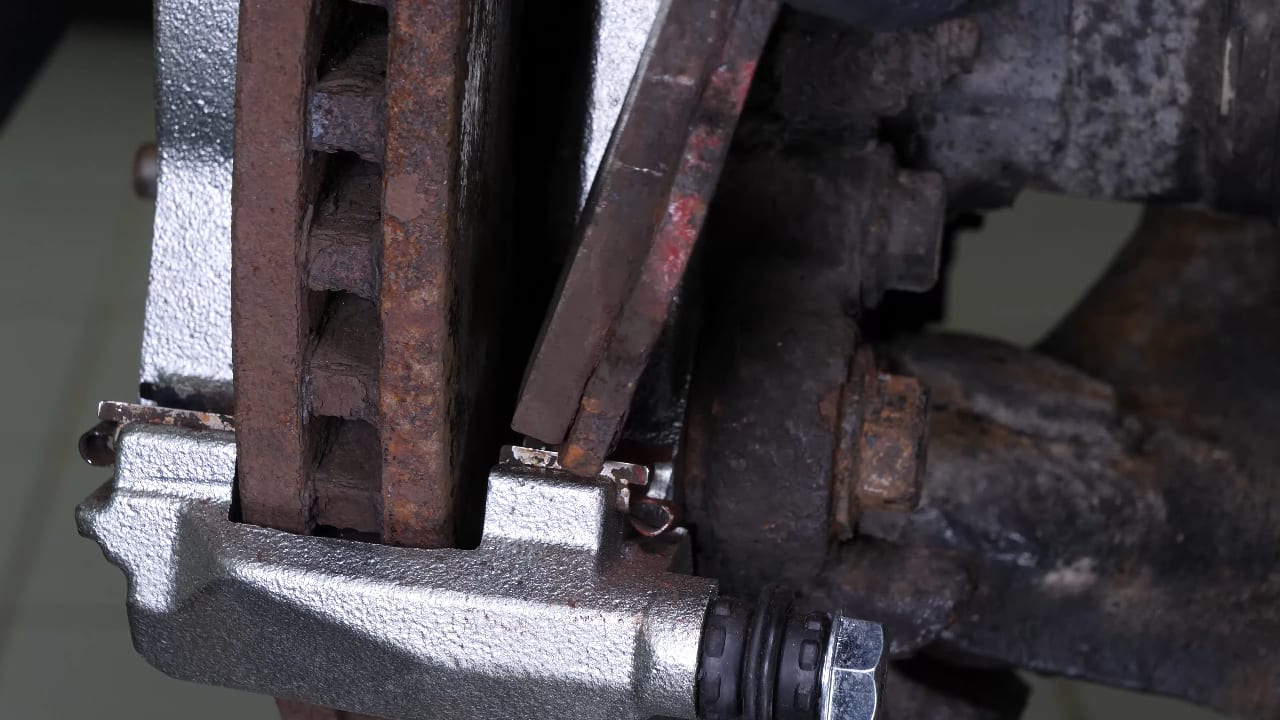
Remove the pads. To do this, slide them away from the disc.
Chapter 6:
Remove the anti-rattle clipsStep 1/2
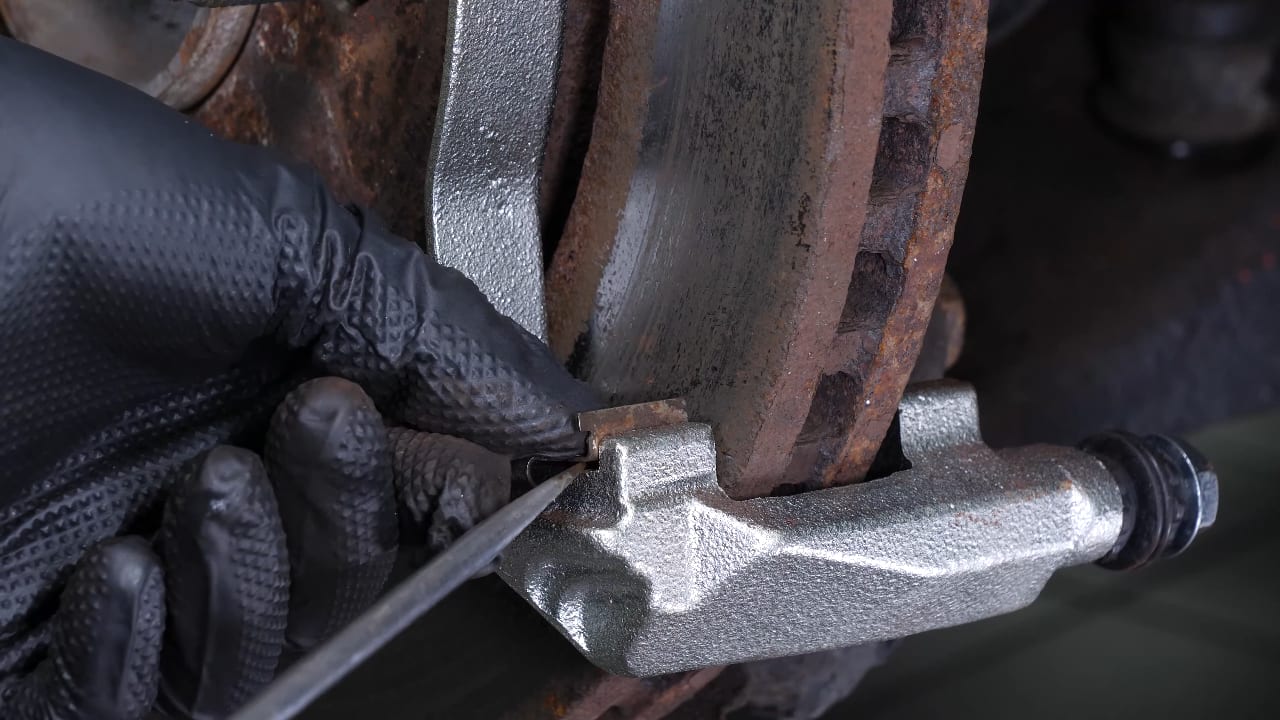
Using a flat head screwdriver, remove the anti-rattle clips.
Chapter 6:
Step 2/2
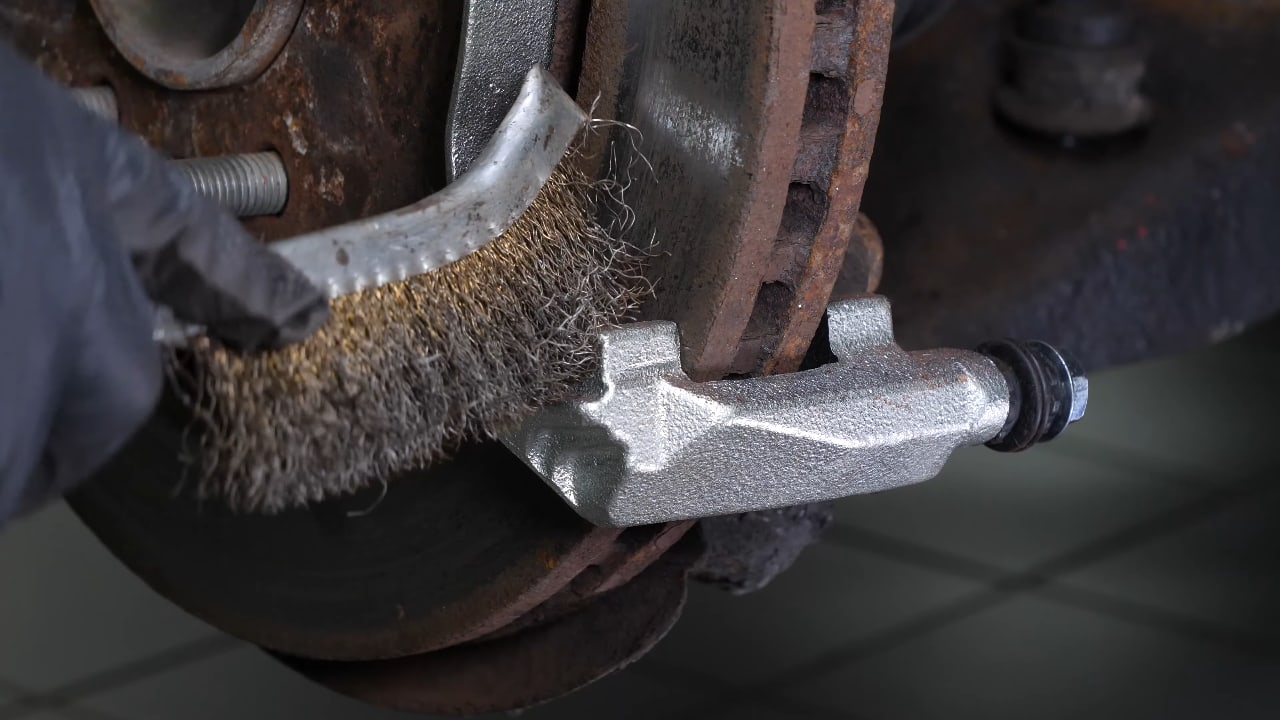
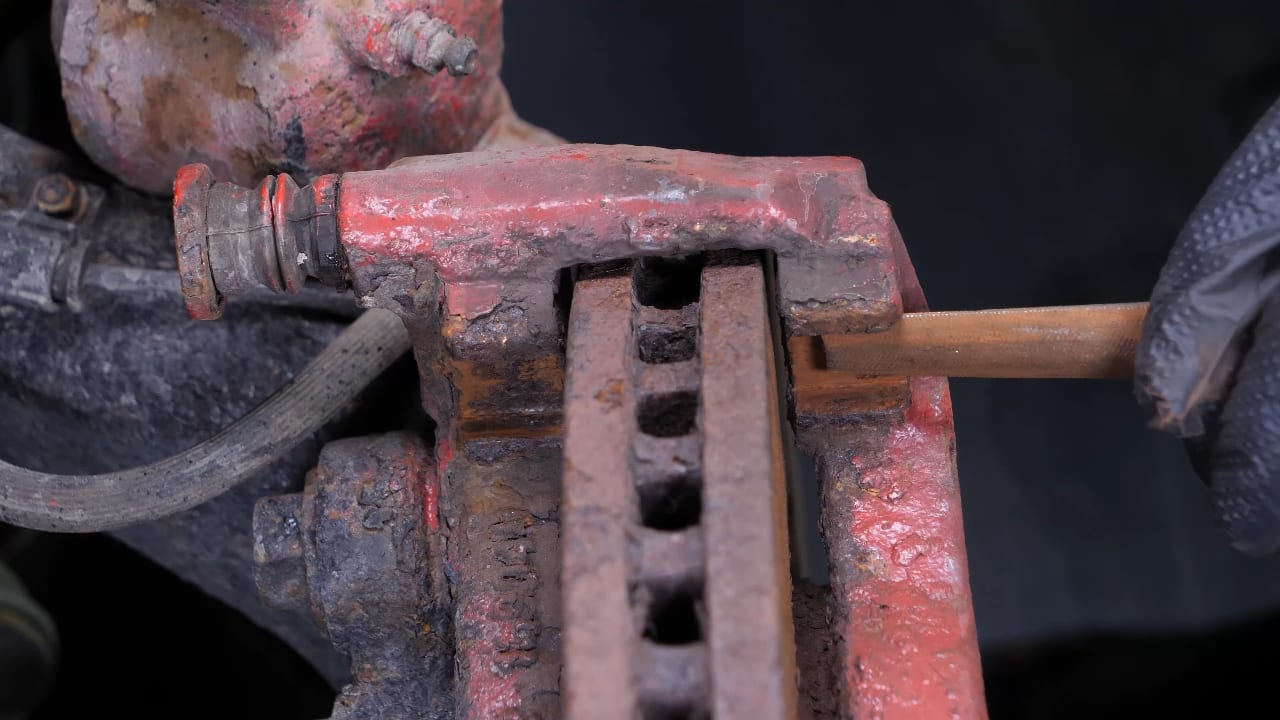
Carparts.com also recommends replacing the anti-rattle clips with new ones. Brush the caliper mount around the pads to remove any extra rust that could prevent the pads from sliding. Depending on the state of corrosion, we even recommend using a file to restore the original shape.
Chapter 7:
TipsStep 1/2
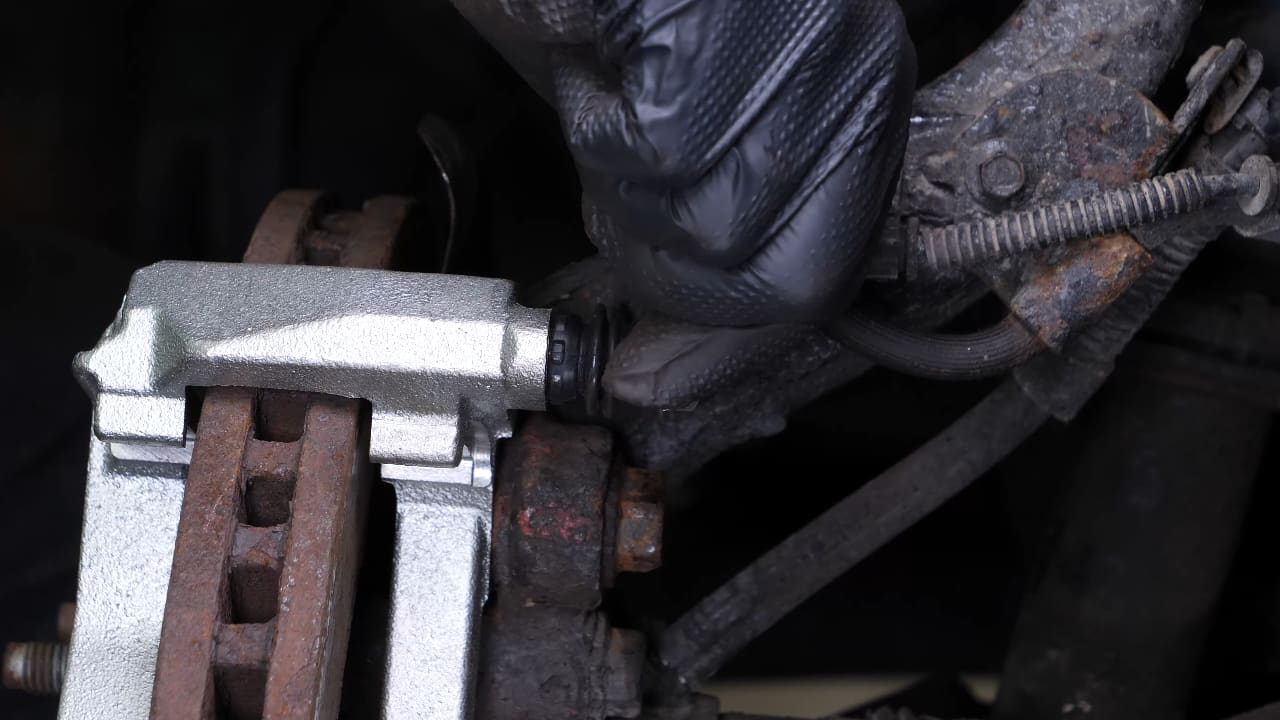
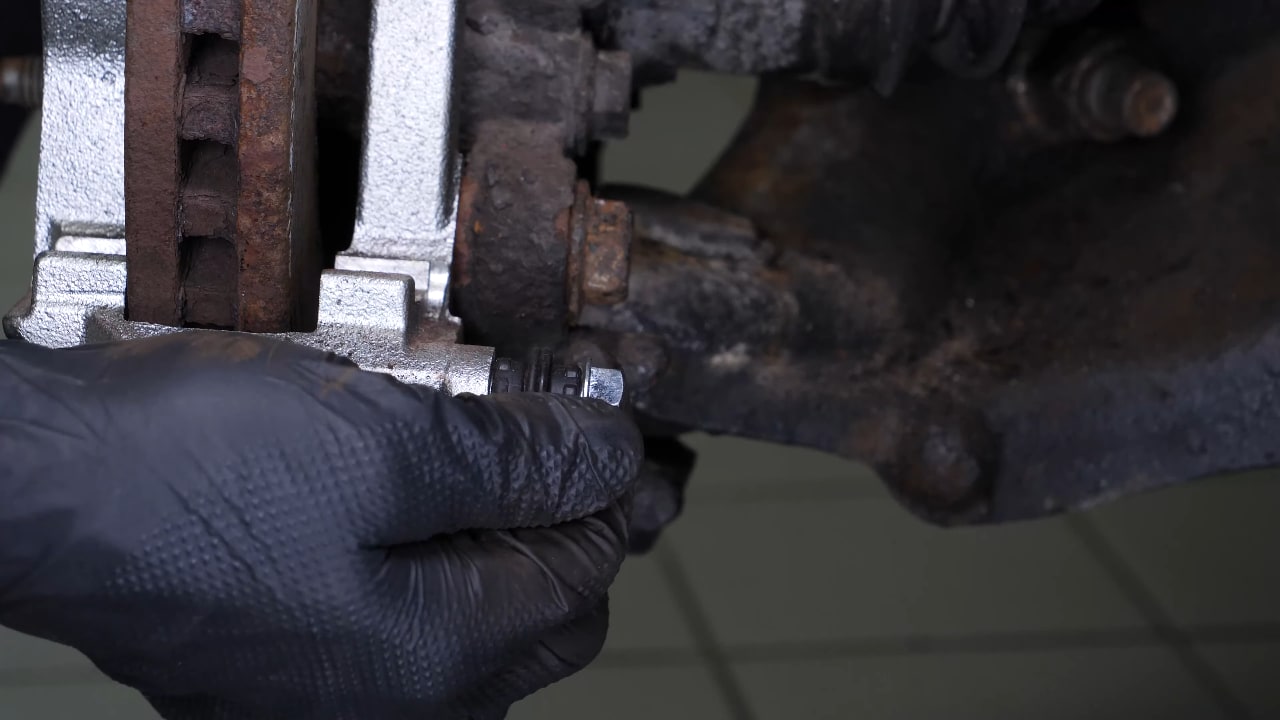
You need to check the sliding of the brake caliper slide pins and the condition of the Caliper slide pin boots.
Chapter 7:
Step 2/2
If they look worn, you are advised to replace them with new ones.
Chapter 8:
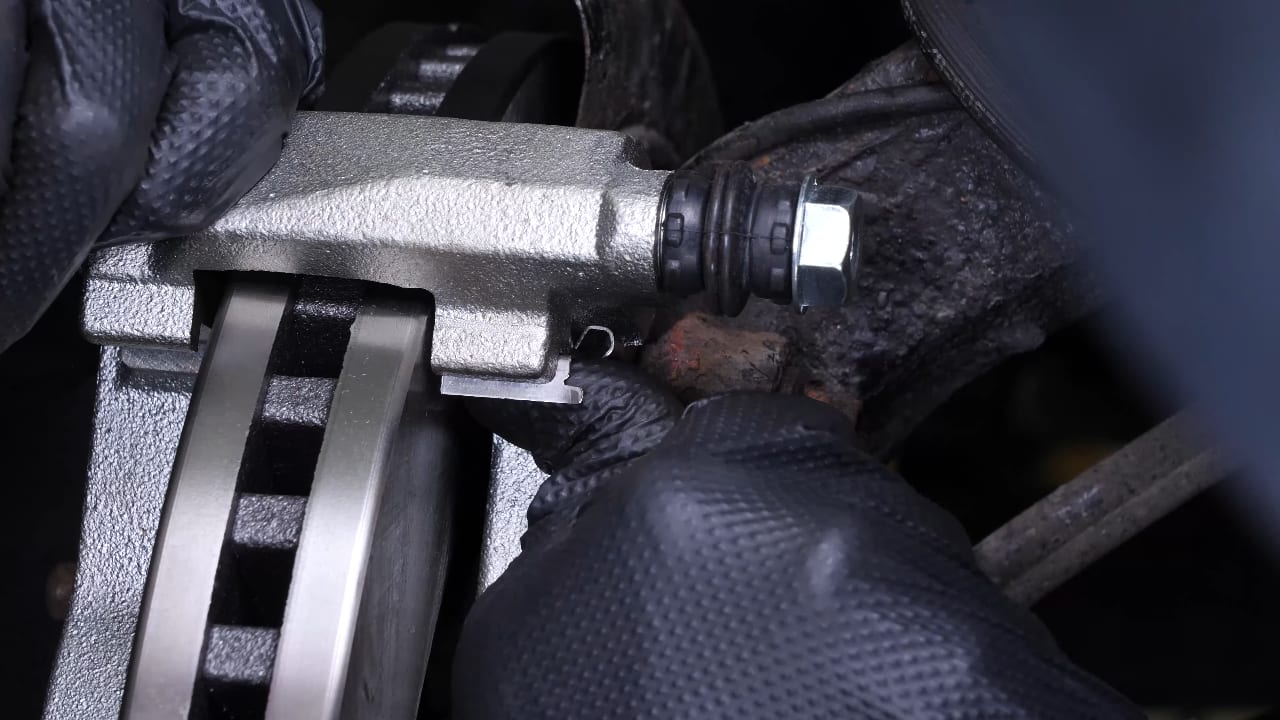
Install the new anti-rattle clipsStep 1/2
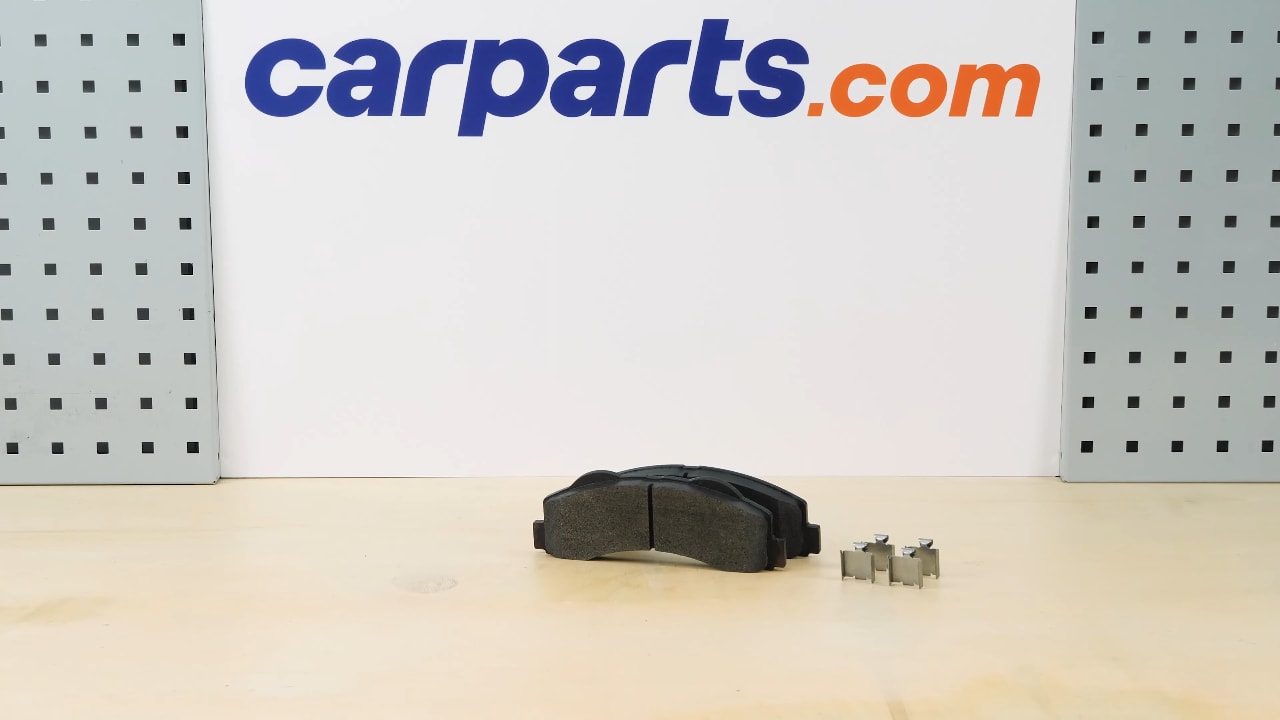
Get hold of the anti-rattle clips supplied in the kit.
Chapter 8:
Step 2/2
Place the new anti-rattle clips on the caliper mount.
Chapter 9:
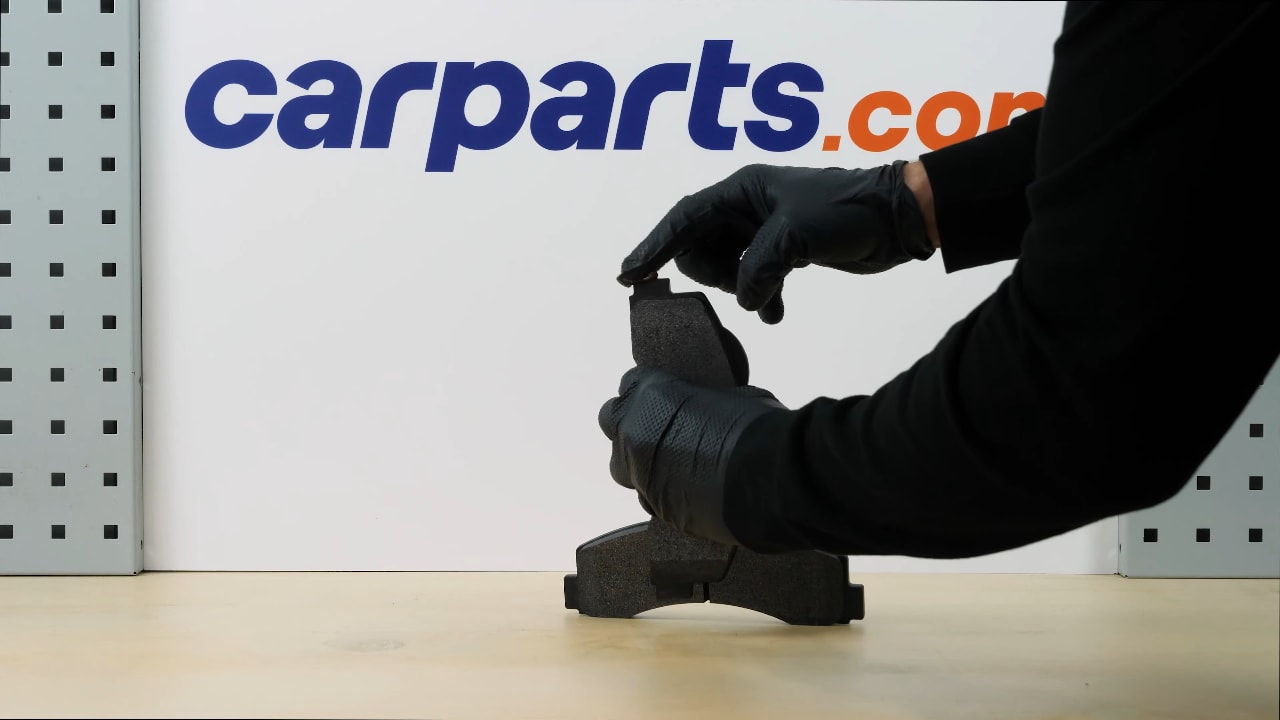
Place the new brake padsStep 1/3
Grab the new pads, and lightly coat the ends with copper grease to help them slide more easily.

Chapter 9:
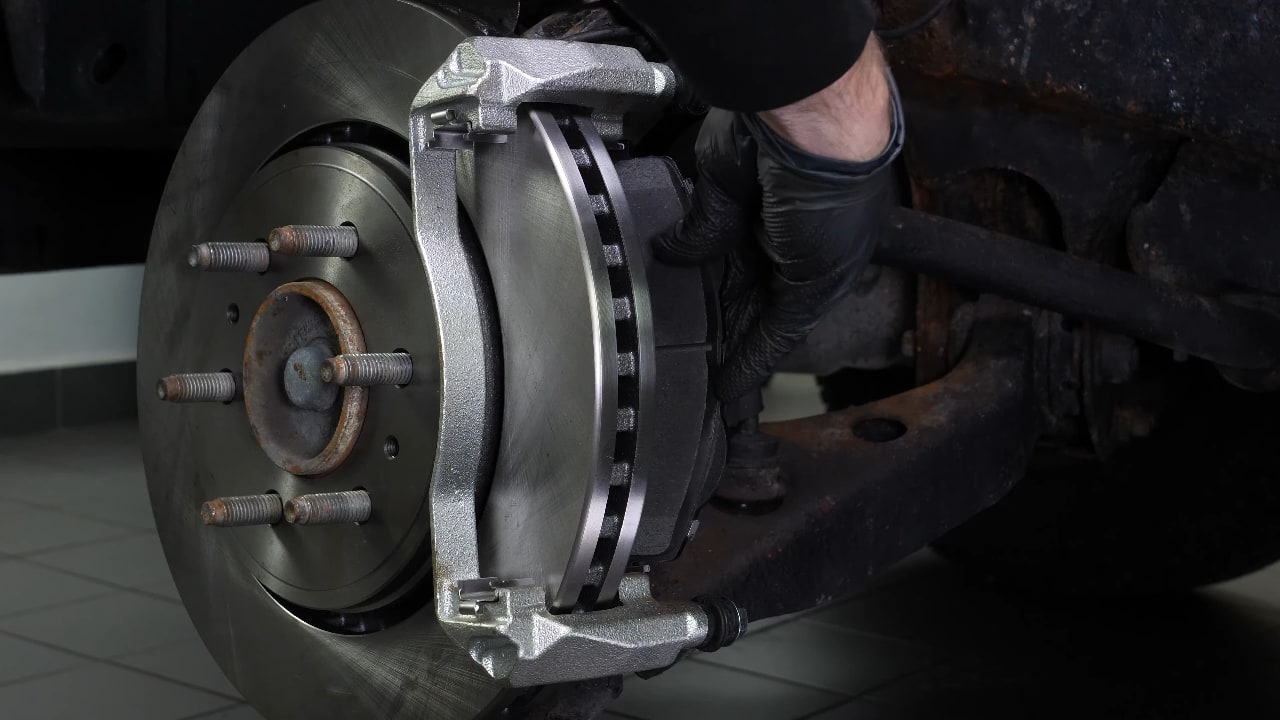
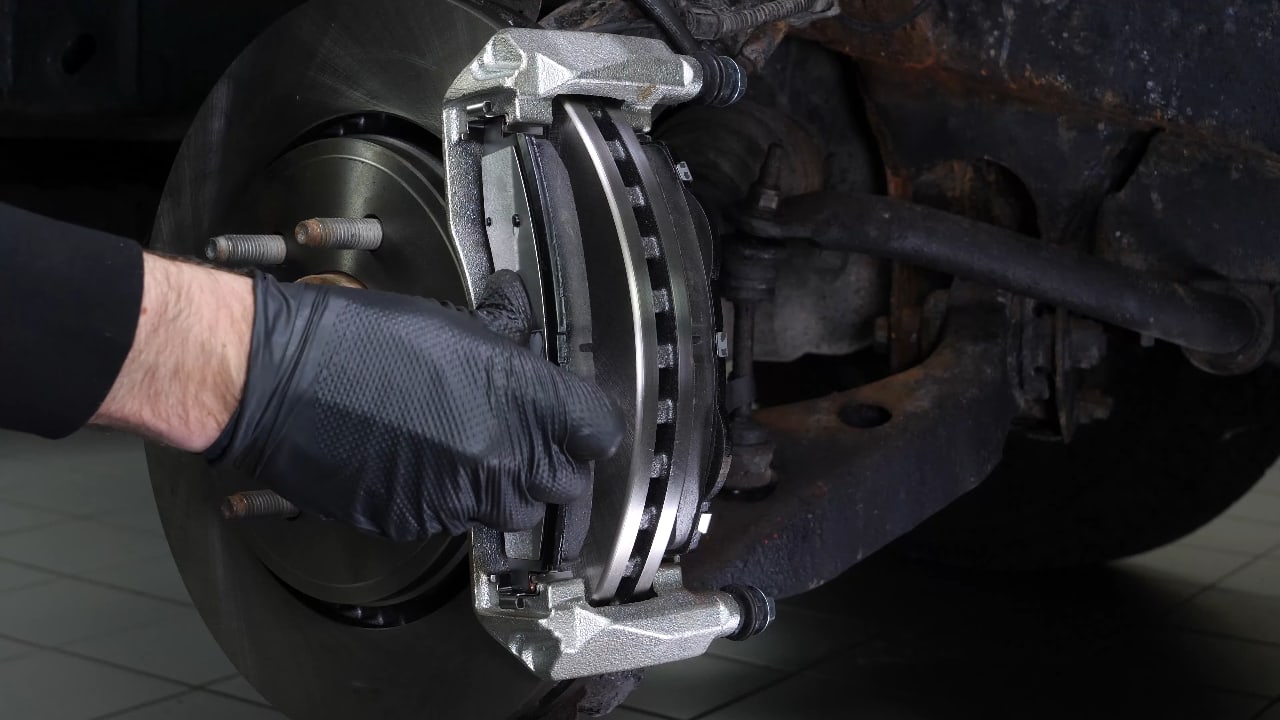
Step 2/3
Insert the new pads into the caliper mount by sliding them in.
Chapter 9:
Step 3/3
Detach the caliper.
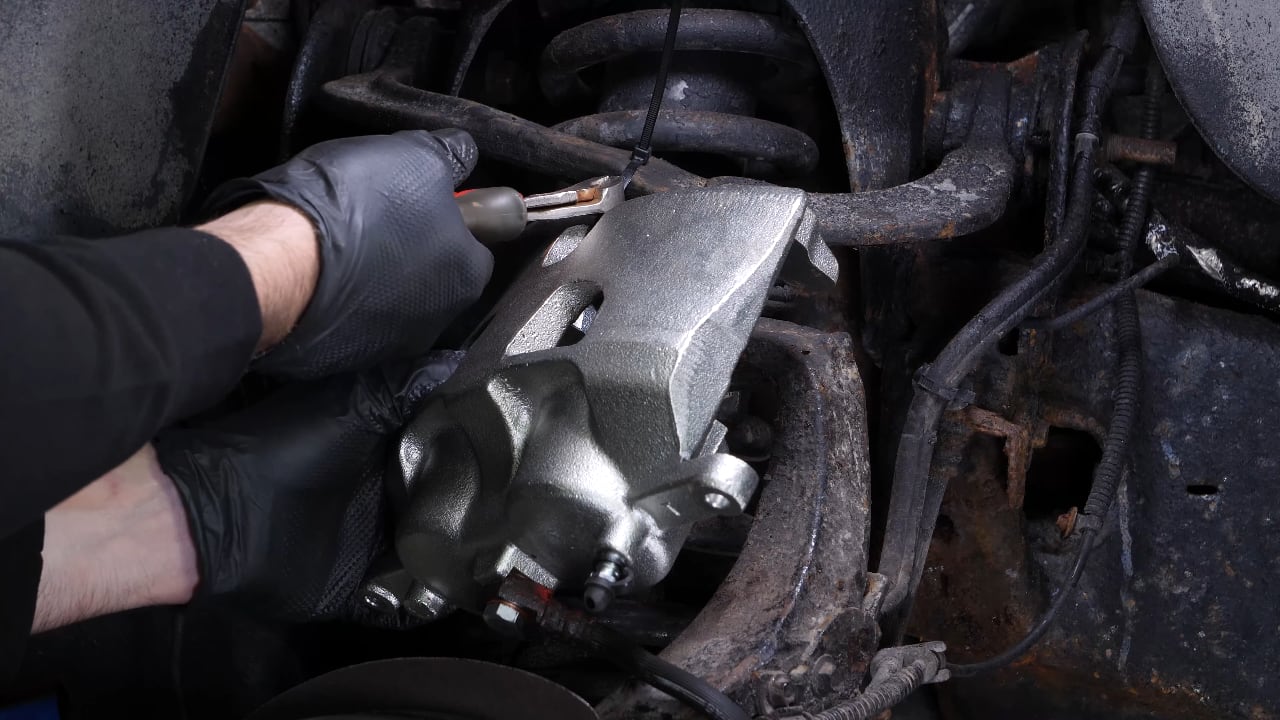
Chapter 10:
Retract the pistonStep 1/3
Place a used pad in the caliper, then using a clamp or Brake Wind-Back Tool, press the pistons into the caliper. This step is essential before installing the new pads.
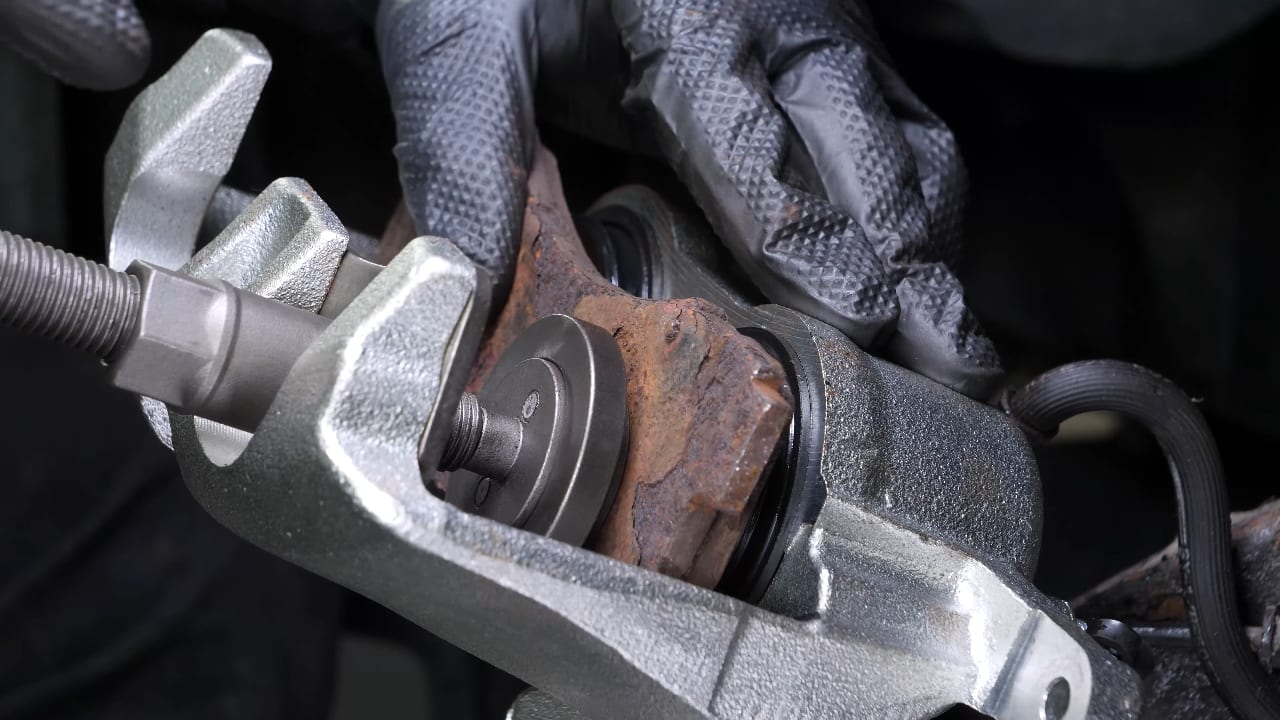
Chapter 10:
Step 2/3
As the pistons enter the caliper, brake fluid will flow back into the brake fluid reservoir.
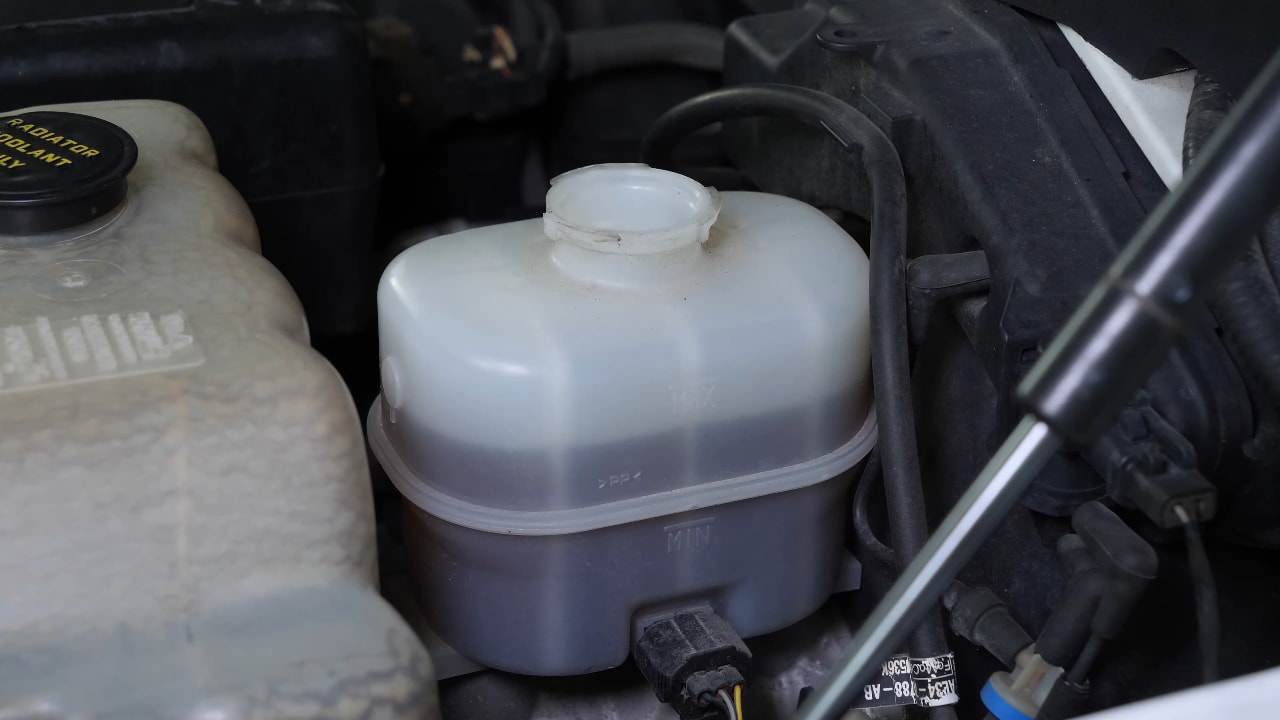
Chapter 10:
Step 3/3
Depending on the original level of the reservoir, make sure that the liquid does not overflow.
Chapter 11:
Put the brake caliper backStep 1/3
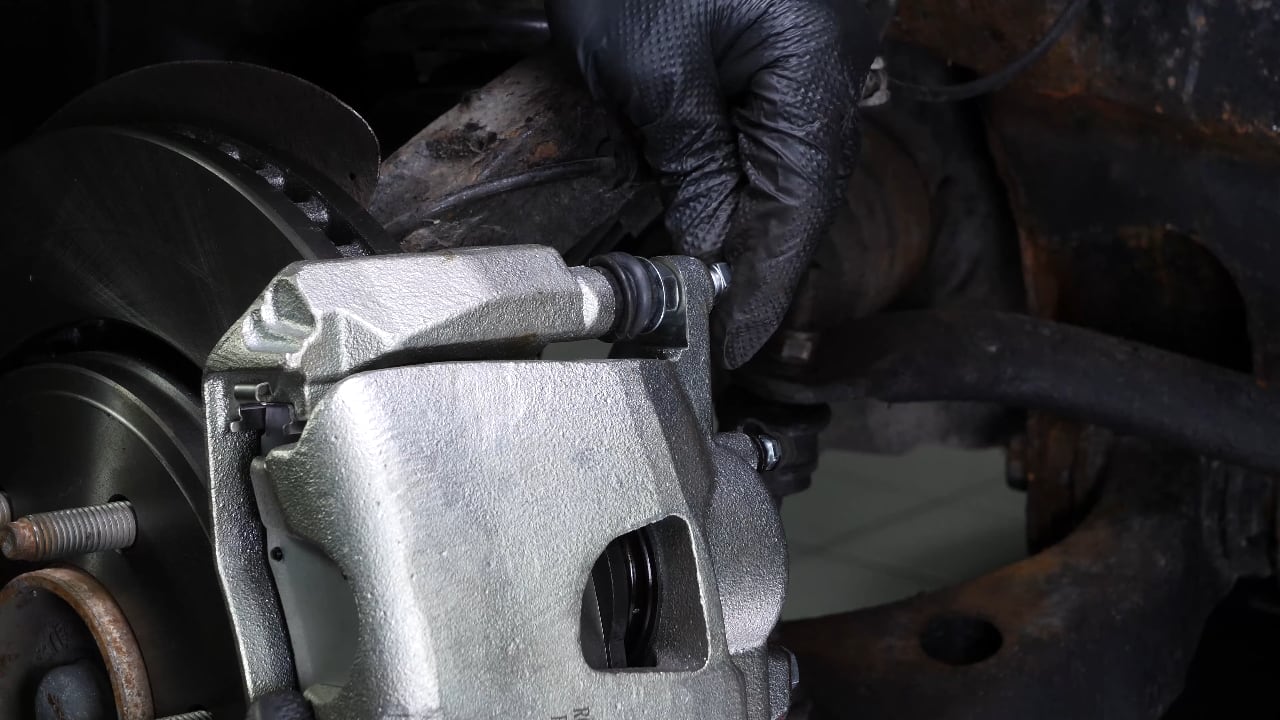
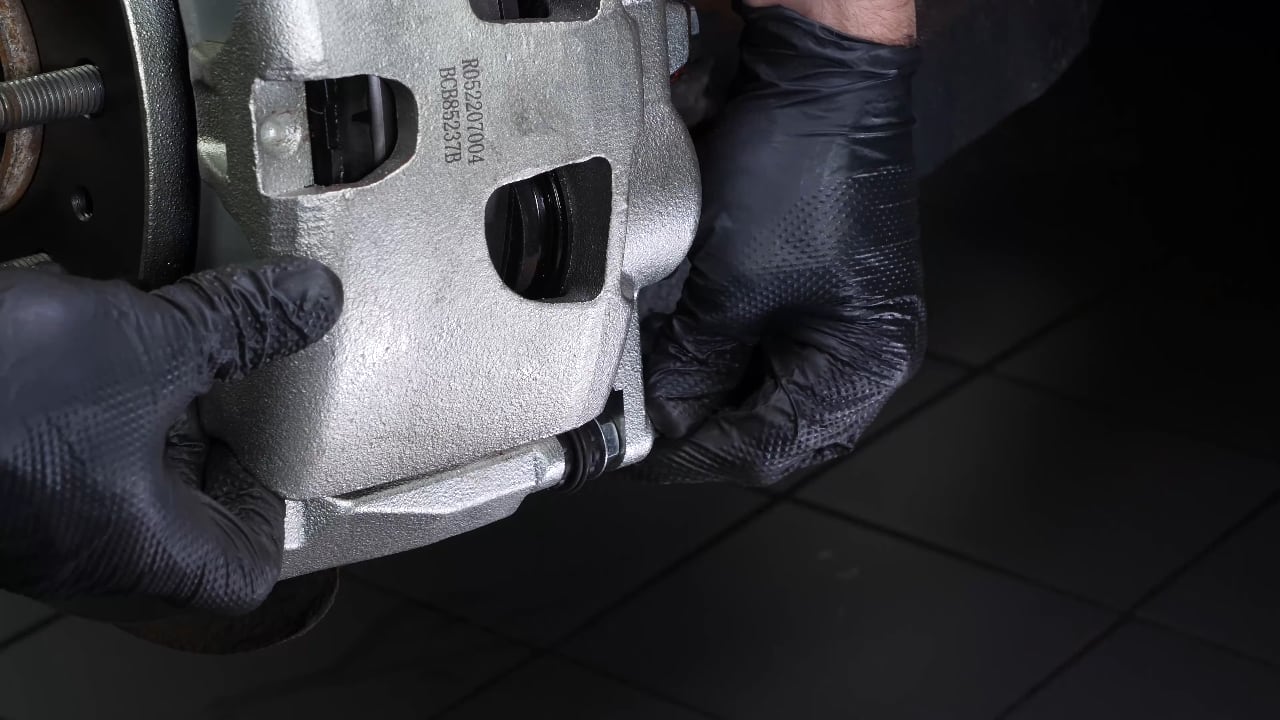
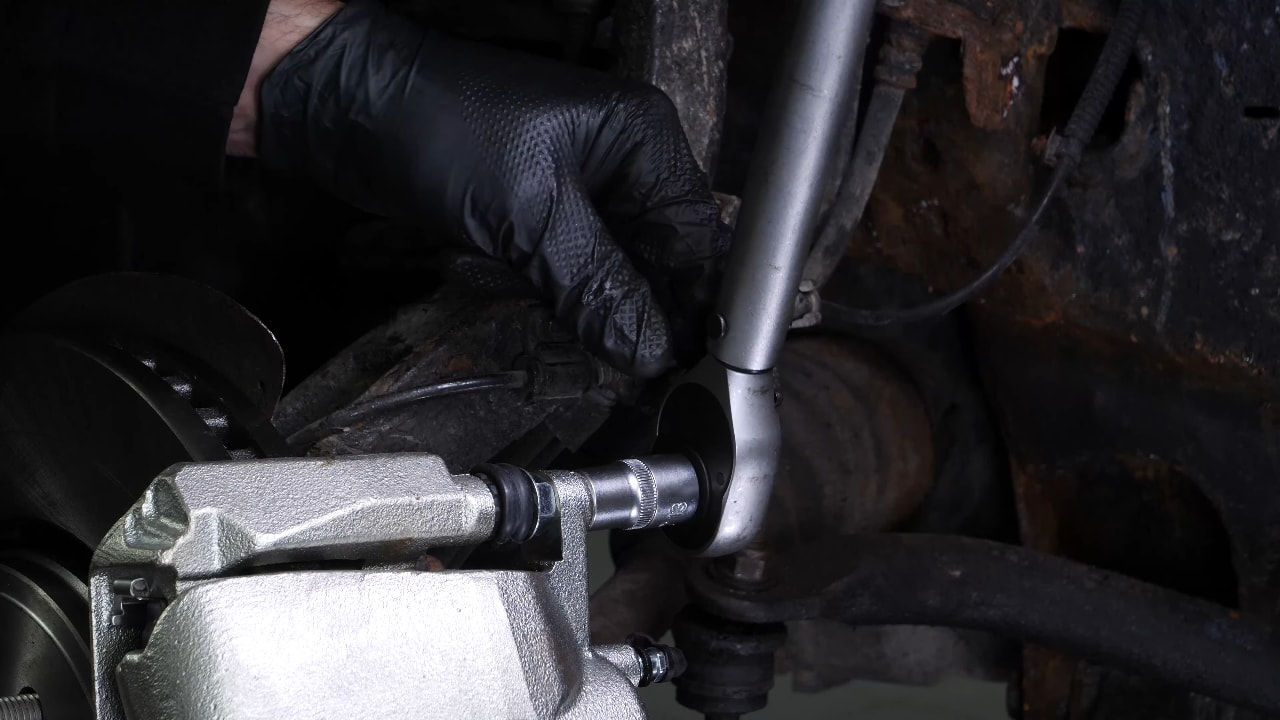
Put the brake caliper back in place and screw in the slide pins, by hand at first.
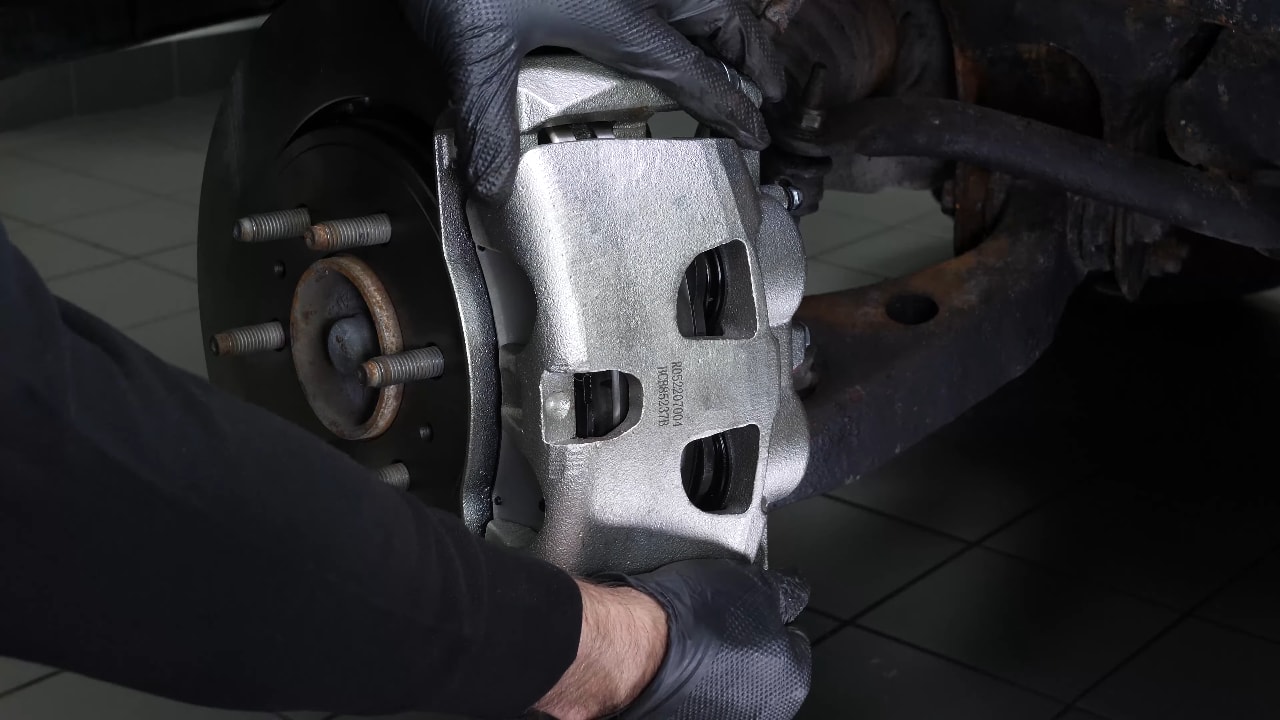
Chapter 11:
Step 2/3
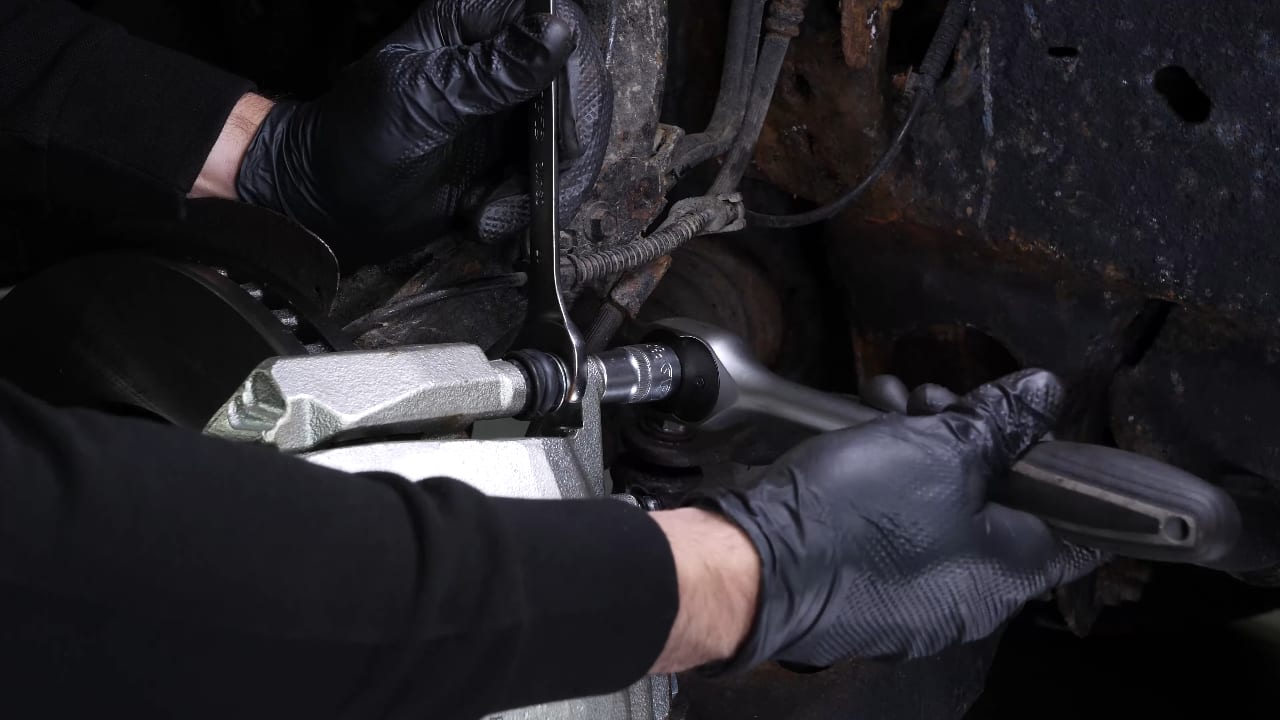
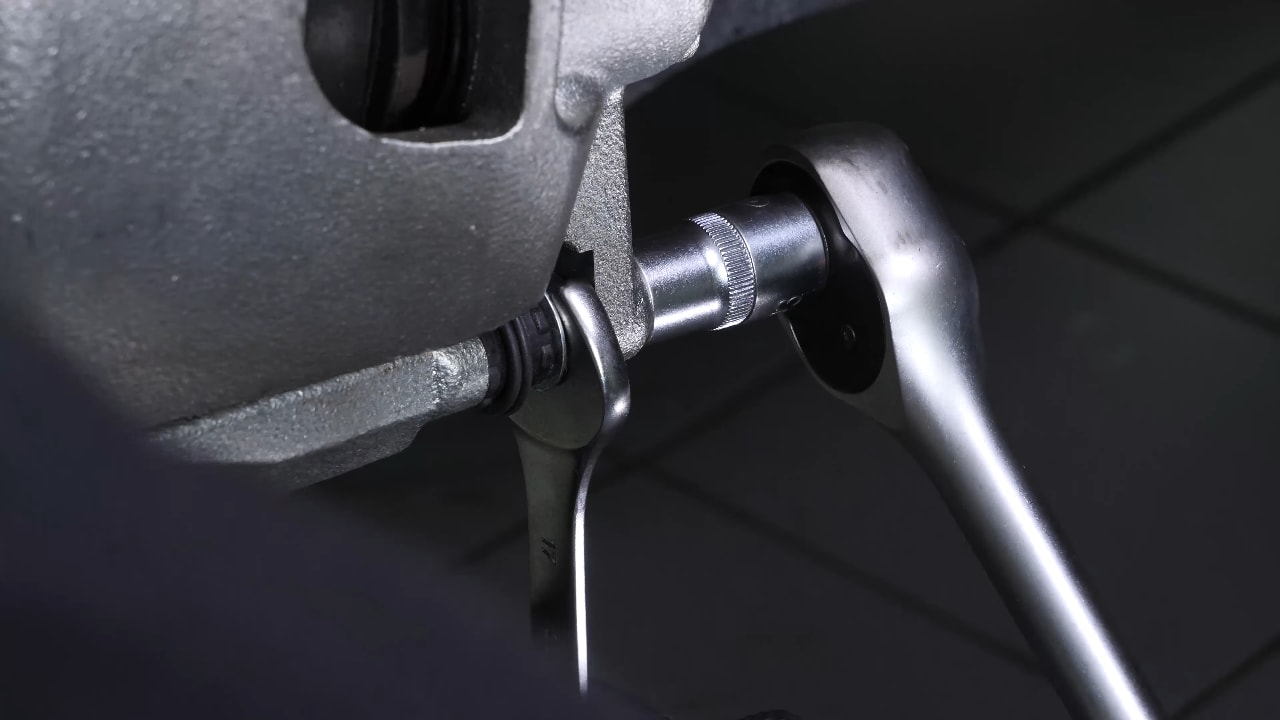
You can use a 17mm spanner to prevent the bolts from rotating. Screw them in using a socket wrench and a 13mm socket. Finish tightening using a torque wrench.
Chapter 11:
Step 3/3
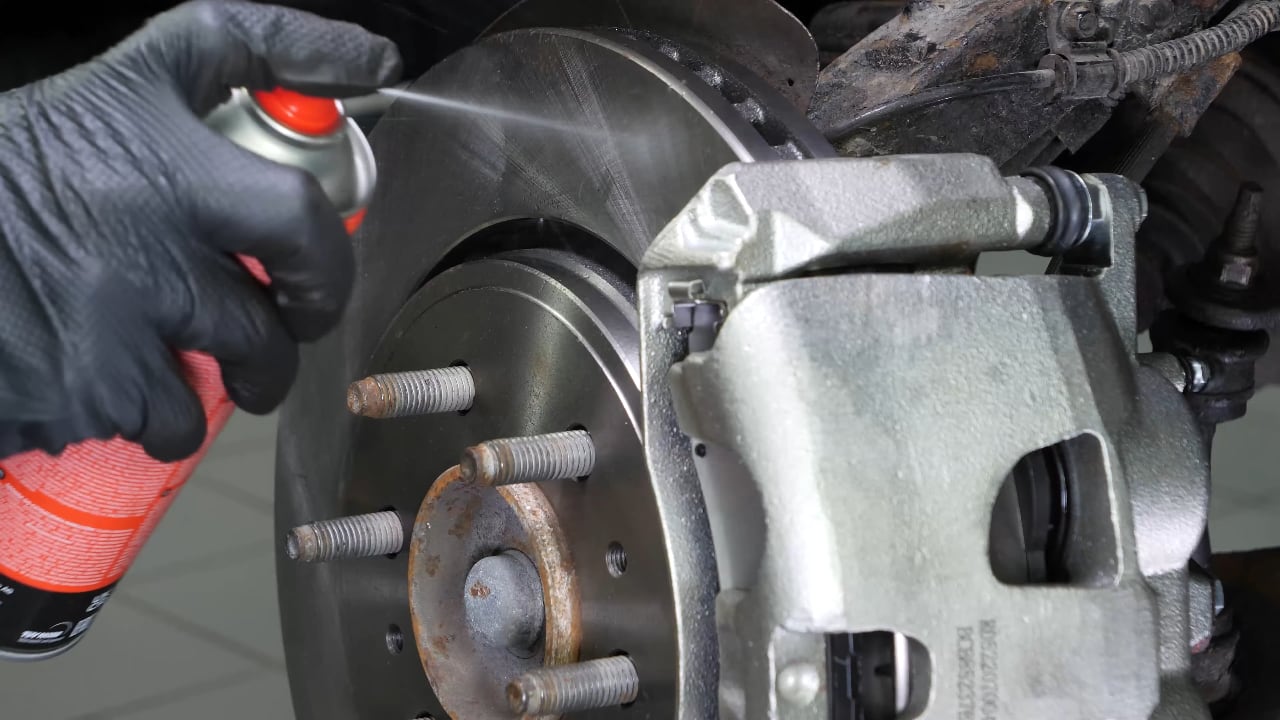
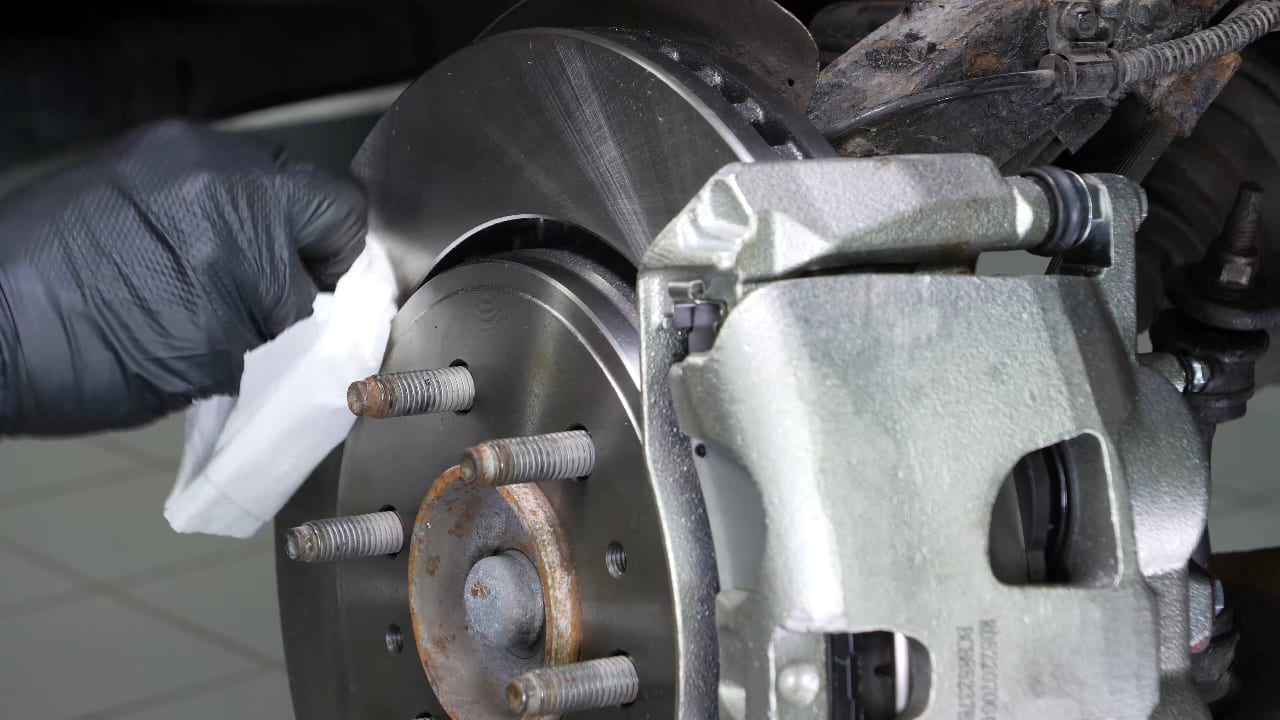
Clean both sides of the disc with brake cleaner and a cloth to remove the grease from the new pads.
Chapter 12:
Finalise the reassemblyStep 1/4
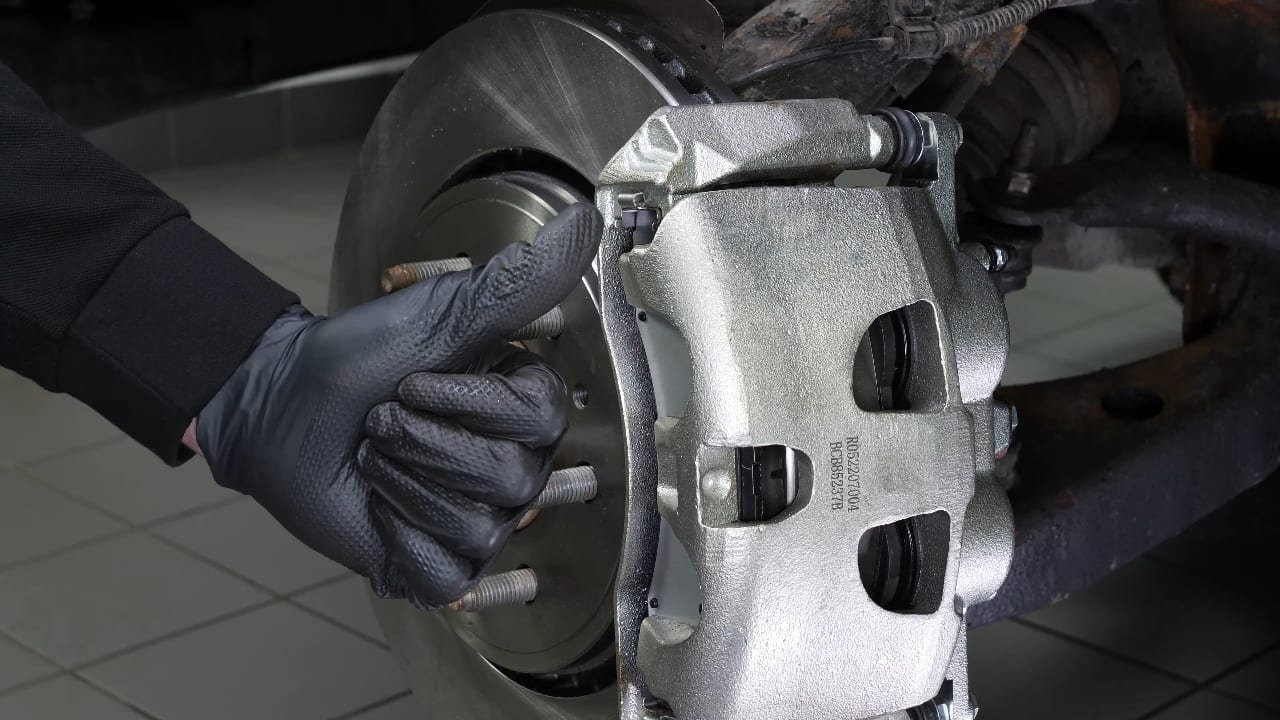
You can now repeat the same process on the other side.
Chapter 12:
Step 2/4
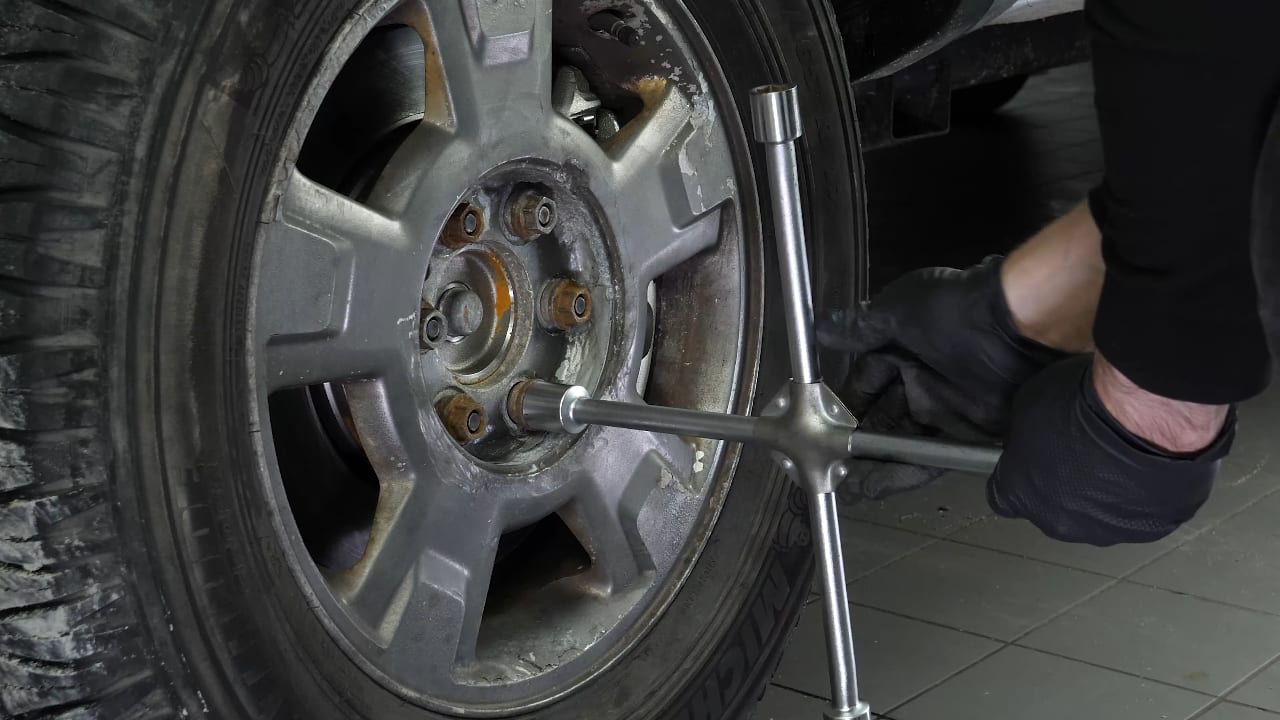
Then, you will be able to put the wheels back on your vehicle.
Chapter 12:
Step 3/4
Put the car back on the ground and block the wheels properly.
Chapter 12:
Step 4/4
Don't forget to screw the brake fluid cap back on before starting the car.
Chapter 13:
TipsStep 1/3
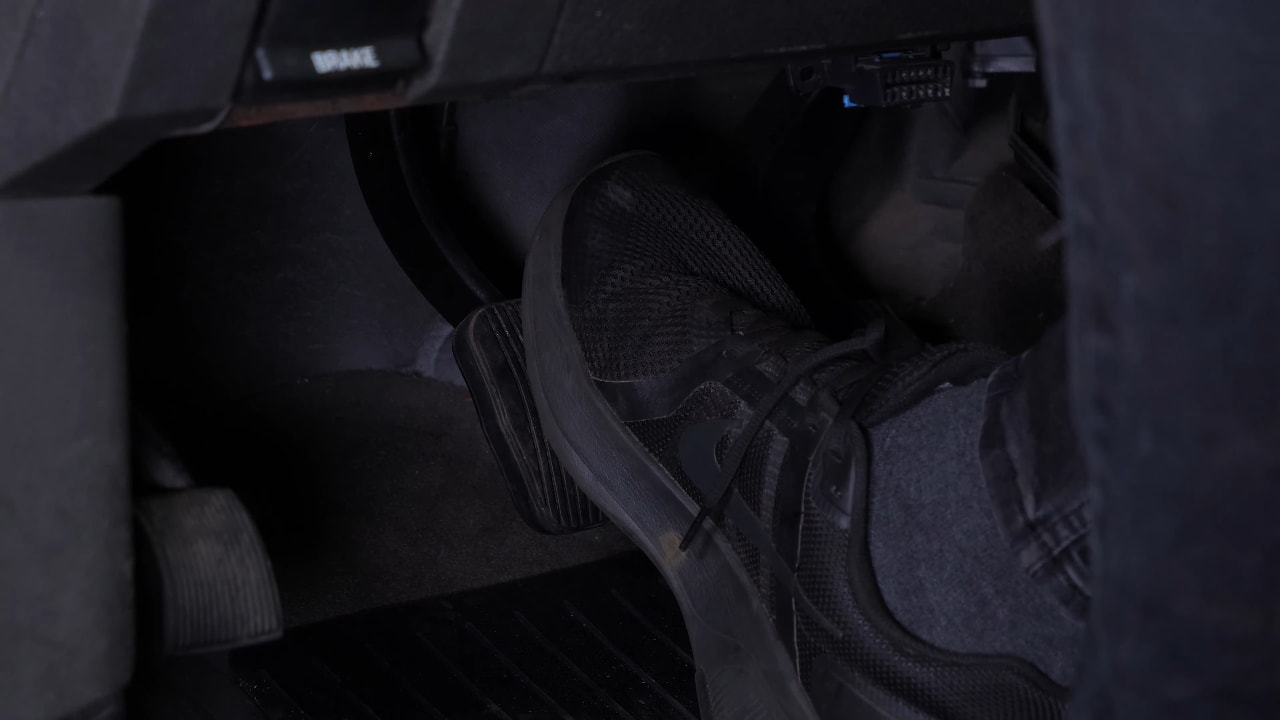
Attention! Before using your vehicle again, start your car, and pump the brake pedal a few times to push the brake pads together again.
Chapter 13:
Step 2/3
Try to drive smoothly and avoid sudden braking for the first 30 miles or so, to avoid glazing the new pads.
Chapter 13:
Step 3/3
Operation completed.
